
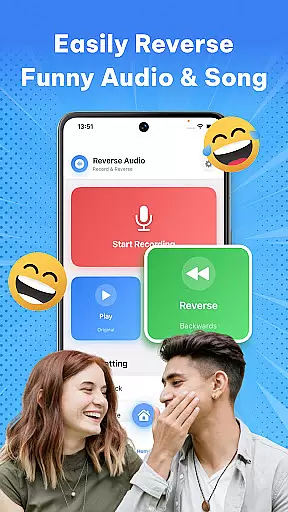
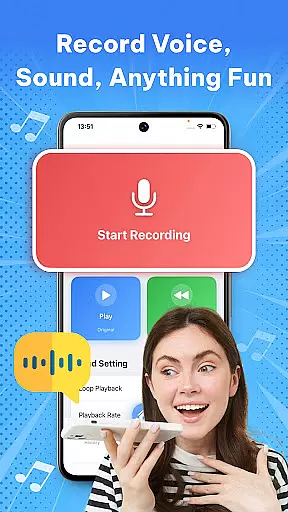

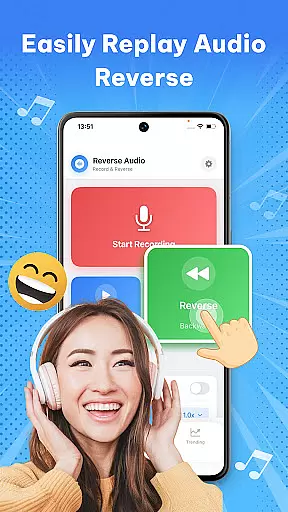
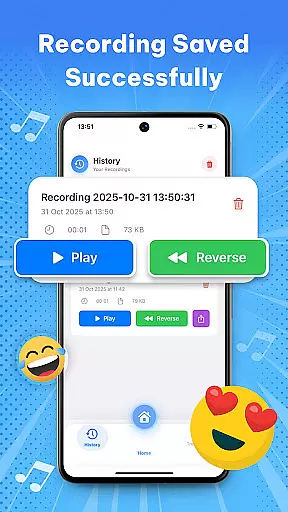

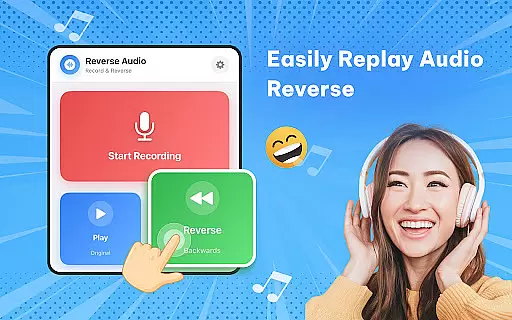
Reverse Audio: Sing Challenge is a creative audio tool that allows users to record, reverse, and manipulate sound clips. This app transforms ordinary audio into extraordinary creations by flipping voices, songs, or any recorded sound backward. With its intuitive interface, it caters to creators, singers, pranksters, and anyone looking for fun with sound.
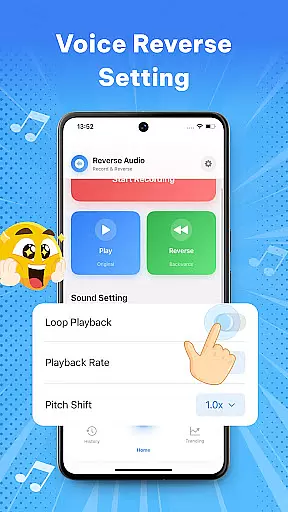
The app offers high-quality sound processing with smooth performance, even working offline. Whether you're experimenting with funny phrases, joining viral singing challenges, or adding unique effects to videos, Reverse Audio provides all the necessary tools. Its ability to adjust playback speed and pitch adds another layer of creativity, making it ideal for social media content creation and personal experimentation.
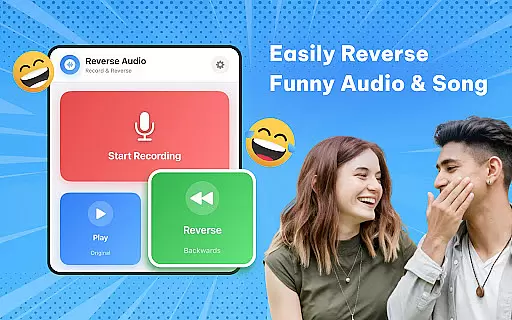
One of the standout features of Reverse Audio: Sing Challenge is its simplicity and versatility. Users can instantly reverse any voice or sound with just a tap, creating unexpected and often hilarious results. The app supports various use cases, from simple pranks to complex sound design for video projects.
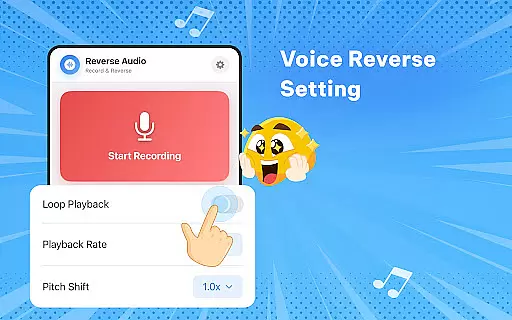
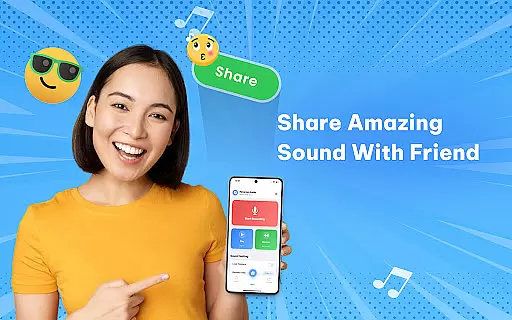
Beyond basic reversal, the app includes advanced options like playback speed adjustment and pitch modification. These features allow users to fine-tune their reversed audio, adding professional-grade effects. Additionally, the app's seamless sharing functionality makes it easy to export creations directly to social media platforms, ensuring your content reaches a wide audience without hassle.
In the realm of music and audio applications, the size and authenticity of the music library are crucial. Reverse Audio: Sing Challenge offers a unique twist by allowing users to create their own reversed audio clips rather than drawing from a pre-existing library. This app emphasizes user-generated content, ensuring that all audio creations are original and copyright-free.
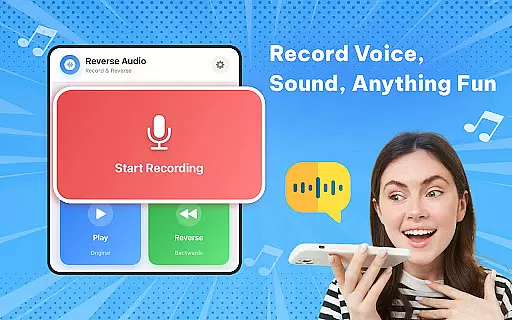
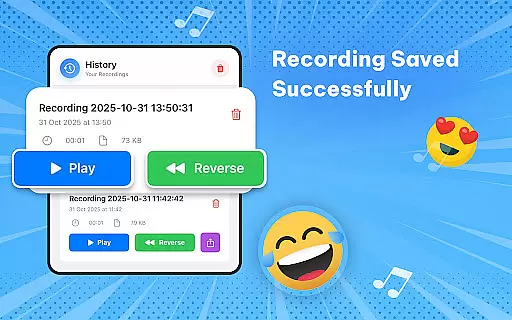
Users can record any sound or voice, reverse it, and save it to their personal library within the app. This feature not only guarantees the uniqueness of each audio clip but also eliminates concerns about copyright infringement. The ability to generate high-quality reversed audio clips empowers creators to experiment with sound without limitations.
The app's focus on original content creation means that users have complete control over their audio library. Whether for social media challenges, creative projects, or simply for fun, the absence of copyright issues makes sharing and using these sounds hassle-free. This positions Reverse Audio as an invaluable tool for content creators who require unique sound effects.
Audio quality is paramount when dealing with sound-based applications. Reverse Audio: Sing Challenge ensures that every reversed audio clip maintains high-quality sound, providing clear and crisp audio playback. This attention to audio fidelity enhances the overall user experience, making each reversed sound not only entertaining but also pleasant to listen to.
The app supports various audio manipulation features such as adjusting playback speed and pitch. These options allow users to fine-tune their reversed audio clips, adding an extra layer of customization and creativity. Whether aiming for a spooky effect with slowed-down audio or a hilarious result with altered pitch, the app delivers consistent quality.
Additionally, Reverse Audio performs all processing offline, which ensures smooth performance and preserves audio quality. Users can create, save, and share their reversed audio clips with confidence, knowing that the sound integrity remains intact throughout the process. This dedication to maintaining top-notch audio quality options sets Reverse Audio apart in the music and audio app category.
User-friendly interface
High-quality audio processing
Versatile sound manipulation
Offline functionality
Fun and engaging
Limited advanced editing
No batch processing
Few customization options
Basic visual design
Occasional glitches

Time Guru will strengthen your internal sense of musical time via random muting.
 4.30
4.30
Remove ads permanently from Music Visualizer
4.3
The best music and audio player, with beautiful UI, music search and equalizer.
4.60
Bass Booster & Volume Equalizer Pro improves your music and video sound quality
4.60
Learn to play the piano using falling notes!
3.80
A complete sound package for the sound engineer or enthusiast
4.60
Manage your Sonos system directly from your home-screen!
4.40
Master Salsa Rhythm quickly and with a lot of fun!
4.30
Uninterrupted Tunes, Unmatched Vibes
3.90
Over 100 million tracks available for high quality streaming and download
4.60
Learn the notes on the guitar fretboard fast with this easy and fun app
4.60
Guzheng Master supports many playing techniques as an acoustic Guzheng
4.50
Formerly known as Spotistats! View your top tracks, artists, albums and more!
4.40
Powerful 10-Band equalizer pro with sound booster improves Android audio quality
4.30
The alternative folder based music player.
4.20
A sleek, no-frills player designed for true music lovers.
4.20
No wifi music app. Mp3 offline. Tuner radio, young radio music. Music downloader
4.20
VB-AUDIO Software / VBAN-Receptor allows listening to any VBAN Streams
4.10
Turn your phone into a musical instrument from the future!
3.90


User Reviews