
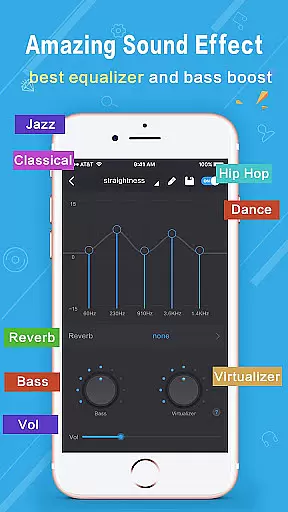
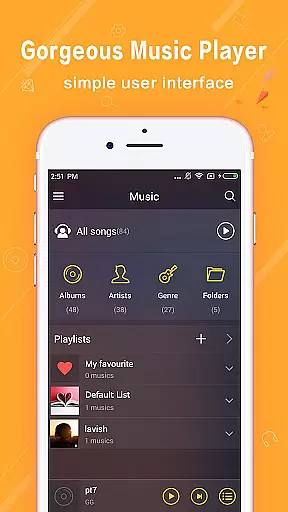
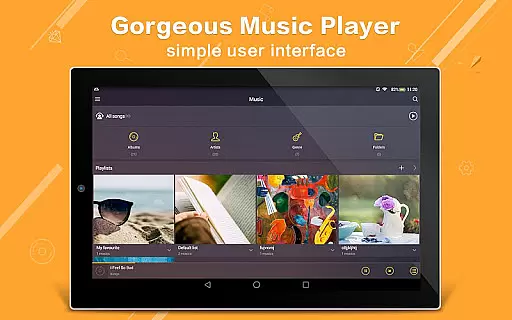
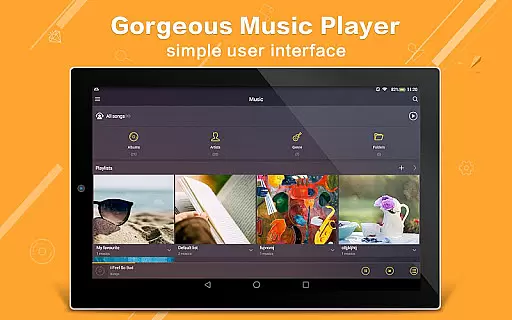
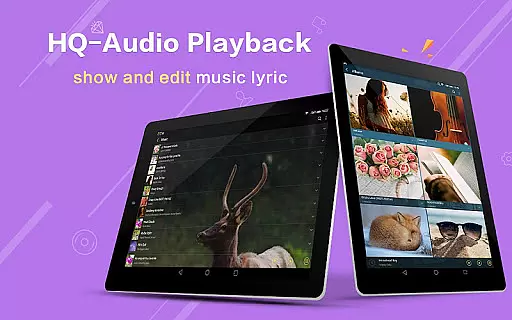
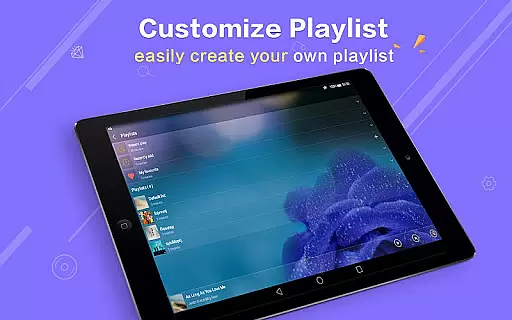
Music Player Plus is a feature-rich audio player designed for music enthusiasts who demand both functionality and customization. This app supports all popular music file formats and offers an intuitive folder-based navigation system, allowing users to browse their music library by albums, artists, songs, playlists, or folders. The powerful equalizer with over 22 preset styles, such as Classic, Jazz, and Rock, ensures an enhanced listening experience tailored to individual preferences.
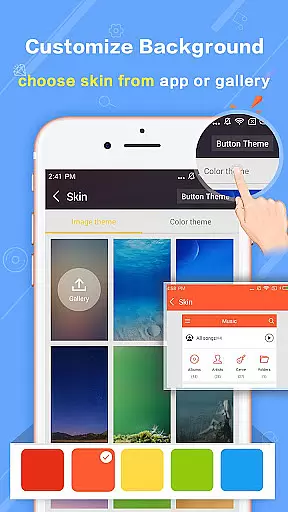
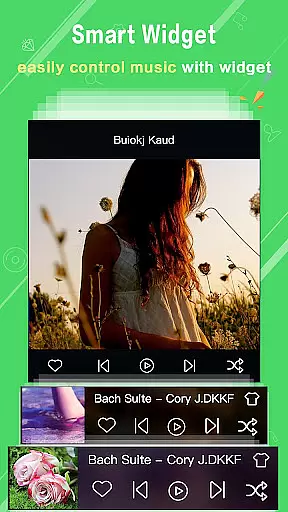
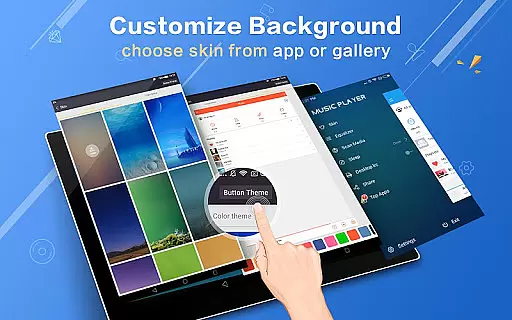
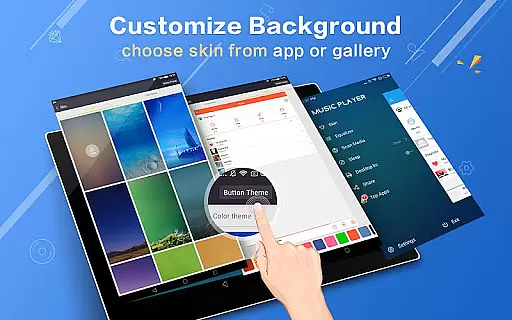
One standout feature is the ability to customize the app's appearance with replaceable background skins. Users can choose from 22 built-in designs or set personal photos as the background. Additionally, Music Player Plus provides practical tools like shake-to-change-song, lyric file support, and widgets for quick access. Whether you're at home or on the go, this app delivers a seamless and enjoyable music experience without ads.
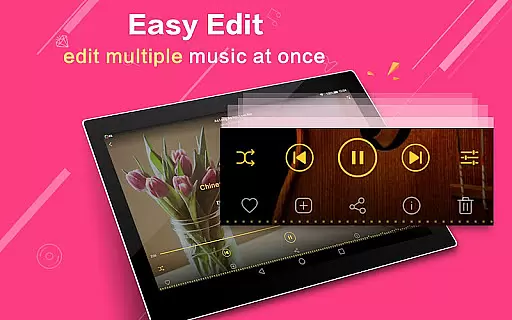
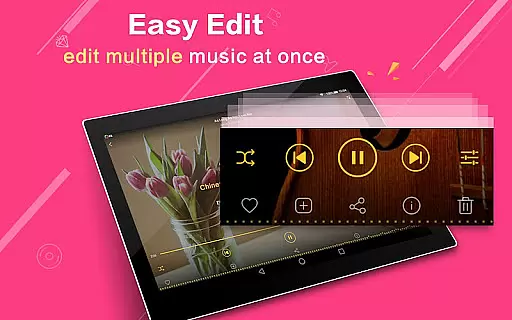
Music Player Plus stands out with its comprehensive set of features that cater to diverse user needs. The app includes a robust equalizer with customizable tone settings, enabling users to manually adjust audio levels for a personalized sound experience. With support for genre lists, lyric files, and multi-select operations for music files, it ensures smooth navigation and playback control.
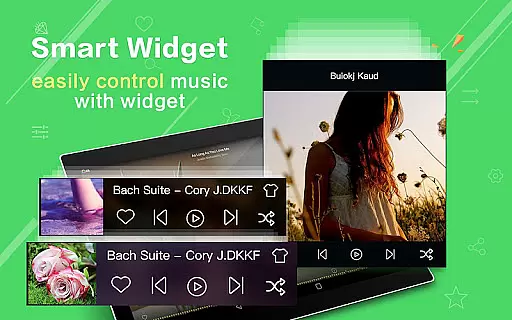
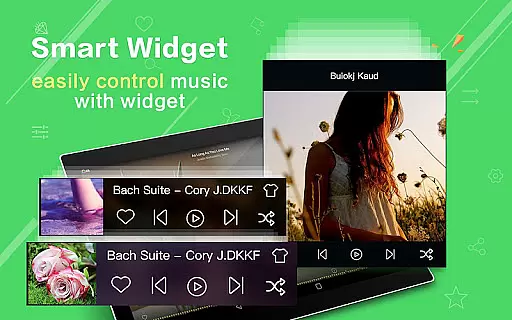
Another highlight is the app's visual customization options. Users can select from 22 stunning background skins or upload their own images, making the interface uniquely theirs. Practical functionalities like notification controls, headset support, and Bluetooth controls further enhance usability. The inclusion of three home screen widgets (4x1, 2x2, 4x1) allows quick access to key functions, while the easy search feature helps locate any music file instantly.
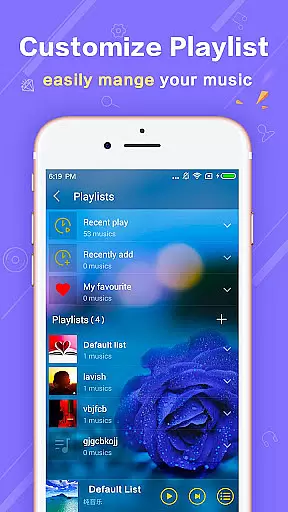
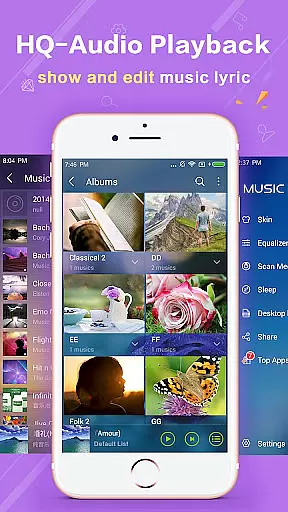
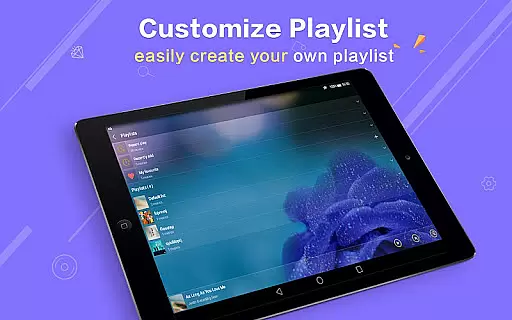
Music Player Plus offers an extensive music library that supports all the most popular music file formats, ensuring users can access their entire collection without compatibility concerns. The application's robust search functionality makes it easy to browse and play music by albums, artists, songs, playlists, folders, and even genre lists.
The app stands out with its commitment to copyright authenticity, providing a platform where users can enjoy their legally acquired music without the intrusion of unauthorized content or ads, as it is an ads-free version. This respect for copyright ensures a legitimate and uninterrupted listening experience.
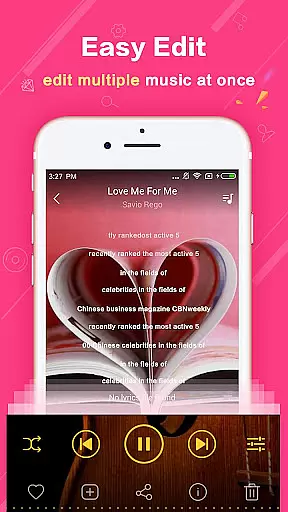
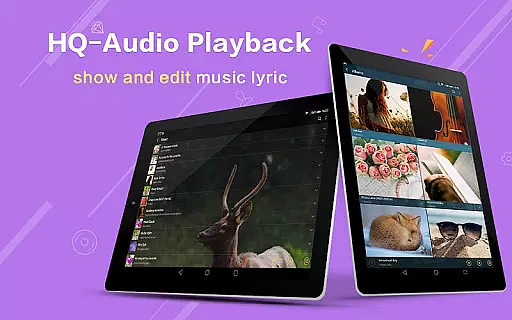
With features like automatic lyric file scanning and matching, listeners can follow along with their favorite tracks. Furthermore, the ability to freely re-edit album and artist names allows for personalized organization of one's music library.
Delivering exceptional audio quality options, Music Player Plus includes a powerful equalizer with over 22 preset music tone styles, such as Normal, Classic, Dance, Folk, Heavy, Hip hop, Jazz, Pop, and Rock, catering to diverse musical tastes and genres.
Users have the freedom to customize their listening experience by manually adjusting the equalizer to create a personalized music style. This control over sound profiles enables audiophiles to fine-tune audio output according to their preferences or specific genres.
In addition to customizable audio settings, the player also boasts replaceable background skins and widgets, which do not directly affect audio quality but enhance the overall user experience by allowing personalization of the interface aesthetics.
User-friendly interface
Powerful equalizer
Customizable skins
Ads-free experience
Comprehensive format support
No cloud integration
Limited sharing options
Heavy on storage
Occasional bugs
Complex for beginners

Equalizer, Bass Booster and Volume Booster (Eq & Bass) improve sound quality
 4.30
4.30
Make music anywhere. Turn your device into an instrument.
4.2
Pay Once, no monthly payment
4.60
Gorgeous UI, Powerful music Search and Equalizer, the great choice for you!
4.70
Background pads for your band
3.80
JBL PartyBox APP works with 110/310/710/120/320/520/Encore/Encore 2/Encore Ess 2
4.80
Music, News & Sports Radio Tuner App. Tune in Live FM & AM Radio Stations.
4.80
Play KORG’s revolutionary touch-based instrument on a variety of devices.
4.40
Master Salsa Rhythm quickly and with a lot of fun!
4.30
Unleash your creativity! Turn simple prompts into full fledged songs.
4.70
Record, Mix & Master with all n-Track effects, 64-bit audio and Stem Separation.
4.70
AI Music Maker: Generate And Compose AI Tunes & AI Songs & AI Music & AI Melody!
4.60
Save hundreds of dollars for a physical strobe tuner and instead use this app.
4.50
10-Band Audio Equalizer, Sound / Bass Booster for Spotify Users & Music Players
4.40
Turn your Android phone into a professional audio analyser with up to 120 bands.
4.00
The ultimate media player for Android devices
3.90
Sheet music reader, piano & music note player. Play music score & learn to read.
3.90
Slow music down without changing pitch.
3.70
The Cubase remote control app
3.60


User Reviews