
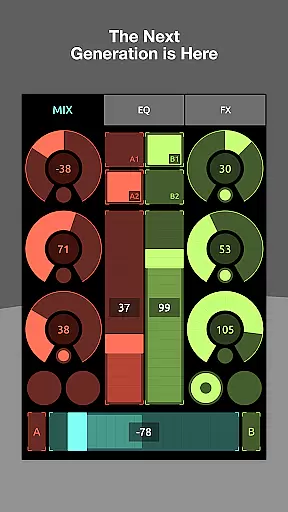
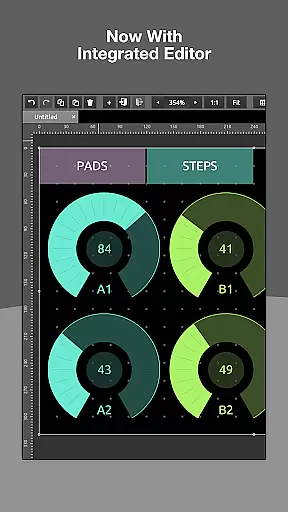
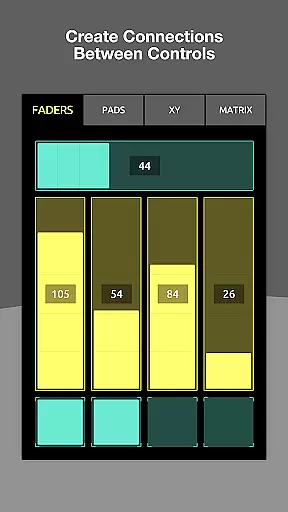
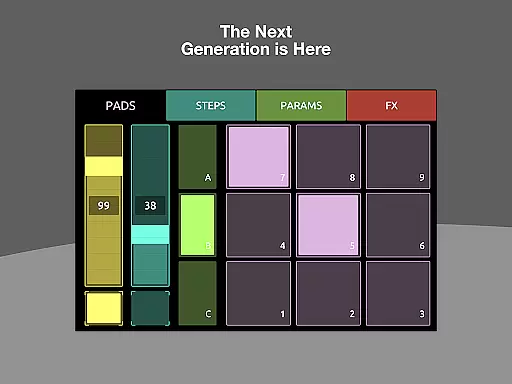
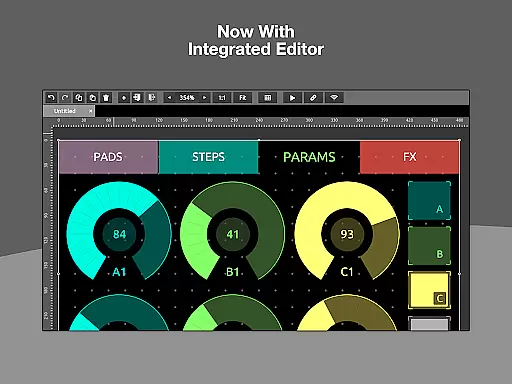
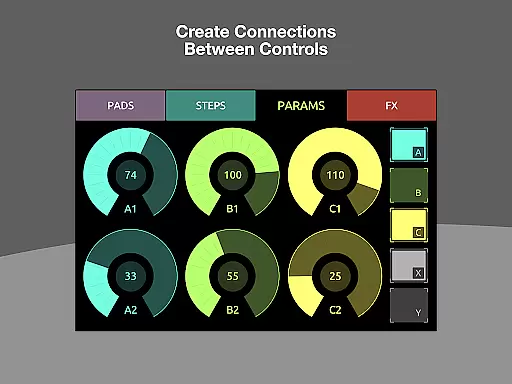
TouchOSC is a cutting-edge music and audio control application that allows users to create complex control layouts with precision. Designed for musicians, producers, and audio engineers, the app offers a powerful GPU-powered editor available across all platforms. Its standout feature is the ability to send and receive MIDI and OSC messages over various connections simultaneously, including wireless MIDI and MIDI over USB. This makes it an ideal tool for live performances, studio sessions, or any scenario requiring flexible audio control.
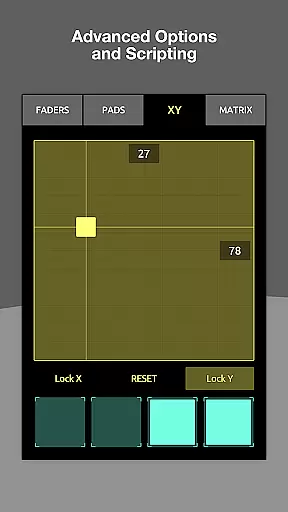
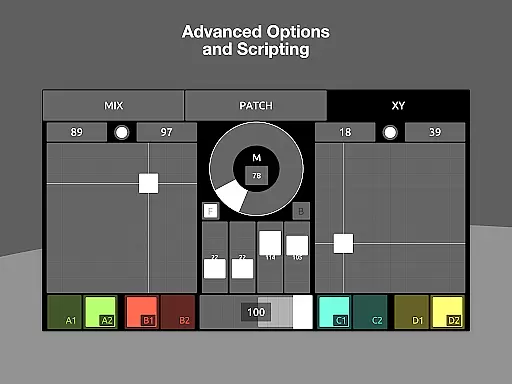
The app also supports synchronized editing across multiple devices on the same network, enabling real-time previews of control layouts. Whether you're using a desktop for detailed edits or testing on touch-screen devices, TouchOSC ensures seamless functionality. Additionally, its lightweight scripting engine provides limitless customization options, empowering users to tailor their controllers to specific needs without requiring extensive coding knowledge.
TouchOSC boasts a range of advanced features designed to enhance user experience in music and audio control. The integrated GPU-powered editor is one of its core highlights, offering speed and precision when designing intricate control layouts. Users can easily drag, drop, and adjust elements to build custom interfaces tailored to their workflows. Another key feature is its robust support for MIDI and OSC protocols, which includes UDP, TCP, and various wired or wireless MIDI connections. This versatility ensures compatibility with a wide array of hardware and software setups.
For collaborative environments, TouchOSC enables synchronized editing across multiple devices connected via the same network. This allows users to make precise adjustments on a desktop while viewing real-time updates on other devices. Furthermore, the app's scripting engine unlocks deep customization potential, allowing users to program complex interactions or use simpler local messaging for basic tasks. These features collectively position TouchOSC as a highly adaptable solution for both beginners and professionals in the music and audio space.
TouchOSC offers a versatile platform for creating complex control layouts that support MIDI, OSC, and various other messaging protocols. While it doesn't provide a built-in music library, its ability to interface with numerous external sources grants users access to an extensive range of sounds and compositions.
The app's compatibility with multiple connection types ensures that users can tap into vast music repositories while maintaining copyright compliance. This adaptability allows musicians and producers to utilize their preferred libraries within TouchOSC, ensuring both variety and legal adherence in their work.
By supporting every type of wired and wireless MIDI connection, including MIDI over USB, TouchOSC enables seamless integration with digital audio workstations and hardware. This connectivity empowers users to harness the full potential of their music collections without worrying about copyright infringement.
Ultimately, TouchOSC's strength lies in its capacity to serve as a bridge between diverse music sources and control systems. Its robust infrastructure facilitates efficient management of large-scale music libraries while upholding strict copyright standards, making it an invaluable tool for professional audio production.
TouchOSC sets a new standard in audio quality by leveraging GPU-powered processing and advanced integrated editing tools. The application's architecture is designed to deliver pristine audio signals across all supported protocols, including MIDI and OSC messages.
With its comprehensive support for various connection types, TouchOSC ensures optimal audio transmission quality regardless of the communication method. Whether using UDP, TCP, or any available MIDI interface, users can expect consistently high-fidelity sound reproduction throughout their sessions.
The app's sophisticated scripting engine contributes significantly to maintaining superior audio standards. By allowing deep customization of controller parameters, users can fine-tune audio characteristics to meet exacting requirements, resulting in crystal-clear output across different devices and platforms.
Furthermore, TouchOSC's synchronized editing capabilities enable real-time testing and previewing on multiple devices simultaneously. This feature guarantees that audio quality remains consistent across various touch-screen interfaces, providing users with reliable performance and exceptional sound clarity during live performances or studio productions.
Powerful GPU editor
Multi-platform support
Real-time synchronization
Extensive protocol support
Customizable scripting
Steep learning curve
Requires compatible hardware
No offline tutorials
Premium pricing
Complex setup process

Time Guru will strengthen your internal sense of musical time via random muting.
 4.30
4.30
Performance-Synthesizer & Multi-Track-Sequencer, polyphonic + multi timbral!
4.70
Your song collections with lyrics and chords on Android smartphones and tablets.
4.80
Smart piano keyboard, Classical to Pop, Real-time multiplayer connection!
4.20
The original SP-1200 experience on your iPad
4.20
Play KORG’s revolutionary touch-based instrument on a variety of devices.
4.40
Responsive piano with great sounds, graphics, and songs
4.80
Get alarms that fit your lifestyle and wake up to the sounds you love.
4.80
Play your music offline without limits
4.80
24,000 free audio books and no ads!
4.90
Music, News & Sports Radio Tuner App. Tune in Live FM & AM Radio Stations.
4.80
Offline Music Player & MP3 Player.Powerful equalizer, Lyrics, Themes, Tag Editor
4.80
Recording studio w/ 10k beats, pro vocal FX and a network of 20M rappers & fans!
4.60
A complete sound package for the sound engineer or enthusiast
4.60
Enhance the sound quality of your devices, listen to what you want
4.50
Full featured mp3 and audio player with Chromecast and Android Auto support.
4.40
No wifi music app. Mp3 offline. Tuner radio, young radio music. Music downloader
4.20
Offline and always ad-free - stream in the highest quality available.
4.10
Remove ads permanently from Music Visualizer
4.3


User Reviews