
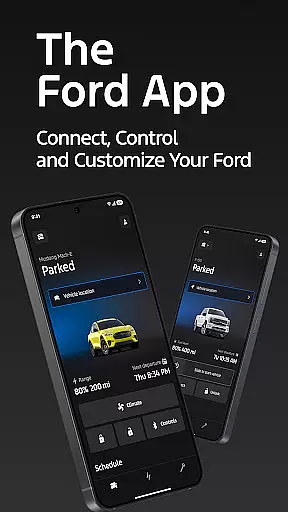
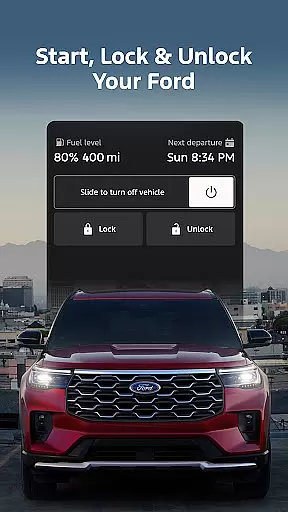
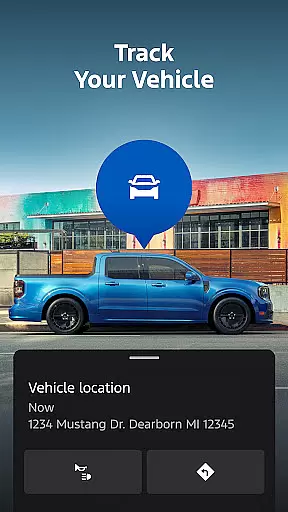
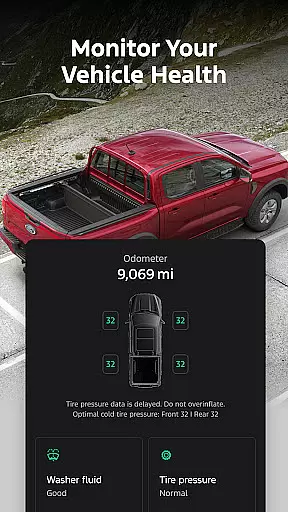
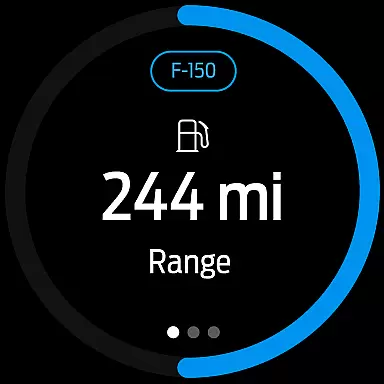
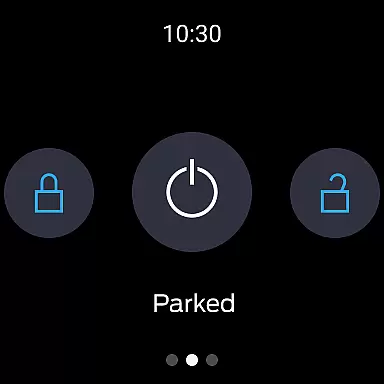
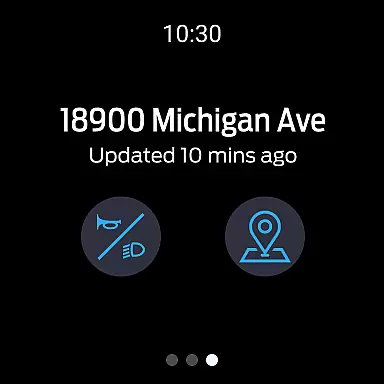
The Ford app is a comprehensive mobile solution designed to enhance the ownership experience for Ford vehicle owners. This application serves as a centralized control hub, allowing users to remotely manage their vehicles through various smart features. Key functionalities include remote start, lock and unlock capabilities, real-time vehicle status monitoring, and GPS tracking - all accessible directly from your smartphone.
One of the standout features is its integration with Android Wear devices, enabling users to send commands and check vehicle status right from their wrists. The app also supports advanced electric vehicle management, service scheduling, and over-the-air software update scheduling. These features collectively create a seamless connection between drivers and their vehicles, making daily operations more convenient and efficient.
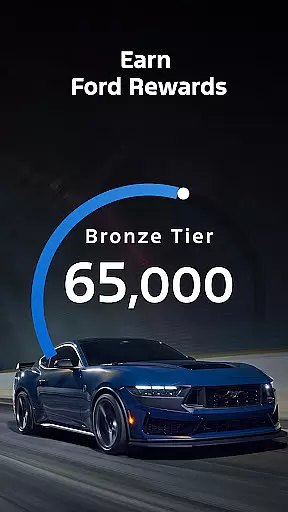
The Ford app particularly shines in urban environments where finding your parked vehicle can be challenging. With precise GPS tracking and remote access features, users can save time and reduce stress while managing their vehicles from anywhere. The inclusion of Ford Rewards adds another layer of value, allowing owners to earn points redeemable for services and accessories.
The Ford app distinguishes itself through its comprehensive suite of connected vehicle features. Remote management capabilities are especially robust, allowing users to start their vehicle, lock/unlock doors, and monitor fuel levels or battery charge status from their Android device. The integration with Android Wear takes convenience to the next level, enabling quick access to essential functions directly from smartwatches.
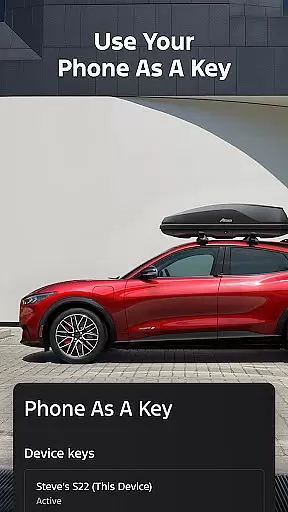
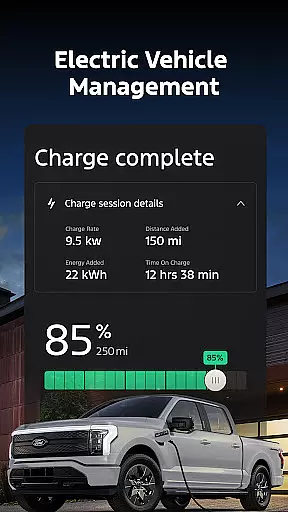
Vehicle maintenance becomes hassle-free with the built-in service scheduling feature. Users can select their preferred dealer, view available time slots, and book appointments without leaving the app. Electric vehicle owners benefit from dedicated features that display charging information and nearby public charging stations. The app's support for digital key functionality transforms smartphones into virtual car keys, streamlining the vehicle access process.
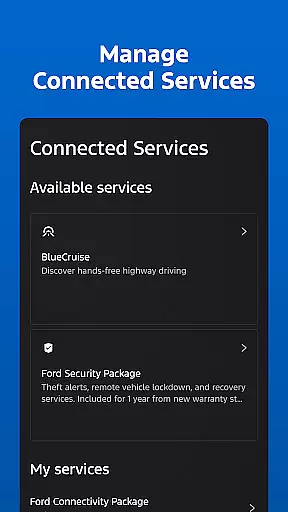
Regular updates ensure the app maintains compatibility with evolving vehicle technologies while introducing new features. The inclusion of Ford's connected services ecosystem allows users to manage subscriptions like BlueCruise and security packages directly through the interface. This combination of practical utilities creates a powerful tool that enhances both vehicle management and driving experiences.
Companion app integration is essential for users who want seamless connectivity between their smart devices and vehicles. The Ford app excels in this area by offering a comprehensive suite of features that work in harmony with Wear OS smartwatches.
Through the Ford app, users can send commands and check their vehicle status directly from their wrists. This integration allows for quick access to critical functions without needing to take out a phone, making daily tasks more convenient and efficient.
The benefits of this robust companion app integration are numerous. Users can enjoy real-time updates on their vehicle's status, including fuel levels, battery charge, and location tracking, all accessible via their smartwatch. This ensures that drivers are always informed and can act promptly when needed.
Ultimately, the Ford app's companion app integration enhances the overall user experience by providing a cohesive ecosystem where all devices communicate effectively. This not only simplifies vehicle management but also enriches the driving experience through advanced technology.
Wear OS and device compatibility is crucial for ensuring that users can fully utilize their smartwatches alongside their vehicles. The Ford app supports a wide range of devices, enhancing its usability and accessibility.
This compatibility extends to various smartphone platforms, allowing users to download and use the Ford app regardless of their device preference. Whether you have an Android or iOS device, the Ford app provides consistent functionality and performance.
By supporting multiple platforms, the Ford app ensures that users can take advantage of its features without worrying about device limitations. This includes remote start, lock and unlock capabilities, and vehicle status checks, all optimized for Wear OS smartwatches.
In summary, the Ford app's commitment to Wear OS and device compatibility means that users can enjoy a versatile and reliable connection between their smart devices and vehicles. This flexibility empowers users to manage their Ford vehicles effortlessly, leveraging the latest technology for a superior driving experience.
User-friendly interface
Comprehensive vehicle control
Android Wear integration
Remote management features
Regular feature updates
Limited vehicle compatibility
Requires active subscription
Occasional connectivity issues
Steep learning curve
Battery consumption concerns

Calming & relaxing sounds for sleeping and stress relief. Stay focused all day!
 4.20
4.20
Rose gold watch face with festive lights & customizable features.
4.60
Current temperature, weather hourly, weather radar by the weather forecast app
4.40
Artistic Digital Watchface
4.5
Digital, flexibly customizable watch face. For Wear OS 5.0, API 34+ and later.
5.00
To-Do List: daily schedule planner, task organizer, to do reminder app, calendar
4.60
Reliable phone calls with spam protection, caller ID and more helpful features
4.40
A modern hybrid informative watch face for Wear OS designed by BALLOZI
4.80
Daily Weather forecast with 15 weather images for Day & Night plus Big Bold time
4.10
Christmas - Festive - Christmas Village - Winter - Christmas lights
5.00
Your second brain for organizing your life: to-do, calendar, reminder.
4.70
The most customizable hybrid watch face. For Wear OS 5.0, API 34+ and later
4.70
Bold weather Digital watchface with forecast & optional animated background
4.40
The ultimate destination for kids ages 3-8 to explore the Marvel Universe!
4.30
Animated video-game inspired “secret agent” simulation, right on your wrist!
4.20
Connect, create, and collaborate with Gmail, part of Google Workspace.
4.10
A digital watch face that celebrates Christmas.
4.00
an Analog Watch Face for winter season with freeze winter background for Wear OS
4.3
Christmas is near, let's count together the days left until Santa comes
4.2


User Reviews