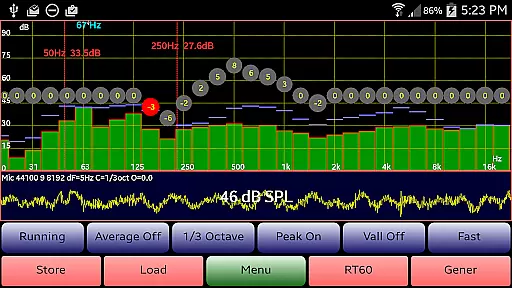
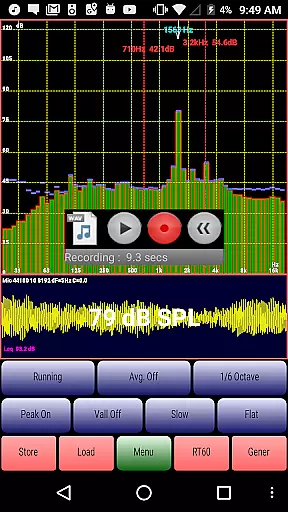
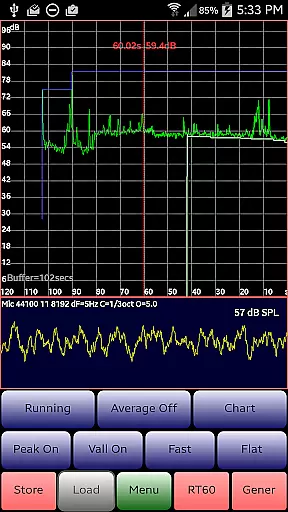
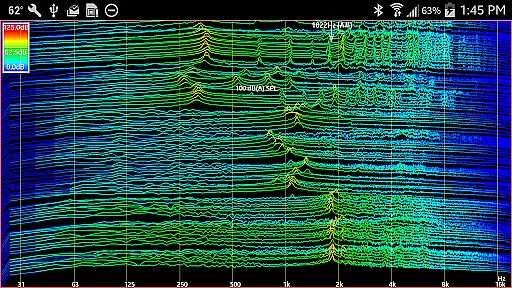
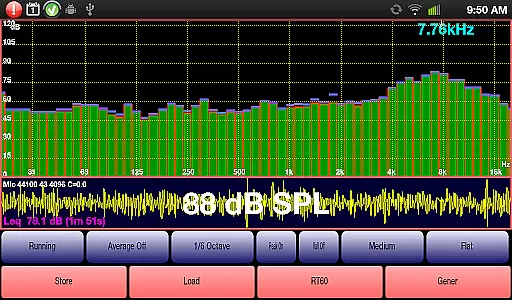
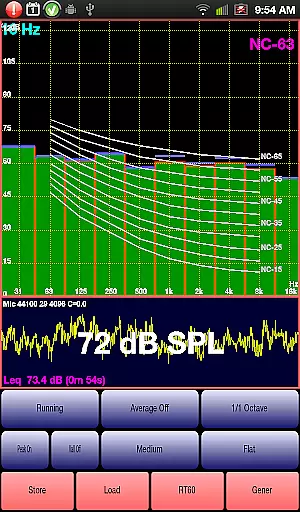
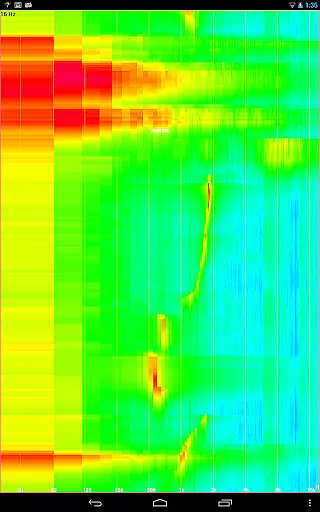
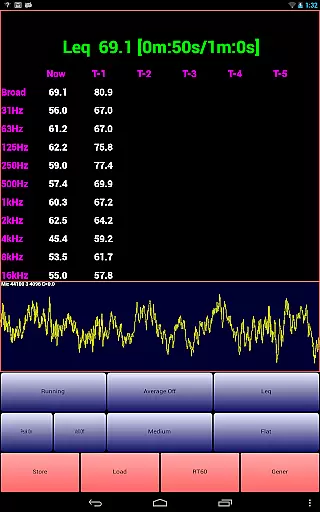
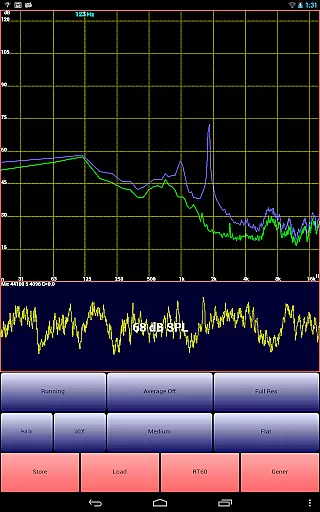
AudioTool is a comprehensive audio measurement application designed for audio engineers and enthusiasts. This app features an SPL meter with RT60, Leq, Sone, Spectrum Analyzer, Spectrogram, Chart Recorder, Signal Generator, Polarity Checker, and Mic calibration functionalities.
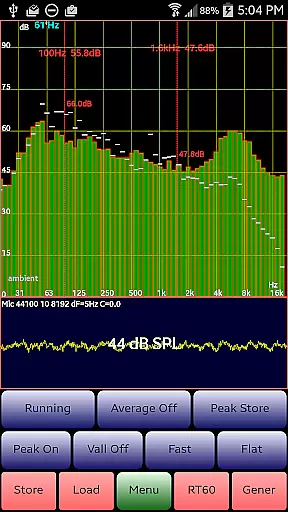
With its advanced tools such as 1/1, 1/3, 1/6 & 1/12 octave RTA modes, signal generators, and loudspeaker polarity checker, AudioTool is suitable for professional gig measurements, home theater setups, acoustics analysis, and more. The app's ISO 1/3 Octave Calibration ensures precise microphone response correction, making it a reliable tool for accurate sound assessments.
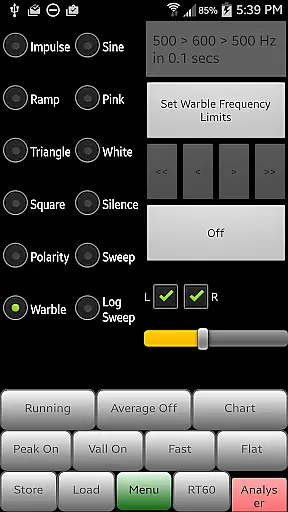
AudioTool stands out with its extensive range of features tailored for audio professionals. It includes multiple RTA modes, signal generation options like White/Pink Noise, Sine, Square, Triangle, Sweep, Log Sweep, Warble, Ramp, and Impulse signals, and a loudspeaker polarity checker.
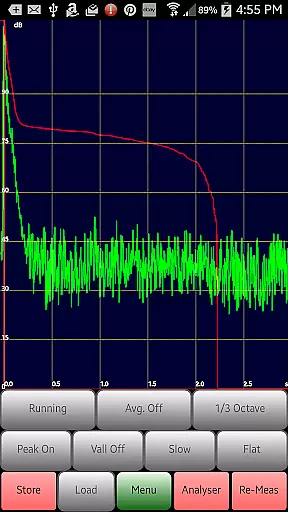
The app also offers exclusive ISO 1/3 Octave Calibration to correct your phone's microphone response, ensuring high accuracy in sound level readings. With functionalities such as the Chart Recorder, RT60 measurement, and Noise Criteria assessment, AudioTool provides users with powerful tools for detailed audio analysis and room acoustics evaluation.
AudioTool offers a comprehensive suite of audio measurement and analysis tools, which can be considered as a unique music library in the context of audio engineering. The application provides a variety of signal generation options including White and Pink Noise, Sine, Square, Triangle, and Ramp waves, catering to different testing needs.
The inclusion of Sine Linear and Log Sweeps, Warbles, and Impulses further enriches this library, ensuring that users have access to an extensive range of audio signals for their projects. This vast array of options underlines the app's commitment to providing a complete toolkit for audio professionals.
Regarding copyright authenticity, AudioTool generates these signals using multiple cycled buffers that are refreshed randomly, ensuring truly random noise outputs. This method sidesteps potential copyright issues by not relying on pre-recorded samples, thus offering peace of mind to users who require pristine, litigation-free sound sources for their work.
Moreover, the accuracy of the Signal Generator is typically around 1%, with good sine wave fidelity throughout most of the audio range. This level of precision reassures users that they are working with high-quality, reliable audio signals that meet professional standards.
AudioTool stands out in terms of audio quality options, providing users with various filters such as Flat & A/C Weighting and film industry X Curve. These options allow audio engineers to tailor their measurements according to specific requirements or industry standards, enhancing the accuracy and relevance of their work.
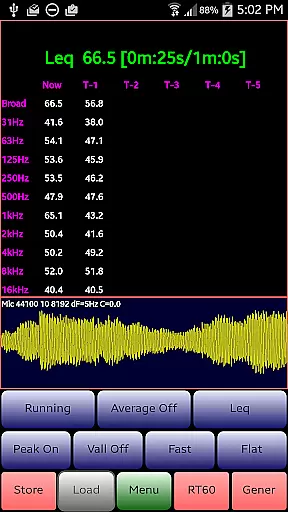
In addition to filter options, AudioTool also supports different types of audio analyses like RTA modes (1/1, 1/3, 1/6 & 1/12 octave), Leq, Sones (Loudness), and RT60 measurements. This diversity in analysis capabilities ensures that users can obtain precise readings across a broad spectrum of audio parameters.
The app further impresses with its exclusive ISO 1/3 Octave Calibration feature, which corrects for the phone's microphone response. Users can match the overall SPL to that of an external meter, ensuring consistent and reliable audio quality across devicesu2014a crucial aspect for professionals who rely on accurate sound level readings.
Lastly, the ability to save and restore calibration files for popular microphones like Dayton Audio iMM-6 and MicW i436 adds another layer of convenience and reliability. This functionality guarantees that users can maintain a high standard of audio quality regardless of the hardware they use, making AudioTool an indispensable tool for serious audio professionals.
Comprehensive audio tools
Wide range of RTA modes
Accurate SPL measurement
Professional calibration options
Active user community support
Complex for beginners
Requires quality microphone
Advanced features need learning
Interface can be cluttered
Performance depends on hardware

Your HD audio recorder on the go for music, meetings, ambience, animal sounds…
 4.30
4.30
Most Advanced AI Song Generator and Music Creator. Rap, Pop, Rock, Gospel & more
4.70
Visualize the guitar fretboard, master scales & play through changes like a pro!
4.50
Record, Mix & Master with all n-Track effects, 64-bit audio and Stem Separation.
4.70
AI Music Maker: Generate And Compose AI Tunes & AI Songs & AI Music & AI Melody!
4.60
Unleash your creativity! Turn simple prompts into full fledged songs.
4.70
The Minimalistic Premium Music Player. Handmade with passion for music
2.20
PowerAudio is a powerful offline music player.
4.20
Sing, record, and create music together — enhanced by smart voice tools.
4.00
Voice recorder - Audio recorder. Best recorder for recording
4.90
Play your hearts out on TouchTunes jukeboxes & connect with fellow music lovers.
4.80
Ultimate Sonos Controller
4.70
A complete sound package for the sound engineer or enthusiast
4.60
Learn the notes on the guitar fretboard fast with this easy and fun app
4.60
Ringtone Maker is free app create ringtone from music files or your recording.
4.40
A sleek, no-frills player designed for true music lovers.
4.20
The original SP-1200 experience on your iPad
4.20
Sheet music reader, piano & music note player. Play music score & learn to read.
3.90
The iconic iOS metronome app is now on Android.
3.70


User Reviews