
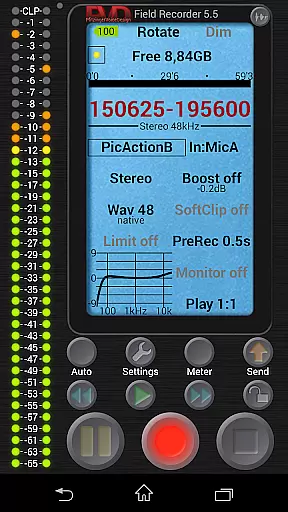
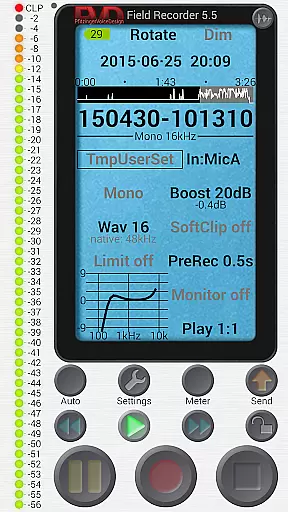
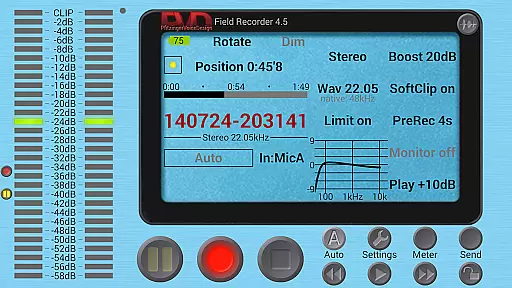
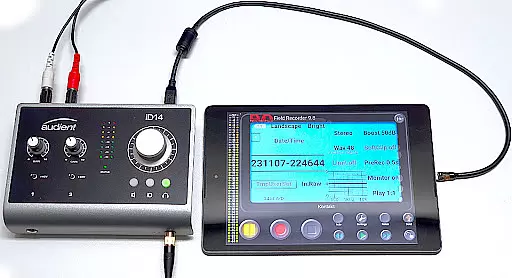
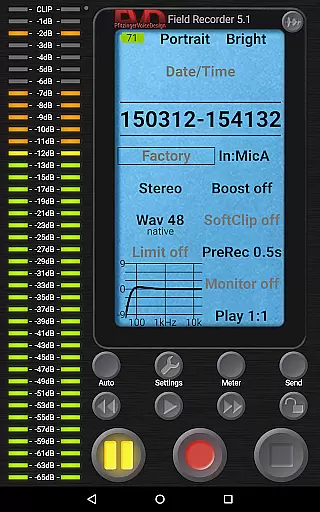
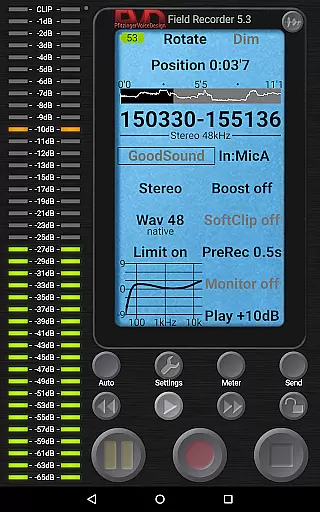
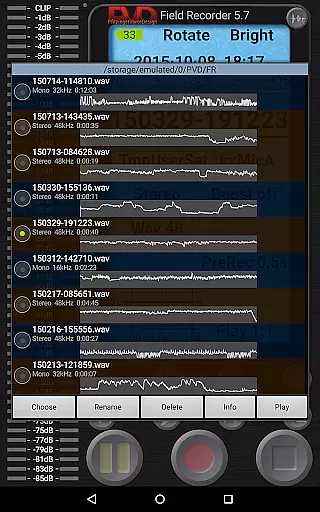
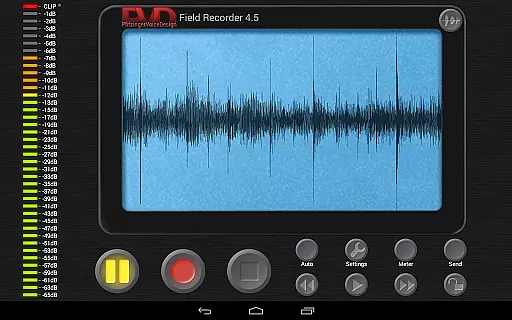
Field Recorder transforms your mobile device into a versatile audio recording tool, offering professional-grade features in a lightweight package. With support for both built-in and external microphones, as well as USB sound cards, this app is designed for users who demand high-quality audio capture.
The application provides extensive control over audio parameters, allowing users to adjust settings with precision and save them as presets for quick access. Whether you're recording concerts, interviews, or ambient sounds, Field Recorder ensures you never miss an important moment. Its advanced features like pre-recording buffer and auto-start functionality make it an indispensable tool for audio professionals and enthusiasts alike.
Field Recorder stands out with its comprehensive feature set tailored for audio perfectionists. The app offers advanced audio processing tools including parametric equalizers, low-cut filters, and stereo balance correction, ensuring optimal sound quality in any recording situation.
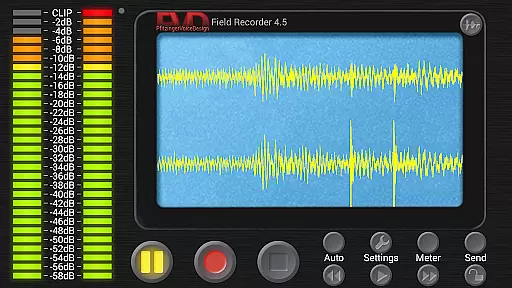
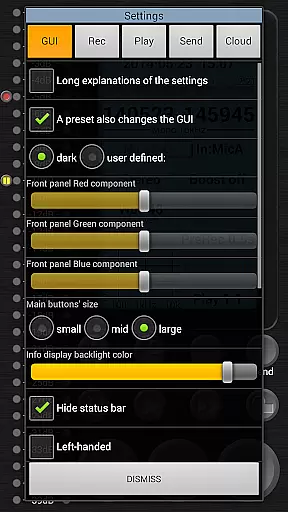
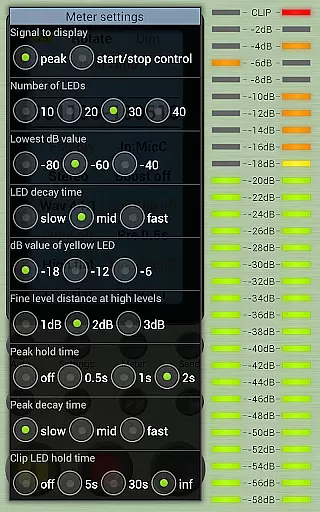
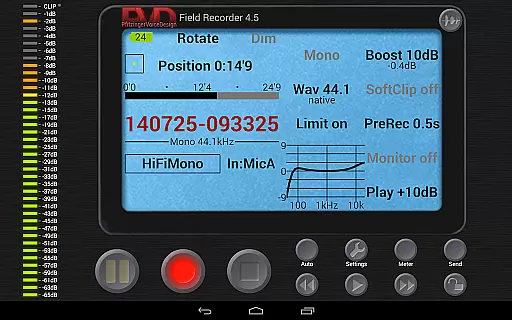
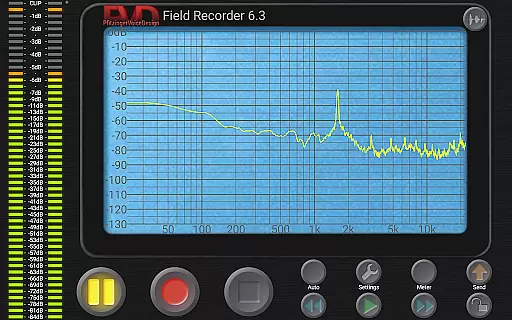
One of the key innovations is its ability to handle various recording formats from efficient mono/16kHz/16-bit to professional stereo/192kHz/24-bit WAV files. The built-in spectrum analyzer and sonogram display provide real-time visual feedback during recordings. Additionally, the app's configurable GUI lets users personalize their recording experience through customizable layouts, button sizes, and display options.
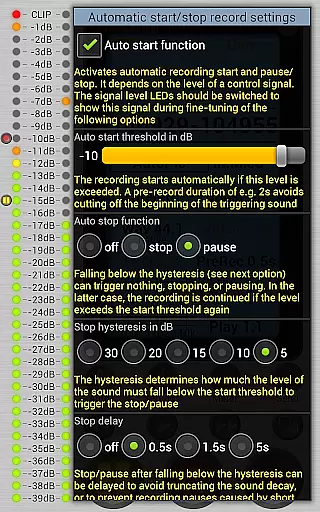
Unique to Field Recorder is its sophisticated automation capabilities. The volume-controlled auto-start and stop functions, combined with noise level monitoring and email alerts, create a smart recording environment that adapts to your needs. These features, combined with gapless file splitting and automatic format conversion options, make it a powerful tool for both casual and professional audio recording scenarios.
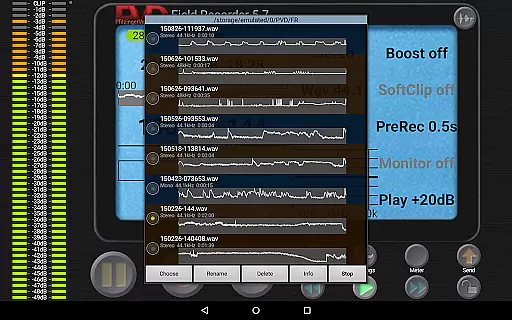
Field Recorder offers an extensive range of recording capabilities that contribute to a vast and versatile music library. The app supports various audio formats including WAV, MP3, AAC, and FLAC, ensuring that users can record and convert audio in the format best suited for their needs.
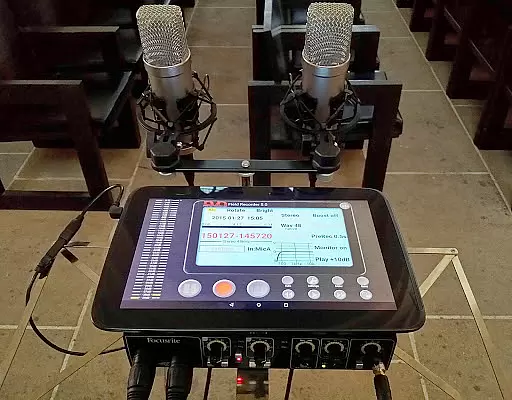
The application's compatibility with internal or external microphones and USB sound cards allows for professional-grade recordings. This flexibility ensures that the audio captured is not only of high quality but also respects copyright standards by allowing legitimate personal and professional use.
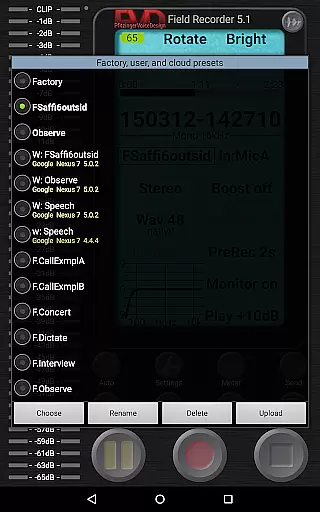
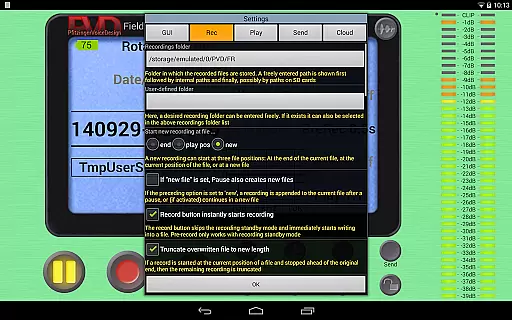
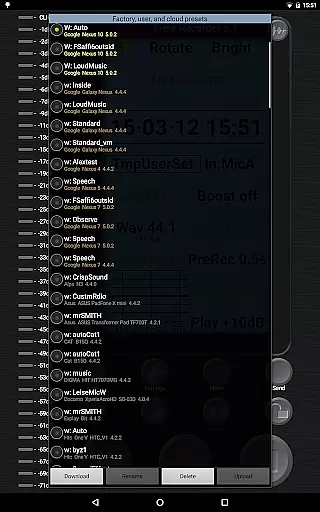
With features like pre-defined presets for typical tasks and the ability to save custom presets, Field Recorder empowers users to efficiently manage their music library. These presets ensure that recordings are consistent and authentic, adhering to legal and quality standards.
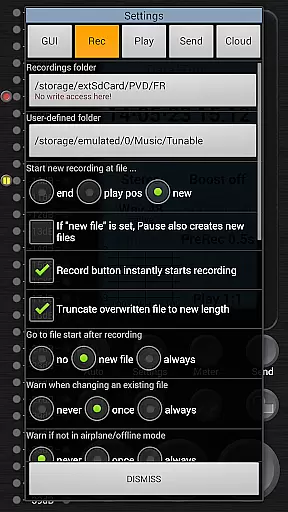
Furthermore, the app's capability to automatically stop at 4GB file size or start new files without gaps means that users can continuously record without losing data, thus maintaining the integrity and authenticity of their music library.
Field Recorder stands out in its ability to provide exceptional audio quality options. Users can adjust audio parameters in more ways than with any other audio recorder, which can be saved as presets and switched between instantly, offering unparalleled control over the sound output.
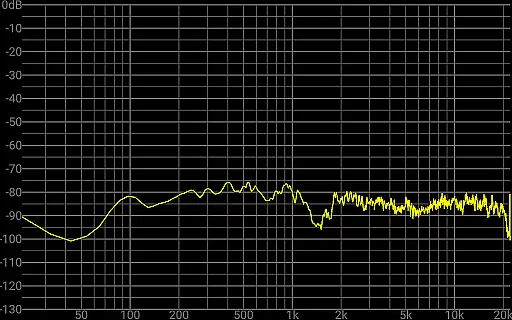
The app includes advanced audio processing features such as low-cut filters, parametric and shelving equalizers, and stereo balance correction. These tools correct microphone or situational recording weaknesses during recording, ensuring that the final output meets high-quality audio standards.
Additionally, Field Recorder offers a recording amplifier, configurable limiter, soft clipping, noise shaping, and dithering. These features allow users to fine-tune their recordings to achieve the desired audio quality, whether it's for professional studio use or casual recording.
For those who demand the best in audio fidelity, Field Recorder's support for recording formats up to professional stereo/192kHz/24-bit ensures that every nuance of the sound is captured with precision, providing crisp and clear audio quality across all recordings.
High-quality audio recording
Extensive parameter control
Professional file formats
Real-time audio monitoring
Customizable user interface
Complex for beginners
Requires premium hardware
Advanced features overwhelming
Steep learning curve
Premium price point

Simply convert wav to mp3. Clear. Reliable. Safe.
 4.5
4.5
More downloads than any other metronome. Includes drum machine & tempo trainer.
4.80
Network/Cloud Streaming, Visualization, Graphic Equalizer and Sound Effects.
4.20
Brian Eno and Peter Chilvers’ acclaimed music app Bloom, radically reinvented.
4.80
Bass Booster Pro takes auto-equalizing to the next level!
4.30
A complete sound package for the sound engineer or enthusiast
4.60
Turn your Android phone into a professional audio analyser with up to 120 bands.
4.00
Offline Tunes, Unlimited Vibes
3.90
Turn Every Moment into Music
3.60
Play your hearts out on TouchTunes jukeboxes & connect with fellow music lovers.
4.80
Record, Mix & Master with all n-Track effects, 64-bit audio and Stem Separation.
4.70
Gorgeous UI, Powerful music Search and Equalizer, the great choice for you!
4.70
Pay Once, no monthly payment
4.60
Recording studio w/ 10k beats, pro vocal FX and a network of 20M rappers & fans!
4.60
A synth that really lets you shape your sounds!
4.50
Visualize the guitar fretboard, master scales & play through changes like a pro!
4.50
The official Sonos app
4.10
Turn your phone into a musical instrument from the future!
3.90
The Cubase remote control app
3.60


User Reviews