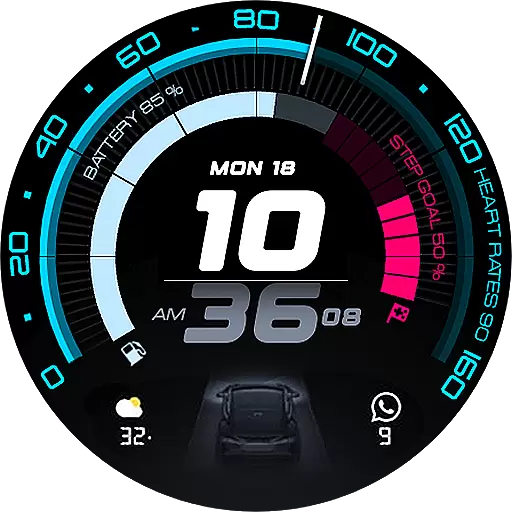
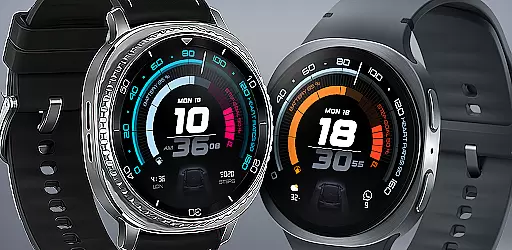
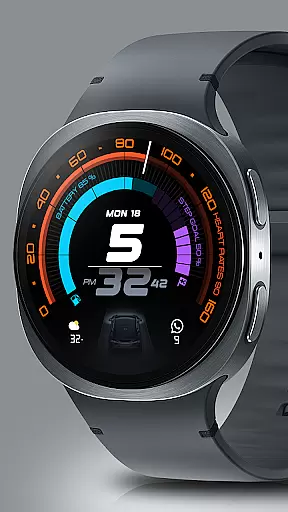
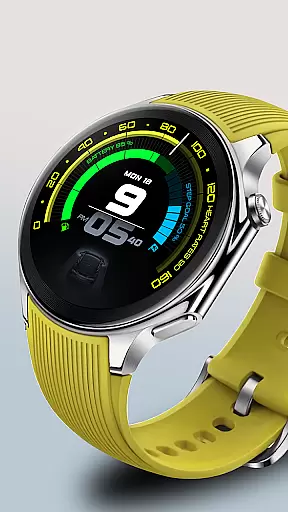
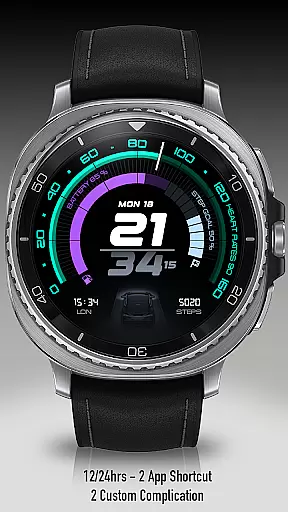
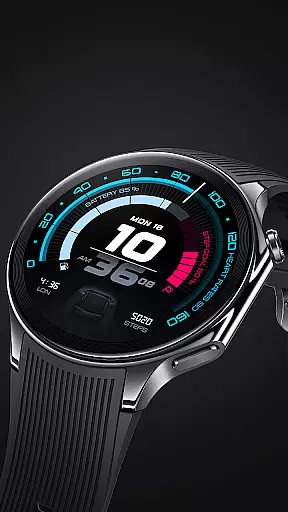
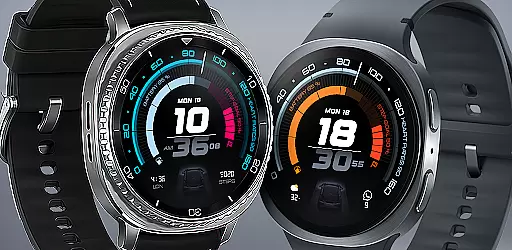
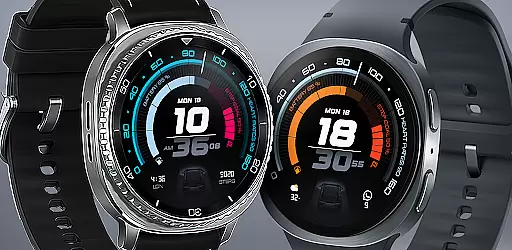
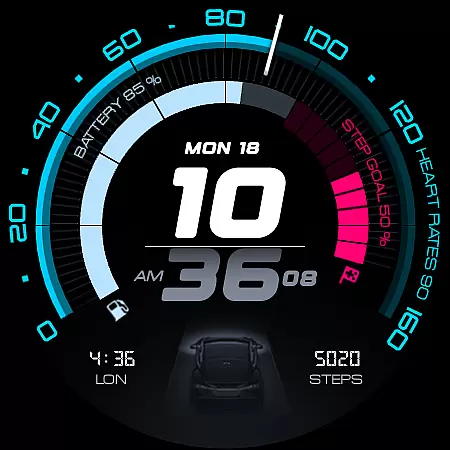
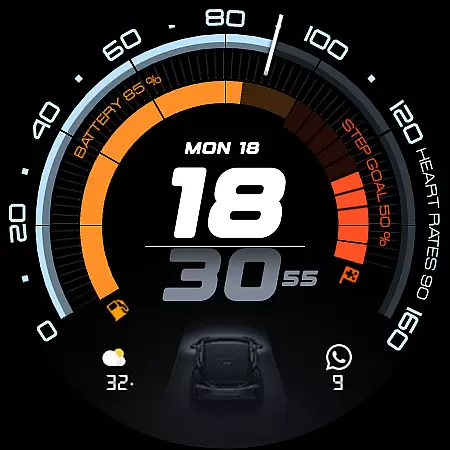
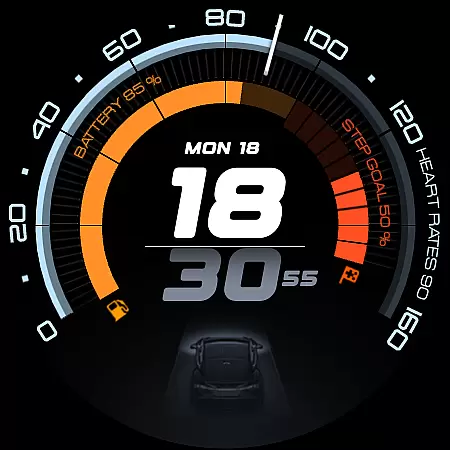
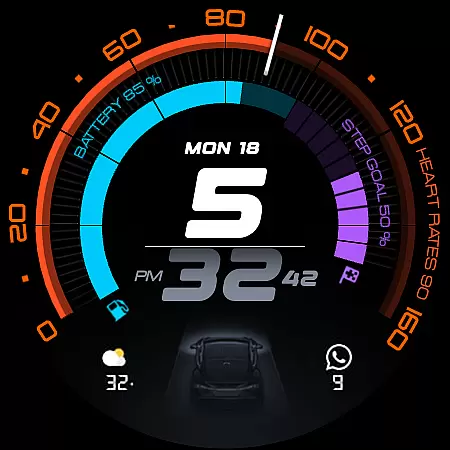
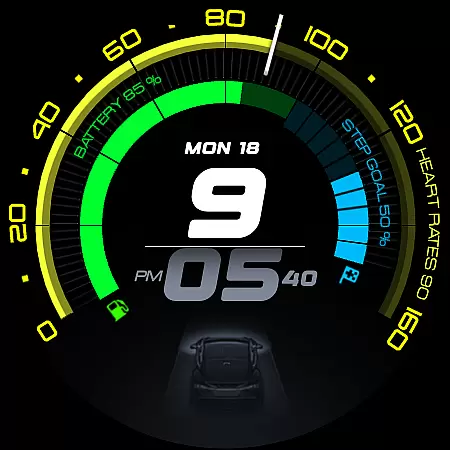
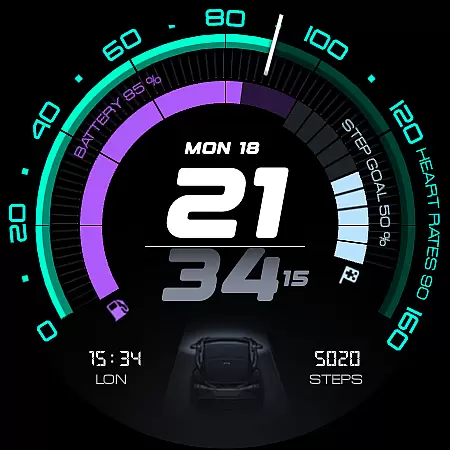
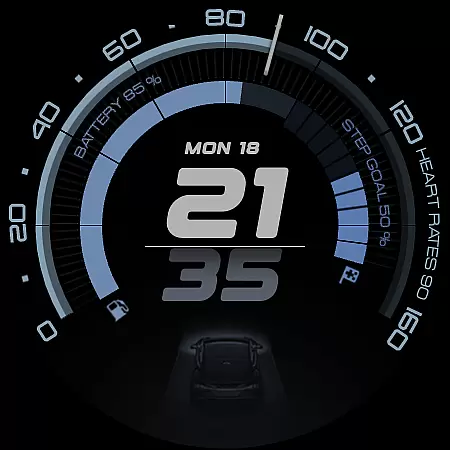
ARS Acceleration is a high-performance watch face designed for users who value both style and functionality. It features a dynamic interface with bold digital time display, vibrant activity arcs, and essential health metrics like heart rate, step count, and battery level. The design draws inspiration from sports dials, offering an automotive-inspired aesthetic that adapts to both day and night use.
This watch face provides real-time updates on crucial information such as weather and fitness tracking, making it ideal for active individuals who need quick access to their data. With customizable complications and dual app shortcuts, ARS Acceleration ensures maximum convenience while maintaining a sleek and modern appearance.
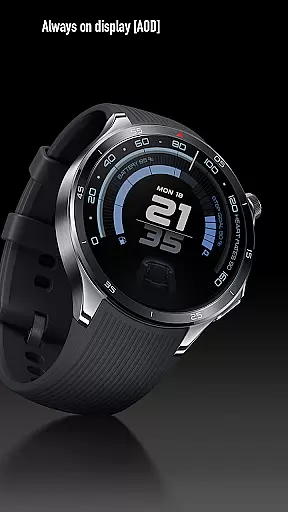
ARS Acceleration stands out with its vibrant color-coded activity arcs and customizable complications. Users can choose between 12/24-hour time formats and enjoy an Always-On Display that seamlessly transitions between day and night modes. The inclusion of dual app shortcuts allows quick access to frequently used applications directly from the watch face.
Health and fitness tracking are central to this watch face's functionality, providing real-time updates on heart rate, step count, and battery status. Additionally, weather updates ensure users are always informed about current conditions. These features combine to create a versatile tool that enhances productivity and keeps users connected to their essential data without compromising on style.
Companion app integration is essential for a seamless smartwatch experience, and ARS Acceleration excels in this area. The watch face connects effortlessly with your smartphone, enabling real-time synchronization of critical data such as heart rate, step count, and weather updates.
ARS Acceleration ensures that all information displayed on your wrist is accurate and up-to-date by leveraging the power of its companion app. This integration allows users to customize their watch face settings directly from their phone, providing a convenient way to tailor the experience to individual preferences.
By maintaining a strong connection between the wearable and mobile device, ARS Acceleration offers an intuitive user experience. Whether you're tracking daily fitness goals or receiving important notifications, the companion app ensures that your smartwatch remains a reliable extension of your digital life.
Device compatibility is a crucial factor when choosing a Wear OS watch face, and ARS Acceleration is designed to work seamlessly across a wide range of devices. The application supports various smartwatches running Wear OS, ensuring that users can enjoy its dynamic features regardless of their specific model.
ARS Acceleration takes full advantage of Wear OS capabilities, offering both 12/24-hour time formats and customizable complications. This flexibility allows users to personalize their watch face while maintaining optimal performance on their device.
The watch face's compatibility extends beyond just displaying time; it integrates health and fitness tracking features that are essential for modern smartwatch users. With support for real-time heart rate monitoring, step counting, and weather updates, ARS Acceleration transforms any Wear OS device into a powerful tool for everyday performance.
High-performance design
Vibrant activity arcs
Customizable complications
Real-time health tracking
Sleek automotive-inspired look
Limited compatibility
Battery consumption
Premium cost
Complex setup
Fewer customization options

Contemporary digital watch face with five complications
 4.4
4.4
Artistic Digital Watchface
4.0
Watch face for Wear OS.
4.20
Reliable phone calls with spam protection, caller ID and more helpful features
4.40
Minimalistic design modern digital watch face.
4.2
Hybrid watch face for Wear OS with customizable complications by Matteo Dini MD
4.70
Fast and smart typing with Emojis, GIFs, and more
4.50
Track your active life in one place and share the journey with friends.
4.40
Toyota app currently supports 2010 or newer vehicles (2018 or newer for Hawaii).
4.50
Christmas Theme Watch Face for Wear Os
5.00
A realistic hybrid watch face with many customization options.
4.60
Embrace the holiday spirit with this magical animated watch face!
4.40
Christmas watch face. For Wear OS devices.
4.30
The ultimate destination for kids ages 3-8 to explore the Marvel Universe!
4.30
Wear Os Watch Face - Animated Snow Effect & Magic Spark - 6 Scenes
4.10
Authentic military-tactical design with ZULU time! Realistic and functional!
3.80
Wear Os Watch Face - Animated Snow Effect & Christmas Lights
4.2
A Wintery Snow Globe on Your Wrist; now celebrating Christmas!
4.2
3 Complications. All shadow on/off. 30 Themes color palette...
4.5


User Reviews