
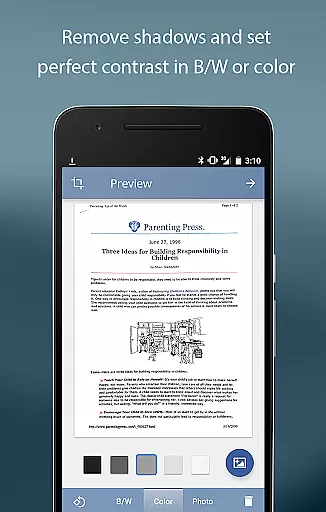
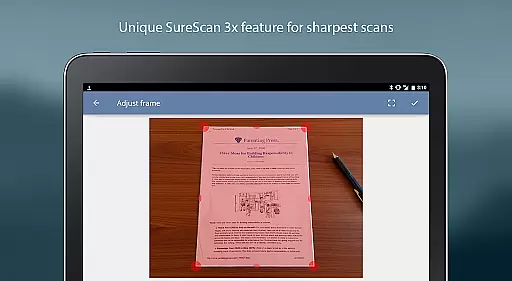
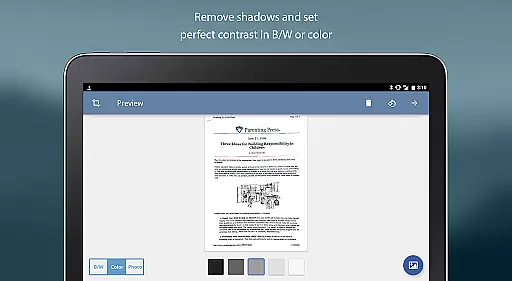
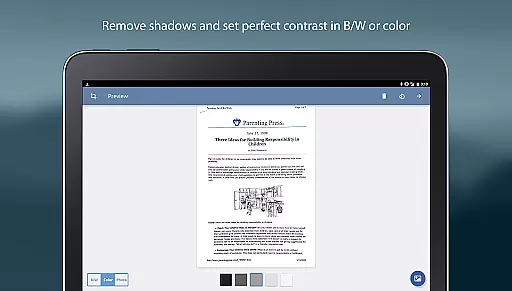
TurboScan Pro is a premier mobile scanning solution that transforms your smartphone into a sophisticated multipage scanner. Designed for business professionals and individuals alike, this app excels in capturing high-quality scans of documents, receipts, notes, whiteboards, and photos. The application's core functionality lies in its advanced algorithms that automatically detect document edges, correct perspective, and optimize contrast for professional-grade scans.
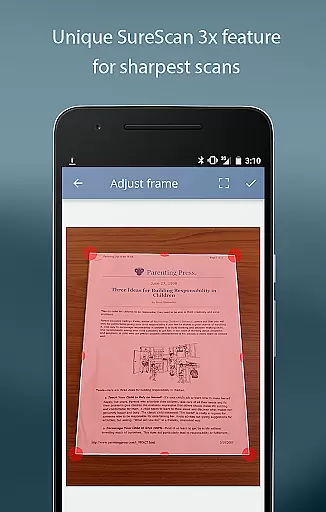
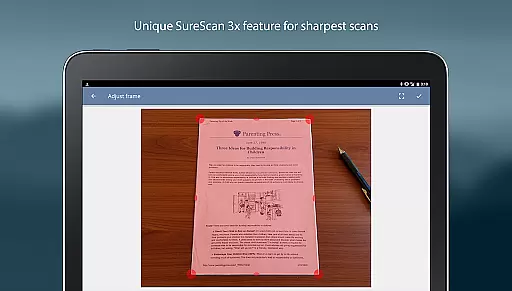
What sets TurboScan Pro apart is its proprietary SureScan mode, which ensures razor-sharp results even in challenging lighting conditions. The app maintains complete data confidentiality by processing all documents locally on your device without requiring an internet connection. Its comprehensive feature set includes multipage PDF creation, document management tools, and seamless integration with popular cloud storage services, making it an indispensable tool for modern business operations.
TurboScan Pro distinguishes itself through its robust feature set designed to enhance productivity. The app's automatic edge detection and perspective correction work in tandem to produce perfectly aligned scans, while its ultra-fast processing speed ensures each page is ready within three seconds. Users can organize their digital documents efficiently through features like document naming, in-app storage, and search capabilities.
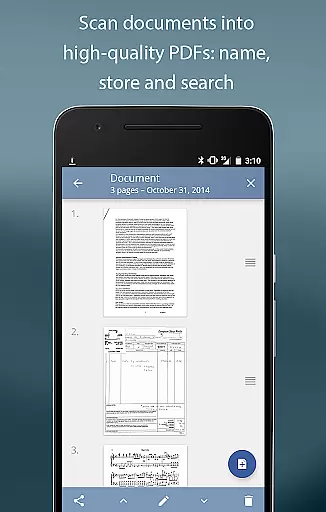
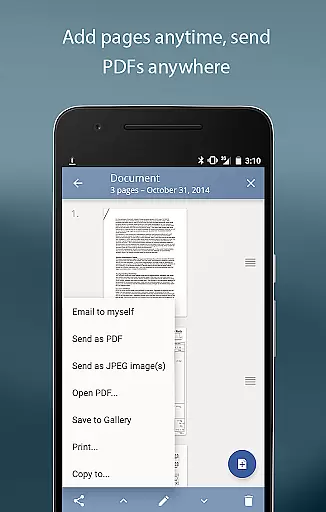
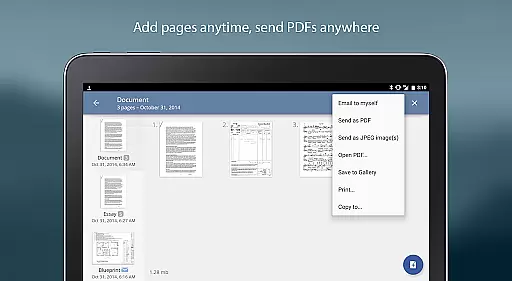
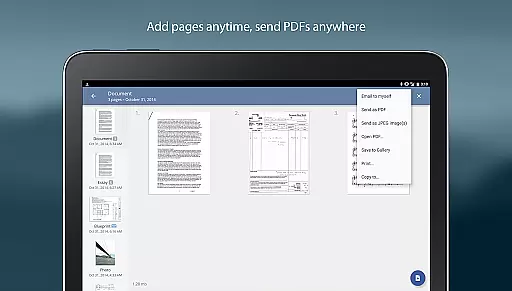
The application's versatility extends to its multipage editing functions, allowing users to add, reorder, and delete pages with ease. Its unique "Email to myself" feature streamlines document sharing, enabling quick transmission to predefined addresses or direct uploads to cloud services like Evernote. Additionally, the app provides flexible export options, including PDF, JPEG, and PNG formats, while supporting integration with various third-party applications for cloud storage and printing purposes.
In today's fast-paced business environment, the ability to collaborate effectively is crucial. TurboScan Pro enhances team productivity by offering features that support collaborative work.
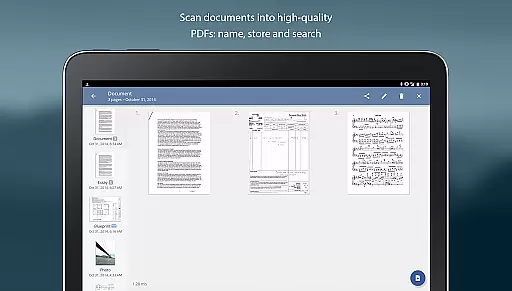
With TurboScan Pro, users can quickly scan documents and convert them into multipage PDF or JPEG files. These digital copies can be easily shared with team members through email or uploaded directly to cloud services like Evernote, ensuring everyone has access to the latest documents.
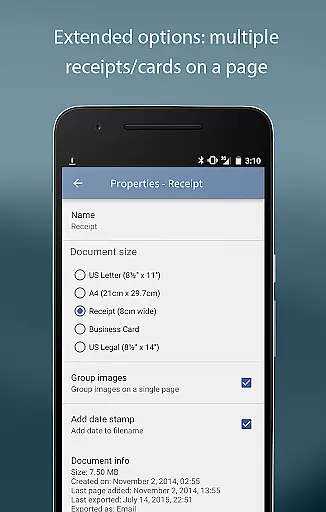
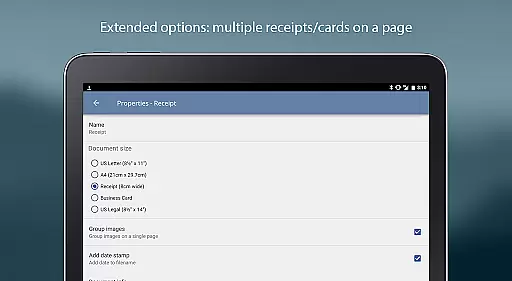
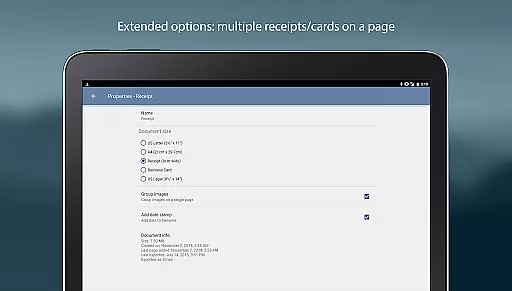
The app also allows arranging multiple receipts or business cards on a single PDF page, which simplifies expense reporting and contact sharing within teams. This feature not only saves time but also reduces errors associated with manual data entry.
Furthermore, TurboScan Pro supports integration with various third-party apps such as Dropbox, Google Drive, and OneDrive. This compatibility enables seamless document management across different platforms, enhancing workflow efficiency and promoting better collaboration among team members.
Effective task management is essential for maintaining productivity and meeting deadlines. TurboScan Pro offers robust tools that help users manage their tasks efficiently.
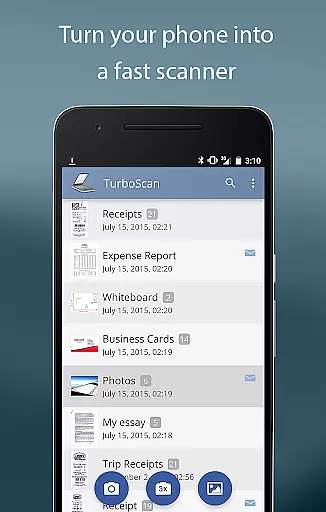
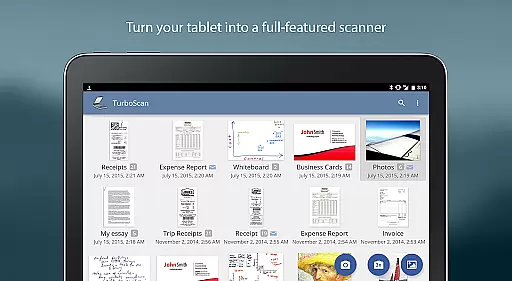
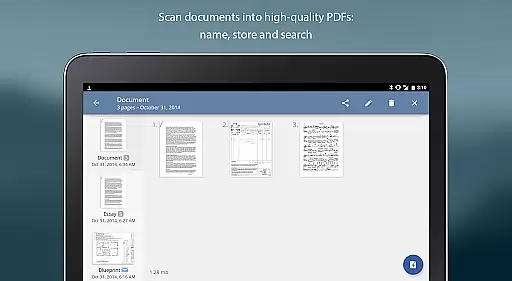
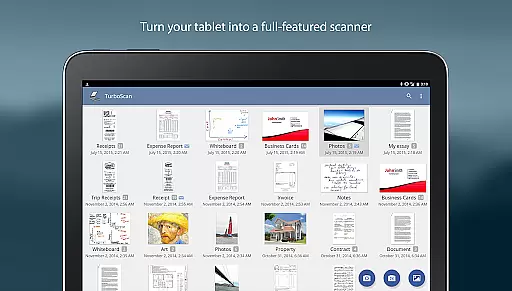
One of the standout features of TurboScan Pro is its ability to store scanned documents within the app. Users can name and organize these documents, making it easy to locate specific files when needed. The search functionality further enhances this capability, allowing users to find documents based on keywords or tags.
TurboScan Pro also provides multipage editing options, enabling users to add, reorder, and delete pages within a document. This flexibility ensures that all necessary information is included and presented in the correct order, streamlining the review and approval processes.
Additionally, the 'Email to myself' feature allows users to send important documents to a predefined email address with just one tap. This quick action helps keep personal and professional tasks organized, ensuring that critical documents are always accessible and up-to-date.
Advanced document processing algorithms
Proprietary SureScan technology
Comprehensive file format support
Robust document management features
Local processing ensures data security
Premium features require subscription
Interface may overwhelm new users
Limited free storage capacity
Advanced settings are complex
Occasional performance slowdowns

Convert Your Lovable.dev Website into a Mobile App Instantly!
 4.5
4.5
Earn free swag, G-Cards & food • Enter sweepstakes • Find stores • So much more.
4.70
Delivery Track App - Tracking with Fedex, USPS, UPS, DHL. Monitor your Orders.
3.20
All your team communication in one place
4.70
We are a dynamic team of creatives people of design, marketing, web & apps
3.00
Access All PDF Files
3.40
Collaborate seamlessly with Google Chat, part of Google Workspace
4.50
ADP Mobile Solutions is an employee self service app
4.50
On the go? Take FedEx with you.
4.00
GoTo Mobile is a simple & secure calling, messaging & meetings solution
4.80
No more passwords, easier sign-in, and greater protection for your accounts.
4.60
ANDROID'S TOP MOBILE OFFICE - Word, Excel, PowerPoint and PDF at your fingertips
4.50
Master crypto trading with real-time simulations and exciting challenges!
4.50
Formerly Facebook Ads Manager. Manage and create ads on the go.
4.20
VSD Viewer - Visio Drawings Viewer for Android Preview VSD, VDX, VSDX drawings
4.10
The All-in-One File Manager for Phone, TV, Watch, Cars, XR / VR, Chromebook
4.10
Find flexible, hourly jobs hiring near you in restaurant, retail & hospitality!
4.00
viewing and sharing of PDFs
3.60
view, manage, and share every PDF file you have
3.60


User Reviews