
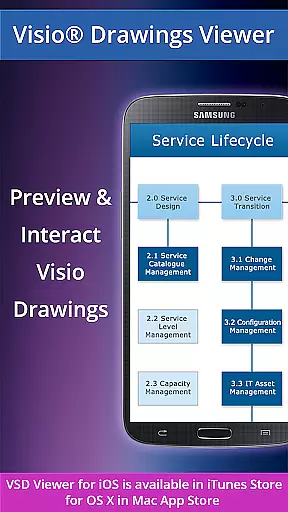
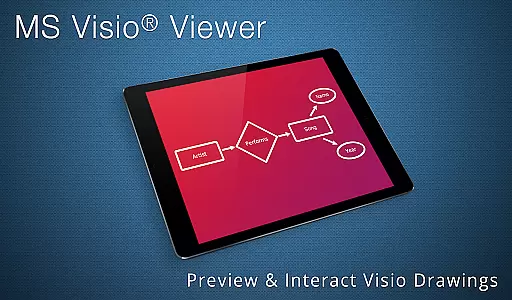
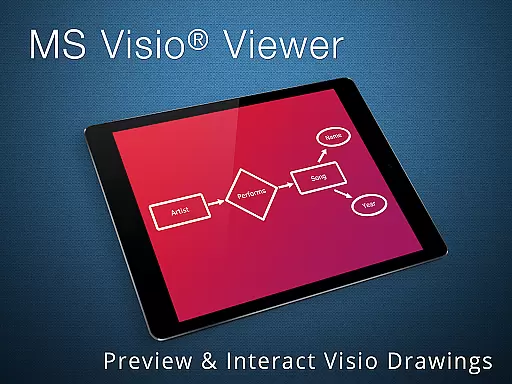
VSD Viewer is a specialized application for Android that enables users to open and render MS Visio drawings seamlessly. It supports various Visio file formats such as VSD, VDX, and VSDX, including versions up to Visio 2013. This makes it an essential tool for professionals who need to view Visio drawings on the go.
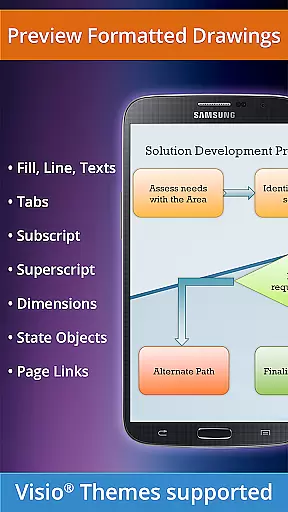
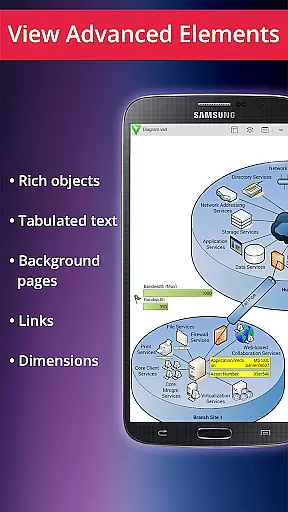
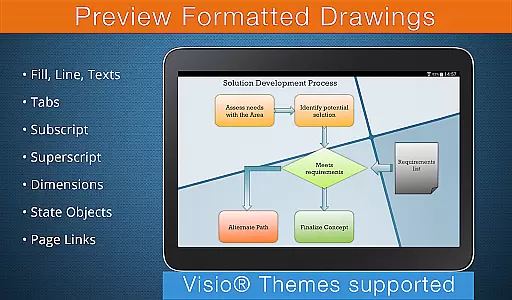
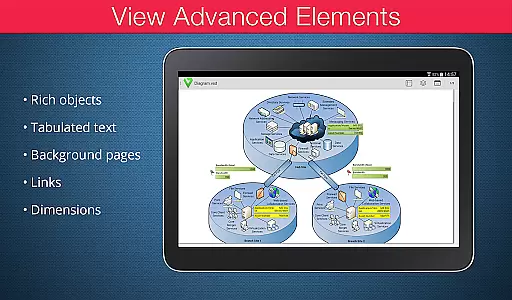
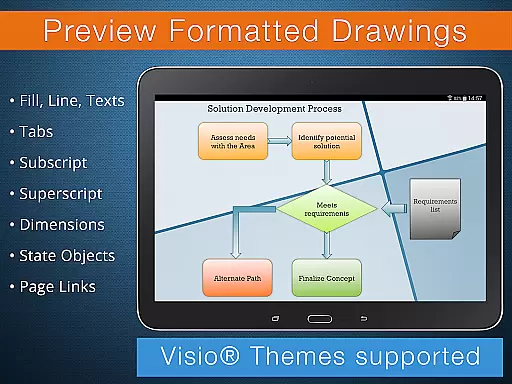
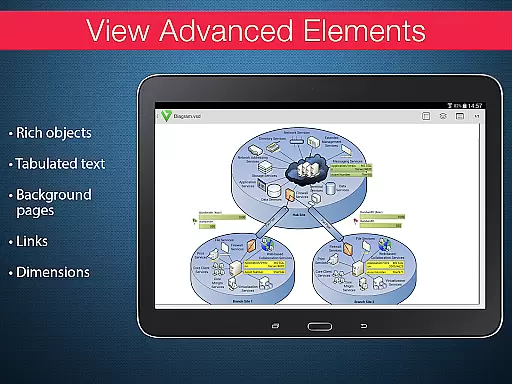
The app offers extensive functionality, allowing users to scroll, zoom, and navigate through multipage documents effortlessly. It accurately displays complex formatted objects, including gradients, text formatting, and tabulated texts often found in technical diagrams. Additionally, users can control the visibility of layers and guides, providing a customizable viewing experience.
While VSD Viewer does not allow editing, its ability to handle large and complex documents efficiently adds significant value for business users who require reliable access to their Visio files without needing a full version of Visio installed on their device.
VSD Viewer is designed to provide comprehensive access to MS Visio drawings on Android devices. The application supports a wide range of Visio file formats including VSD, VDX, and VSDX, ensuring compatibility with drawings from MS Visio 2000 to 2013.
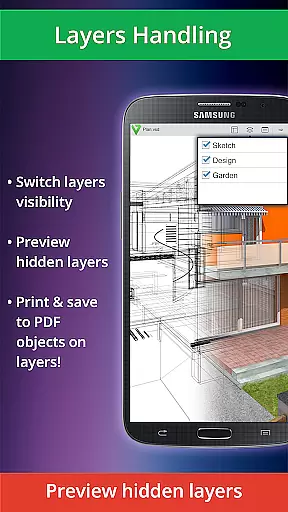
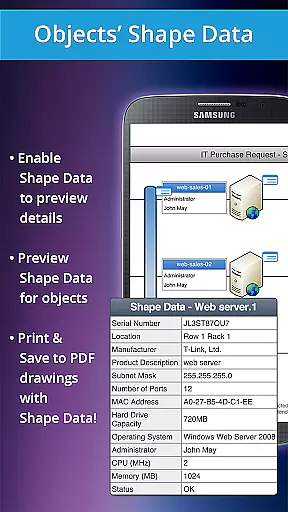
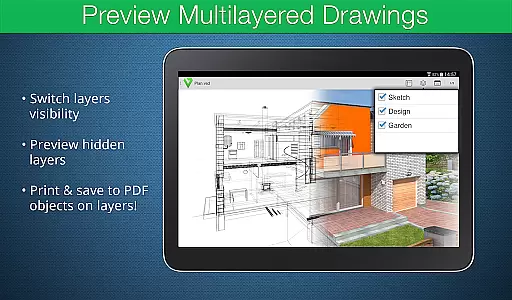
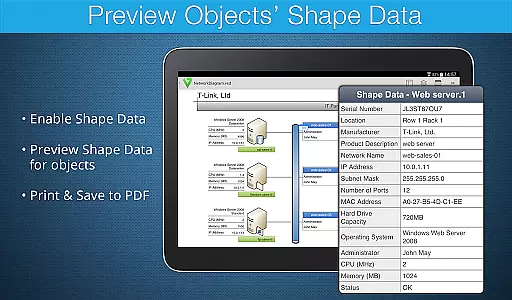
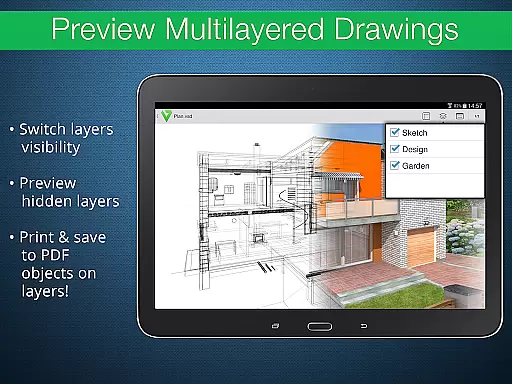
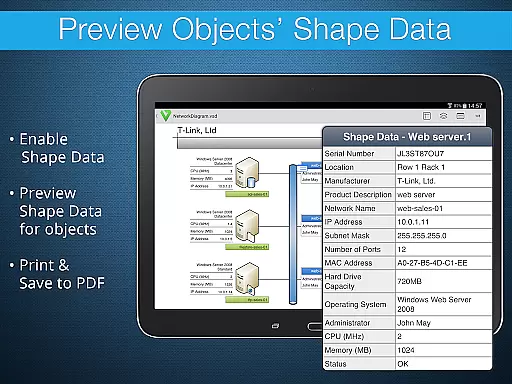
Users can take advantage of both basic and advanced viewing options. Basic features include smooth scrolling, zooming, and navigating through multipage documents. You can copy text, view complex formatted objects, and switch the visibility of document guides. Advanced options allow users to preview hidden layers, toggle layer visibility, and inspect shape data.
The app also handles documents with hidden objects and those where objects extend beyond page boundaries. With support for original dimension units and MS Visio 2013 themes, VSD Viewer ensures accurate and authentic representation of Visio drawings.
In today's interconnected work environments, the ability to collaborate effectively is crucial. VSD Viewer for Visio Drawings facilitates this by allowing teams to access and review MS Visio drawings on Android devices. This ensures that all team members, regardless of location, can stay informed and contribute to projects.
The application supports a variety of file formats including VSD, VDX, and VSDX, making it versatile for different project needs. Users can scroll through multi-page documents, zoom in for detail, and navigate efficiently. These features ensure that collaborative efforts are not hindered by technical limitations, providing a seamless experience when reviewing complex diagrams or technical drawings.
Moreover, the option to copy drawing texts allows users to extract important information quickly. The visibility of layers can be toggled, enabling teams to focus on specific parts of a drawing without distraction. This level of control enhances productivity and ensures that all stakeholders have a clear understanding of project details.
By offering these collaborative work features, VSD Viewer empowers businesses to maintain efficient communication and decision-making processes. Whether working remotely or in-office, teams can rely on this tool to keep their workflows uninterrupted and their projects on track.
Effective task management is essential for maintaining productivity and meeting deadlines. With VSD Viewer for Visio Drawings, users gain access to advanced functionalities that streamline task handling within MS Visio projects. This app transforms how tasks associated with technical diagrams and multilayered drawings are managed on Android devices.
One standout feature is the ability to preview hidden layers and switch layer visibility. This functionality is particularly beneficial when managing complex projects that involve multiple components or stages. By isolating specific layers, users can focus on individual tasks without being overwhelmed by the entire project scope, thus improving both efficiency and accuracy.
Additionally, the viewer supports viewing objects' shape data, which is critical when dealing with detailed technical diagrams. Teams can extract precise information needed for specific tasks, ensuring that every aspect of a project is addressed meticulously. The support for formatted objects like lines, colors, gradients, and text formatting further aids in conveying task-specific details clearly.
VSD Viewer stands out as a robust solution for task management within Visio projects. Its comprehensive feature set not only simplifies task handling but also enhances overall project coordination, making it an invaluable tool for businesses relying on precise and organized workflows.
Wide format support
Advanced viewing
Layer visibility
Authentic display
User-friendly
Limited file format
No editing features
Internet required
Large files slow
Complex UI

 4.70
4.70
GoTo Mobile is a simple & secure calling, messaging & meetings solution
4.80
Ask Accio anything about business. Alibaba-backed, built by experts, not just AI
4.60
Find the right fit, faster.
4.70
enjoy effortless PDF reading anytime, anywhere
3.90
A secure, all-in-one team collaboration app
4.30
All your team communication in one place
4.70
ADP Mobile Solutions is an employee self service app
4.50
Make money as a delivery driver with DoorDash and work when you want as a Dasher
4.30
We help people get jobs
4.70
Ship, Track, Find a Location or Get a Quote with UPS. Anytime. Anywhere.
4.60
The app that lets you deliver with Amazon.
4.50
Formerly Facebook Ads Manager. Manage and create ads on the go.
4.20
FX Plus adds media, networking, and cloud capabilities to FX File Explorer.
4.10
Find flexible, hourly jobs hiring near you in restaurant, retail & hospitality!
4.00
Zoom built for Chrome OS
3.90
Take the stress out of storage with the all-in-one app to manage your space.
3.70
Delivery Track App - Tracking with Fedex, USPS, UPS, DHL. Monitor your Orders.
3.20
We are a dynamic team of creatives people of design, marketing, web & apps
3.00


User Reviews