
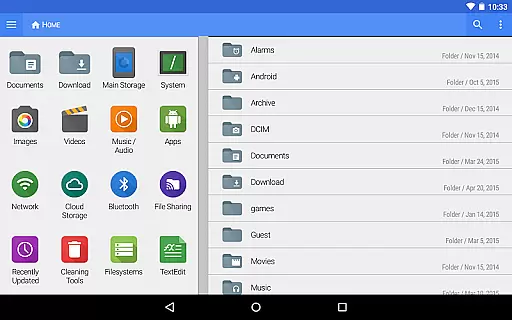
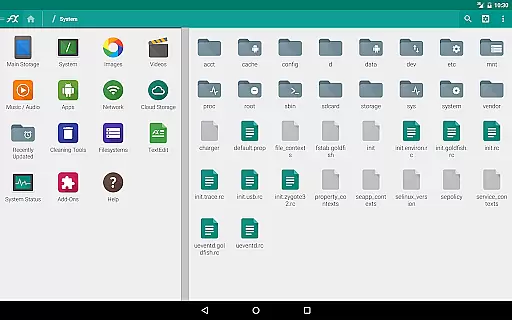
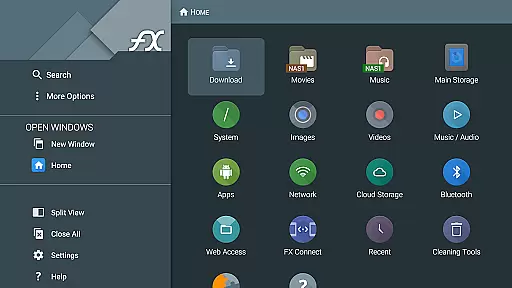
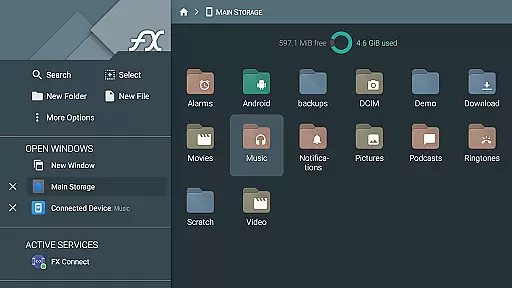
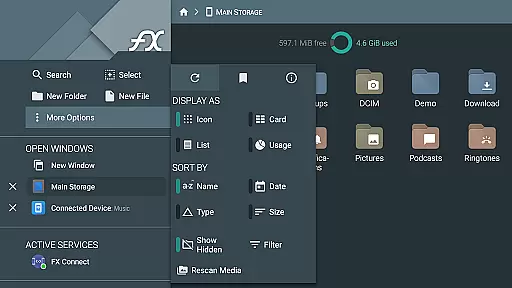
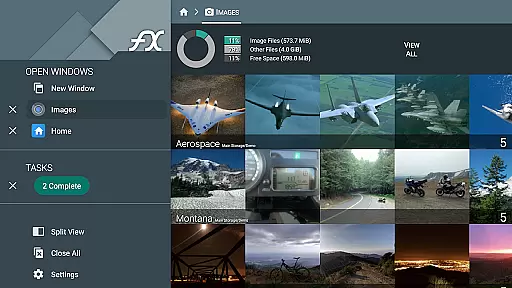
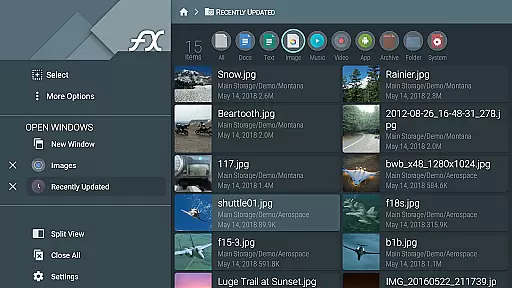


FX File Explorer is a powerful business tool designed to enhance file management and media capabilities on your mobile device. This application extends its core functionality by integrating advanced networking and cloud features, making it an essential utility for professionals.
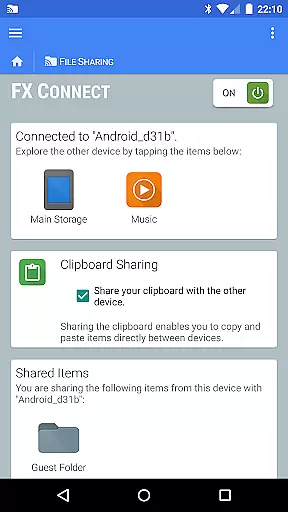
The app allows users to manage files with AES encryption, browse multimedia libraries, and access network shares through various protocols like SMB, FTP, and WebDAV. With FX Connect, you can transfer files directly between devices using NFC or Wi-Fi, streamlining collaboration in business environments.
Whether you're organizing documents, managing media collections, or accessing cloud storage services, FX File Explorer provides a comprehensive solution that increases productivity while maintaining robust security standards.
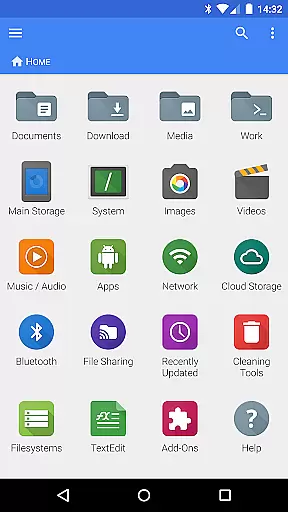
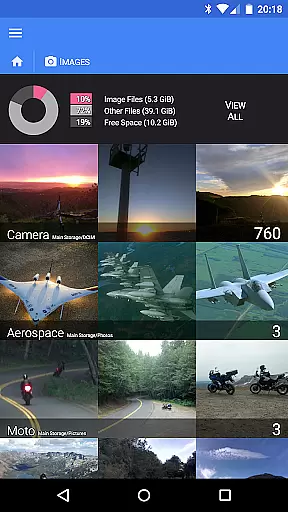
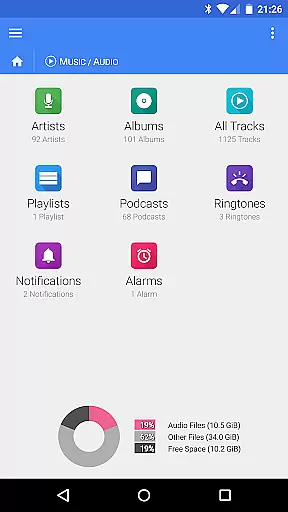
FX File Explorer offers an extensive range of features tailored for business users. The application supports creating and extracting AES-encrypted zip files, allowing secure file management without full decryption. It includes dedicated media browsing capabilities for images, videos, and audio collections.
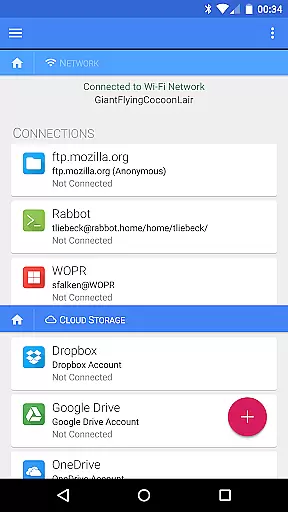
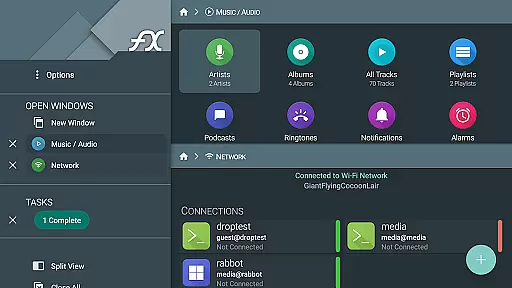
Network functionality is a key strength, with support for Windows networking (SMB), multiple FTP variations, SSH FTP, and WebDAV protocols. The app enables streaming media from various cloud services directly to your device's media player, enhancing accessibility.
Additional features include FX Connect for device-to-device transfers, FX Web Access for remote management through web browsers, and comprehensive Bluetooth capabilities including OBEX Push and FTP client functionality.
FX File Explorer offers robust collaborative work features that are essential for modern business environments. The application supports various network and cloud capabilities, allowing teams to share and manage files across different platforms seamlessly. With integrated support for Google Drive, Dropbox, and other cloud services, team members can access shared documents from any location.
The app's FX Connect feature enables direct file transfers between devices, making it easy to share large files without relying on external services. Additionally, the FX Web Access functionality allows users to manage files through a computer's web browser, providing flexibility in collaborative scenarios. These features ensure that all team members can stay connected and productive regardless of their physical location.
Moreover, FX File Explorer includes secure FTP and SSH FTP protocols, ensuring that data shared among team members remains protected during transmission. This level of security is crucial for businesses handling sensitive information. By incorporating these advanced networking capabilities, FX File Explorer facilitates efficient and secure collaboration, empowering teams to work together effectively.
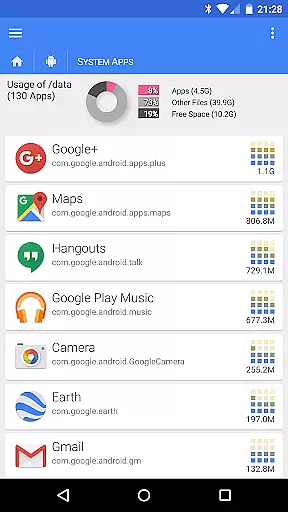
Effective task management is vital for productivity, and FX File Explorer excels in this area by offering comprehensive tools for organizing and managing tasks. The app provides a structured environment where users can easily browse and manage installed applications, media files, and network resources, streamlining daily workflows.
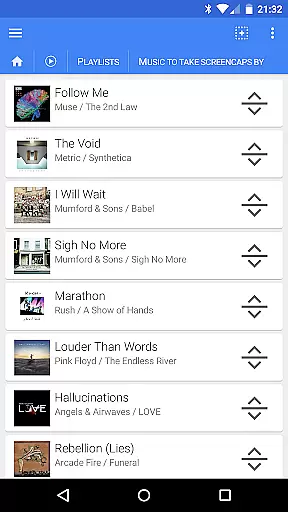
One standout feature is the ability to rearrange playlists with drag-and-drop functionality, which also supports multiple file selections. This makes it simple to organize media libraries or document repositories efficiently. Additionally, the app's encrypted zip file creation and extraction capabilities allow users to handle sensitive data securely without compromising convenience.
FX File Explorer also enhances task management through its local network browsing capabilities. Users can discover Windows shares, FTP, and SSH FTP local network shares using multicast DNS service discovery. This ensures that all necessary resources are readily accessible, enabling users to complete tasks more efficiently. Overall, FX File Explorer's robust task management features contribute significantly to improved productivity and organization.
Advanced encryption options
Wide protocol support
Comprehensive media management
Secure cloud integration
Efficient file sharing
Complex for beginners
Separate license required
Limited free features
High system requirements
Occasional connection issues

GoTo Mobile is a simple & secure calling, messaging & meetings solution
 4.80
4.80
Measure distances, surfaces and draw plans in seconds with CamToPlan!
4.40
Manage Your Shop
4.70
Take the stress out of storage with the all-in-one app to manage your space.
3.70
Paychex Flex - Save Time and Stay Connected
4.60
Deliver and earn money
4.30
view, manage, and share every PDF file you have
3.60
Collaborate seamlessly with Google Chat, part of Google Workspace
4.50
Smarter career moves start here. AI job alerts, insights & the right tools.
4.20
Earn free swag, G-Cards & food • Enter sweepstakes • Find stores • So much more.
4.70
Find jobs near you and temp work in minutes, from your phone.
4.50
From Gone to Back Again — In Just a Few Taps
4.50
Earn crypto with secure cloud mining. Monitor, track & withdraw easily
4.40
Find work, shifts and gigs near you. Jobs lasting a few hours to a few months.
4.30
Scan Business Cards & Conference Badges - Capture Leads at Events & Tradeshows
4.20
The All-in-One File Manager for Phone, TV, Watch, Cars, XR / VR, Chromebook
4.10
Shop, deliver, and earn with the Spark Driver™ App
4.10
enjoy effortless PDF reading anytime, anywhere
3.90
Get your benefits on-the-go.
3.80


User Reviews