
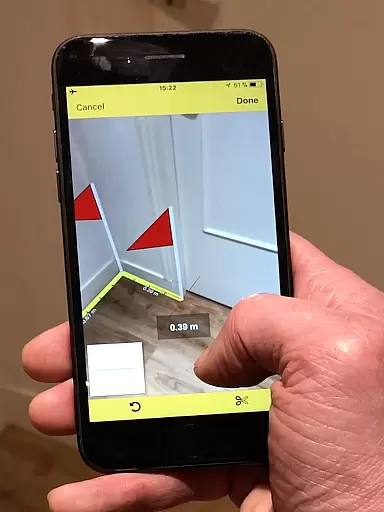
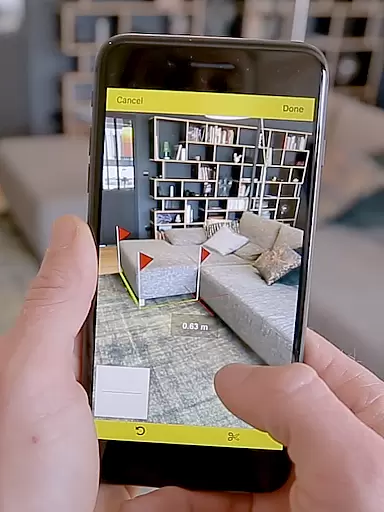
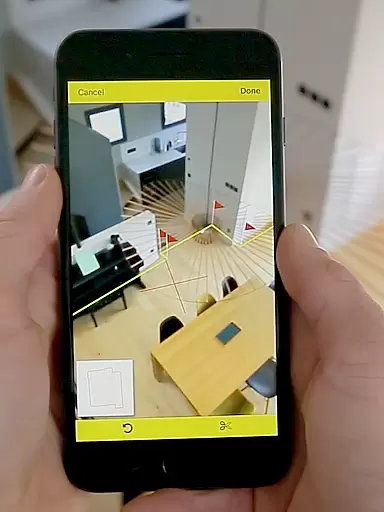
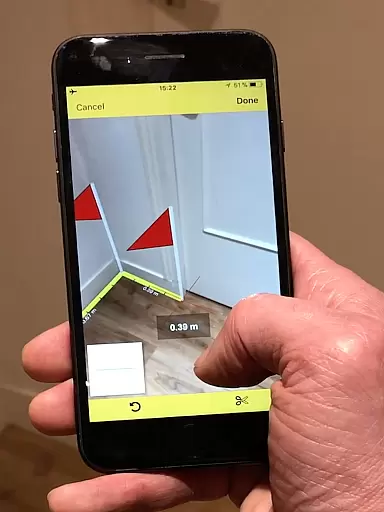
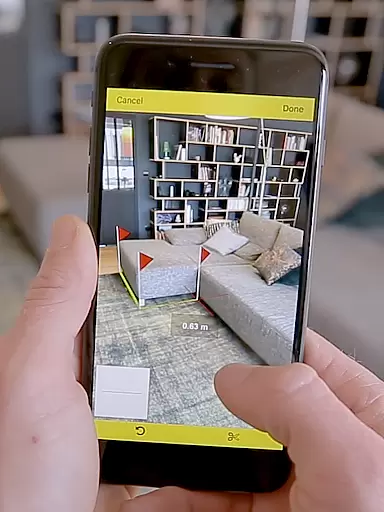
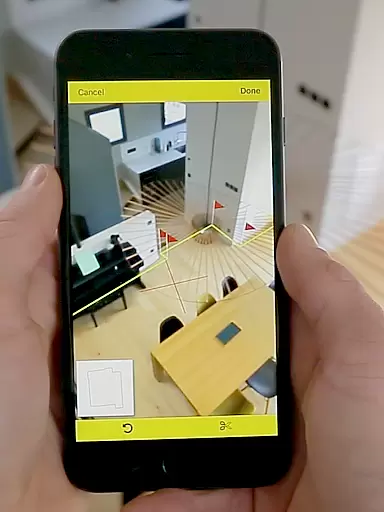
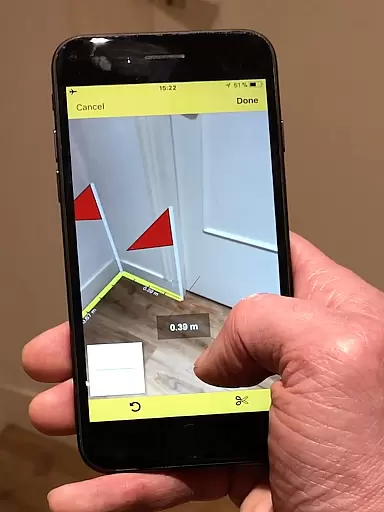
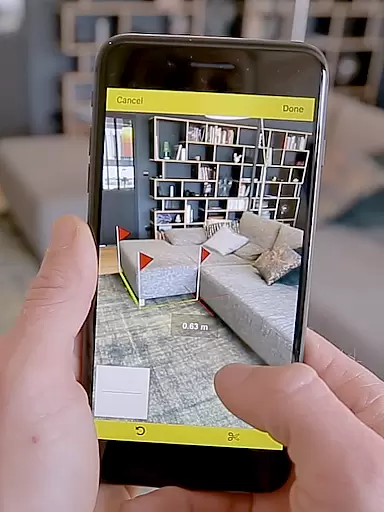
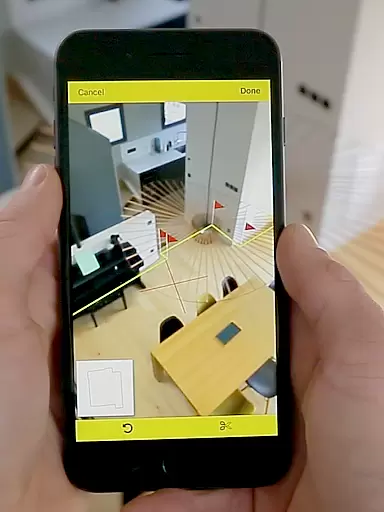
CamToPlan is a revolutionary business application that leverages augmented reality to provide effortless measurement solutions. This app allows users to measure distances and surfaces both horizontally and vertically directly on their device screens, as if holding a real tape measure in 3D space. The precision offered by CamToPlan makes it an essential tool for professionals such as architects and decorators, as well as for DIY enthusiasts.
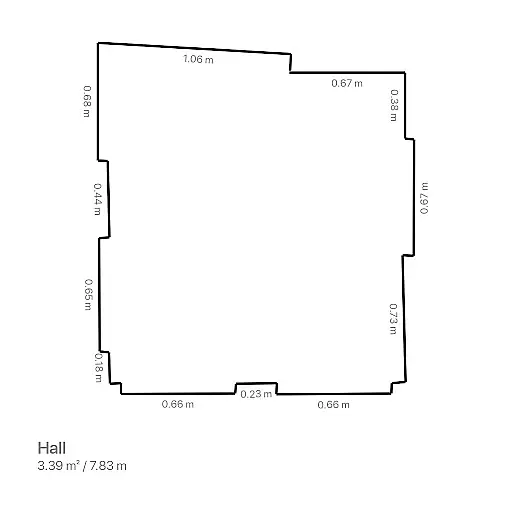
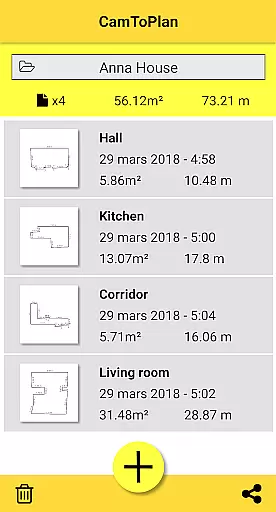
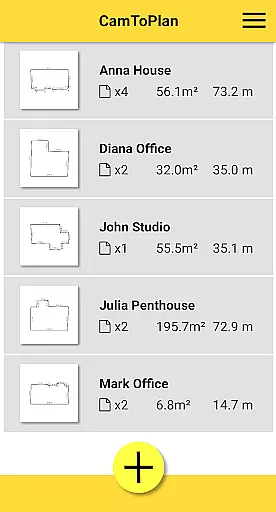
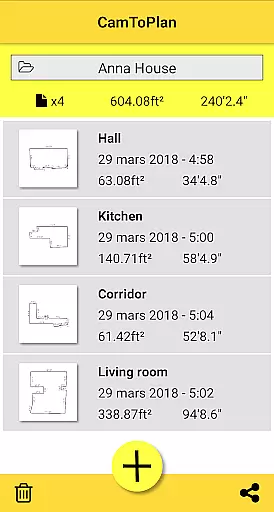
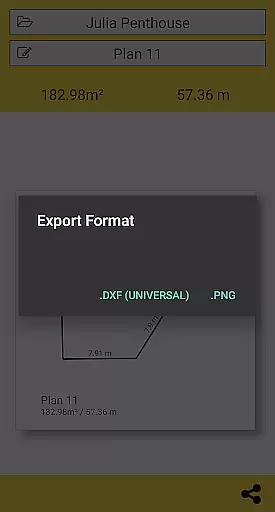
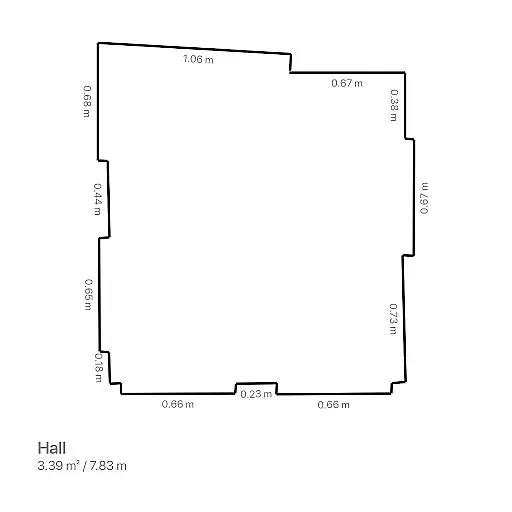
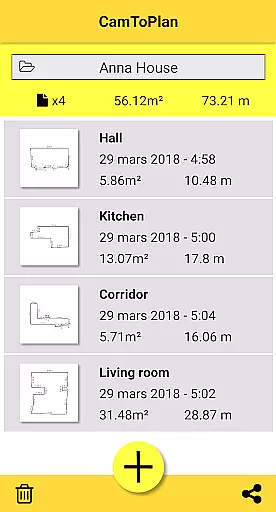
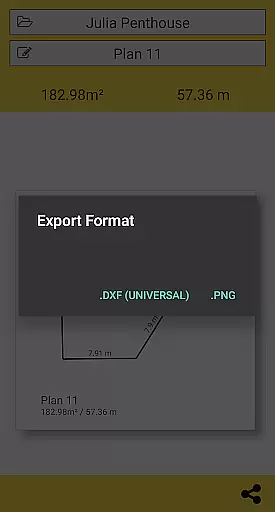
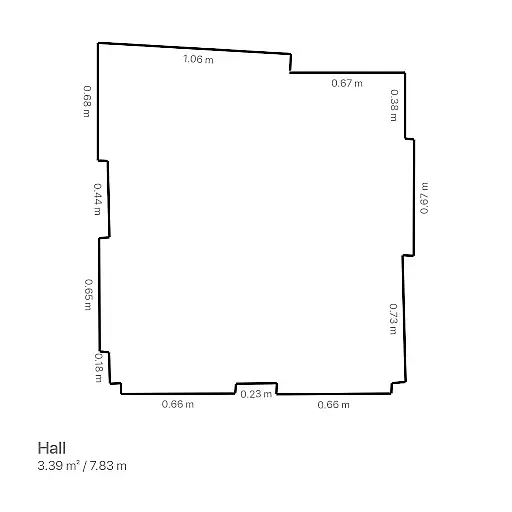
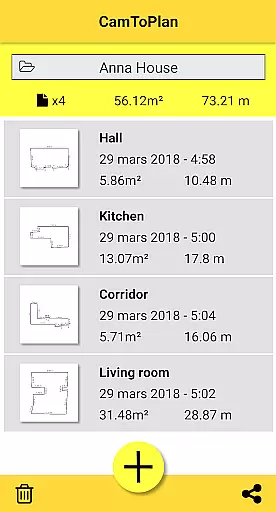
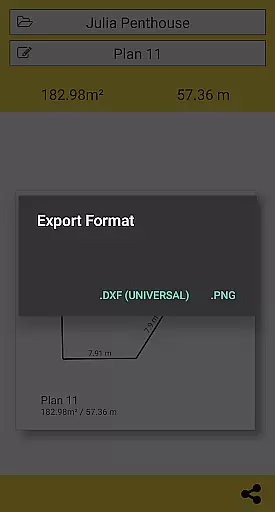
The app's standout feature is its ability to instantly calculate areas and draw room plans with all measured dimensions. Users can export this data in PNG or DXF formats and manage folders seamlessly. With just one click, these plans can be shared via email, messages, or social media platforms. Whether measuring baseboards, walls, or furniture dimensions, CamToPlan eliminates the need to kneel or manually input measurements.
CamToPlan is designed for optimal performance under good lighting conditions and works best on textured floors without excessive reflections. It automatically determines intersection points between the floor and target points, even if obscured by furniture. Available in both metric and imperial units, this app provides flexibility and convenience for various professional needs.
CamToPlan offers a rich set of features tailored for efficient measurement and planning tasks. One of its key functionalities is the ability to measure distances both horizontally and vertically using the device's video feed. This innovative approach allows users to take precise measurements of baseboards, walls, furniture dimensions, and carpets without needing to physically interact with the environment.
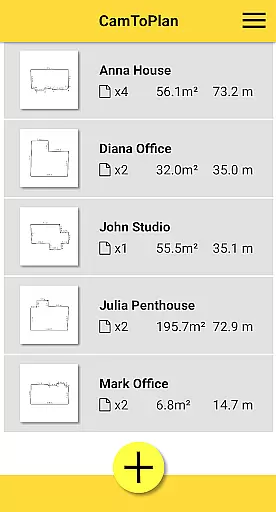
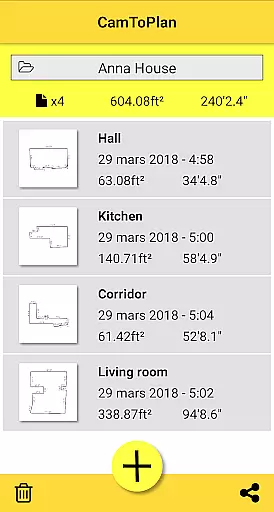
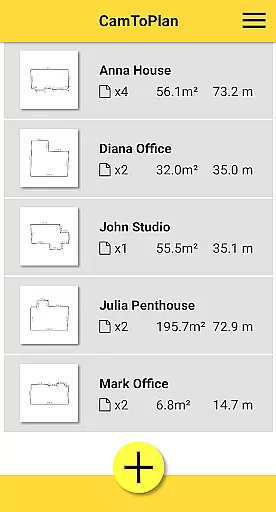
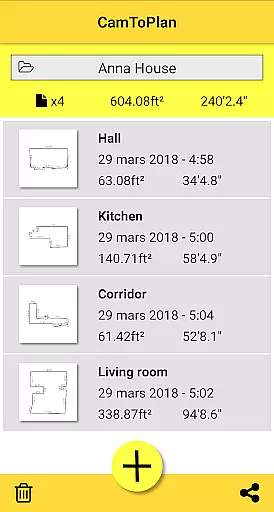
The app stands out with its automatic calculation of areas in square meters or square feet and its capability to draw detailed room plans. These plans include all measured dimensions and can be exported in PNG or DXF formats, facilitating easy sharing and integration into professional workflows. Additionally, CamToPlan supports folder management, enabling organized storage and retrieval of project data.
Another notable feature is the app's adaptability to different environments. It performs optimally under good lighting conditions and on textured floors, automatically identifying visual details necessary for accurate measurements. Users can select between metric and imperial units, ensuring compatibility with international standards. Despite potential challenges with certain floor tiles, CamToPlan delivers reliable results through advanced image analysis techniques.
CamToPlan revolutionizes collaborative work in the field of architecture and interior design by offering seamless measurement capabilities. The app allows multiple users to contribute to a project by providing accurate measurements that can be effortlessly shared among team members.
Through augmented reality, CamToPlan enables professionals to measure distances and surfaces both horizontally and vertically with precision. This feature is crucial for teams working on complex projects where exact dimensions are vital for planning and execution.
The ability to export data in PNG or DXF formats further enhances collaboration, allowing users to integrate measurements directly into professional workflows. This ensures that all stakeholders have access to the most up-to-date and accurate information, facilitating better decision-making.
Sharing plans via email, message, or social media with just one click streamlines communication between on-site and office-based team members. This instant exchange of information is essential for maintaining project momentum and ensuring everyone is aligned with the project's progress and requirements.
Effective task management is at the core of CamToPlan's functionality, empowering users to organize and execute their measurement tasks efficiently. The app simplifies the process of capturing precise measurements without the need for traditional tools, thus saving time and reducing errors.
With CamToPlan, users can manage their folders and keep track of various measurement projects systematically. This organizational feature is particularly beneficial for professionals juggling multiple assignments, ensuring that each project's data is neatly categorized and easily accessible.
The app's innovative approach allows for effortless measurement of baseboards, walls, and furniture dimensions. By automatically determining intersection points on the floor, even behind furniture, it eliminates unnecessary manual labor and guesswork, making task completion faster and more reliable.
Moreover, the ability to select Metric or Imperial units caters to a global audience, accommodating different measurement standards and enhancing user experience across regions. This flexibility in unit selection is crucial for accurate task management in diverse professional environments.
User-friendly interface
Augmented reality technology
Instant area calculations
Flexible unit selection
Seamless data export
Requires good lighting
Accuracy not guaranteed
Limited on reflective floors
Occasional measurement errors
Dependent on floor texture

Ask Accio anything about business. Alibaba-backed, built by experts, not just AI
 4.60
4.60
All Your Gig Work. One App.
4.30
FX Plus adds media, networking, and cloud capabilities to FX File Explorer.
4.10
The MyWalmart App is available for all associates in stores.
4.70
Amazon A to Z is the place to manage your work-life at Amazon.
4.50
Drive and earn extra money
4.50
Ship, Track, Find a Location or Get a Quote with UPS. Anytime. Anywhere.
4.60
The app that lets you deliver with Amazon.
4.50
We help people get jobs
4.70
Job search app that finds jobs for you! Takes the work out of looking for a job!
4.90
BuildCalc - the easiest AND the most advanced construction calculator app.
4.80
USPS Mobile®Access USPS.com’s most popular tools on-the-go.
4.70
Chat, meet, and collaborate to achieve more together, all in one place on Teams
4.60
From Gone to Back Again — In Just a Few Taps
4.50
All-in-one Mobile solutions for employees & managers to succeed at work
4.30
All document reader, pdf viewer app, read docs & excel files
3.80
Delivery Track App - Tracking with Fedex, USPS, UPS, DHL. Monitor your Orders.
3.20
Completed Course Lectures on how to use IBM Maximo in Maintenance issues
4.0
Convert Your Lovable.dev Website into a Mobile App Instantly!
4.3


User Reviews