
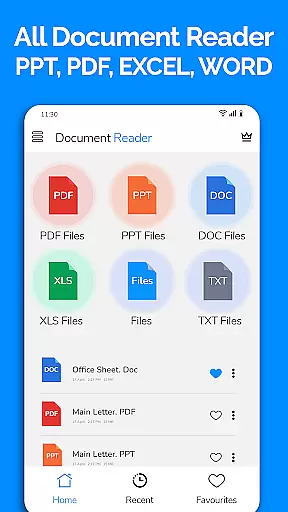
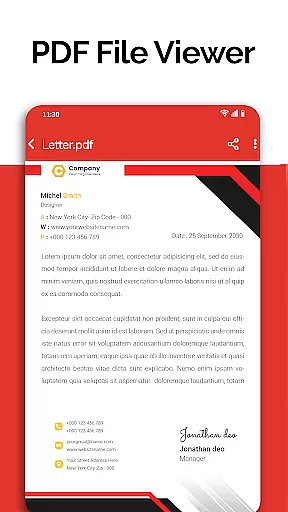
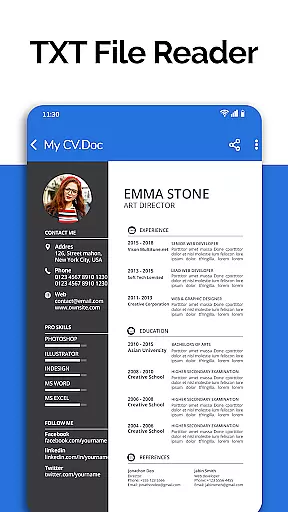
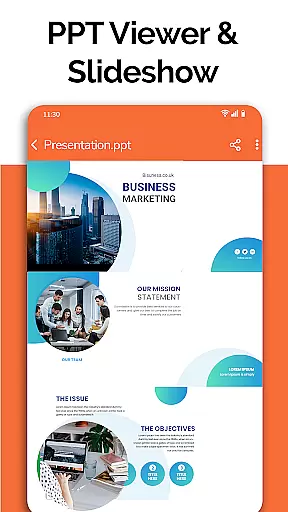
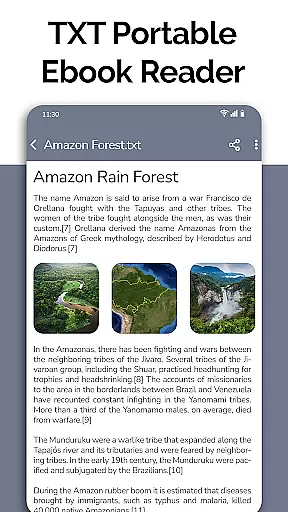
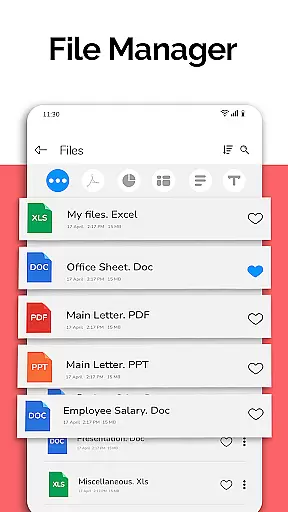
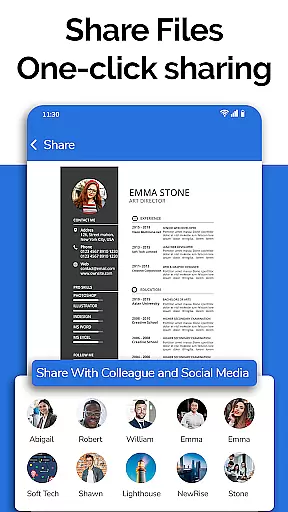
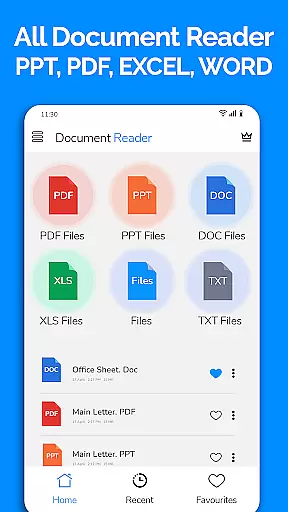
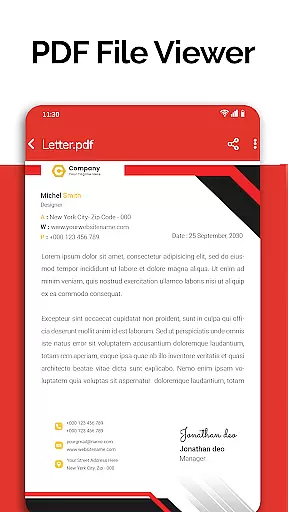
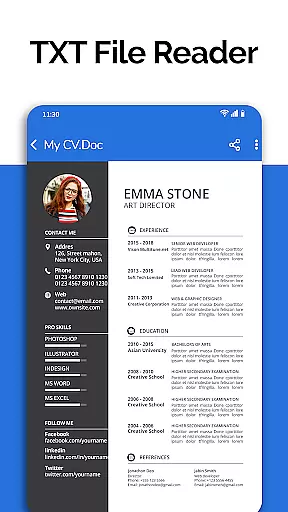
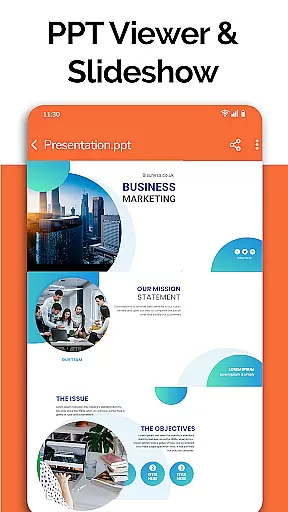
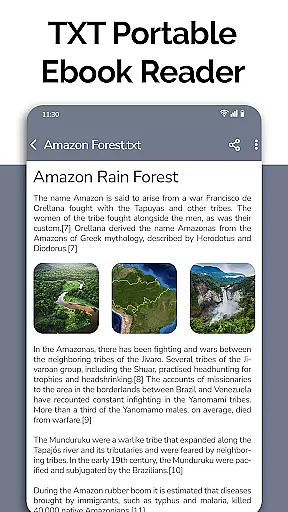
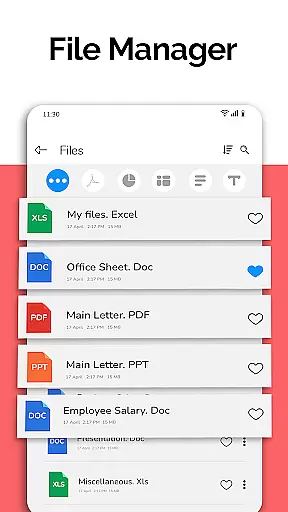
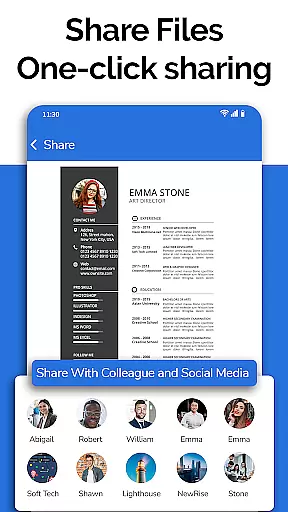
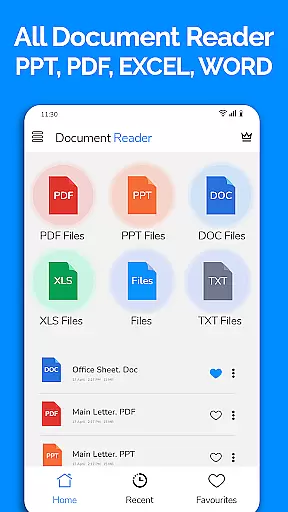
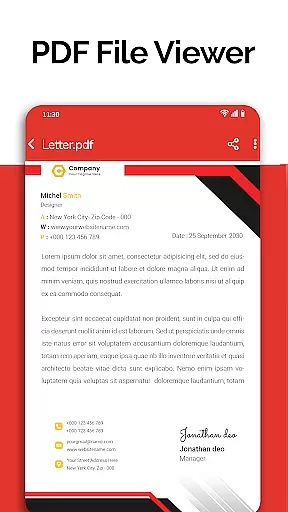
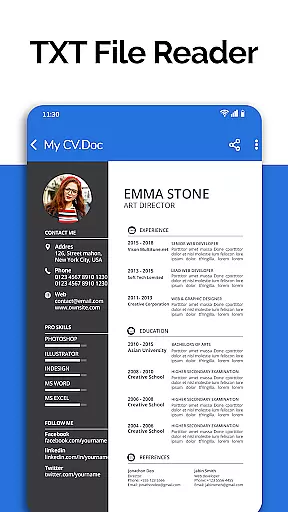
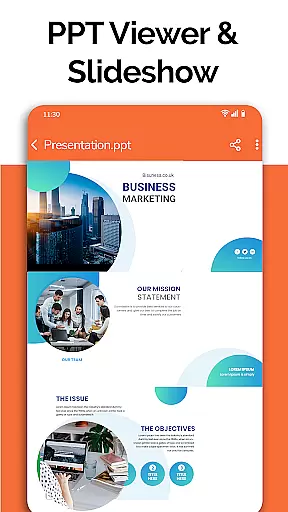
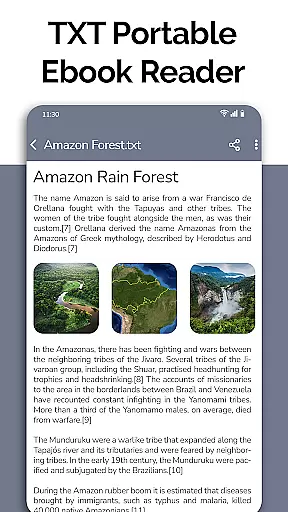
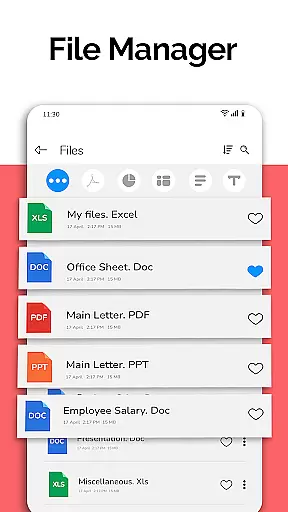
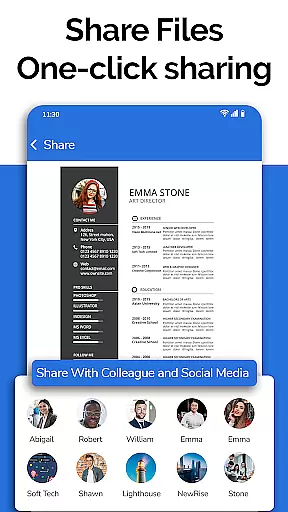
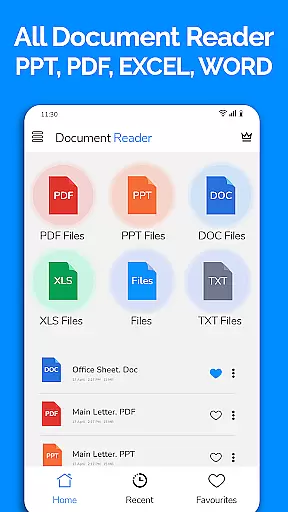
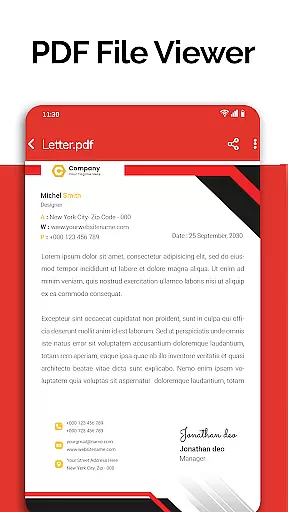
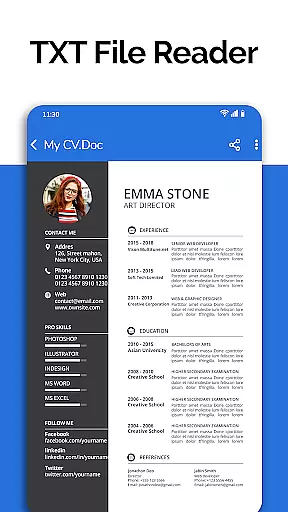
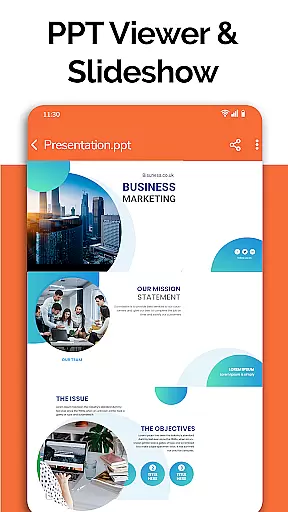
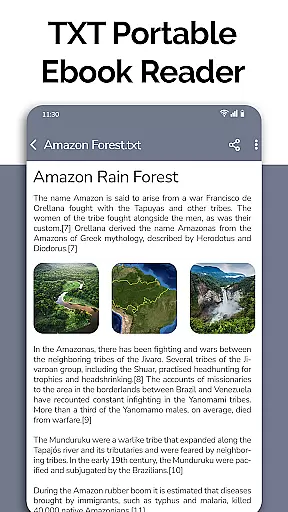
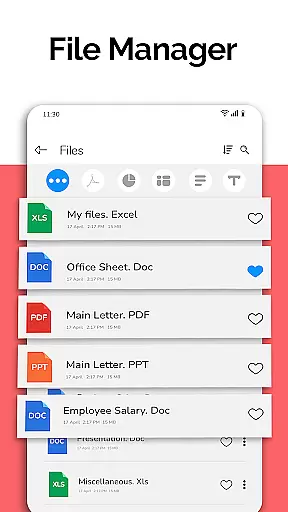
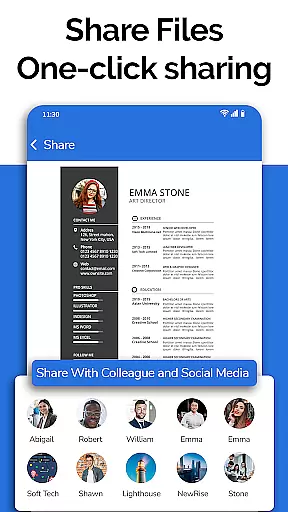
All Document Reader is a comprehensive document management solution designed for business professionals and students alike. This versatile app allows users to open, view, and manage various document formats including Word, PDF, Excel, PowerPoint, and TXT files directly from their mobile devices. With its integrated file manager, users can easily organize, search, and access all their documents in one centralized location.
The application stands out with its specialized viewers and editors for different document types. The PDF reader provides essential functionality for daily document handling, while the PPT editor enables convenient presentation preparation. Particularly noteworthy is the document scanner feature that consolidates multiple functions into a single platform, making it an indispensable tool for mobile productivity. Whether you're reviewing business documents or preparing for exams, this app streamlines your workflow and enhances your document management capabilities.
All Document Reader distinguishes itself through a range of powerful features designed to optimize document handling on mobile devices. The app's automatic document sorting and organization system helps users maintain an efficient digital workspace. Its intuitive user interface enables seamless navigation between different document types, while the built-in file manager provides detailed information about each document, including file path, size, and modification dates.
The application supports comprehensive document interaction, allowing users to not only view but also edit and share various file formats. The upcoming features, including dark mode and voice search, demonstrate the developer's commitment to continuous improvement. Particularly valuable is the ability to handle large files with ease, making it suitable for both small-scale document viewing and extensive business use. These features collectively contribute to a robust document management experience that adapts to various professional and educational needs.
In today's fast-paced business environment, the ability to collaborate effectively is crucial. All Document Reader: PDF Viewer facilitates collaborative work by allowing users to view, edit, and share various document formats including Word, Excel, PowerPoint, TXT, and PDF files directly from their mobile devices.
The app simplifies teamwork by providing a file manager that automatically sorts and organizes documents, making it easy for teams to access the files they need. With options to delete, rename, and share documents, project management becomes more efficient, ensuring that all team members are on the same page.
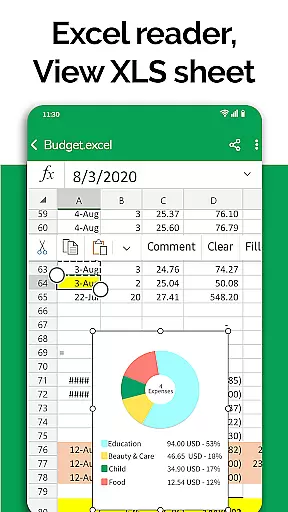
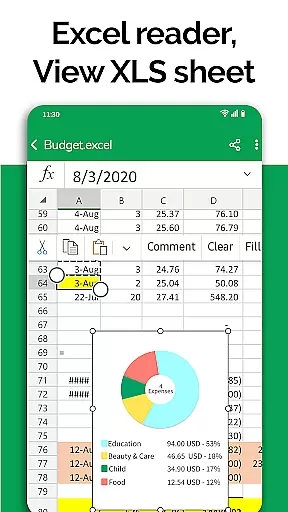
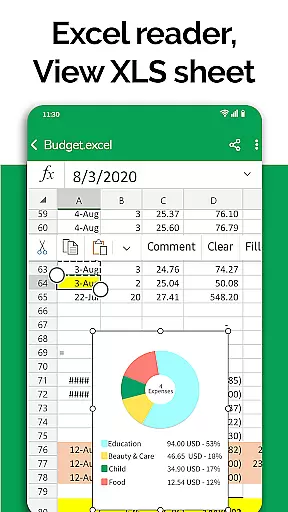
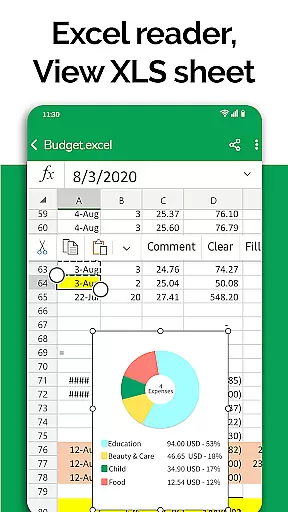
Furthermore, the document editor feature supports preparing presentations and editing Excel files, which can be critical when working on collaborative projects. Users can review charts or budgets and make necessary adjustments on the go, streamlining the collaborative process.
All Document Reader enhances productivity by offering these collaborative work features in a single platform, eliminating the need for multiple applications and ensuring that teams can work together seamlessly regardless of their location.
Effective task management is essential for maintaining productivity and meeting deadlines. All Document Reader: PDF Viewer offers robust task management capabilities by integrating document viewing, editing, and sharing functionalities into one streamlined application.
Users can easily manage tasks associated with different document types such as Word, Excel, PowerPoint, TXT, and PDF files. The app's file manager provides detailed information about each file, including its path, size, and last modification date, helping users keep track of their document-related tasks.
Additionally, the app's automatic organization of documents ensures that users spend less time searching for files and more time focusing on their work. This organized approach to document management allows users to prioritize tasks more effectively and maintain an overview of their responsibilities.
By consolidating task management features within a user-friendly interface, All Document Reader: PDF Viewer empowers users to handle their document-based tasks efficiently, ultimately leading to improved productivity and better time management.
User-friendly interface
Multi-format support
Integrated file manager
Document editing capabilities
Regular updates
Advanced features locked
Occasional bugs
Ads in free version
Limited offline help
Large app size

AI-powered document scanner with auto enhance for perfect PDFs.
 4.60
4.60
VSD Viewer - Visio Drawings Viewer for Android Preview VSD, VDX, VSDX drawings
4.10
Drive and earn extra money
4.50
Recover what matters — quickly and easily.
4.70
A secure, all-in-one team collaboration app
4.30
Use Generative Summary to understand your rental or insurance docs in seconds.
4.70
Delivery Track App - Tracking with Fedex, USPS, UPS, DHL. Monitor your Orders.
3.20
The app that lets you deliver with Amazon.
4.50
Make money as a delivery driver with DoorDash and work when you want as a Dasher
4.30
FaxCover - Create fax cover pages. Works with any app or fax machine.
4.90
Find jobs and make money fast with JobStack.
4.60
Ask Accio anything about business. Alibaba-backed, built by experts, not just AI
4.60
Ship, Track, Find a Location or Get a Quote with UPS. Anytime. Anywhere.
4.60
Say hello to the mobile work experience built to help you thrive at work.
4.30
The Penny Puss app with DG penny finder
4.10
enjoy effortless PDF reading anytime, anywhere
3.90
Windows App allows you to connect to remote PCs and virtual apps.
3.70
Take the stress out of storage with the all-in-one app to manage your space.
3.70
viewing and sharing PDFs and other files—anytime, anywhere!
4.1


User Reviews