
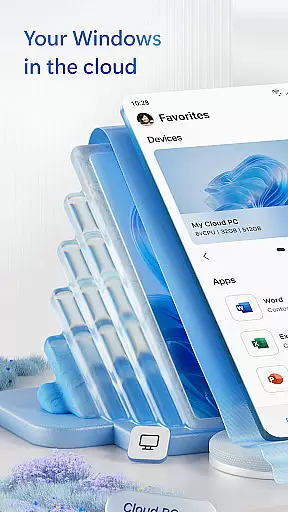
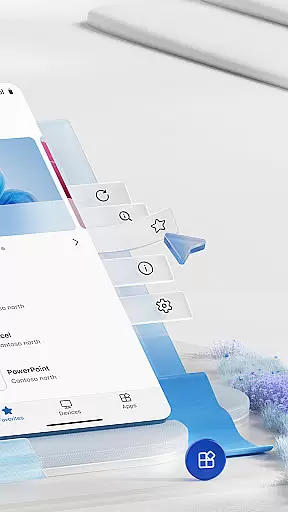
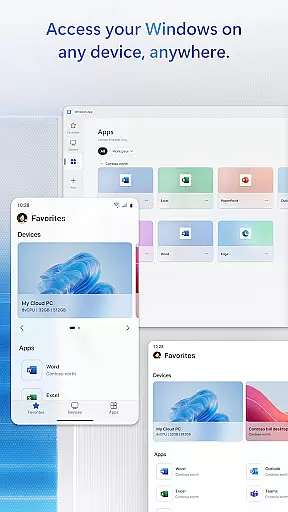
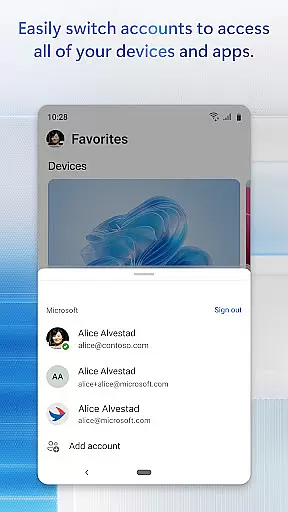
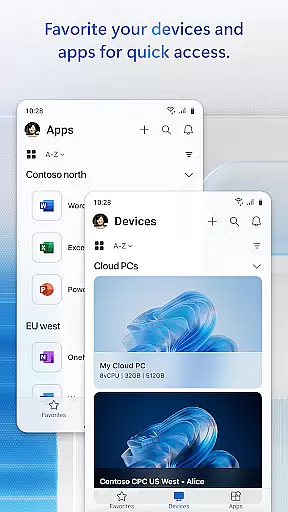
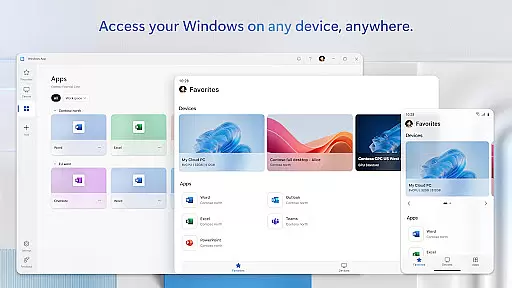
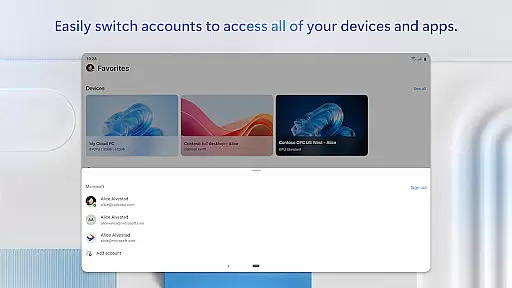
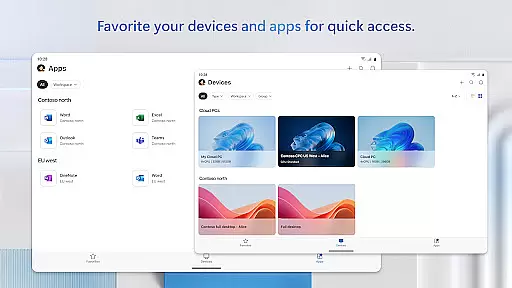
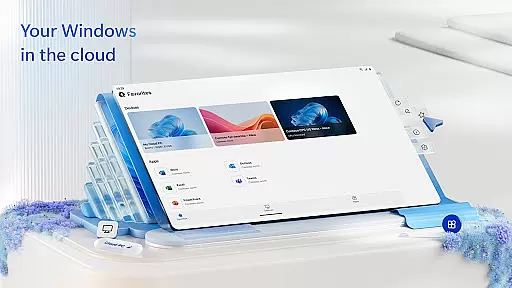
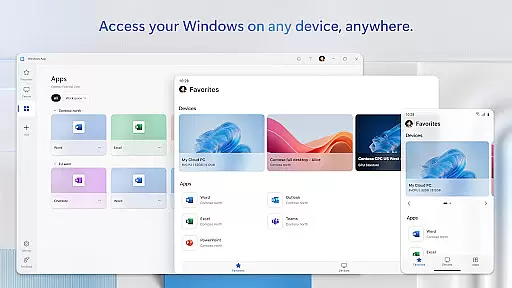
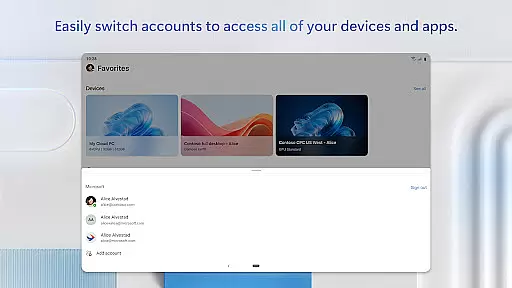
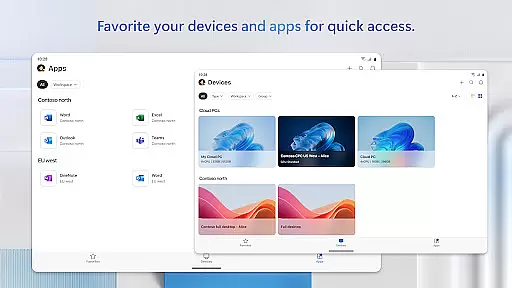
Windows App is a business-oriented remote access solution that enables users to securely connect to various Windows environments. These include Azure Virtual Desktop, Windows 365, Microsoft Dev Box, Remote Desktop Services, and remote PCs. The app ensures secure and efficient access to these resources, making it an essential tool for professionals who need to work remotely.
Designed for versatility, Windows App supports all Android devices running Android 11 and above. This includes tablets, smartphones, VR headsets, and Chromebooks that can run apps from the Play Store. By providing seamless integration with Microsoft's ecosystem, the app allows users to maintain productivity regardless of their location or device.
The true value of Windows App lies in its ability to deliver a consistent and high-quality remote desktop experience. Whether you're accessing cloud-based virtual machines or managing remote workstations, this app provides the tools necessary to stay productive and connected.
Windows App offers a comprehensive set of features tailored for remote work scenarios. One of its standout capabilities is support for multiple remote desktop protocols, ensuring compatibility with various Microsoft services. Users can easily switch between different Windows environments without compromising performance or security.
The app also excels in delivering a native-like experience on mobile devices. With intuitive touch controls and customizable interface options, users can optimize their workflow according to personal preferences. Advanced features like multi-touch gestures and network condition adaptation make remote sessions feel as responsive as working on a physical machine.
Security is another crucial aspect of Windows App's feature set. The application implements enterprise-grade encryption and authentication protocols, protecting sensitive business data during transmission. Regular updates ensure compatibility with the latest security standards, while maintaining optimal performance across supported devices.
Collaborative work features are essential for modern business applications, enabling teams to work together efficiently regardless of their physical locations. Windows App excels in this area by providing secure connections to various remote Windows experiences.
The application supports seamless integration with Azure Virtual Desktop, Windows 365, and other remote services, allowing users to access their desktops and applications from Android devices. This ensures that team members can collaborate in real-time, sharing resources and information without being tied to a specific workstation.
By facilitating access to these remote services on Android devices running Android 11 and above, including tablets and smartphones, Windows App enhances productivity. Users can participate in collaborative projects, attend virtual meetings, and contribute to shared documents from virtually anywhere.
This flexibility not only improves team collaboration but also supports a more dynamic and adaptable work environment, crucial for businesses aiming to stay competitive in today's fast-paced market.
Effective task management is crucial for maintaining productivity and ensuring that projects progress smoothly. Windows App offers robust task management capabilities by connecting users to their remote Windows environments, where they can utilize familiar tools and applications.
With the ability to securely connect to Azure Virtual Desktop and other remote services, users can manage their tasks and workflows directly from their Android devices. This means they have constant access to their project management software, calendars, and task lists, regardless of their location.
The app's compatibility with a wide range of Android devices, including tablets and smartphones, ensures that users can update their task statuses, set reminders, and organize their work schedules on the go. This level of accessibility helps maintain continuity in task management practices.
Ultimately, Windows App empowers users to take control of their tasks and responsibilities, leading to improved efficiency and better project outcomes across the organization.
Secure remote connections
Wide device compatibility
Native-like mobile experience
Enterprise-grade security
Regular feature updates
Limited to Android 11+
Microsoft ecosystem focus
Advanced features require subscription
Occasional connection issues
Steep learning curve for beginners

AI-powered document scanner with auto enhance for perfect PDFs.
 4.60
4.60
ANDROID'S TOP MOBILE OFFICE - Word, Excel, PowerPoint and PDF at your fingertips
4.50
Create curriculum vitae, a professional cover letter creator and resume designer
4.80
BuildCalc - the easiest AND the most advanced construction calculator app.
4.80
Amazon A to Z is the place to manage your work-life at Amazon.
4.50
Get instant construction estimates: accurate home repair & material calculator.
4.70
Access to Paylocity, empowering employees with information they need 24/7.
4.70
Shop, deliver, and earn with the Spark Driver™ App
4.10
Ship, Track, Find a Location or Get a Quote with UPS. Anytime. Anywhere.
4.60
The MyWalmart App is available for all associates in stores.
4.70
Manage Your Shop
4.70
We help people get jobs
4.70
Your employer must have UKG Ready software configured for Mobile.
4.60
Grow your business and connect with more people with Meta Business Suite.
4.60
The revolutionary flexible staffing platform
4.40
Deliver and earn money
4.30
On the go? Take FedEx with you.
4.00
Delivery Track App - Tracking with Fedex, USPS, UPS, DHL. Monitor your Orders.
3.20
We are a dynamic team of creatives people of design, marketing, web & apps
3.00


User Reviews