


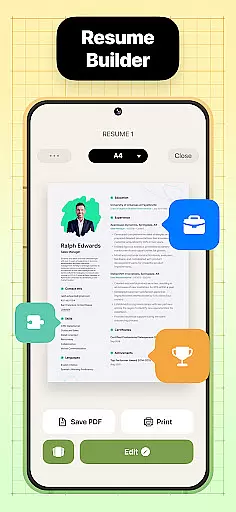

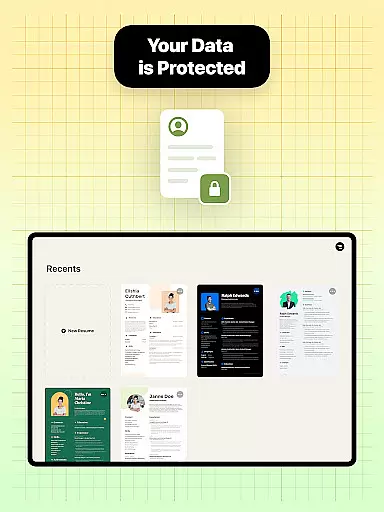

Resume Builder is a professional resume creation tool designed to help users craft impressive and well-structured resumes in PDF format. Whether you're a recent graduate or an experienced professional, this app simplifies the process of creating a polished resume with just a few taps on your mobile device.
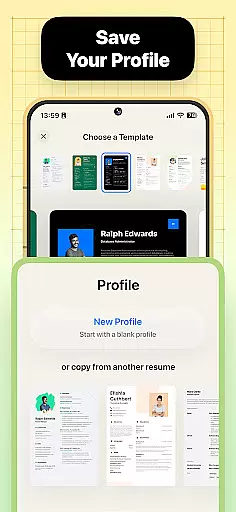
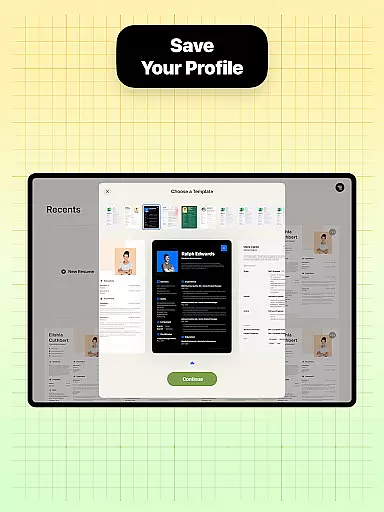
The app offers an intuitive interface that guides users through each step of resume creation, from selecting templates to customizing sections and content. With Resume Builder, users can choose from a wide range of resume designs tailored to different career stages and job applications. The app ensures that every resume is visually appealing, professional, and optimized for various formats, making it easier to stand out to potential employers.
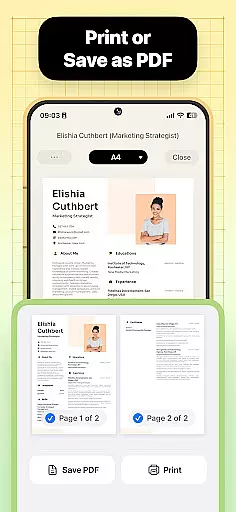
One of the standout features of Resume Builder is its ability to adapt to individual career goals. Users can personalize their resumes by adding creative touches or maintaining a clean, professional look. Once completed, resumes can be exported as PDF files, saved locally, or shared directly with employers and recruiters. This makes Resume Builder an essential tool for anyone looking to enhance their job application process.
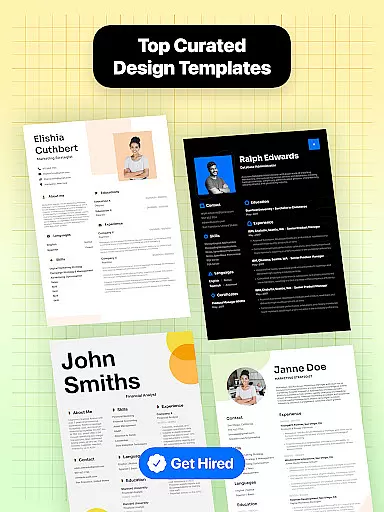
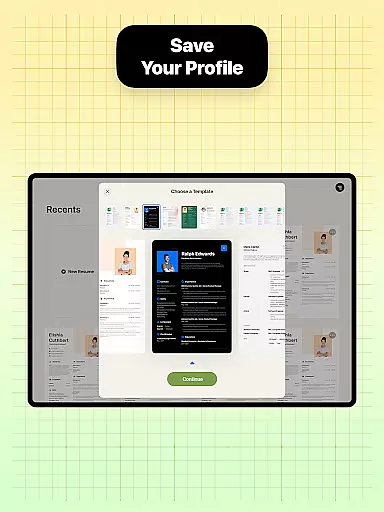
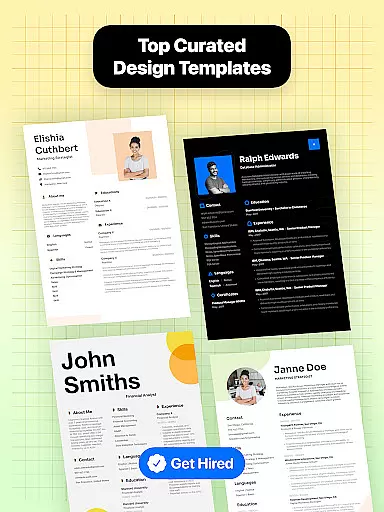
Resume Builder stands out with its comprehensive set of features designed to streamline the resume creation process. One of its key strengths is the wide selection of professionally designed resume templates. These templates cater to different industries and career levels, ensuring that every user can find a design that suits their specific needs.
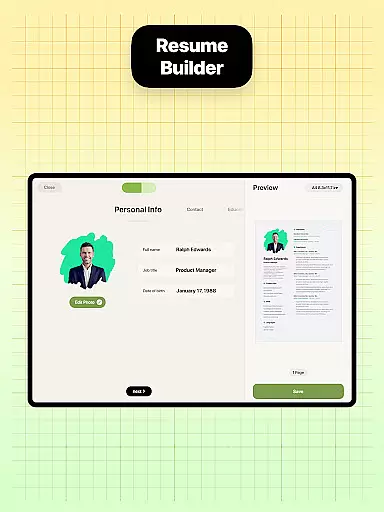
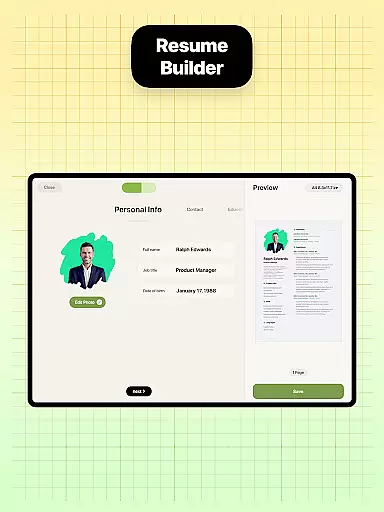
The app provides step-by-step guidance throughout the resume-building process. Users can easily customize various sections such as work experience, education, and skills. The intuitive navigation system allows real-time editing and updating, enabling users to see their progress as they input information. Additionally, the app supports multiple resume formats, giving users flexibility in how they present their qualifications.
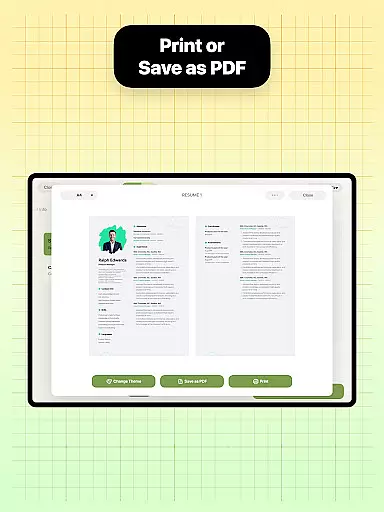
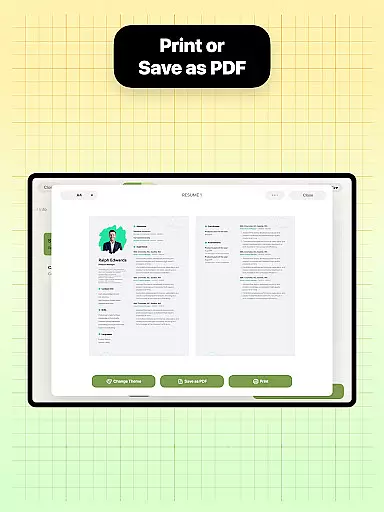
Another notable feature is the built-in sharing functionality. Once a resume is complete, users can export it in PDF format and share it directly with employers or recruiters via email or other platforms. The app's user-friendly interface ensures that even those with minimal technical expertise can create, edit, and manage their resumes with ease, making Resume Builder a reliable choice for job seekers.
Collaborative work features are essential for modern business applications, enabling teams to work together efficiently regardless of location. Resume Builder incorporates these features by allowing users to share their resumes easily with mentors or peers for feedback and suggestions.
The app's built-in sharing functionality supports collaborative efforts by enabling direct sharing of the resume in PDF format. This allows trusted contacts to review and provide input on the resume design and content, ensuring it meets professional standards before submission to potential employers.
Users benefit from real-time updates and seamless communication, as changes made to the resume can be instantly shared and reviewed. This ensures that all collaborators are always working with the most current version of the document, streamlining the feedback process and enhancing productivity.
By integrating collaborative work features, Resume Builder not only simplifies the resume creation process but also fosters teamwork and collective improvement, giving users a competitive edge in their job search.
Task management is a critical component of productivity, especially when crafting documents as important as resumes. Resume Builder excels in task management by providing structured guidance through each step of the resume creation process.
The app offers a step-by-step approach, ensuring users do not overlook any crucial information while building their resumes. With intuitive navigation and clear prompts, users can systematically tackle each section, from personal details to professional experience, making the task management process smooth and efficient.
Resume Builder's task management capabilities help users track their progress in real time. As individuals fill in their information, they can see their resume take shape, which motivates continued progress and completion. This visual progress tracking is vital for maintaining user engagement and ensuring thoroughness.
Ultimately, the task management features within Resume Builder empower users to create polished resumes efficiently, reducing the stress associated with job applications and increasing their chances of success in the competitive job market.
User-friendly interface
Wide template selection
Real-time editing
Customizable options
Built-in sharing
Limited free templates
Premium subscription
Occasional bugs
No offline mode
Ads in free version

Measure distances, surfaces and draw plans in seconds with CamToPlan!
 4.40
4.40
FaxCover - Create fax cover pages. Works with any app or fax machine.
4.90
TurboScan turns your phone into a full-featured PDF document scanner.
4.80
Earn free swag, G-Cards & food • Enter sweepstakes • Find stores • So much more.
4.70
viewing and sharing PDFs and other files—anytime, anywhere!
4.0
Employee Management Made Easy
4.80
Ship, Track, Find a Location or Get a Quote with UPS. Anytime. Anywhere.
4.60
On the go? Take FedEx with you.
4.00
Work happy with AI Companion
4.10
Start earning fast. Apply Today.
4.80
Recover what matters — quickly and easily.
4.70
USPS Mobile®Access USPS.com’s most popular tools on-the-go.
4.70
Your employer must have UKG Ready software configured for Mobile.
4.60
Master crypto trading with real-time simulations and exciting challenges!
4.50
Find work, shifts and gigs near you. Jobs lasting a few hours to a few months.
4.30
Smarter career moves start here. AI job alerts, insights & the right tools.
4.20
The All-in-One File Manager for Phone, TV, Watch, Cars, XR / VR, Chromebook
4.10
Shop, deliver, and earn with the Spark Driver™ App
4.10
Convert Your Lovable.dev Website into a Mobile App Instantly!
4.3


User Reviews