


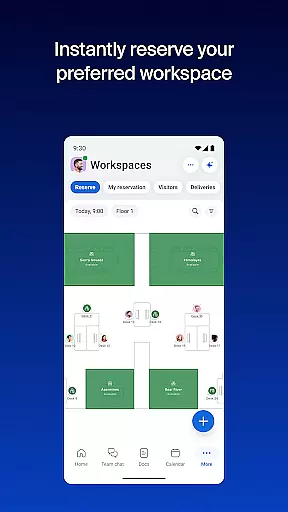

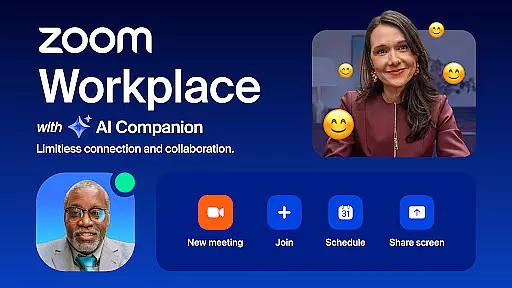
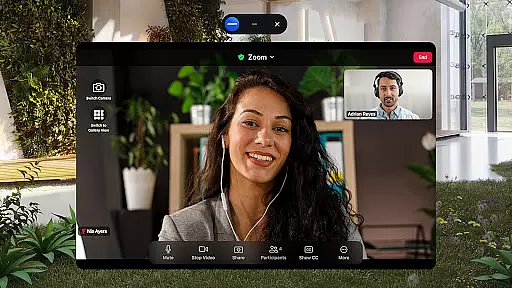
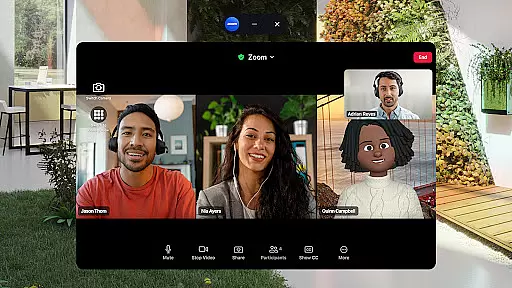
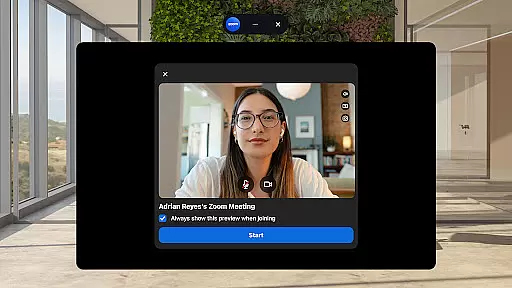
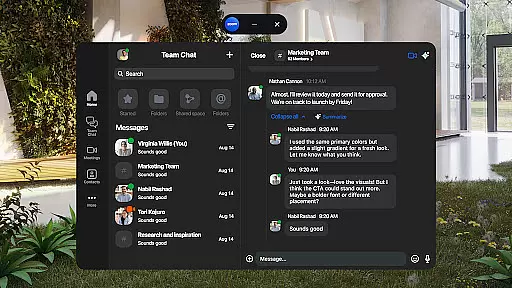
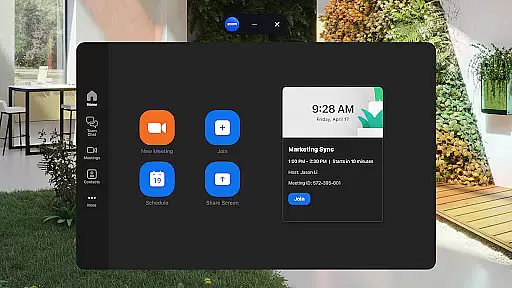
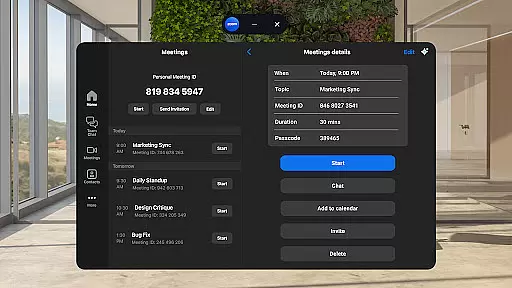
Zoom Workplace is an all-in-one collaboration platform designed to enhance team productivity through seamless communication. This AI-first solution integrates essential business tools such as team chat, video meetings, phone capabilities, whiteboard, calendar, mail, and document management into a single mobile application. The platform caters to both free and paid Zoom license holders, with advanced AI Companion features available for Pro and Business users.
The application's strength lies in its ability to streamline workplace communications while maintaining enterprise-grade security. Users can schedule meetings, make phone calls, send SMS messages, and collaborate on documents from their Android devices. The AI-powered assistant helps professionals stay organized by generating content drafts, summarizing unread messages, and providing meeting preparation materials. These capabilities make Zoom Workplace particularly valuable for remote teams and mobile professionals who need to maintain productivity while working on the go.
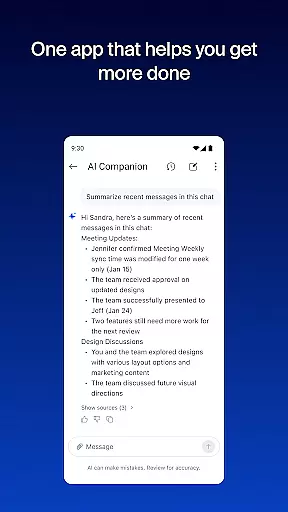
Zoom Workplace distinguishes itself through its comprehensive feature set that addresses multiple aspects of modern business communication. The platform's AI Companion serves as a virtual assistant that helps users catch up on unread messages, draft new content, and prepare for upcoming meetings. Its intelligent summary capabilities ensure users can quickly grasp important information without getting overwhelmed by message volume.
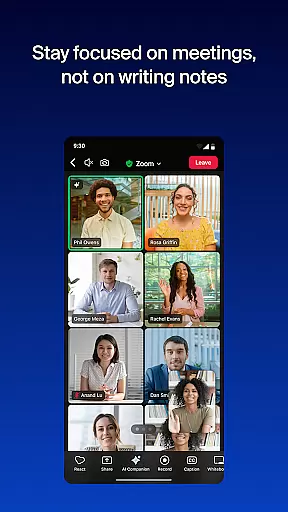
The application excels in cross-device functionality, allowing users to seamlessly transition meetings between different devices with a single tap. Productivity features include automated meeting summaries, virtual whiteboarding for brainstorming sessions, and robust document management through Zoom Docs. Advanced mobility features like Picture-in-Picture on phones and Split Screen on tablets enable efficient multitasking. Additionally, the platform supports hands-free operation through 'Hey Google' voice commands and maintains enterprise-level security standards, including Single Sign-On (SSO) capabilities.
Zoom Workplace revolutionizes collaborative work by integrating essential communication tools into a single platform. The application combines team chat, video meetings, phone calls, and document sharing, enabling seamless interaction among team members regardless of their location.
One of the standout features is the AI Companion, which enhances productivity by providing summaries of unread messages, generating draft content, and maintaining focus during conversations. This virtual assistant ensures that users stay informed and engaged without being overwhelmed by the volume of communications.
The platform also supports cross-device functionality, allowing users to transition meetings between different devices effortlessly. Whether starting a meeting on a mobile phone or continuing on a tablet, Zoom Workplace maintains continuity and ensures that all participants remain connected.
With enterprise-grade security measures, including SSO and hands-free voice commands, businesses can trust that their data remains protected while benefiting from advanced collaboration capabilities. These features collectively empower teams to work more efficiently and securely.
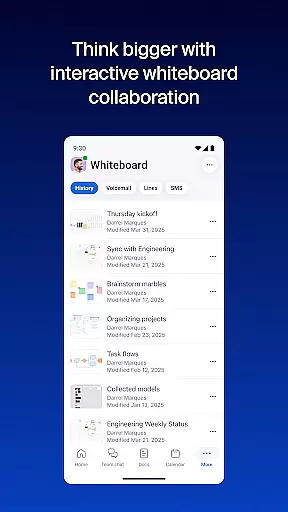
Task management within Zoom Workplace is designed to streamline workflows and enhance organizational efficiency. By integrating calendar functionalities, automated meeting summaries, and brainstorming tools like virtual whiteboards, the platform provides a comprehensive solution for managing daily tasks.
Users can schedule meetings with a single tap, receive automated summaries post-meeting, and utilize AI-driven insights to keep projects on track. This automation reduces manual effort and allows teams to focus on strategic initiatives rather than administrative tasks.
Additionally, Zoom Workplace offers robust document organization through Zoom Docs, enabling teams to store, share, and collaborate on information at scale. This feature ensures that all relevant materials are easily accessible, promoting transparency and consistency across projects.
For those with Pro or Business licenses, advanced task management features such as assigning co-hosts and schedulers further optimize resource allocation and responsibility distribution. These tools collectively contribute to a more organized and productive work environment.
Comprehensive feature integration
Enterprise-grade security
AI-powered productivity tools
Seamless cross-device functionality
Robust mobile capabilities
Paid features require subscription
AI tools have regional limitations
Advanced features need premium license
Some functions still in development
Subscription auto-renews

 4.70
4.70
Zoom built for Chrome OS
3.90
Find jobs and make money fast with JobStack.
4.60
Get your benefits on-the-go.
3.80
Windows App allows you to connect to remote PCs and virtual apps.
3.70
Employee Management Made Easy
4.80
Mobile POS for any business: sales, invoices, retail, restaurants & appointments
4.60
Find part-time earning opportunities near you that pay within days.
3.20
Access to Paylocity, empowering employees with information they need 24/7.
4.70
GoTo Mobile is a simple & secure calling, messaging & meetings solution
4.80
The MyWalmart App is available for all associates in stores.
4.70
All your team communication in one place
4.70
Your employer must have UKG Ready software configured for Mobile.
4.60
Finance, Investing, Stocks, Trading and Stock news
4.60
ANDROID'S TOP MOBILE OFFICE - Word, Excel, PowerPoint and PDF at your fingertips
4.50
ADP Mobile Solutions is an employee self service app
4.50
Earn crypto with secure cloud mining. Monitor, track & withdraw easily
4.40
VSD Viewer - Visio Drawings Viewer for Android Preview VSD, VDX, VSDX drawings
4.10
Take the stress out of storage with the all-in-one app to manage your space.
3.70


User Reviews