
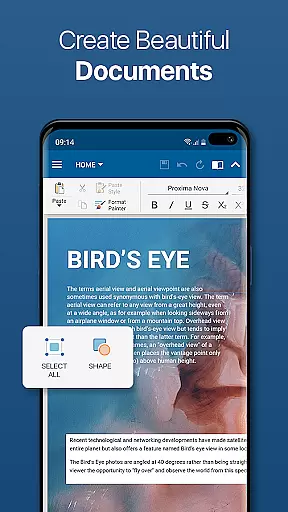
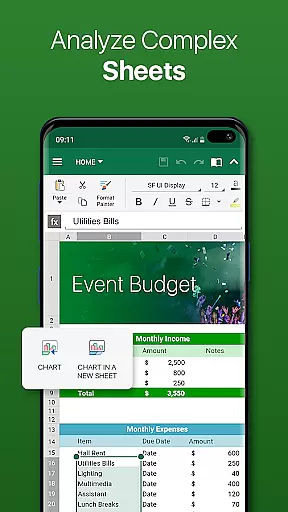
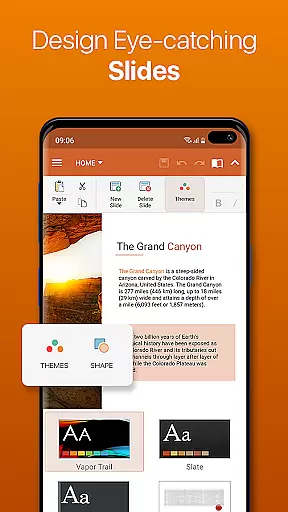
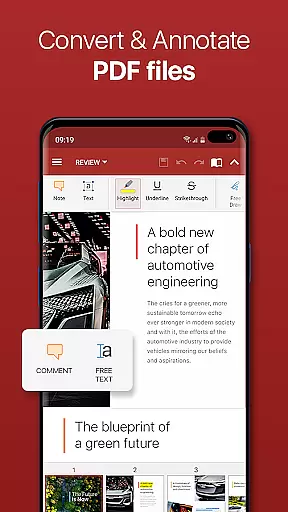
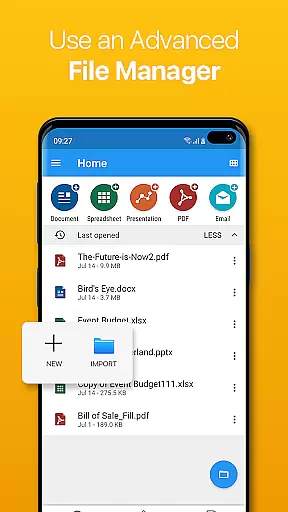


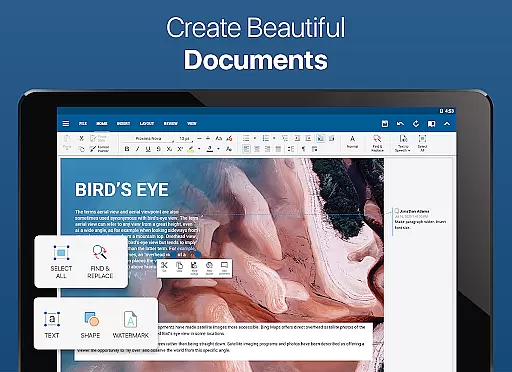
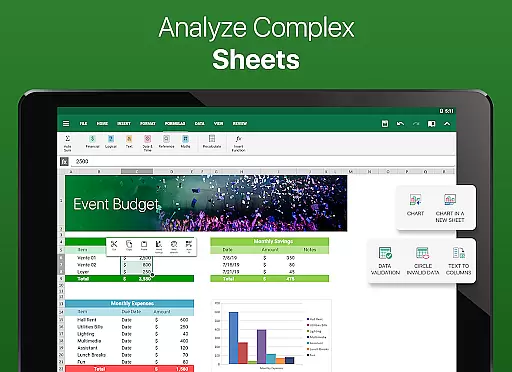
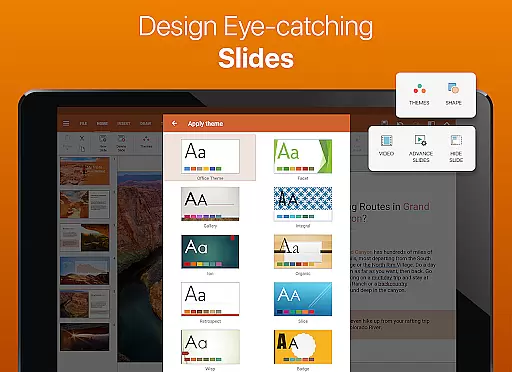
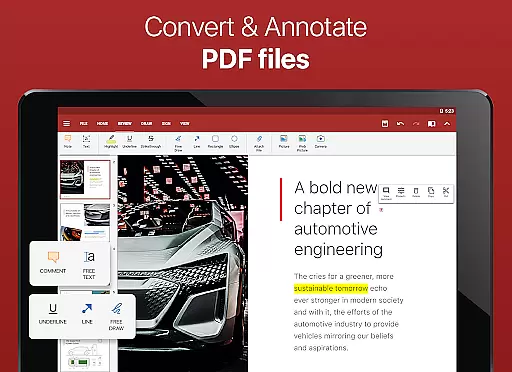
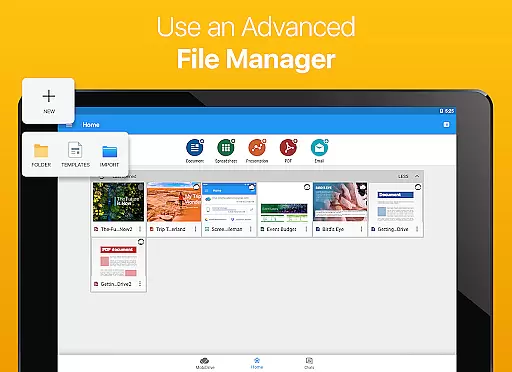

OfficeSuite Pro + PDF is a comprehensive business application designed to handle all office document needs on mobile devices. This professional-grade software allows users to view, edit, and create Word, Excel, and PowerPoint files with ease, while also offering seamless PDF conversion capabilities. The app's desktop-style interface ensures familiarity and efficiency for users transitioning from traditional office suites.
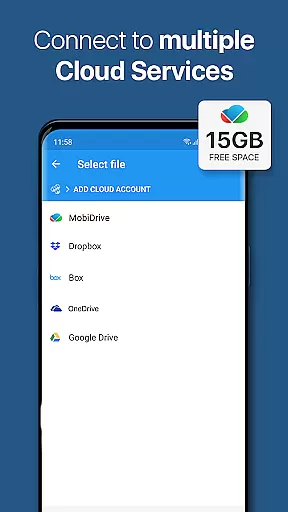
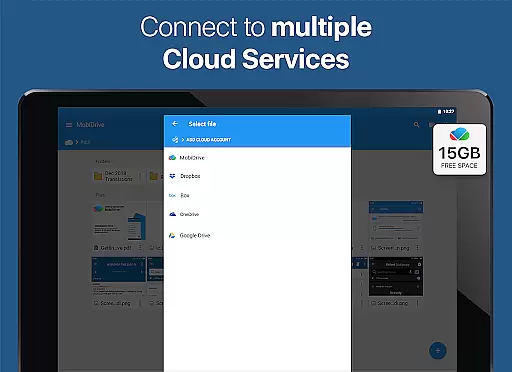
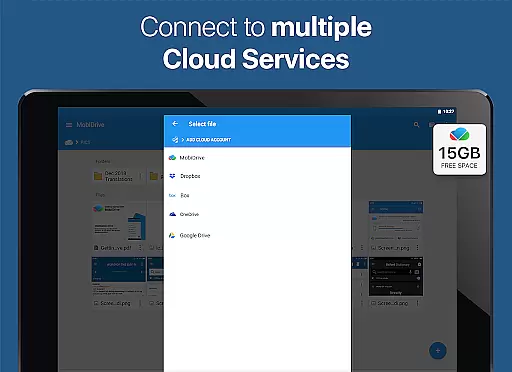
With over 200 million installations globally, OfficeSuite Pro stands out through its exclusive features that surpass other office applications. It provides full compatibility with Microsoft Office formats and supports advanced PDF functions including digital signatures and form filling. The integration with cloud services like Google Drive and Dropbox, along with the dedicated MobiSystems Drive, enables effortless file management across multiple platforms.
This versatile application is particularly beneficial for business professionals who need to work on-the-go. Its robust feature set includes integrated spell checking in 40+ languages, text-to-speech functionality, and advanced security options for protecting sensitive documents. The recently added OfficeSuite Chats function facilitates real-time collaboration and document sharing, making it an essential tool for modern workplace productivity.
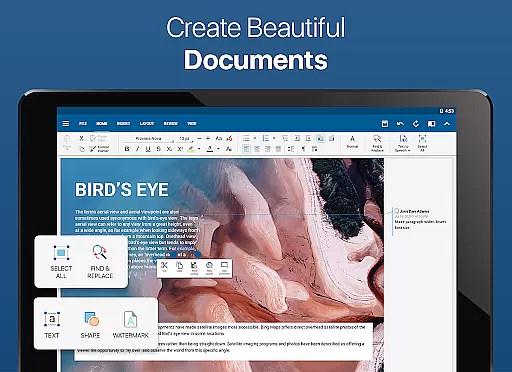
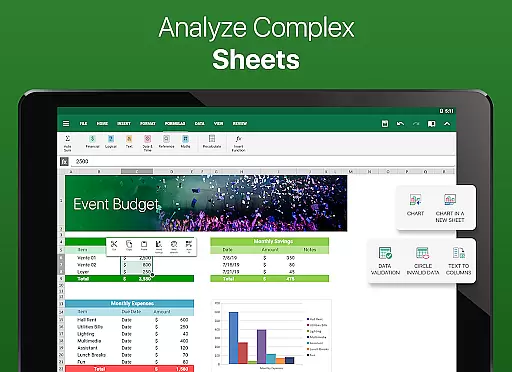
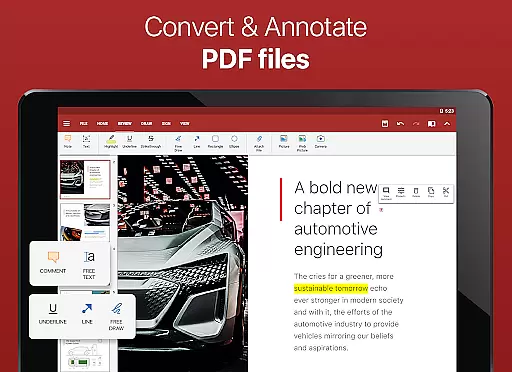
OfficeSuite Pro + PDF distinguishes itself through an impressive array of features tailored for business users. The application's desktop-style interface provides a familiar environment for creating and editing complex office documents, while maintaining full compatibility with Microsoft Office formats including DOCX, XLSX, and PPTX. Its advanced PDF handling capabilities allow users to scan documents, export files to PDF, and work with fillable forms.
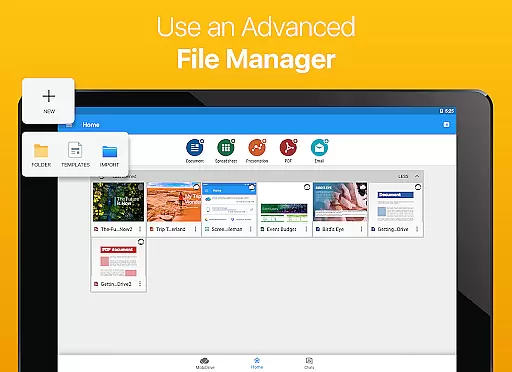
The app's integration with File Commander enables sophisticated file synchronization and quick access to both local and remote documents. Through MobiSystems Drive, users can store up to 15GB of documents in the cloud. The newly introduced OfficeSuite Chats feature facilitates document exchange and collaboration among team members. Additional notable features include support for Apple Pages, Numbers, and Keynote files, along with enhanced mouse support for Chromebook users.
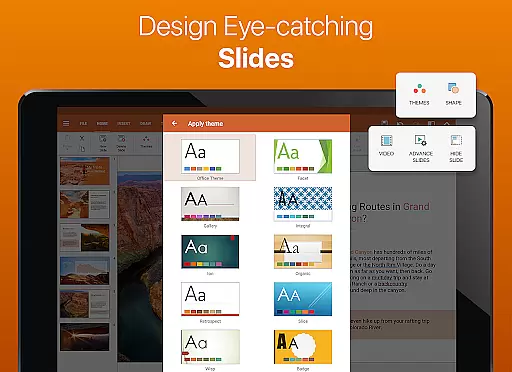
For power users, the application offers specialized tools such as sheet and cell protection in spreadsheets, presentation themes, and Share Cast functionality for cross-device presentations. The PRO version includes advanced security features, format painter in Word documents, and track changes with multiple author support. These features collectively enhance productivity while maintaining document integrity and security across various business scenarios.
Collaborative work features are essential for modern business applications, enabling teams to work together efficiently regardless of location. OfficeSuite Pro excels in this area by offering real-time document sharing and editing capabilities through integrated cloud services like Google Drive, Dropbox, and OneDrive.
The application allows multiple users to collaborate on Word, Excel, and PowerPoint documents simultaneously. Its advanced synchronization ensures that all changes are updated instantly across devices, maintaining version control and data integrity.
With the introduction of OfficeSuite Chats, users can now communicate directly within the app while working on documents. This feature facilitates seamless collaboration by allowing team members to discuss edits, share feedback, and exchange files without switching between different applications.
These collaborative features significantly enhance productivity by streamlining communication and document management processes, making OfficeSuite Pro an ideal solution for businesses seeking efficient remote work capabilities.
Effective task management is crucial for maintaining productivity and meeting deadlines in professional environments. OfficeSuite Pro offers comprehensive tools that help users organize and prioritize their work efficiently across different document types.
The application provides a familiar desktop-style interface that enables users to create, edit, and manage complex office documents with ease. Its integrated spell checker, available in over 40 languages, ensures that all documents maintain professional quality.
OfficeSuite Pro enhances task management through its MobiSystems Drive feature, which allows users to store and access up to 15GB of documents in the cloud. This storage solution helps keep work organized and accessible from any device, facilitating better time management.
Additionally, the application's support for track changes and multiple author collaboration in Word documents enables teams to manage document revisions systematically. These features collectively contribute to more efficient workflow management and improved team productivity.
Comprehensive file format support
Advanced PDF editing tools
Integrated cloud services
Real-time collaboration features
Cross-platform compatibility
Occasional performance lag
Complex interface for beginners
Additional cost for extra storage
Limited free version features
High system resource usage

AI-powered document scanner with auto enhance for perfect PDFs.
 4.60
4.60
The Penny Puss app with DG penny finder
4.10
The All-in-One File Manager for Phone, TV, Watch, Cars, XR / VR, Chromebook
4.10
Windows App allows you to connect to remote PCs and virtual apps.
3.70
The MyWalmart App is available for all associates in stores.
4.70
One marketplace. Hundreds of services. Unlimited possibilities. All on Fiverr.
4.40
enjoy effortless PDF reading anytime, anywhere
3.90
Ship, Track, Find a Location or Get a Quote with UPS. Anytime. Anywhere.
4.60
We help people get jobs
4.70
Start earning fast. Apply Today.
4.80
All your team communication in one place
4.70
Find jobs near you and temp work in minutes, from your phone.
4.50
The app that lets you deliver with Amazon.
4.50
Say hello to the mobile work experience built to help you thrive at work.
4.30
Zoom built for Chrome OS
3.90
Simple, Fast & Lightweight
3.90
Quickly open and manage PDF files on your device.
3.80
Get your benefits on-the-go.
3.80
Access All PDF Files
3.40


User Reviews