

Alight Mobile is a comprehensive business application designed to provide employees with seamless access to their employer-sponsored benefits. The app enables users to manage health, retirement, and payroll information from any location, at any time. This ensures that benefit participants of companies partnering with Alight Solutions can conveniently access personal benefits data whenever needed.
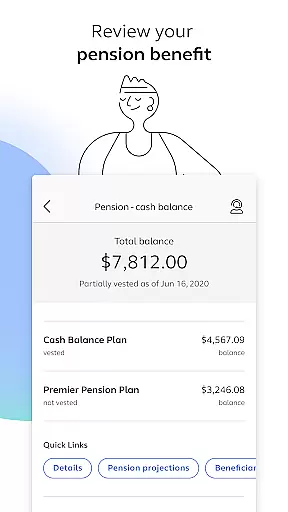
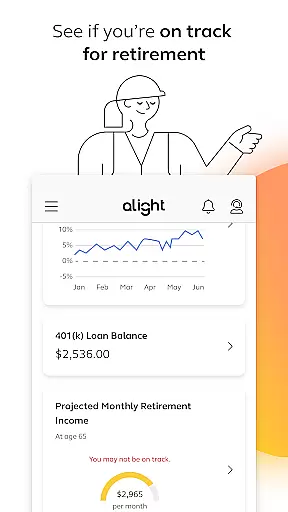
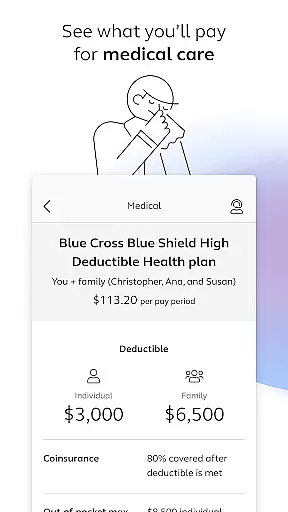
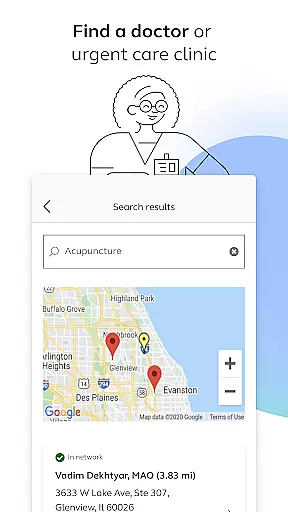
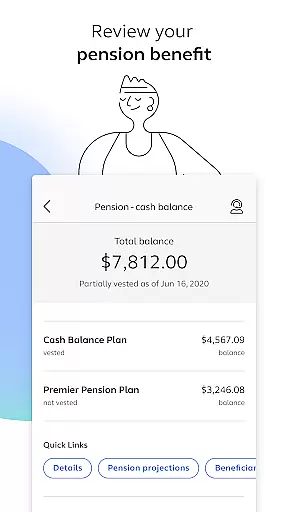
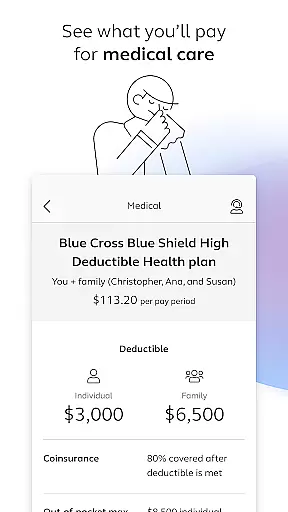
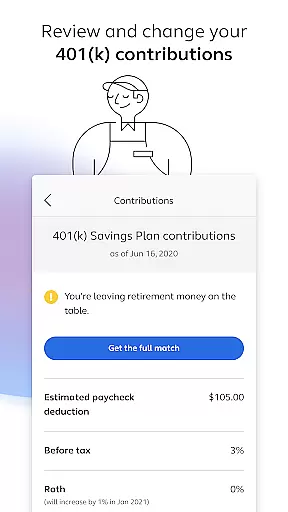
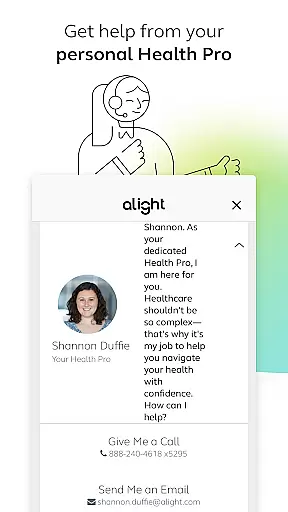
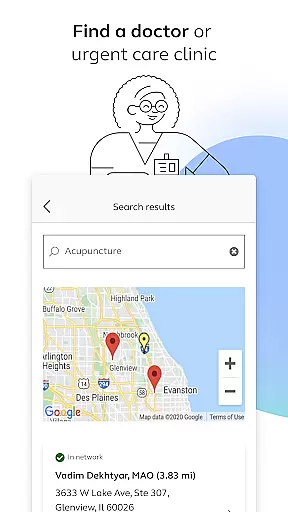
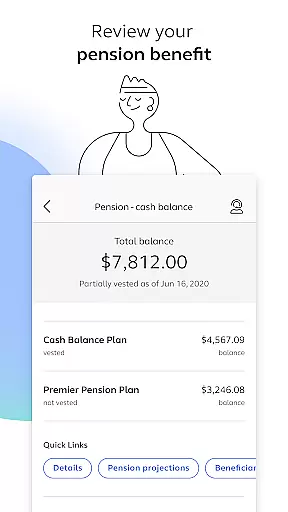
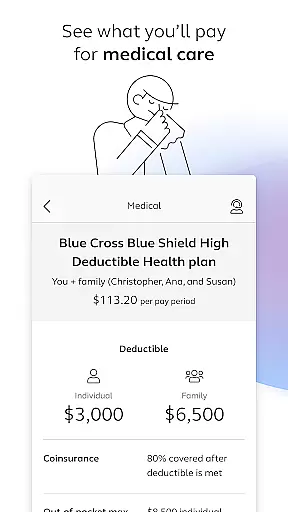
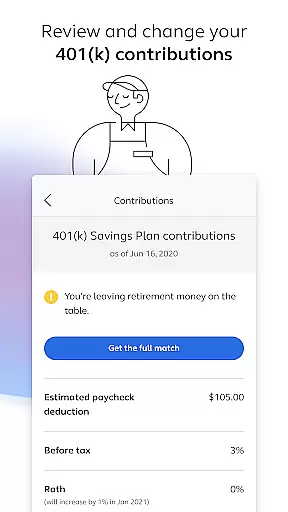
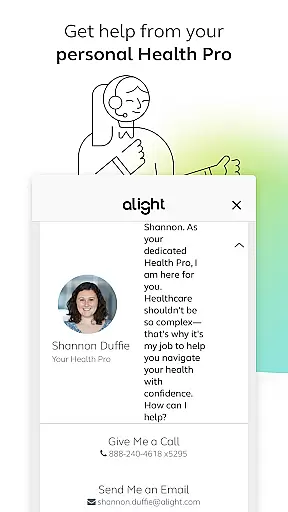
The app offers an array of features including the ability to find healthcare providers, enroll in benefits, review medical plans and 401(k) contributions, and check pension benefits. Additionally, users can assess their retirement readiness, access digital insurance cards, consult with personal Health Pros, and explore various benefit resources all within a single platform. These capabilities underscore Alight Mobile's value as an essential tool for managing employee benefits efficiently.
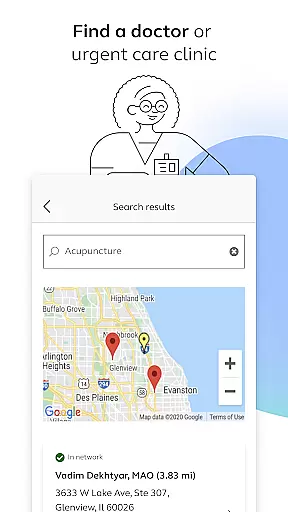
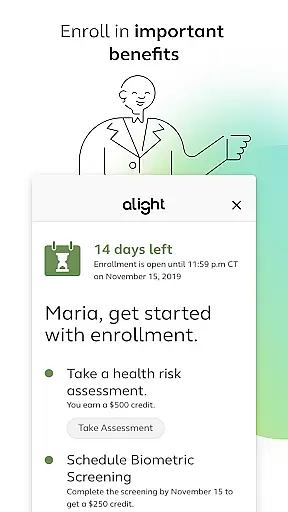
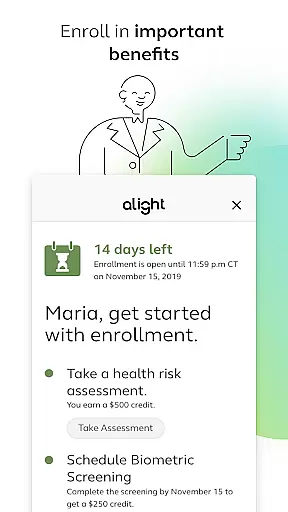
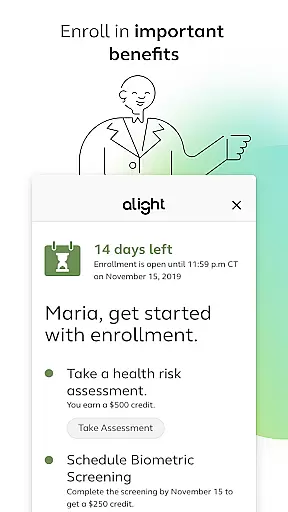
Alight Mobile stands out with its diverse feature set tailored to meet the needs of modern employees. One of its primary features is the ability to locate doctors or urgent care clinics, which simplifies accessing healthcare services. The app also supports enrolling in crucial benefits programs, allowing users to make informed decisions about their health and financial future.
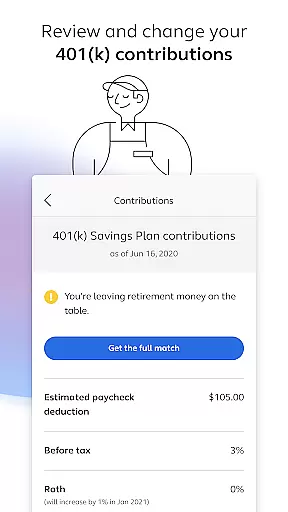
Another significant feature is the detailed overview of medical plans and expenditures, empowering users to track their healthcare spending effectively. Furthermore, the app provides tools to review and modify 401(k) contribution elections, ensuring users can adjust their retirement savings strategy as needed. With functionalities like reviewing pension benefits, assessing retirement preparedness, and accessing digital insurance cards, Alight Mobile consolidates essential resources into one accessible platform.
In today's interconnected workplace, collaborative work features are essential for seamless teamwork. Alight Mobile recognizes this need and offers functionalities that enable employees to engage with their benefits and HR programs more effectively. Through the app, users can review and adjust their 401(k) contribution elections, ensuring that retirement planning is a coordinated effort between employer offerings and personal financial strategies.
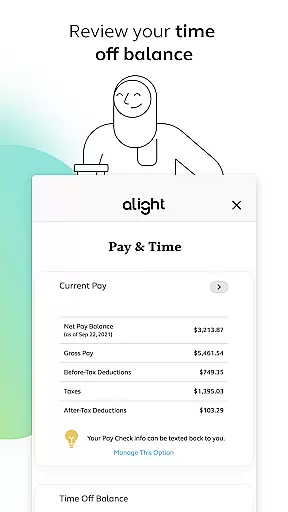
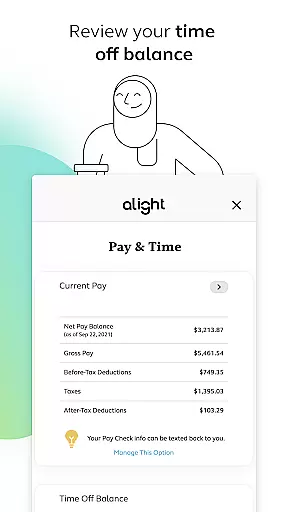
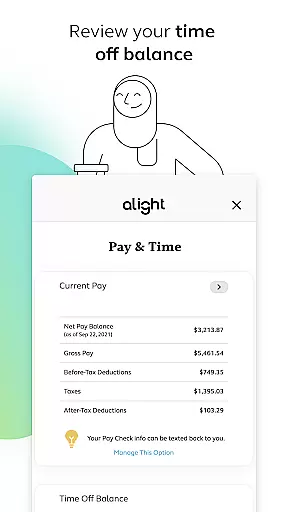
The app also provides access to benefit resources in one place, which simplifies the complexity of managing health, wealth, and career growth. This consolidation allows for effortless communication and decision-making regarding personal benefits such as medical plans, pension benefits, and time off balances. By streamlining these processes, Alight Mobile fosters an environment where collaboration with HR and benefits administration is intuitive and efficient.
Furthermore, the availability of personalized support from a Health Pro within the app enhances the collaborative experience. Employees can get help and advice tailored to their individual circumstances, making it easier to navigate their benefits. This level of personalization and support ensures that every user feels empowered and informed when making decisions about their employment benefits.
Effective task management is crucial for productivity, and Alight Mobile excels by providing tools that help users manage their benefits-related tasks efficiently. The app enables employees to enroll in important benefits and make necessary updates to their plans. With features like reviewing medical plans and spending, individuals can ensure they are optimizing their health benefits according to their current needs.
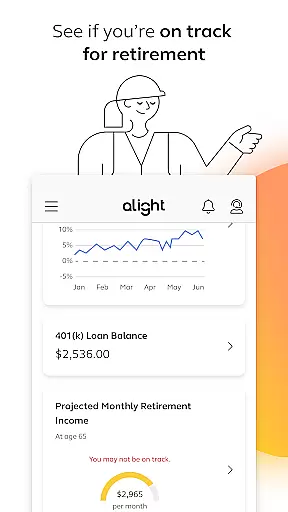
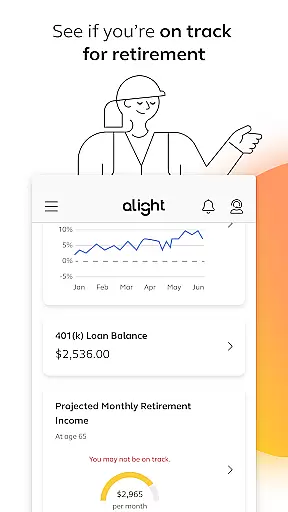
Alight Mobile goes beyond basic task tracking by offering proactive solutions such as assessing whether users are on track for retirement. This forward-thinking approach allows employees to prioritize their financial future alongside immediate benefit concerns. Additionally, the ability to access and save a copy of insurance cards means that important documentation is always at hand, reducing stress and saving time during medical emergencies or routine check-ups.
By centralizing these critical functions, Alight Mobile ensures that task management is not just about keeping track of to-dos but enhancing overall well-being. Users can easily monitor their benefit details, thus maintaining control over their professional and personal life balance. This comprehensive oversight supports better planning and execution of tasks related to oneu2019s employment benefits, leading to improved satisfaction and peace of mind.
User-friendly interface
Comprehensive benefits management
Accessible anytime, anywhere
Personalized support from Health Pros
Integrated resource platform
Limited to partner companies
Feature availability varies
Potential privacy concerns
Dependent on employer plans
Occasional technical issues

viewing and sharing of PDFs
 3.60
3.60
Find jobs and make money fast with JobStack.
4.60
Formerly Facebook Ads Manager. Manage and create ads on the go.
4.20
viewing and sharing PDFs and other files—anytime, anywhere!
4.0
Finance, Investing, Stocks, Trading and Stock news
4.60
We are a dynamic team of creatives people of design, marketing, web & apps
3.00
Find jobs near you and temp work in minutes, from your phone.
4.50
USPS Mobile®Access USPS.com’s most popular tools on-the-go.
4.70
Collaborate seamlessly with Google Chat, part of Google Workspace
4.50
Job search app that finds jobs for you! Takes the work out of looking for a job!
4.90
Start earning fast. Apply Today.
4.80
Earn free swag, G-Cards & food • Enter sweepstakes • Find stores • So much more.
4.70
Make invoices, bills, receipts & estimates on the go with Invoice Generator.
4.70
Ask Accio anything about business. Alibaba-backed, built by experts, not just AI
4.60
The app that lets you deliver with Amazon.
4.50
ADP Mobile Solutions is an employee self service app
4.50
One marketplace. Hundreds of services. Unlimited possibilities. All on Fiverr.
4.40
All-in-one Mobile solutions for employees & managers to succeed at work
4.30
Access All PDF Files
3.40


User Reviews