
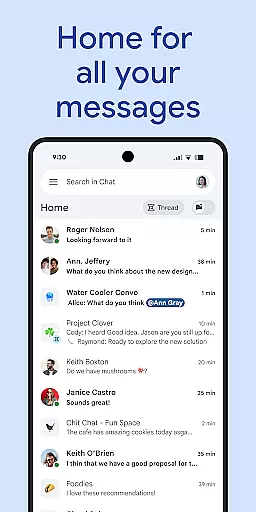
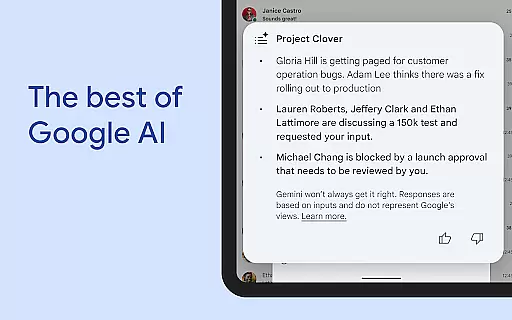
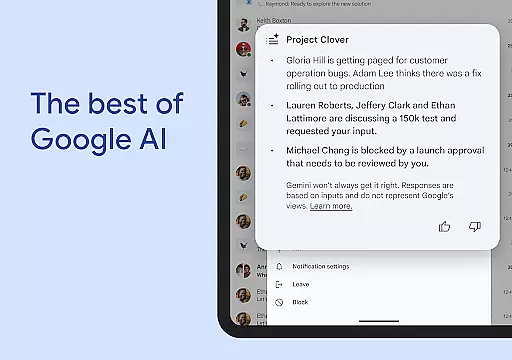
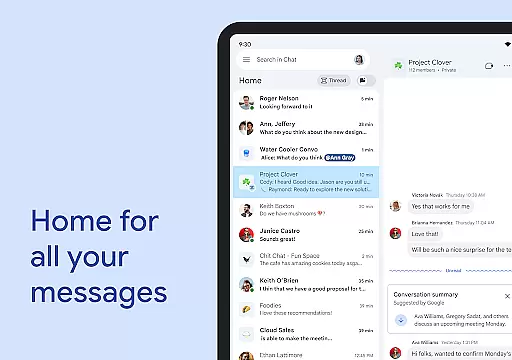
Google Chat is a powerful communication and collaboration tool designed specifically for teams using Google Workspace. This AI-first messaging platform, enhanced by Gemini, offers features like automatic conversation summaries, real-time translation across 120+ languages, and AI-powered search capabilities. The app enables seamless team connectivity through various communication formats including text, audio, and video messages.
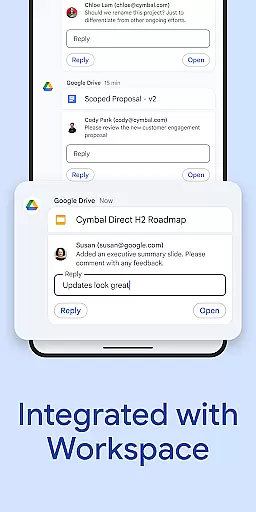
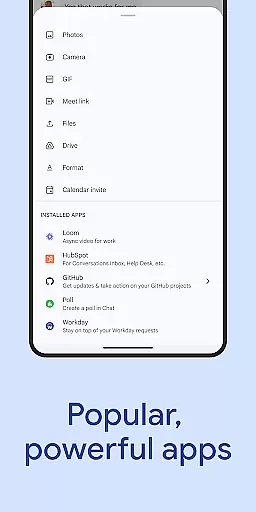
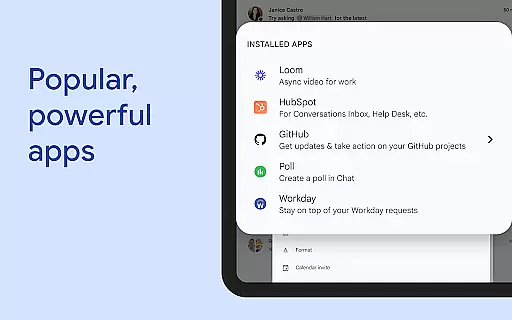
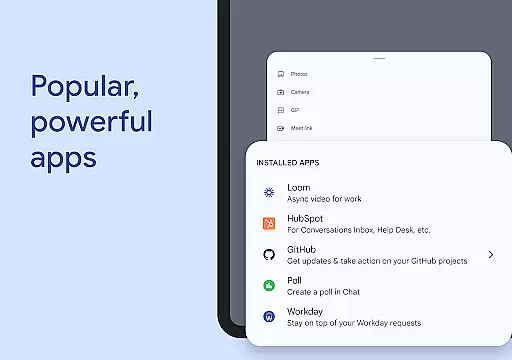
Beyond basic messaging, Google Chat integrates with essential Workspace apps like Gmail, Calendar, and Drive, creating a unified productivity ecosystem. Users can leverage smart chips to link files and people, manage tasks through integrated apps, and even build custom solutions using Chat APIs. The platform ensures enterprise-grade security through Google's zero-trust architecture and AI-powered data protection mechanisms.
Ideal for modern workplaces, Google Chat helps teams stay organized and productive while maintaining robust security standards. Its comprehensive feature set makes it suitable for both small teams and large enterprises looking to enhance their digital collaboration capabilities.
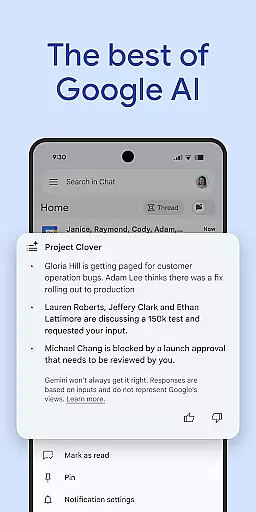
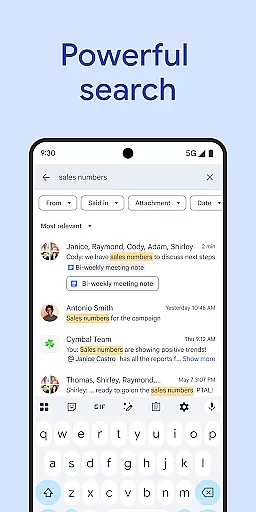
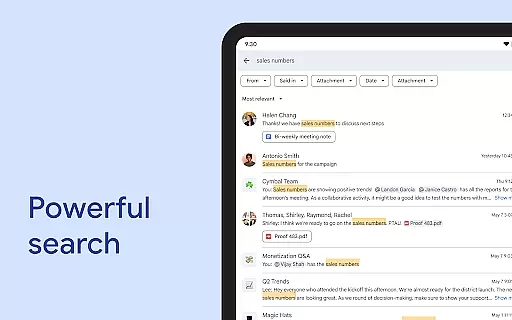
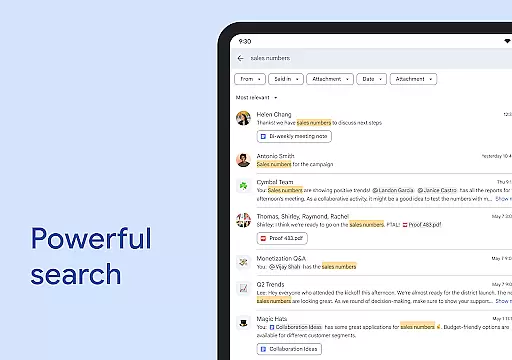
Google Chat distinguishes itself through its comprehensive feature set tailored for professional environments. The AI-powered capabilities include automatic conversation summaries that keep users informed, real-time language translation supporting over 120 languages, and intelligent search functionality that helps users quickly find relevant information within conversations.
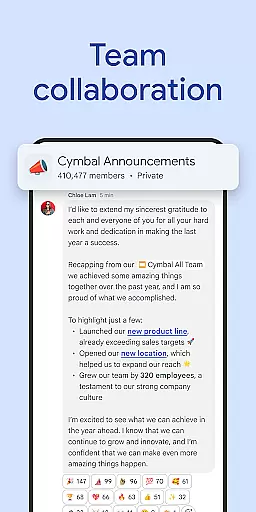
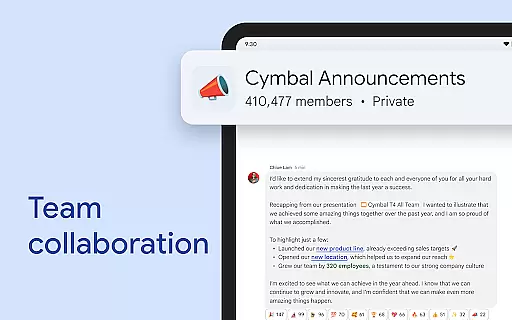
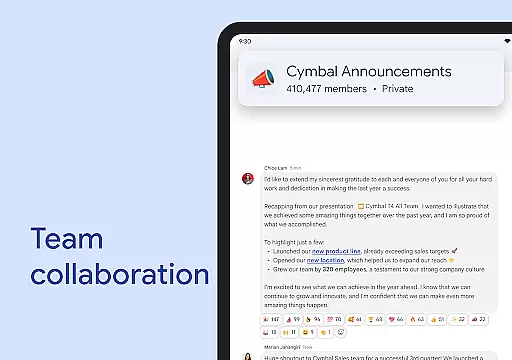
The platform offers versatile communication options, allowing users to create different types of conversations - from one-on-one chats to group discussions and company-wide announcements. Advanced presence indicators enable team members to communicate their availability effectively. The integration with Workspace apps creates a seamless experience where users can access files, schedule meetings, and manage tasks without switching contexts.
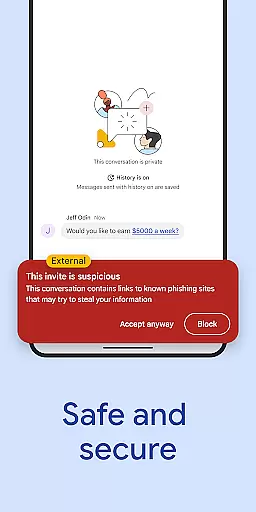
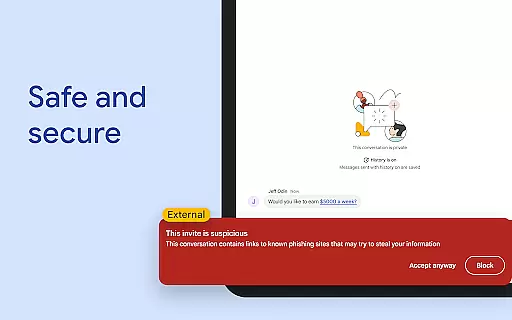
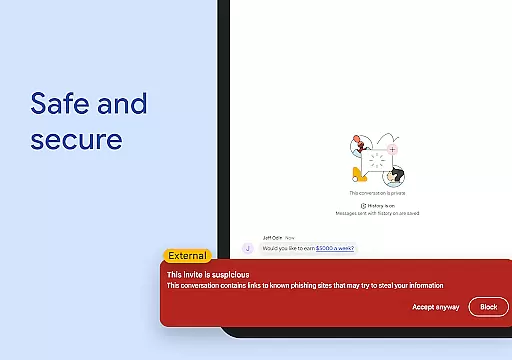
Security features are particularly noteworthy, with Google's zero-trust architecture ensuring data protection. The platform employs AI-driven data loss prevention (DLP) measures, malware detection, and phishing protection. Administrators can manage permissions and access controls while maintaining compliance with enterprise security standards. These features make Google Chat suitable for organizations requiring robust data protection alongside efficient communication tools.
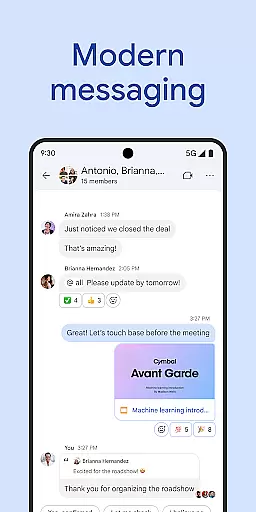
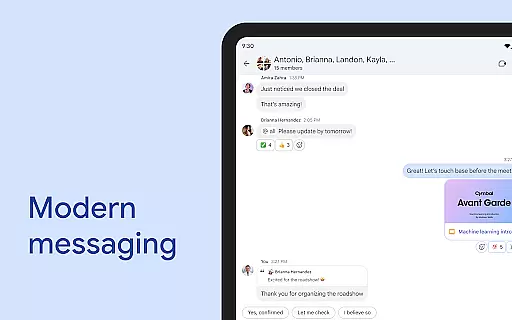
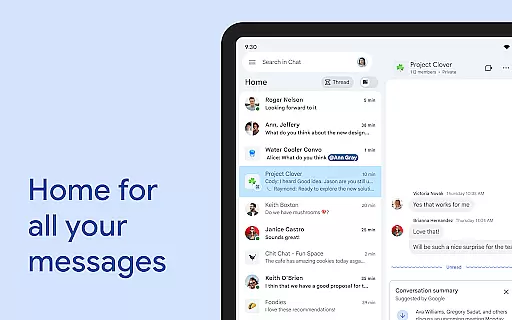
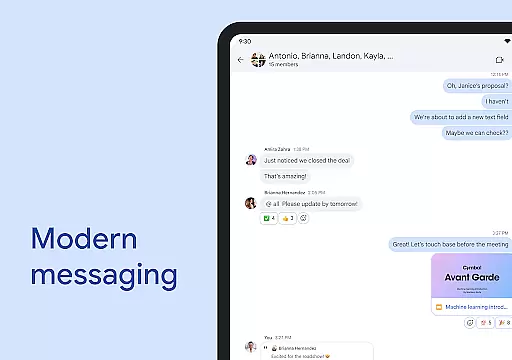
Google Chat revolutionizes team collaboration by integrating multiple communication methods into a single platform. The app allows users to start chats with individuals or groups, making it easy to connect with colleagues and teams regardless of location.
One standout feature is the ability to share detailed updates through audio and video messages. This functionality enables richer communication compared to traditional text-based messaging, allowing team members to convey complex ideas more effectively.
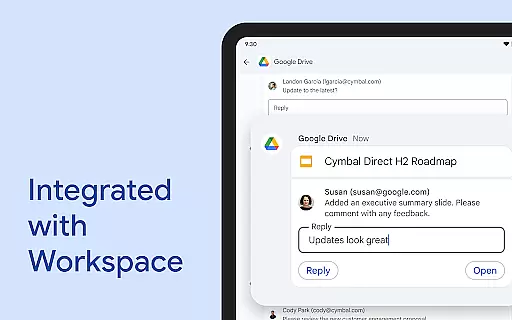
The integration with Workspace apps like Gmail, Calendar, and Drive creates a unified productivity ecosystem. Users can seamlessly transition between different tasks without switching applications, significantly improving workflow efficiency.
Smart chips technology further enhances collaboration by enabling users to link files, people, and spaces directly within conversations. This feature ensures that all relevant information is readily accessible, reducing the time spent searching for crucial documents or contacts.
Google Chat incorporates robust task management capabilities that help teams stay organized and productive. The app automatically captures action items during conversations, ensuring that all team members are aware of their responsibilities and deadlines.
Personalized status updates allow users to communicate their availability and focus periods effectively. This feature helps prevent interruptions during concentrated work sessions while signaling when team members are ready for collaboration.
Real-time huddles provide instant communication channels for urgent matters or quick discussions. These virtual meeting spaces enable spontaneous collaboration without the need for scheduling formal meetings.
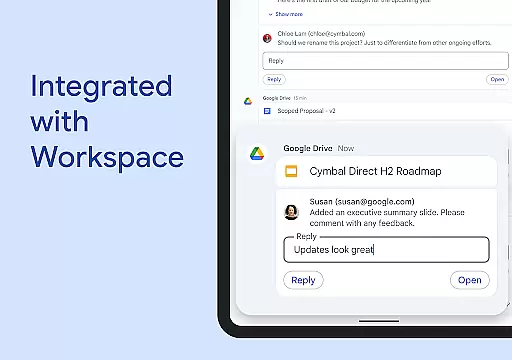
The Google Drive app integration within Chat streamlines request handling, comment tracking, and approval processes. This unified approach to task management ensures that nothing falls through the cracks and all team members remain accountable for their assigned tasks.
Seamless Workspace Integration
Advanced AI Capabilities
Enterprise-Grade Security
Multi-Language Support
Customizable Solutions
Premium Features Costly
Steep Learning Curve
Limited Offline Functionality
Requires Workspace Subscription
Occasional Sync Issues

Find flexible, hourly jobs hiring near you in restaurant, retail & hospitality!
 4.00
4.00
Scan Business Cards & Conference Badges - Capture Leads at Events & Tradeshows
4.20
The MyWalmart App is available for all associates in stores.
4.70
viewing and sharing PDFs and other files—anytime, anywhere!
4.3
Amazon A to Z is the place to manage your work-life at Amazon.
4.50
Employee Management Made Easy
4.80
Grow your business and connect with more people with Meta Business Suite.
4.60
Ship, Track, Find a Location or Get a Quote with UPS. Anytime. Anywhere.
4.60
Make money as a delivery driver with DoorDash and work when you want as a Dasher
4.30
USPS Mobile®Access USPS.com’s most popular tools on-the-go.
4.70
The app that lets you deliver with Amazon.
4.50
Find work, shifts and gigs near you. Jobs lasting a few hours to a few months.
4.30
All-in-one Mobile solutions for employees & managers to succeed at work
4.30
Smarter career moves start here. AI job alerts, insights & the right tools.
4.20
The Penny Puss app with DG penny finder
4.10
VSD Viewer - Visio Drawings Viewer for Android Preview VSD, VDX, VSDX drawings
4.10
Simple, Fast & Lightweight
3.90
Quickly open and manage PDF files on your device.
3.80
Access All PDF Files
3.40


User Reviews