
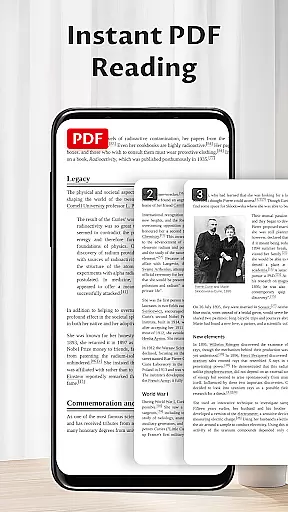
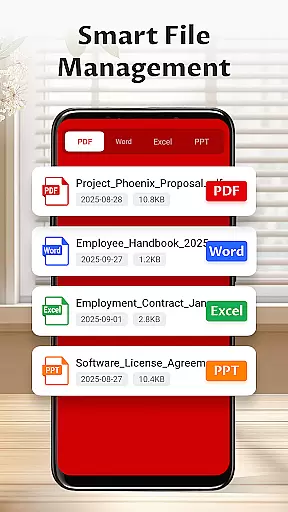
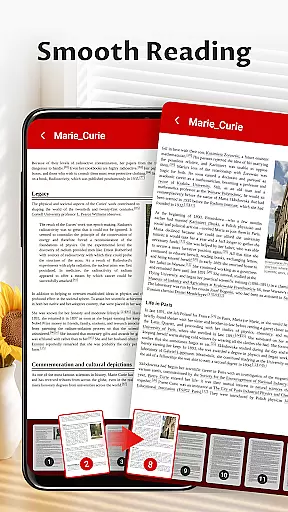
Pocket PDF is a streamlined PDF reader tailored for everyday use, focusing on simplicity and efficiency. The app allows users to open, view, and manage PDF documents with minimal effort, eliminating complex navigation menus and unnecessary distractions. Its clean interface makes document reading straightforward and enjoyable.
Designed for users who prioritize performance without compromising on essential features, Pocket PDF supports quick access to local files, easy sharing and deletion options, and a clutter-free reading experience. Whether you're a student, professional, or casual reader, this app provides a reliable solution for all your PDF needs.
Pocket PDF stands out with its minimalist design philosophy that puts user experience first. The app's core feature set includes seamless access to locally stored PDFs, allowing users to retrieve their documents quickly. Its distraction-free interface ensures maximum focus while reading, making it ideal for both work and study environments.
Additional functionality such as easy file sharing and deletion enhances the app's practicality. For Android 11+ users, the app requests MANAGE_EXTERNAL_STORAGE permission to facilitate essential document operations securely. These thoughtful features combine to create an efficient tool that simplifies PDF management without overwhelming the user.
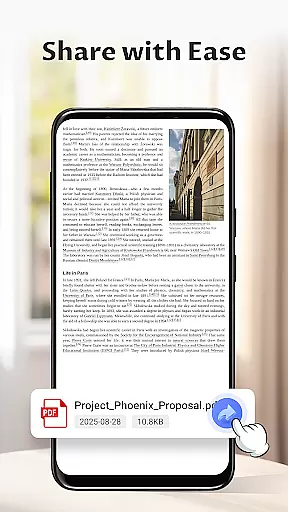
In the realm of collaborative work, Pocket PDF stands out by offering a streamlined approach to document sharing and management. This functionality is crucial for teams that need to exchange information quickly and efficiently without the hassle of complicated menus or unnecessary distractions.
The app facilitates easy sharing of PDFs directly from your device, ensuring that team members can access important documents without delay. Its minimalist interface further enhances focus, allowing users to concentrate on the content rather than navigating through complex features.
Moreover, Pocket PDF supports deletion of files right from the app, providing an additional layer of document management. This ensures that outdated or irrelevant files do not clutter your workspace, maintaining a clean and organized environment for better productivity.
By focusing on simplicity and performance, Pocket PDF delivers a reliable tool for everyday use in business settings where efficient communication and document handling are paramount.
Pocket PDF excels in task management by providing users with a straightforward way to handle their PDF documents. The ability to open, view, and manage local PDFs stored on your device is essential for keeping track of various tasks and projects.
With its clutter-free reading experience, Pocket PDF allows users to focus on the task at hand without being distracted by unnecessary features. This minimalist design helps in maintaining concentration, which is vital when managing multiple tasks or working under tight deadlines.
The app also includes convenient options for sharing and deleting files, making it easier to organize and prioritize tasks. These features ensure that you can quickly distribute necessary documents to colleagues or remove completed tasks from your list, streamlining your workflow.
Overall, Pocket PDF offers a no-fuss solution for task management, ensuring that users can efficiently manage their documents and stay productive in their daily operations.
User-friendly interface
Quick file access
Lightweight design
Secure permission handling
Easy sharing options
Limited advanced tools
No cloud integration
Basic customization
Fewer features than competitors
Android 11+ permission required

 4.70
4.70
Find flexible, hourly jobs hiring near you in restaurant, retail & hospitality!
4.00
Scan Business Cards & Conference Badges - Capture Leads at Events & Tradeshows
4.20
Get instant construction estimates: accurate home repair & material calculator.
4.70
Paychex Flex - Save Time and Stay Connected
4.60
All your team communication in one place
4.70
Find part-time earning opportunities near you that pay within days.
3.20
Collaborate seamlessly with Google Chat, part of Google Workspace
4.50
We help people get jobs
4.70
GoTo Mobile is a simple & secure calling, messaging & meetings solution
4.80
Create curriculum vitae, a professional cover letter creator and resume designer
4.80
Ship, Track, Find a Location or Get a Quote with UPS. Anytime. Anywhere.
4.60
The revolutionary flexible staffing platform
4.40
Build a store in minutes with our full suite of AI tools. Start for free!
4.20
FX Plus adds media, networking, and cloud capabilities to FX File Explorer.
4.10
enjoy effortless PDF reading anytime, anywhere
3.90
view, manage, and share every PDF file you have
3.60
Roadie connects people with stuff to send with drivers already going that way.
3.50
viewing and sharing PDFs and other files—anytime, anywhere!
4.0


User Reviews