
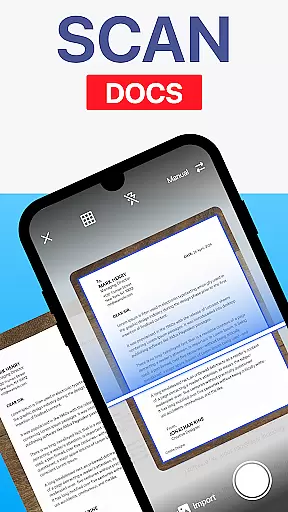
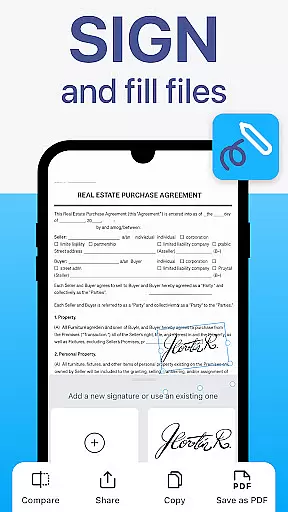
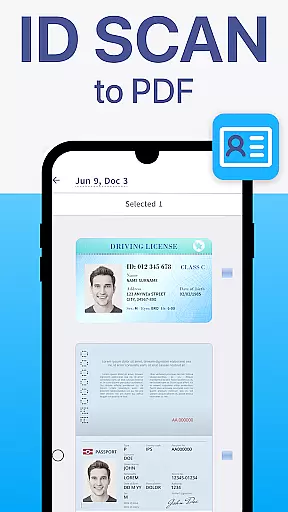
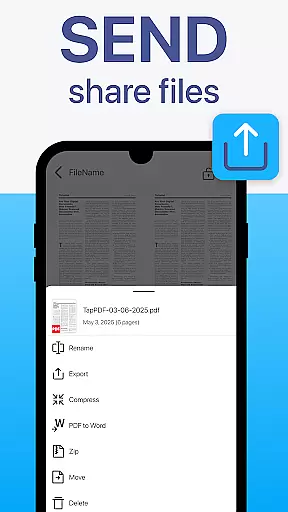
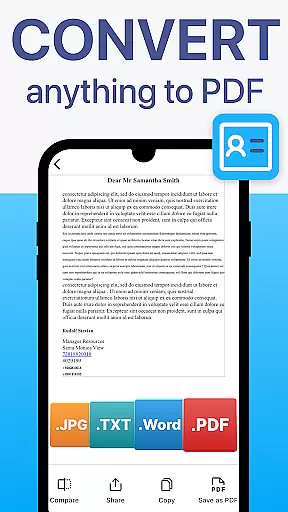
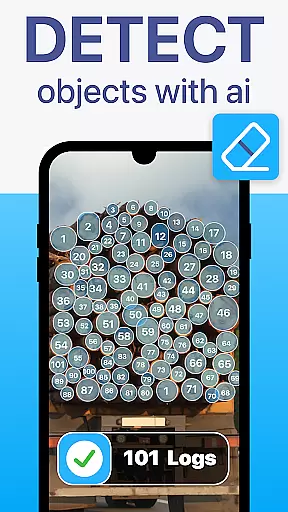
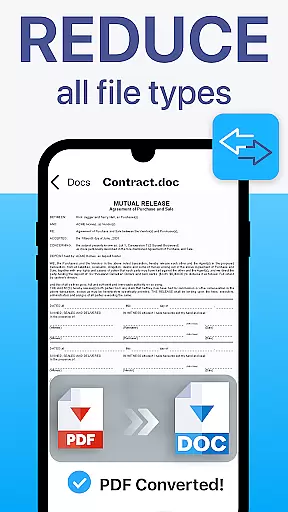
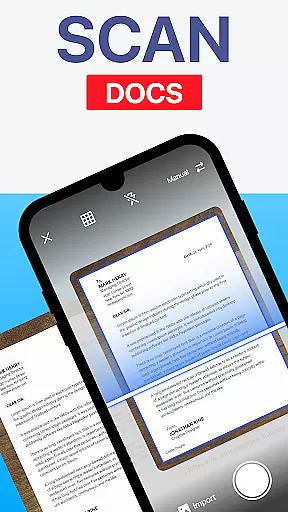
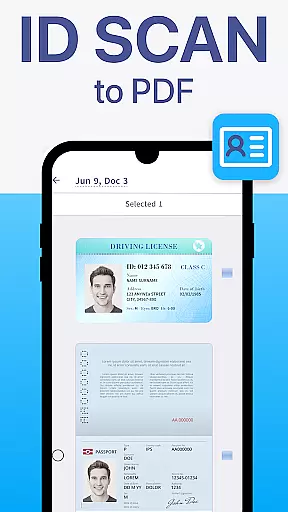
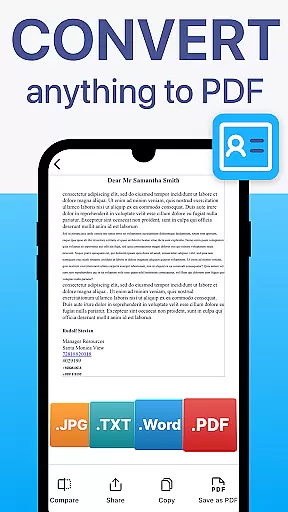
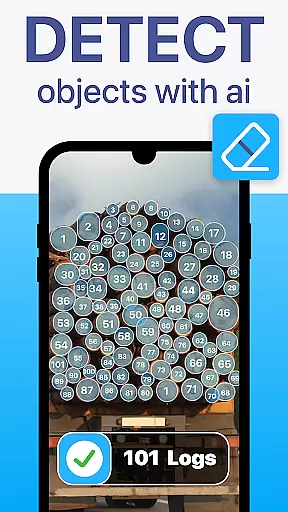
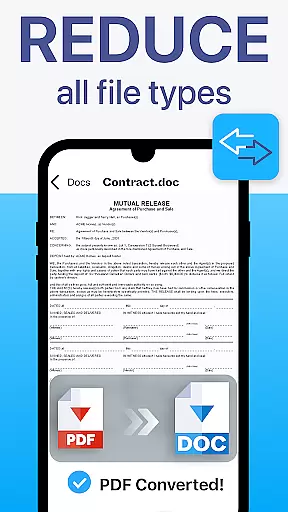
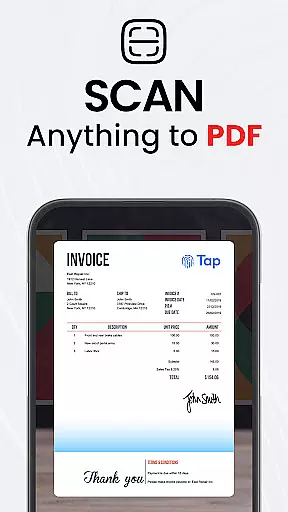
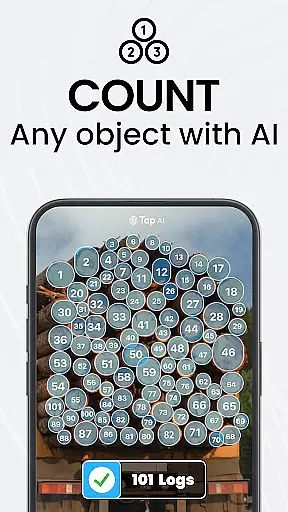
TapScanner is a powerful mobile application that transforms your device into a professional-grade document scanner and comprehensive PDF management tool. Trusted by millions globally, this app allows users to effortlessly capture, edit, organize, and share various types of documents.
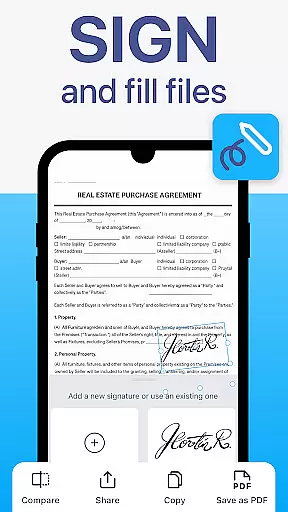
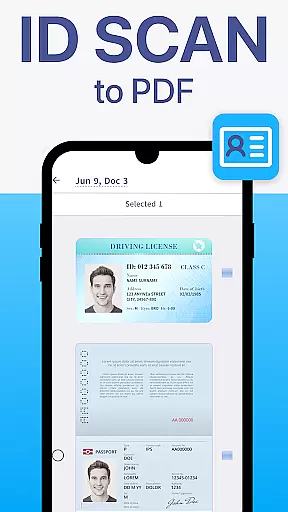
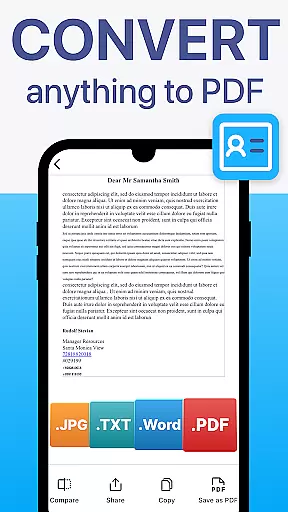
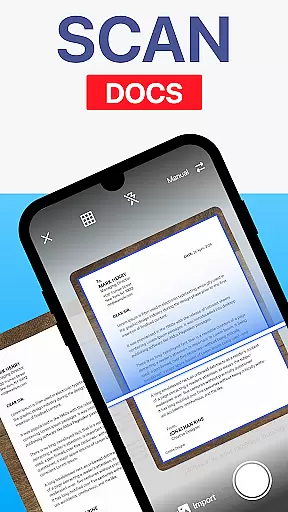
The core functionality includes high-quality scanning with automatic edge detection and image correction, making it perfect for digitizing receipts, contracts, business cards, and multi-page documents. TapScanner also offers advanced PDF features such as merging, splitting, reordering, signing, and annotating files directly within the app. With support for OCR text recognition in over 110 languages, users can convert scanned images into fully searchable and editable text documents.
Whether you're a busy professional managing important paperwork or a student organizing study materials, TapScanner streamlines document handling while maintaining professional quality standards.
TapScanner distinguishes itself through an impressive array of features designed to enhance productivity and document management. The app's intelligent scanning technology automatically detects document edges and applies smart corrections to produce clear, professional-quality scans every time.
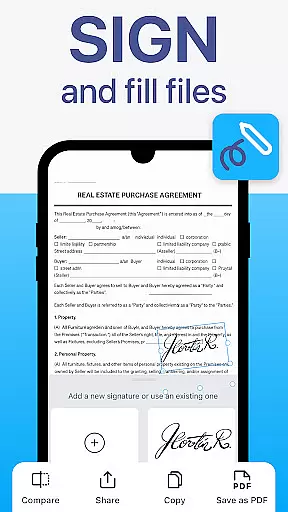
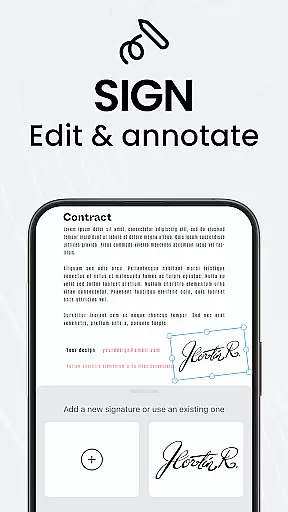
For PDF management, TapScanner provides a complete workspace where users can merge multiple files, split large documents, reorder pages, add electronic signatures, and create annotations. The built-in OCR engine supports over 110 languages, enabling users to extract and edit text from scanned documents with remarkable accuracy.
Additional productivity features include batch scanning capabilities, automated file organization, and one-tap renaming functions. Users can securely store their documents in cloud services like Google Drive, Dropbox, and OneDrive, with options for password protection on sensitive files. The app's intuitive interface makes these advanced tools accessible to professionals, students, and casual users alike.
TapScanner offers a comprehensive suite of collaborative work features that streamline document management for teams and professionals. The app allows multiple users to access, edit, and manage PDFs simultaneously, ensuring seamless teamwork.
One of the standout collaborative features is the ability to merge, split, reorder, sign, and annotate PDFs directly within the app. This functionality enables teams to handle complex document workflows without needing additional software, thus maintaining productivity and efficiency.
Furthermore, TapScanner supports secure cloud backup and synchronization with services like Google Drive, Dropbox, and OneDrive. This ensures that all team members have access to the latest versions of documents, regardless of their location, enhancing remote collaboration capabilities.
The app also includes OCR text recognition in over 110 languages, making it easier for global teams to work together on multilingual documents. With these robust collaborative tools, TapScanner significantly boosts team productivity and document handling efficiency.
Effective task management is crucial for productivity, and TapScanner excels in this area by providing users with powerful tools to organize and manage their documents efficiently. The app's intuitive interface allows users to quickly capture, categorize, and retrieve scans, streamlining their workflow.
TapScanner enhances task management through features like batch scanning and one-tap renaming. These functionalities enable users to process multiple documents swiftly, saving valuable time and reducing manual effort. Additionally, automated file organization helps maintain a structured digital workspace.
The app supports multi-page scanning, compiling dozens of pages into a single, neatly ordered PDF. This feature is particularly beneficial for managing extensive reports or contracts, allowing users to keep related documents consolidated and easy to navigate.
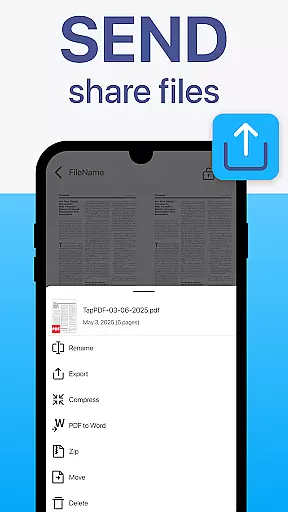
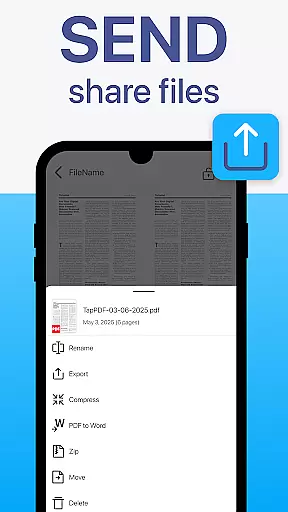
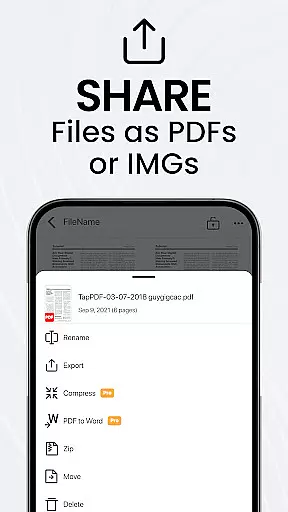
With instant sharing and printing options, TapScanner ensures that tasks involving document distribution are handled promptly. Users can send scans via email, messaging apps, or print directly to any Wi-Fi printer, facilitating smooth task completion and communication.
User-friendly interface
Advanced PDF editing
Multi-language OCR
Cloud integration
Batch scanning
Premium features locked
Subscription required
Limited free usage
Ads in free version
Internet needed

Ask Accio anything about business. Alibaba-backed, built by experts, not just AI
 4.60
4.60
The revolutionary flexible staffing platform
4.40
ANDROID'S TOP MOBILE OFFICE - Word, Excel, PowerPoint and PDF at your fingertips
4.50
Use Generative Summary to understand your rental or insurance docs in seconds.
4.70
Start earning fast. Apply Today.
4.80
view, manage, and share every PDF file you have
3.60
Permission Guard is a security app that helps you manage app permissions.
4.80
The app that lets you deliver with Amazon.
4.50
ADP Mobile Solutions is an employee self service app
4.50
BuildCalc - the easiest AND the most advanced construction calculator app.
4.80
Earn free swag, G-Cards & food • Enter sweepstakes • Find stores • So much more.
4.70
Recover what matters — quickly and easily.
4.70
USPS Mobile®Access USPS.com’s most popular tools on-the-go.
4.70
Find jobs and make money fast with JobStack.
4.60
Your employer must have UKG Ready software configured for Mobile.
4.60
Chat, meet, and collaborate to achieve more together, all in one place on Teams
4.60
On the go? Take FedEx with you.
4.00
Access All PDF Files
3.40
Find part-time earning opportunities near you that pay within days.
3.20


User Reviews