
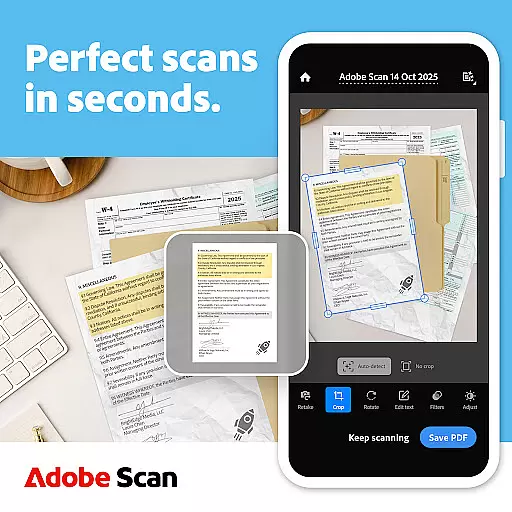
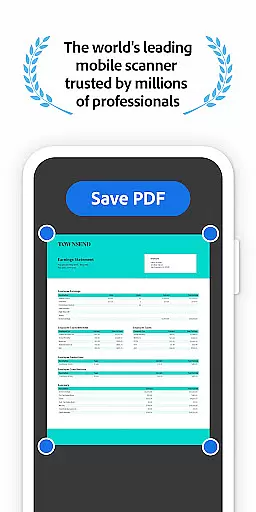
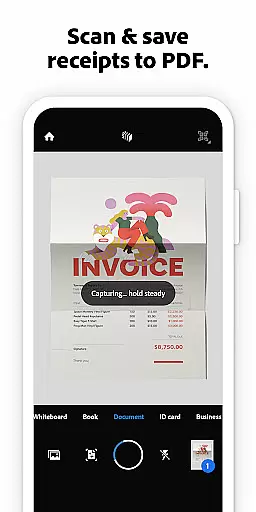
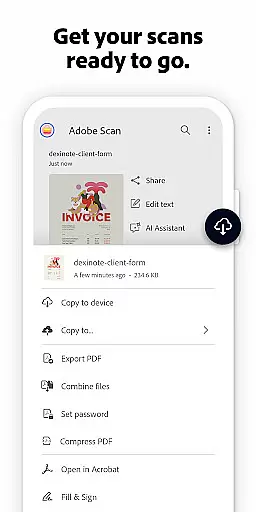
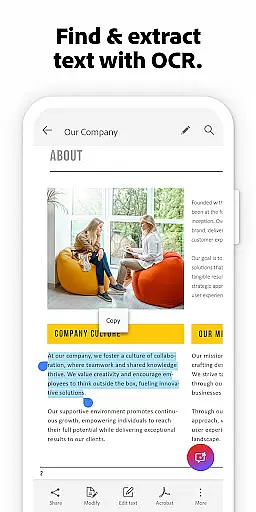

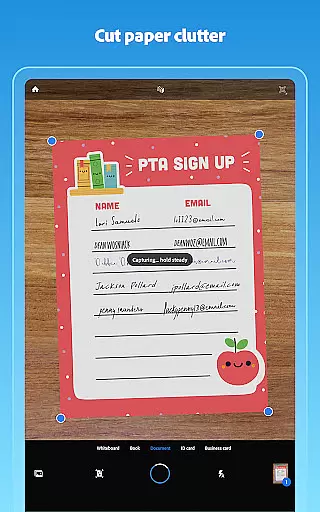
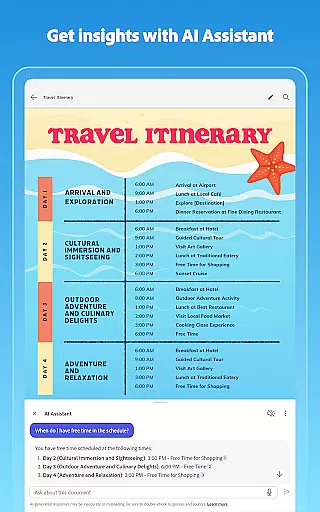
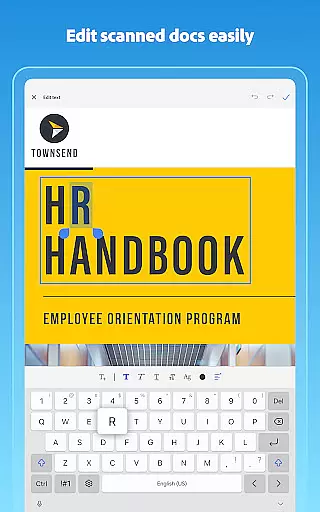
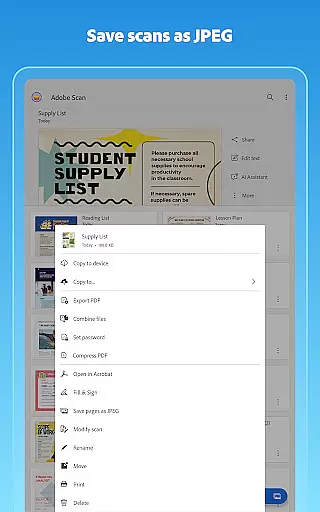
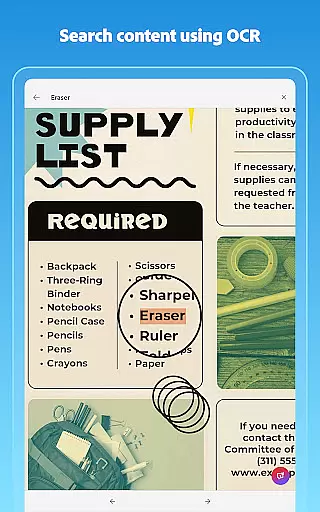
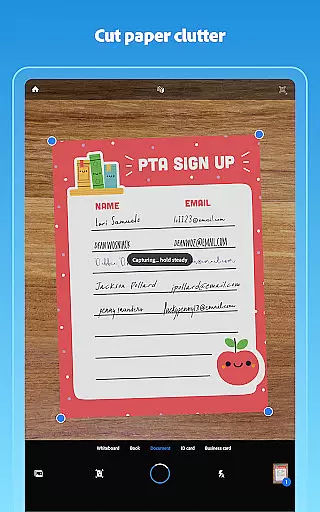
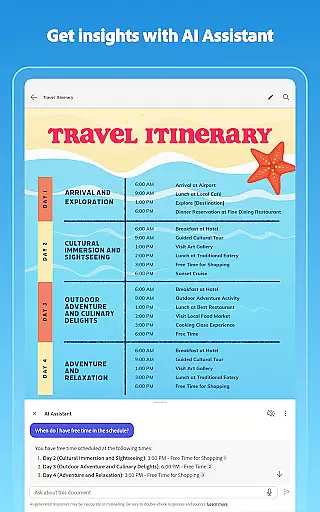
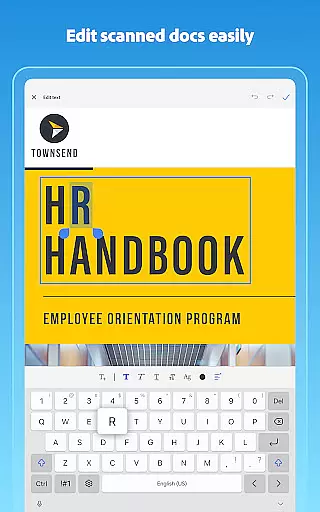
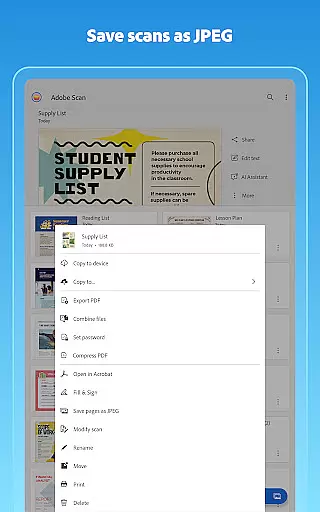
Adobe Scan AI PDF Scanner is a versatile business tool that transforms your mobile device into a powerful document scanner. The app excels at converting paper documents, images, and even handwritten notes into high-quality, editable PDFs or JPEGs. Its advanced OCR technology makes scanned text searchable and editable, while features like automatic border detection and image enhancement ensure professional-looking results.
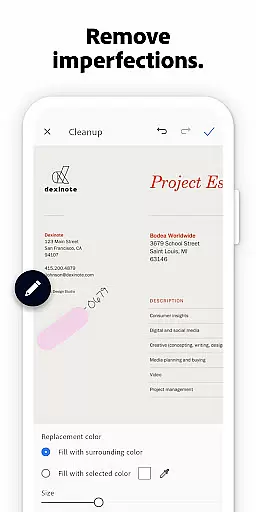
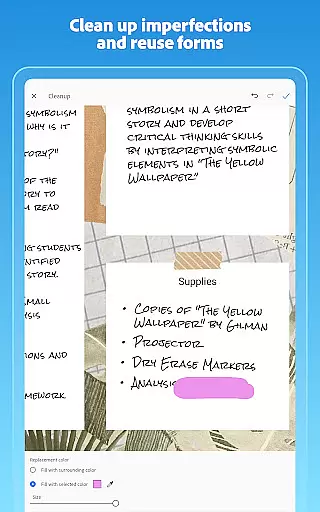
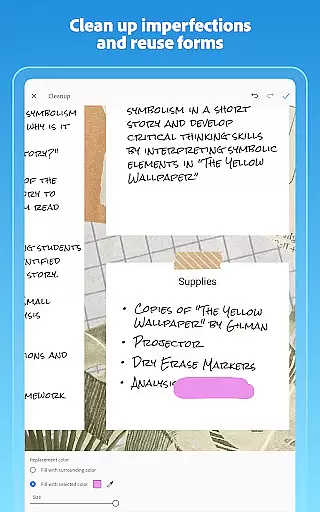
The application offers specialized tools such as AI-powered document summarization, automatic page straightening, and intelligent cleanup functions that remove imperfections from scans. These capabilities make it particularly valuable for professionals who need to digitize and organize important documents while maintaining their quality and usability. With seamless integration across Adobe Document Cloud and other Adobe products, this scanner provides a comprehensive solution for document management.
Whether you're scanning contracts, receipts, whiteboards, or business cards, Adobe Scan streamlines the process through automated workflows and smart organization features. The app's ability to convert scans into multiple formats and its cross-platform synchronization make it an essential tool for modern businesses seeking efficient document handling solutions.
Adobe Scan stands out with its comprehensive feature set tailored for business users. The app's High-speed scan functionality enables bulk processing of documents, turning stacks of papers into organized PDFs within seconds. Its AI Assistant feature takes productivity further by extracting key points from scans and generating summaries, reports, or follow-up actions automatically.
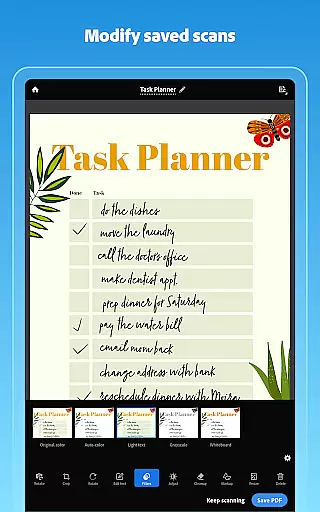
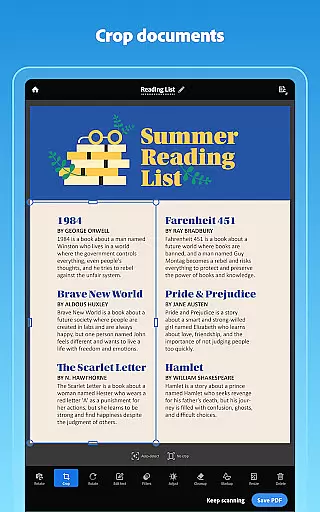
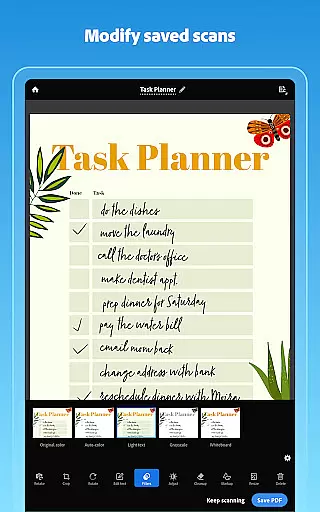
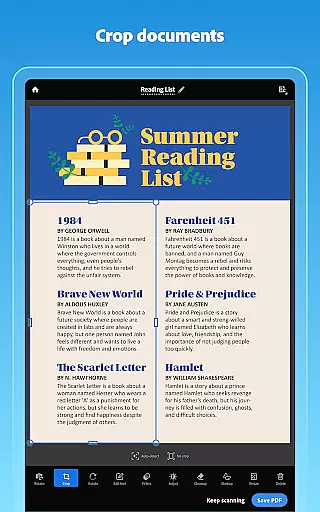
The scanner's precision tools demonstrate its technical sophistication. The Modify tool provides granular control over scan quality, allowing users to crop, rotate, adjust colors, and clean up imperfections. Advanced OCR capabilities work seamlessly with these tools to make scanned content fully editable and searchable. Additionally, the app's Smart Library function intelligently identifies documents in your photo library and converts them into optimized PDFs.
Integration with Adobe's ecosystem adds significant value. Scanned documents automatically sync with Adobe Document Cloud, while compatibility with Acrobat Reader enables advanced PDF editing and annotation. Premium subscribers gain enhanced OCR capacity and document combination features, making the app scalable for both individual professionals and enterprise teams requiring robust document management solutions.
In today's fast-paced business environment, collaborative work features are essential for maximizing productivity and ensuring seamless communication among team members. Adobe Scan AI PDF Scanner, OCR offers a comprehensive solution that supports collaborative efforts by enabling users to create, edit, and share digital documents effortlessly.
The app allows teams to convert paper documents or printed images into PDFs or JPEGs, making it easy to distribute information across various platforms. With the ability to scan anything from receipts to whiteboards, every team member can contribute to the shared knowledge base without geographical constraints.
Moreover, scanned documents are automatically saved to Adobe Document Cloud, providing instant access and sharing capabilities. This feature ensures that all collaborators have the most up-to-date information at their fingertips, facilitating real-time decision-making and enhancing overall project efficiency.
By integrating with Acrobat Reader, Adobe Scan further extends its collaborative potential. Users can open their PDF scans in Acrobat Reader to comment, highlight, fill forms, and sign documents, thus streamlining workflows and reducing the need for physical document handling. This cohesive ecosystem empowers businesses to operate more dynamically and responsively.
Effective task management is crucial for maintaining organization and achieving business objectives efficiently. Adobe Scan AI PDF Scanner, OCR provides robust tools that assist users in managing tasks related to document handling and processing, thereby improving both individual and team productivity.
One of the standout features is the ability to create custom folders for different types of documents such as work files, personal records, or school forms. This organizational structure helps users prioritize tasks by categorizing and storing documents systematically, which simplifies retrieval and ongoing management.
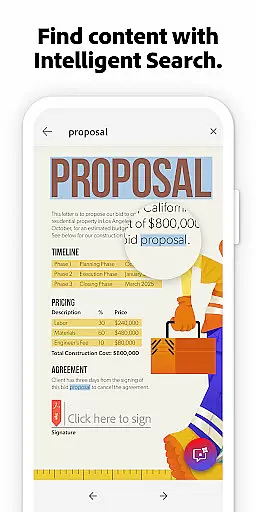
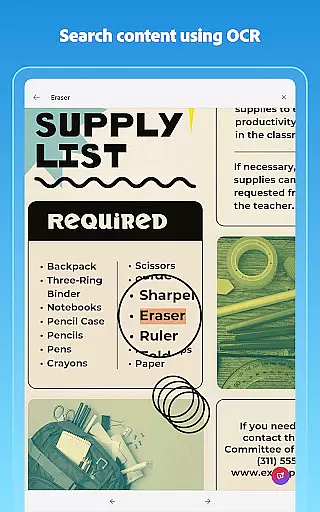
Additionally, the appu2019s advanced OCR technology allows users to search within scanned documents, pulling out key information quickly. Whether it's contact details from business cards or specific clauses in contracts, this functionality ensures critical data is always accessible, aiding timely task completion.
Furthermore, subscription options enhance task management capabilities by increasing OCR capacity and allowing the combination of multiple scans into one file. These premium features enable users to tackle complex projects with greater ease, consolidating information and streamlining workflows to meet deadlines effectively.
User-friendly interface
Advanced OCR technology
AI-powered features
Cross-platform integration
Automatic document organization
Premium features locked
Internet connection required
File size limitations
Basic plan restrictions
Subscription costs

Formerly Facebook Ads Manager. Manage and create ads on the go.
 4.20
4.20
VSD Viewer - Visio Drawings Viewer for Android Preview VSD, VDX, VSDX drawings
4.10
The All-in-One File Manager for Phone, TV, Watch, Cars, XR / VR, Chromebook
4.10
TurboScan turns your phone into a full-featured PDF document scanner.
4.80
Manage work life on the go
4.50
Simple, Fast & Lightweight
3.90
Find work, shifts and gigs near you. Jobs lasting a few hours to a few months.
4.30
Delivery Track App - Tracking with Fedex, USPS, UPS, DHL. Monitor your Orders.
3.20
Find part-time earning opportunities near you that pay within days.
3.20
BuildCalc - the easiest AND the most advanced construction calculator app.
4.80
Employee Management Made Easy
4.80
AI-powered document scanner with auto enhance for perfect PDFs.
4.60
Finance, Investing, Stocks, Trading and Stock news
4.60
Master crypto trading with real-time simulations and exciting challenges!
4.50
Find jobs near you and temp work in minutes, from your phone.
4.50
The app that lets you deliver with Amazon.
4.50
On the go? Take FedEx with you.
4.00
Zoom built for Chrome OS
3.90
view, manage, and share every PDF file you have
3.60


User Reviews