
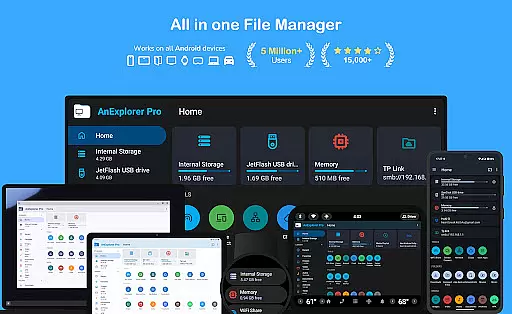
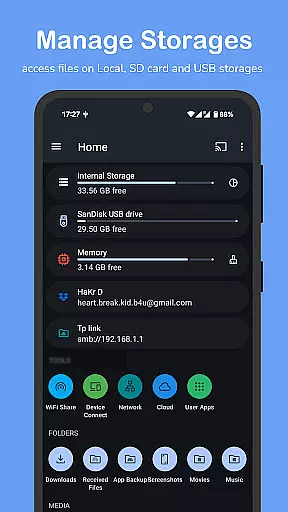

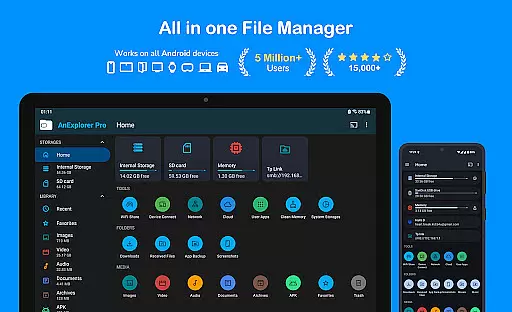
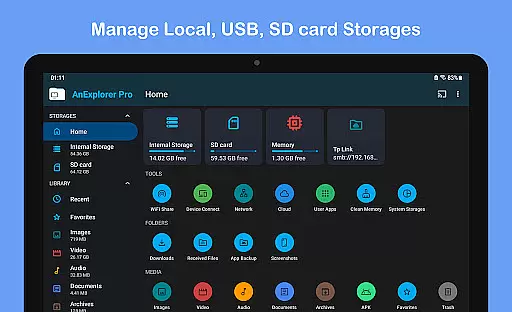

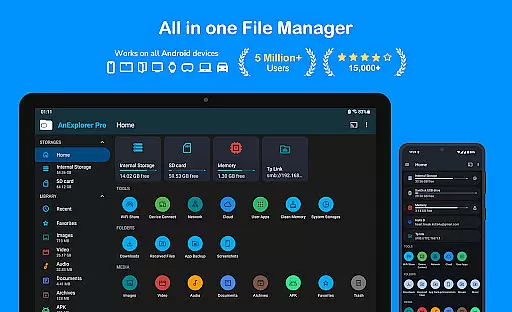
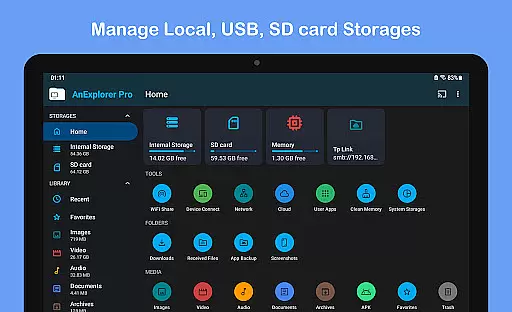
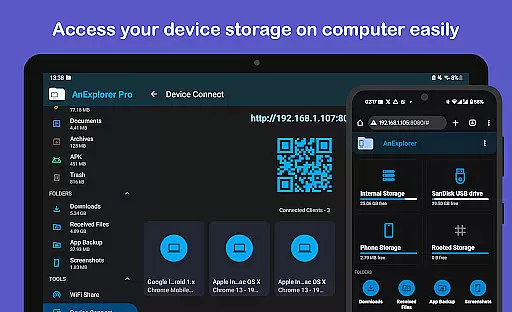

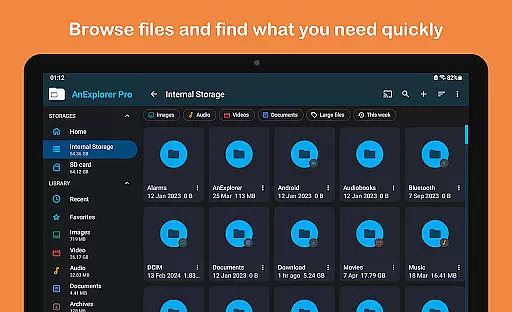
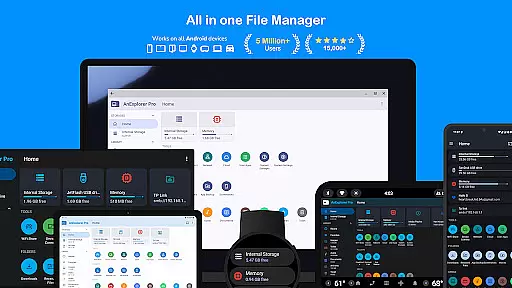
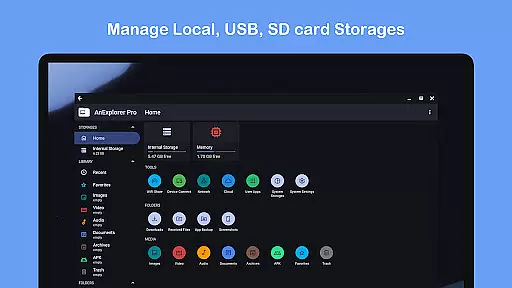
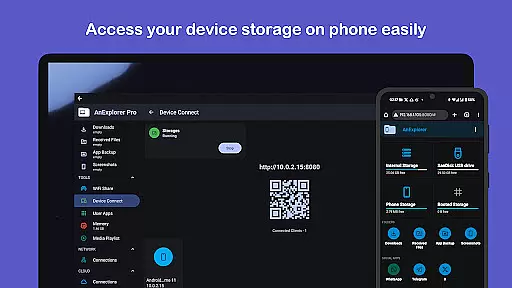
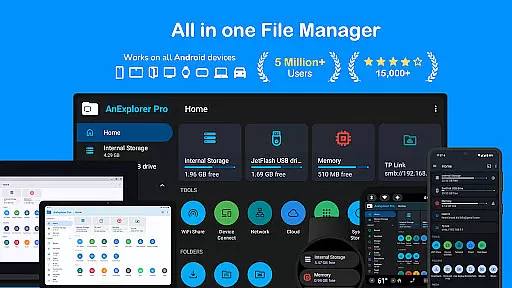
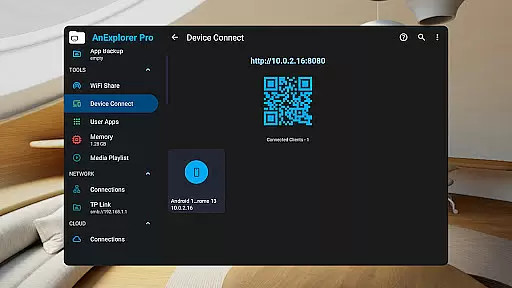
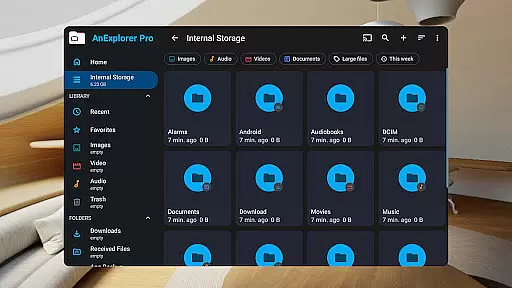
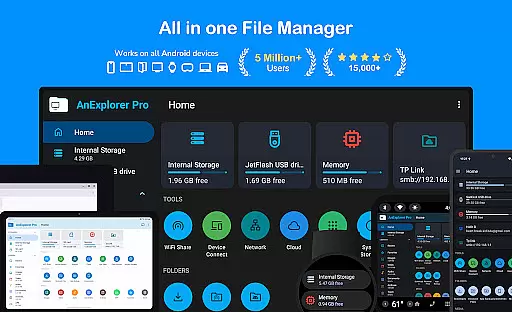
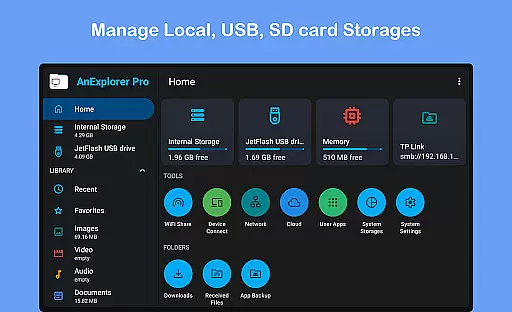
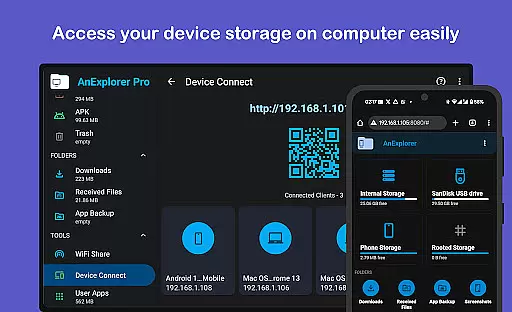




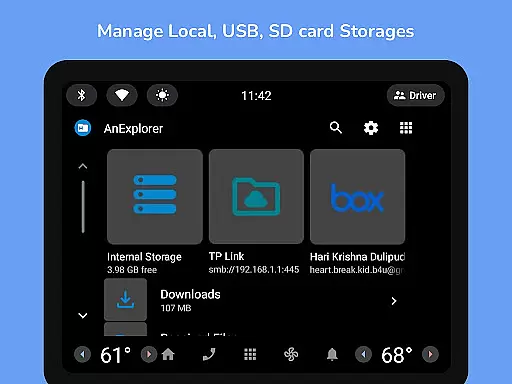

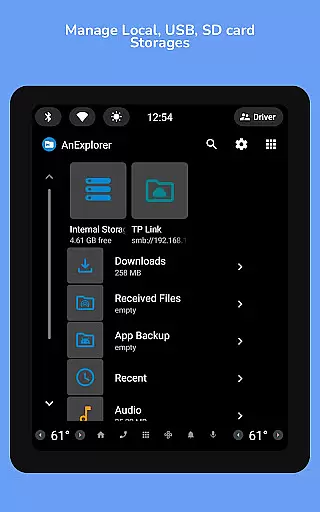
AnExplorer Pro File Manager is a versatile business tool designed for efficient file management across various Android devices. This powerful app allows users to seamlessly organize, transfer, and manage files on multiple storage types including internal storage, USB drives, SD cards, and cloud services. With its intuitive interface and extensive feature set, the app supports complex operations like file compression, extraction, and even root-level file editing.
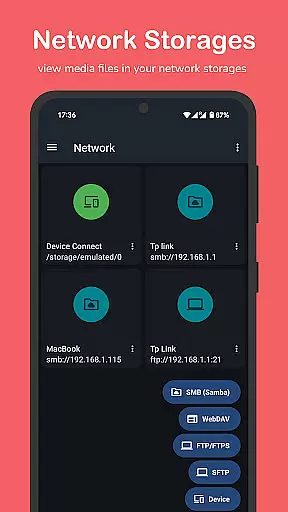
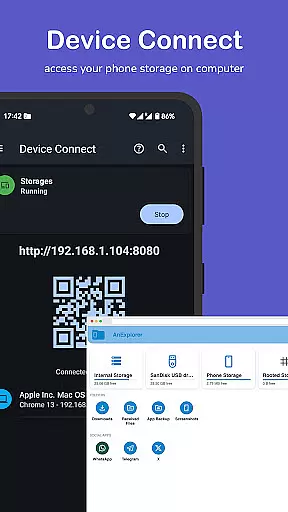
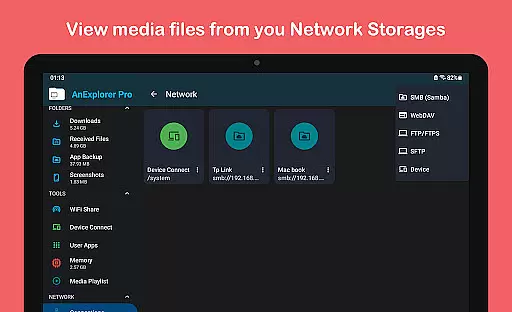
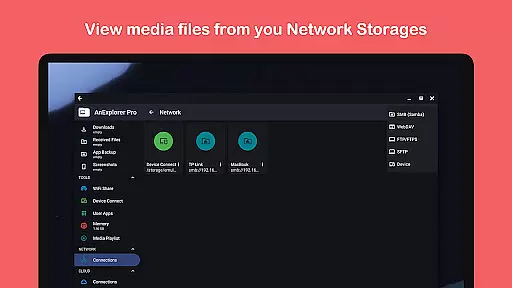
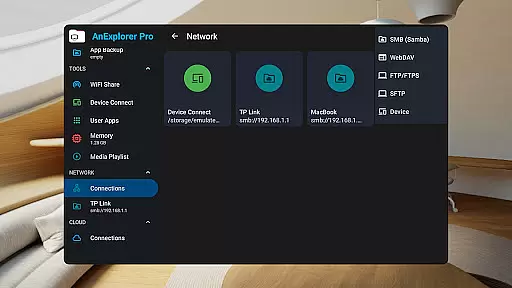
The application stands out with its comprehensive network capabilities, enabling users to connect to FTP, SMB, and WebDAV servers. The built-in memory cleaner helps optimize device performance by clearing cache and junk files. Particularly valuable for business users, AnExplorer Pro offers specialized managers for different file types and devices, making it an essential utility for professionals who need reliable access to their digital assets across different platforms and devices.
AnExplorer Pro distinguishes itself through its extensive range of advanced features tailored for business environments. The app's core functionality includes robust file organization tools that allow browsing, copying, moving, and managing files across all storage types. It maintains full compatibility with FAT32 and NTFS file systems, ensuring maximum compatibility with external storage devices.
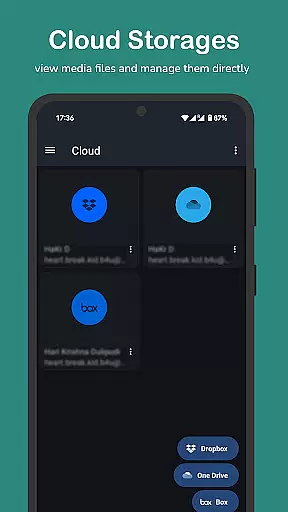
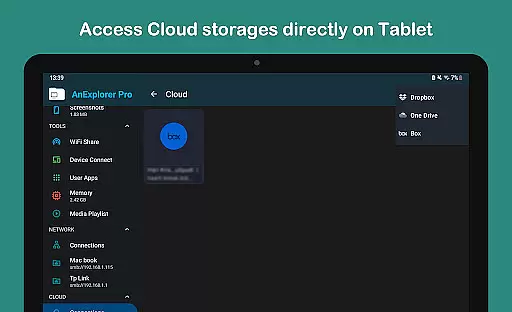
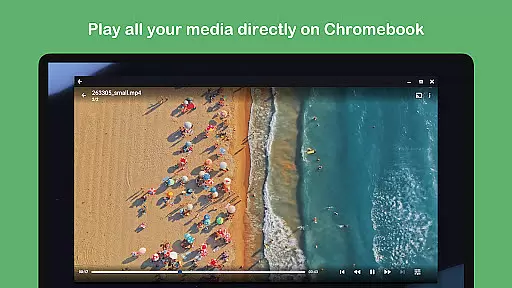
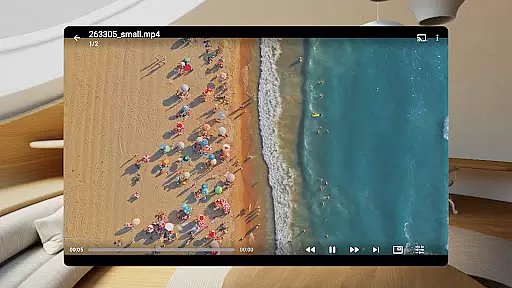
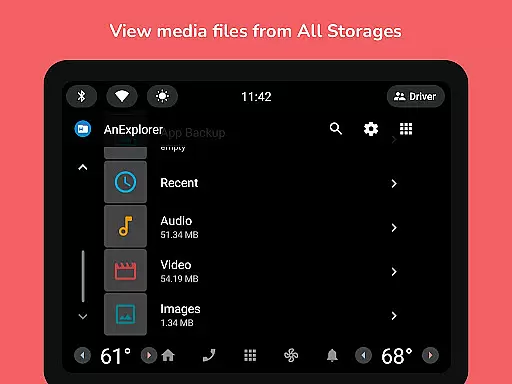
One of the app's most notable aspects is its comprehensive media management capabilities. Users can view and edit various file formats including documents, images, and videos. The application also incorporates specialized tools for managing cloud storage accounts from providers like Dropbox and OneDrive. Its network file management features enable seamless file transfers between devices through WiFi sharing and server connections. Additionally, the app's support for RTL languages and its ability to display folder sizes across different storage types make it particularly valuable for international business operations.
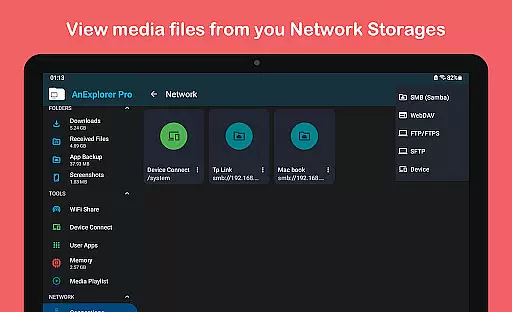
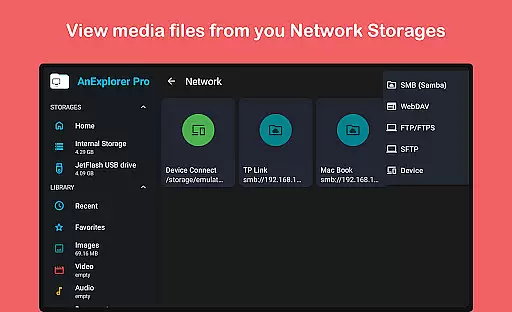
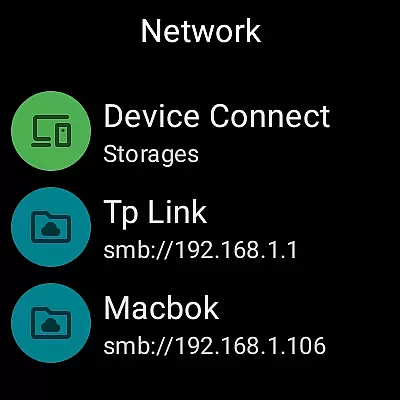
Collaborative work features are essential for modern business applications, enabling teams to work together efficiently regardless of location. AnExplorer Pro File Manager supports this through its network file management capabilities, allowing users to connect to FTP, FTPS, SMB, and WebDAV servers.
This functionality facilitates seamless file sharing and collaboration across different devices and platforms. Users can stream and transfer files from NAS devices and shared folders, ensuring that all team members have access to the necessary resources when they need them.
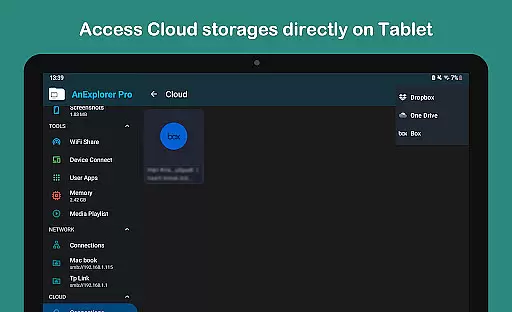
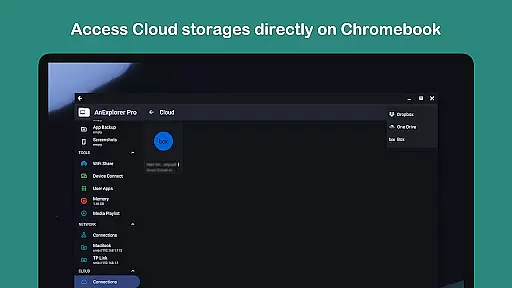
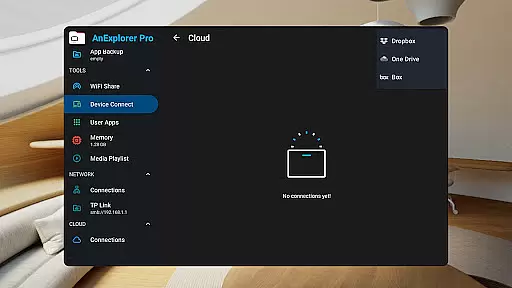
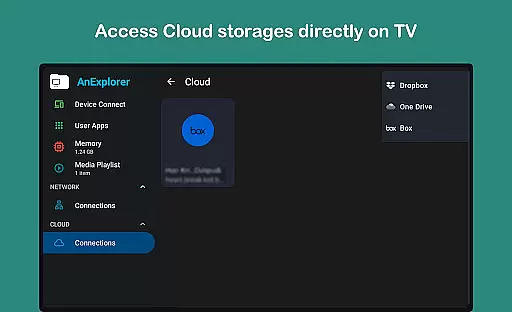
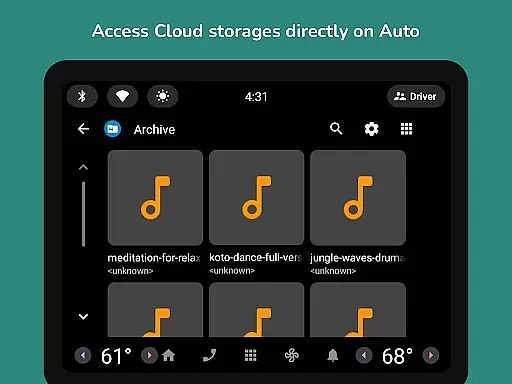
The app's cloud file management feature further enhances collaboration by integrating with popular services like Box, Dropbox, and OneDrive. This allows teams to manage, upload, download, delete, or preview media directly in the cloud, promoting a flexible and dynamic work environment.
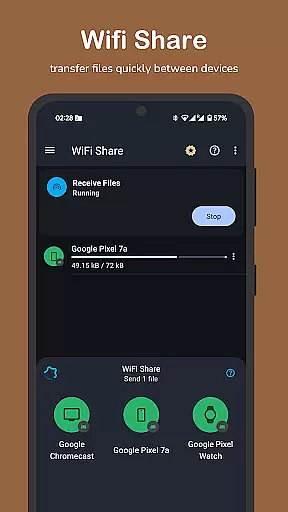
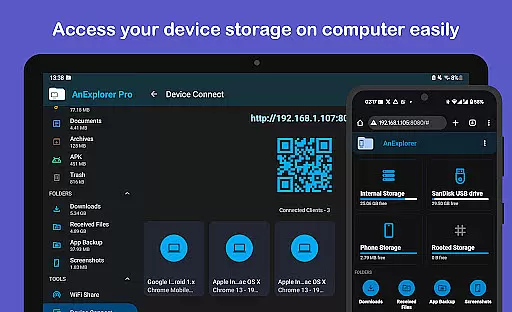
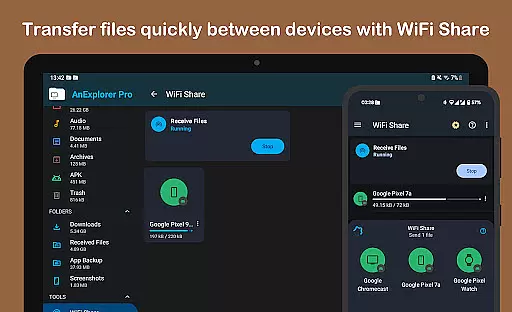
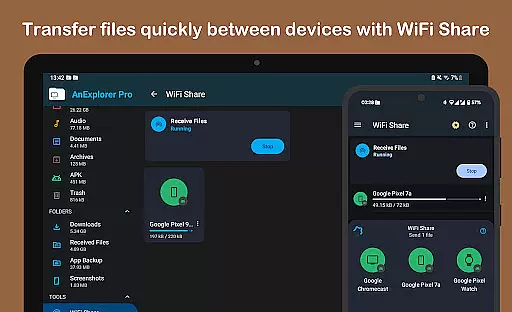
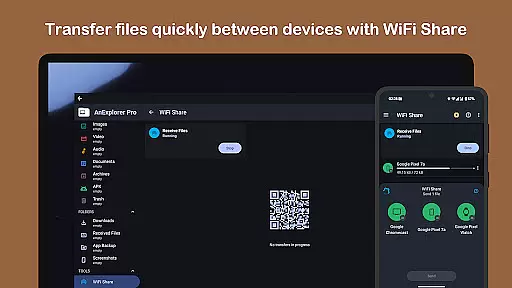
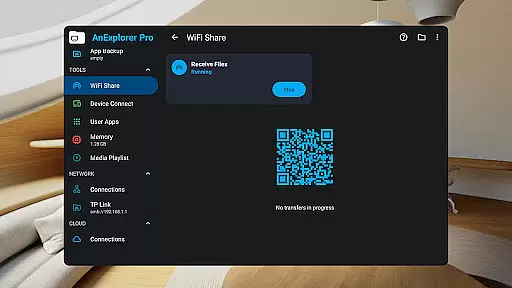
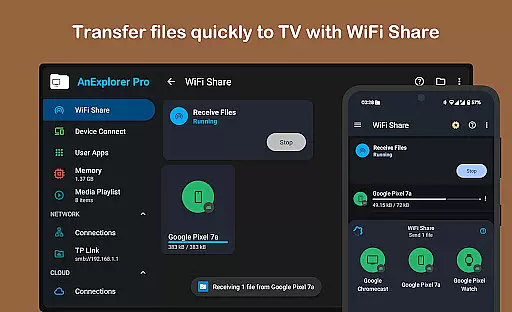
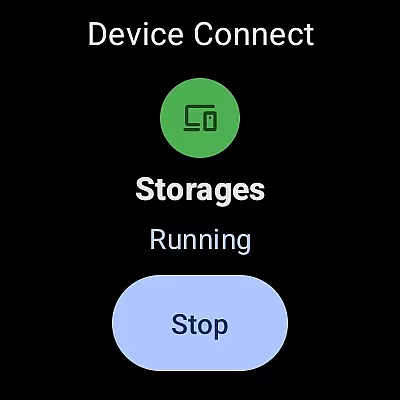
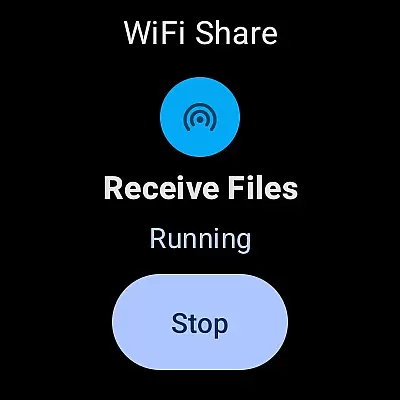
By supporting offline WiFi sharing, AnExplorer Pro ensures that files can be transferred between Android devices instantly over the same WiFi network without creating a hotspot. This feature is particularly beneficial for quick exchanges during meetings or collaborative sessions, thus improving overall productivity.
Effective task management is crucial for maintaining productivity and ensuring that projects progress smoothly. AnExplorer Pro File Manager offers robust tools for organizing and managing tasks related to file handling and storage management.
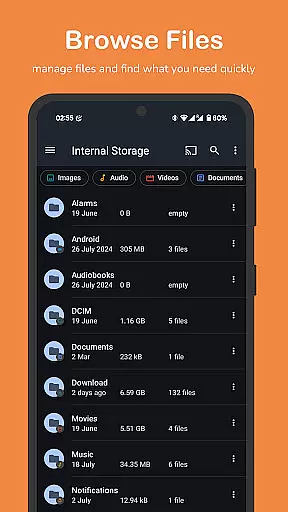
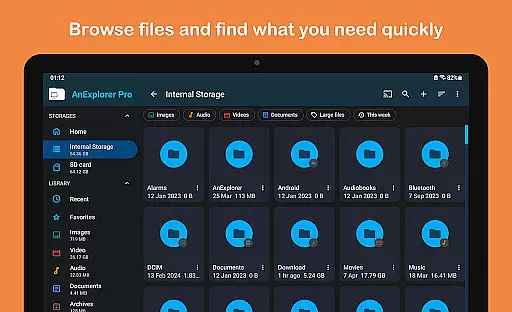
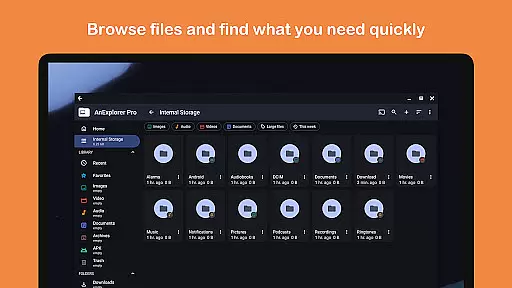
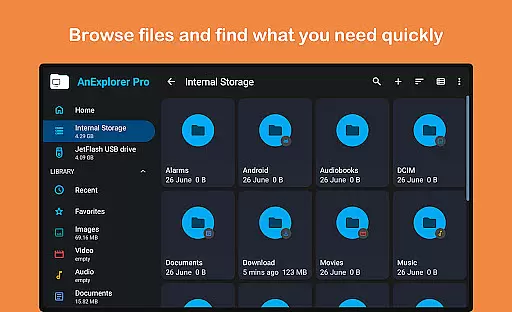
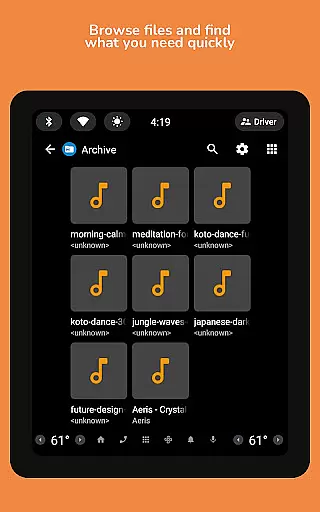
The app's file organizer feature allows users to browse, copy, move, rename, delete, compress, and extract files and folders effortlessly. With advanced search and filter options, users can quickly locate files by name, type, size, or date, making it easier to manage large volumes of data efficiently.
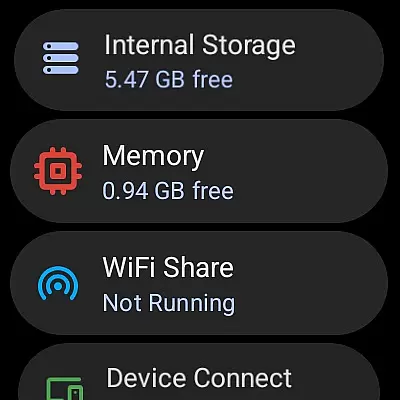
AnExplorer Pro also includes a memory cleaner tool that helps free up RAM and boost device speed. By deep cleaning cache and junk files via a built-in storage analyzer, users can maintain optimal performance levels on their devices, which is vital for uninterrupted task execution.
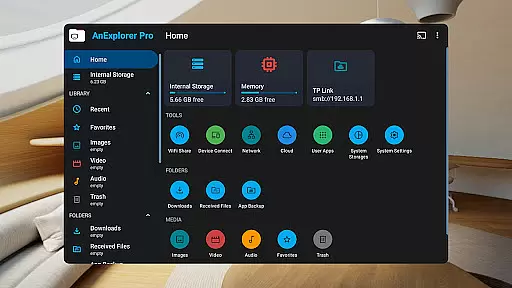
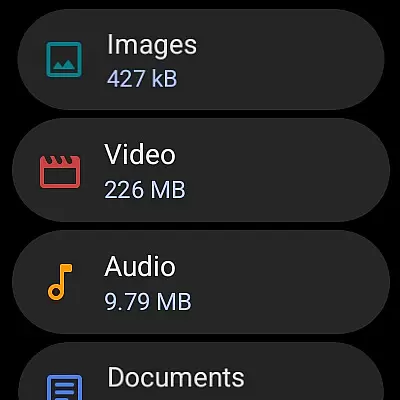
Additionally, the media library manager auto-categorizes files into images, videos, music, documents, archives, and APKs, providing an organized structure that simplifies navigation and retrieval. This systematic approach not only saves time but also reduces the cognitive load on users, allowing them to focus more on their core responsibilities.
User-friendly interface
Comprehensive file management
Multi-platform support
Advanced network capabilities
Efficient memory optimization
Premium features locked
Occasional performance lag
Complex for beginners
High system requirements
Limited free version

AI-powered document scanner with auto enhance for perfect PDFs.
 4.60
4.60
Earn crypto with secure cloud mining. Monitor, track & withdraw easily
4.40
Manage work life on the go
4.50
Take the stress out of storage with the all-in-one app to manage your space.
3.70
Recover what matters — quickly and easily.
4.70
Mobile POS for any business: sales, invoices, retail, restaurants & appointments
4.60
USPS Mobile®Access USPS.com’s most popular tools on-the-go.
4.70
Make invoices, bills, receipts & estimates on the go with Invoice Generator.
4.70
Say hello to the mobile work experience built to help you thrive at work.
4.30
FaxCover - Create fax cover pages. Works with any app or fax machine.
4.90
BuildCalc - the easiest AND the most advanced construction calculator app.
4.80
Permission Guard is a security app that helps you manage app permissions.
4.80
Access to Paylocity, empowering employees with information they need 24/7.
4.70
Find work, shifts and gigs near you. Jobs lasting a few hours to a few months.
4.30
A secure, all-in-one team collaboration app
4.30
Zoom built for Chrome OS
3.90
All document reader, pdf viewer app, read docs & excel files
3.80
Roadie connects people with stuff to send with drivers already going that way.
3.50
Access All PDF Files
3.40


User Reviews