
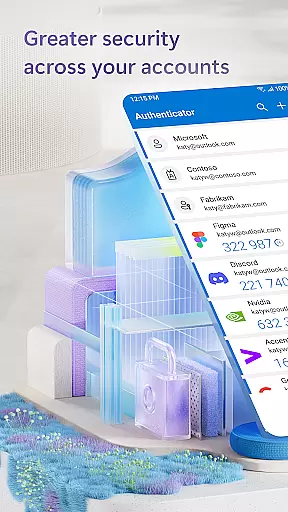
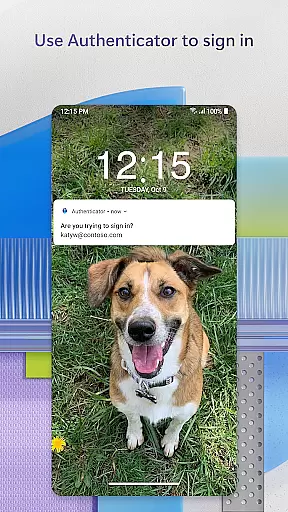
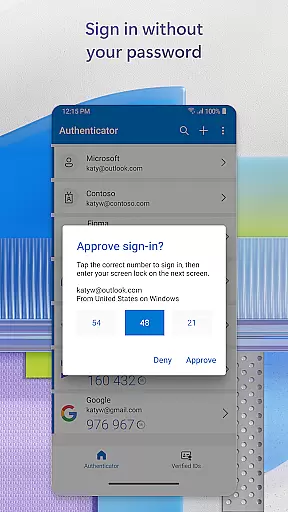
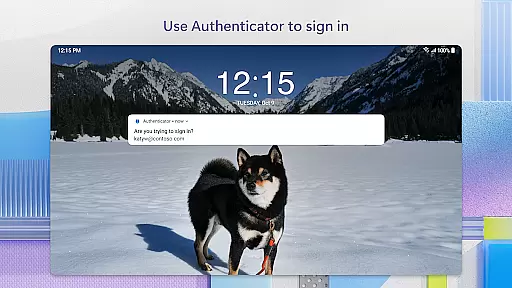
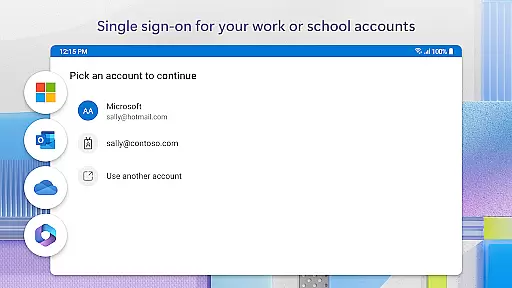
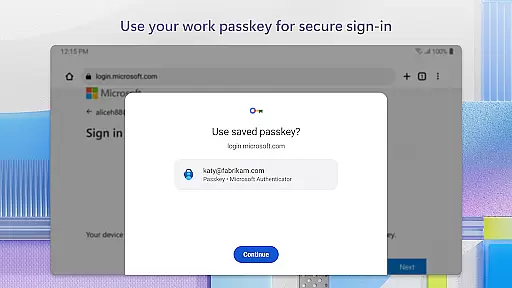
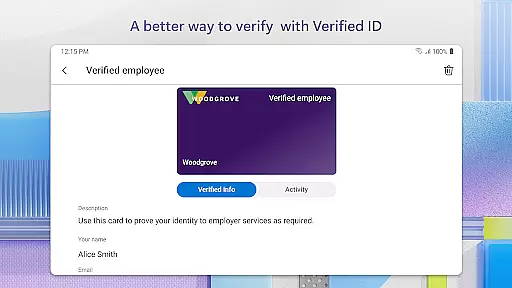
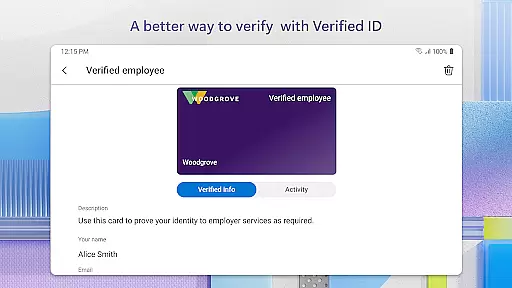
Microsoft Authenticator is a robust business application designed to enhance security for online accounts through multi-factor authentication (MFA), passwordless login, and traditional password usage. The app supports both personal Microsoft accounts and work or school accounts, providing users with flexible account management options.
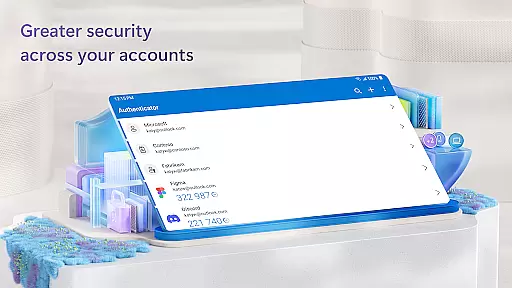
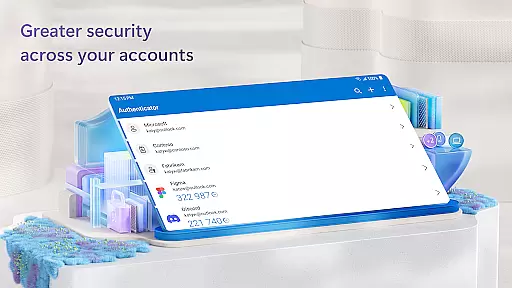
One of the key features of Microsoft Authenticator is its support for two-factor authentication (2FA). When logging in, users enter their password and then approve a notification sent to the app or input a one-time password (OTP) generated every 30 seconds. This ensures an additional layer of security without requiring network connectivity. Additionally, the app allows users to add multiple non-Microsoft accounts such as Facebook, Amazon, and Google.
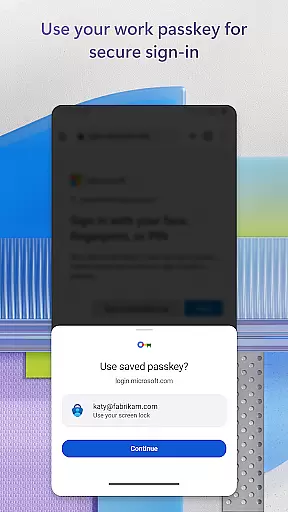
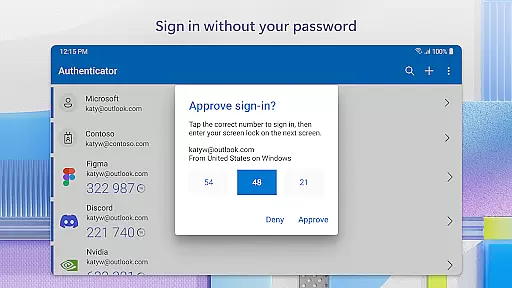
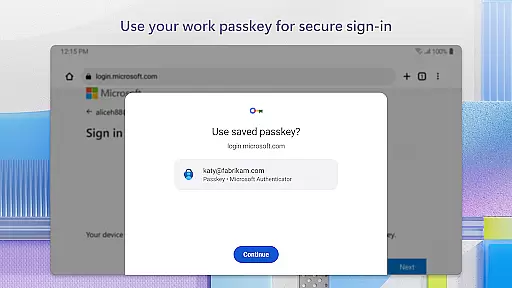
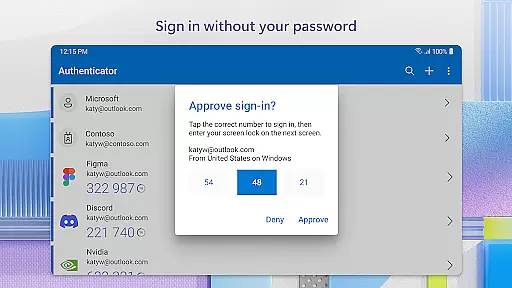
The passwordless feature enables users to log into their Microsoft accounts using their phone instead of a password. By approving a notification on their device, users can leverage biometric verification like fingerprint or face ID as a second layer of security. Once authenticated, users gain seamless access to various Microsoft services including Outlook, OneDrive, and Office.
Microsoft Authenticator offers several advanced features that cater specifically to businesses and individuals seeking enhanced security measures. A notable feature is the support for cert-based authentication, which issues a certificate on the user's device. This assures organizations that sign-in requests come from trusted devices, facilitating secure access to multiple Microsoft apps and services without repeated logins.
The app also includes optional access permissions that require explicit user consent. These include accessibility services for broader app compatibility, location tracking if required by organizational policies, camera access for scanning QR codes when adding accounts, and storage access for diagnosing technical issues. Such granular control over permissions ensures that users can tailor the app’s functionality according to their needs while maintaining privacy.
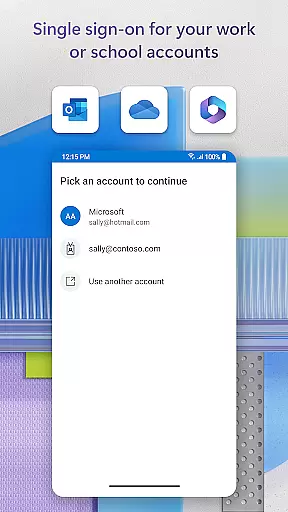
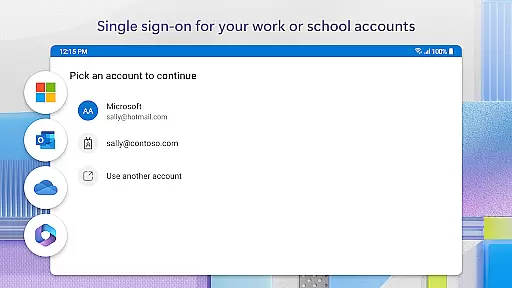
Furthermore, Microsoft Authenticator supports single sign-on (SSO), allowing users who have authenticated once to access other Microsoft applications on the same device without needing to log in repeatedly. This streamlined approach not only enhances security but also improves user experience by reducing repetitive authentication steps.
Microsoft Authenticator enhances collaborative work environments by providing secure access to essential business tools. The app supports multi-factor authentication (MFA) and two-factor authentication (2FA), ensuring that only verified users can access sensitive information.
Through cert-based authentication, the app issues a certificate on your device, allowing organizations to identify sign-in requests from trusted devices. This seamless integration promotes secure and efficient access to Microsoft apps and services without repetitive login processes.
Additionally, single sign-on capabilities mean that once users verify their identity, they can access all Microsoft products like Outlook, OneDrive, and Office without repeated authentication. This streamlined approach not only boosts productivity but also maintains robust security protocols across collaborative platforms.
Task management within Microsoft Authenticator revolves around simplifying and securing the login process for various accounts. By supporting passwordless logins, the app allows users to leverage their phones as a second layer of security instead of relying solely on passwords.
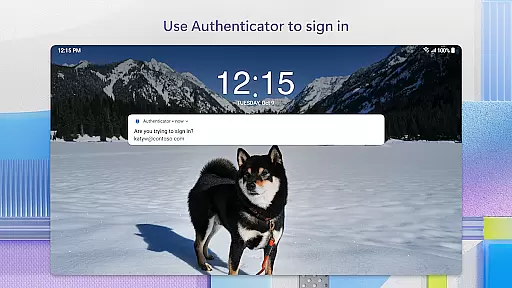
Users can approve notifications sent directly to their phones, using biometric verification such as fingerprints or face ID for added security. This method eliminates the need to remember complex passwords while enhancing account protection through dynamic verification methods.
Furthermore, the app generates one-time passwords (OTP) with a 30-second timer, ensuring unique codes for each login attempt. These OTPs function without network connectivity, preserving device battery life and offering reliable access even in offline scenarios.
Enhanced Security
Multi-Factor Authentication
Passwordless Login
Single Sign-On Support
User-Friendly Interface
Requires Device Compatibility
Dependent on Network for Some Features
Limited Offline Functionality
Potential Privacy Concerns
Complex Setup for Beginners

Find jobs and make money fast with JobStack.
 4.60
4.60
Ask Accio anything about business. Alibaba-backed, built by experts, not just AI
4.60
Find work, shifts and gigs near you. Jobs lasting a few hours to a few months.
4.30
One marketplace. Hundreds of services. Unlimited possibilities. All on Fiverr.
4.40
Deliver and earn money
4.30
All your team communication in one place
4.70
Mobile POS for any business: sales, invoices, retail, restaurants & appointments
4.60
Access to Paylocity, empowering employees with information they need 24/7.
4.70
From Gone to Back Again — In Just a Few Taps
4.50
FaxCover - Create fax cover pages. Works with any app or fax machine.
4.90
Earn free swag, G-Cards & food • Enter sweepstakes • Find stores • So much more.
4.70
Get instant construction estimates: accurate home repair & material calculator.
4.70
Use Generative Summary to understand your rental or insurance docs in seconds.
4.70
We help people get jobs
4.70
Paychex Flex - Save Time and Stay Connected
4.60
Scan Business Cards & Conference Badges - Capture Leads at Events & Tradeshows
4.20
Build a store in minutes with our full suite of AI tools. Start for free!
4.20
Shop, deliver, and earn with the Spark Driver™ App
4.10
enjoy effortless PDF reading anytime, anywhere
3.90


User Reviews