
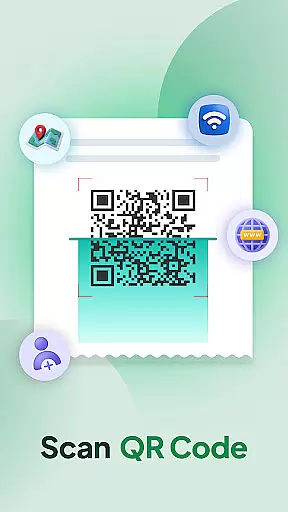
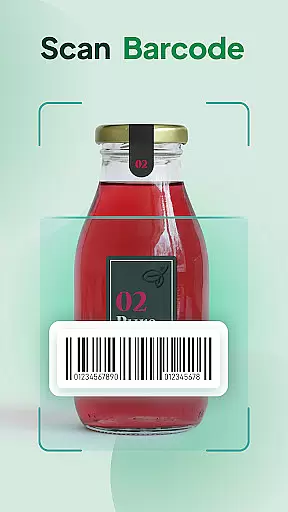
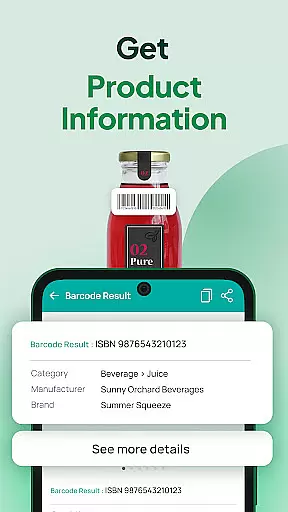
QR & Barcode Scanner Launcher is a powerful tool designed for effortless scanning of QR codes and barcodes. With its fast and accurate scanning technology, users can access URLs, retrieve product details, and decode various types of information seamlessly.
This app stands out with its innovative launcher feature, enabling one-swipe access directly from the home screen. It also includes helpful functionalities such as scan history tracking, auto-copy to clipboard, and instant notifications through vibrations or beeps. These aspects ensure a smooth and efficient scanning experience tailored to both personal and professional use.
Whether you're managing inventory, organizing event details, or simply exploring linked content, QR & Barcode Scanner Launcher provides a reliable solution with its robust feature set and user-friendly design.
QR & Barcode Scanner Launcher offers advanced scanning capabilities with an intuitive interface. The app allows users to decode QR codes and barcodes instantly using their smartphone's camera.
Key features include one-swipe access from the home screen, a customizable widget displaying time and weather, and multiple search touchpoints powered by Yahoo. Users can also personalize their experience with themed wallpapers and benefit from practical functions like scan history and auto-copy to clipboard.
The app ensures a seamless experience by providing instant notifications through vibrations or beeps upon successful scans. These features make it a reliable tool for both casual and professional scanning needs.
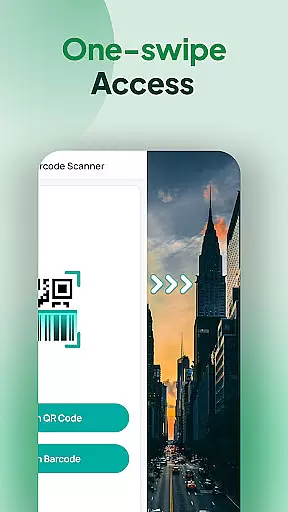
When it comes to QR and barcode scanning, the core function accuracy and effectiveness of an application are paramount. The QR & Barcode Scanner & Launcher app excels in this area by providing users with a lightning-fast scanning experience that is both effortless and reliable. With just a simple swipe from the home screen, users can access the scanner and decode any QR code or barcode instantly.
The app ensures accurate scanning for all types of codes, whether you're accessing URLs, checking product details, or obtaining other essential information. Its powerful scanning capability guarantees that every scan will yield precise results, which is crucial for making informed decisions or performing tasks efficiently.
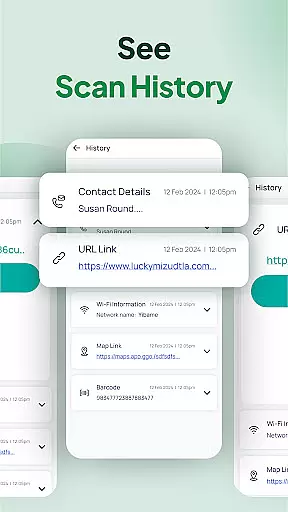
Users benefit greatly from the app's effective performance as it eliminates the common frustrations associated with incorrect scans or slow processing times. The intuitive Scan History feature automatically stores all previously scanned codes, allowing users to revisit important links and information conveniently. This functionality not only enhances productivity but also streamlines the user's workflow.
In addition to its primary scanning functions, the app offers practical features such as auto-copy to clipboard and instant notifications through vibration or beep upon successful scans. These thoughtful additions contribute to the overall effectiveness of the app, ensuring that users enjoy a seamless and secure scanning experience tailored to their needs.
A tool's interface simplicity and intuitiveness can significantly impact the user experience, especially when dealing with potentially complex tasks like scanning QR codes and barcodes. The QR & Barcode Scanner & Launcher app boasts an elegant design that prioritizes ease of use without compromising on functionality. By integrating directly into the home screen, it allows one-swipe access to the scanning feature, making it incredibly straightforward for users to operate.
This app provides a clutter-free environment where users can focus on the task at hand without being overwhelmed by unnecessary options or complicated menus. The inclusion of a home screen widget further simplifies interaction by displaying useful information such as time and weather at a glance, enhancing the overall user engagement with the device.
Customization options within the app contribute to its intuitive nature; users can personalize their home or lock screens with themed wallpapers, creating a more engaging and familiar interface. Moreover, the presence of a dedicated shortcut on the home screen ensures that fast access to the QR code reader and barcode scanner is always available, reinforcing the app's commitment to accessibility.
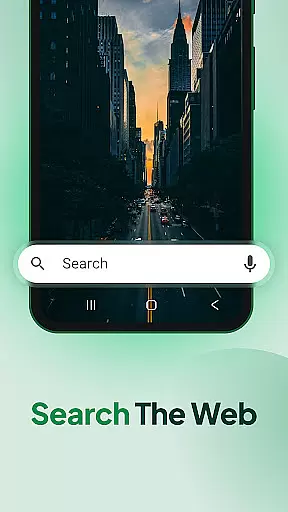
With multi-touchpoint search capabilities powered by Yahoo, finding installed apps or web content becomes an intuitive process. This combination of streamlined design and practical features makes the QR & Barcode Scanner & Launcher app not only simple to navigate but also highly effective in daily use, catering to both novice and experienced users alike.
Fast scanning
User-friendly
Customizable
Free to use
Accurate results
Home screen changes
Needs camera access
Limited design options
No offline help
Ads present

Just swipe the edge to do something!
 4.40
4.40
FV File Manager Pro, Fast and powerful file manager for Android
4.60
Safely recover deleted photos, videos, and files with a single easy tap.
3.70
Canon PRINT is a companion app for your Canon printer.
4.60
Unleash gamepad precision for ultimate mobile gaming dominance.
3.90
Making emulation easy for everyone!
4.30
Support Fossify apps with a warm thank you!
5.00
Automate everything from settings to photos, SMS to speech. ADC2 prize winner.
4.10
Creation, Learning, Entertainment & More — The All-in-One AI Search Engine
4.70
Connect wirelessly to your computer to watch movies, browse the web, play games
5.00
WiFi Signal Strength Meter help you detect WiFi Signal Strength in real time.
4.80
Extremely fast, secure, and protects your privacy
4.80
The Ultimate Flex Drivers Utility App - Convenient Tapping & Block Filters
4.70
HD Camera captures every special moment.
4.60
Pro Emulator is an easy to use game console emulator for a range of consoles.
4.40
An easy-to-use calculator designed to save time calculating and bending conduit
4.30
VESC Tool can monitor and configure VESC-compatible devices over BLE and Wifi
4.20
Signal Strength, Mobile, Wifi, Speed Test, Bad Signals, Cellular, 5G, LTE, 4G
4.20
A non-root local ADB shell client. READ BELOW!
3.40


User Reviews