
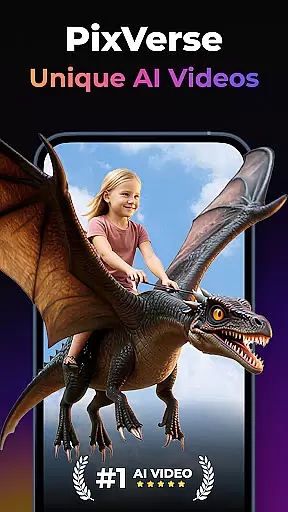

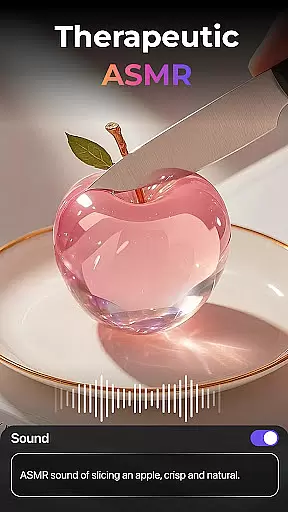
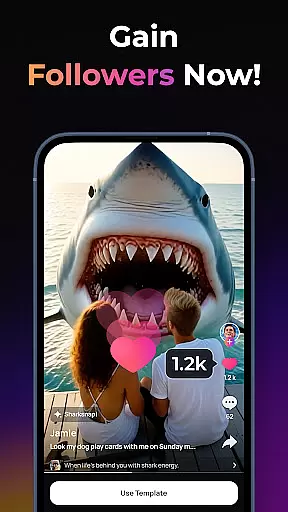
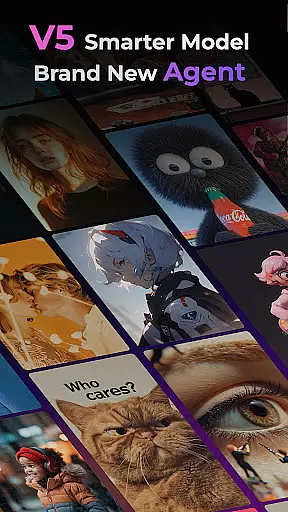
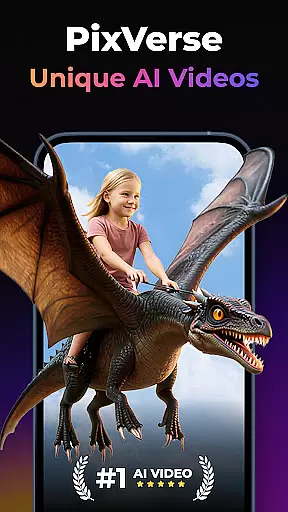
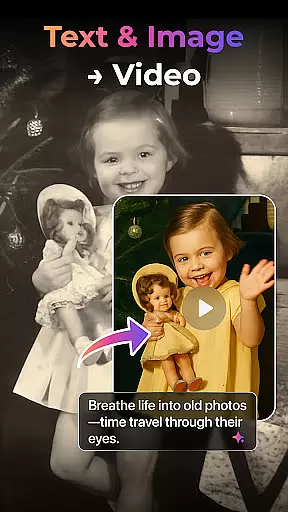

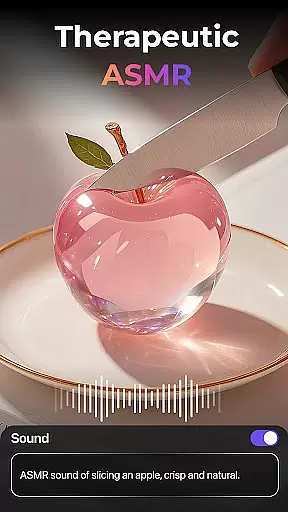
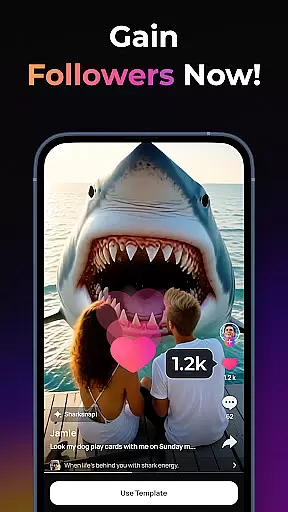
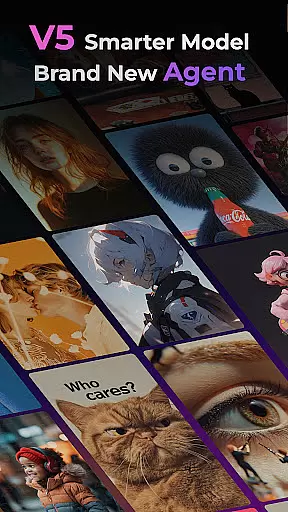
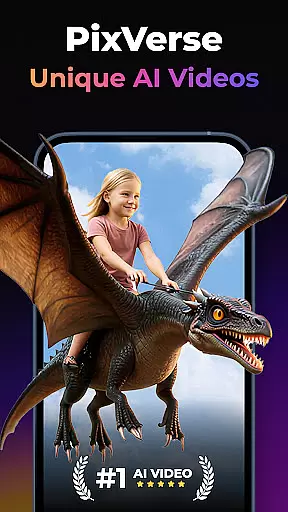

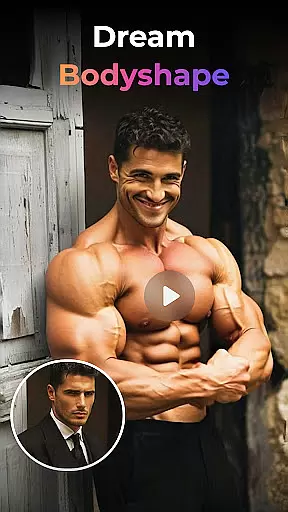
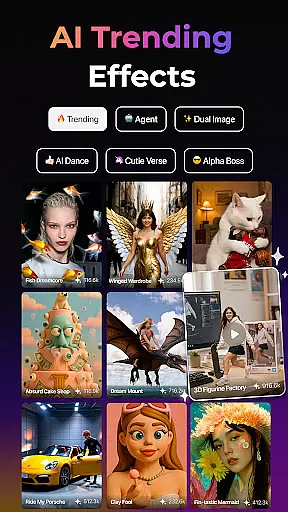
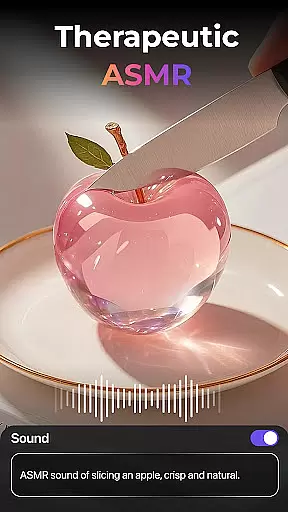
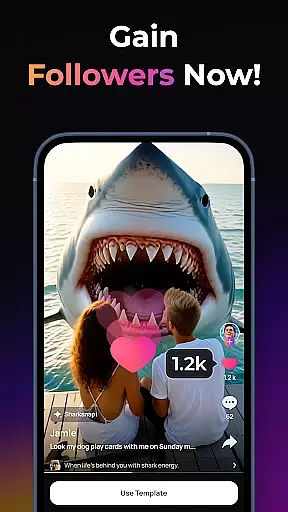
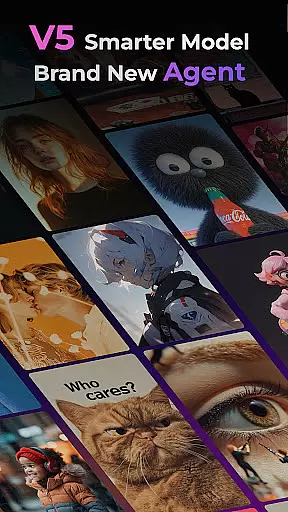
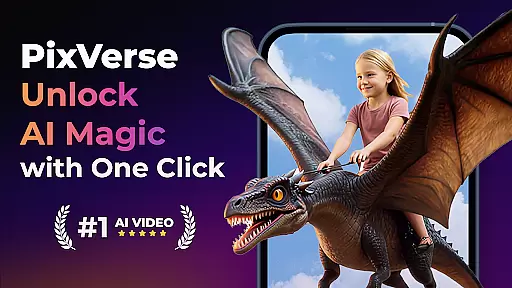
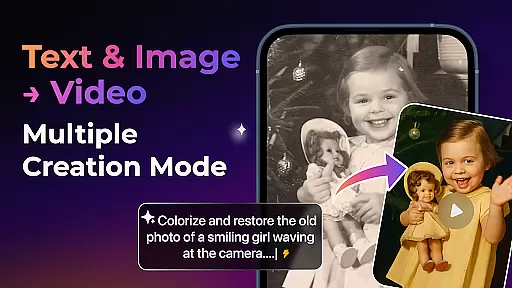

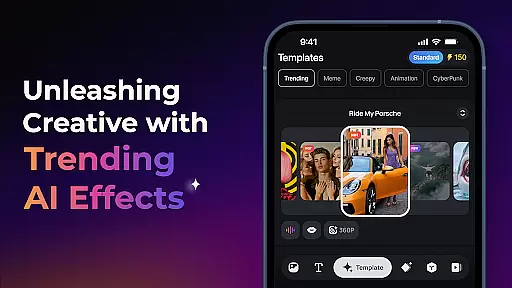
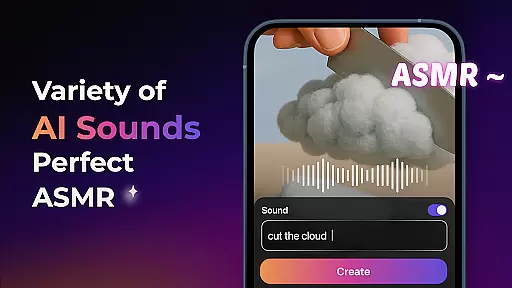
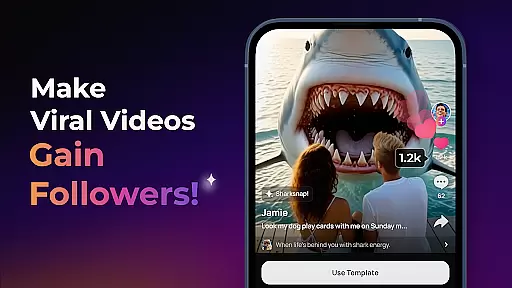
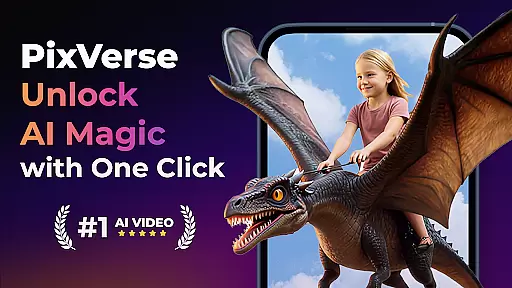

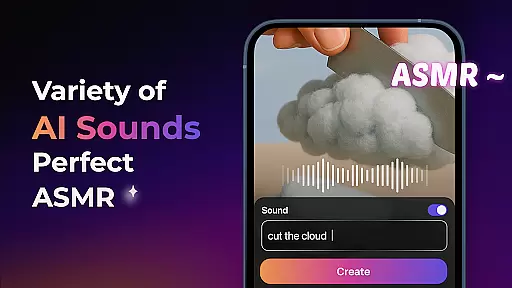
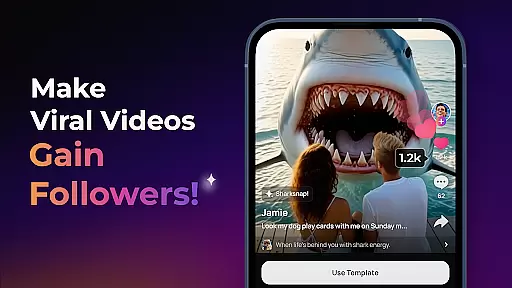
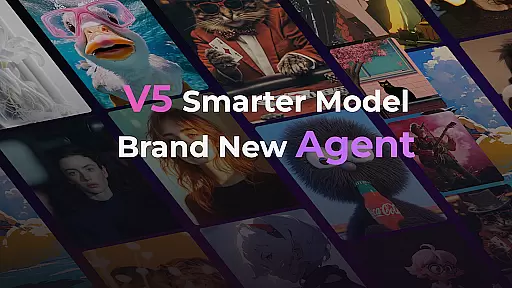
PixVerse is an advanced AI-powered video creation suite that empowers users to transform photos, text, and videos into stunning content within seconds. With its cutting-edge V5 model, the app ensures perfect prompt alignment, lifelike details, and smooth animations, making it a top choice for creators seeking professional-grade results. The Brand New Agent feature acts as your creative co-pilot, streamlining the process of bringing ideas to life with precision.
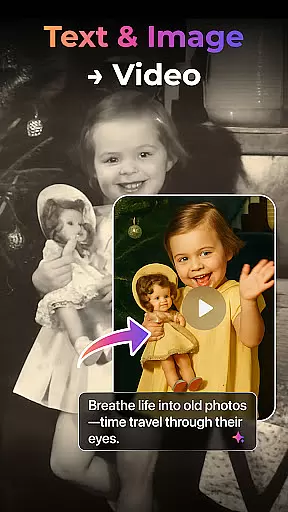
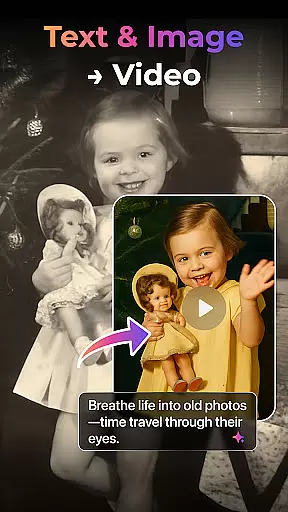
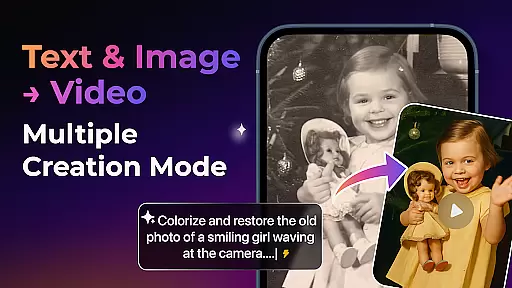
Designed for both casual users and professional creators, PixVerse offers versatile tools such as Image to Video, Text to Video, and Video Extension. Its innovative features like Old Photo Revival and AI Dance Revolution provide unique ways to engage with content. Whether you're reviving cherished memories or crafting viral videos, PixVerse delivers lightning-fast results with cinematic HD quality, ensuring your creations stand out.
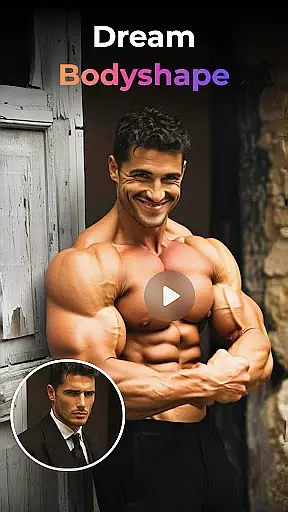
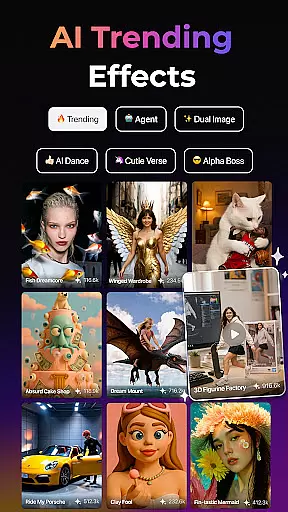
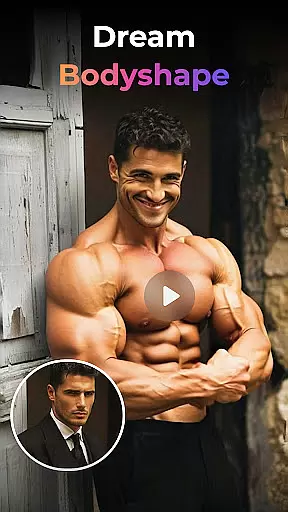
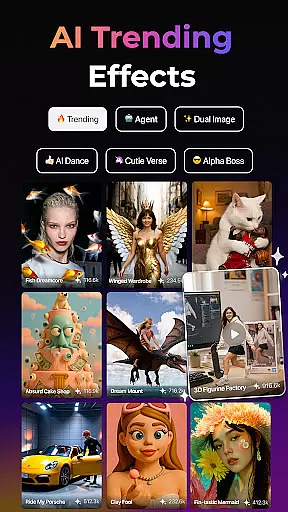
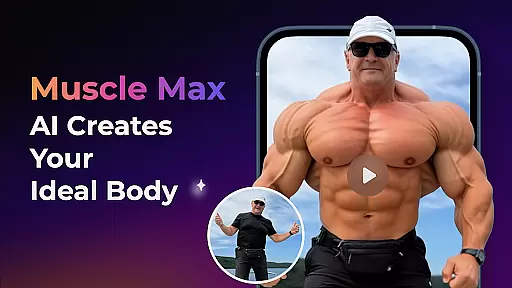
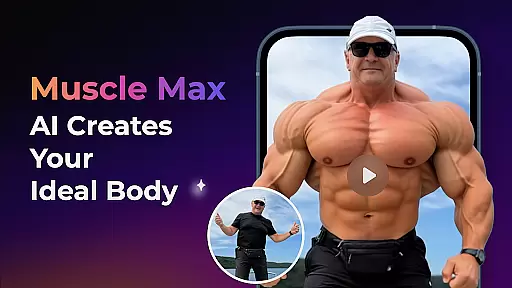
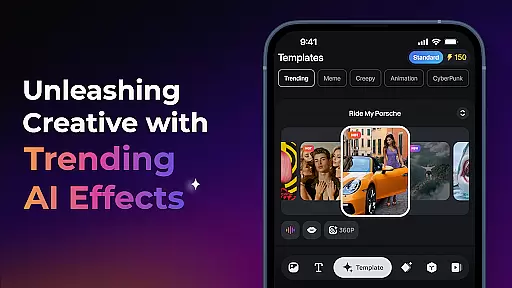
PixVerse stands out with its powerful multi-creation modes, enabling users to convert static images into dynamic videos, generate cinematic sequences from simple text prompts, and extend existing clips seamlessly. The app's Trending AI Effects, including Earth Zoom Challenge and Muscle Max, offer fun and engaging ways to enhance creativity. These effects are designed to captivate audiences across social media platforms.
For advanced users, PixVerse provides Key Frame Control and Fusion features. Key Frame Control allows uploading custom frames to ensure precise video generation, while Fusion lets you merge up to three images into a single cohesive video. With constant updates and hyper-real AI physics simulations, PixVerse continues to push the boundaries of what's possible in digital storytelling.
Real-time capture and preview functionality is essential for any photography app, allowing users to see exactly what their final product will look like before they commit to the shot. PixVerse offers a cutting-edge experience in this domain by integrating AI-powered previews that adapt on-the-fly to the scene being captured.
The app leverages its advanced V5 model to ensure prompt alignment with lifelike details and natural movements, providing an accurate representation of the end result. This empowers creators to make real-time adjustments, ensuring every photo or video reflects their creative vision with precision.
With features such as Multi-Creation Modes and Key Frame Control, PixVerse enhances the capture process by enabling users to upload custom frames and breathe life into static images through animations. The instant feedback loop provided by these tools significantly improves user satisfaction and content quality.
Ultimately, PixVerse's real-time capture and preview capabilities not only streamline the creation process but also open up new avenues for creativity, letting users experiment with confidence knowing that what they see is truly what they get.
In the realm of photography, AI beauty and enhancement features are becoming increasingly popular for refining images while maintaining a natural look. PixVerse stands out with its sophisticated AI algorithms that deliver stunning yet authentic enhancements to photos and videos alike.
The Brand New Agent feature acts as a creative co-pilot, assisting users in applying precise modifications that elevate their work without compromising originality. From reviving old photos to sculpting physiques with Muscle Max, each tool is designed to enhance inherent qualities rather than distort them.
PixVerseu2019s commitment to hyper-real AI ensures that all enhancements mirror real-world physics, preserving the integrity of human features and environmental elements within the frame. This dedication results in breathtakingly realistic outputs that captivate audiences.
By offering unparalleled control over aesthetic improvements alongside constant updates, PixVerse keeps creators at the forefront of digital artistryu2014empowering them to produce visually striking content that remains true to life.
Lightning-fast rendering
Cinematic HD output
Advanced AI effects
User-friendly interface
Versatile creation modes
Subscription fees apply
Learning curve for beginners
Limited free features
Internet connection required
Heavy on device resources

Easily stitch panoramas from multiple photos or video.
 4.40
4.40
Take videos and pictures with the popular TikTok TIME WARP SCAN filter.
4.60
Create amazing frames with up to five photos. Rounded corners, effects and more!
3.60
USB Storage Access for Photos, Videos, Music and Documents
3.80
Snap photos remotely using your Garmin watch as the camera trigger
4.0
Catch sunlight, sunrise sunset times and sun phases with the AR sun tracker.
4.10
Solocator stamps photos you take with GPS location, Compass Direction, Date/Time
3.80
Try an anime version, cartoon yourself, and generate AI hug or aging videos!
3.70
Edit photos with the picture generator: PS2 & AI Clay filters, cartoon effects.
4.50
AI Photo Editor with 100+ Filters, Effects! Remove BG, Retouch & Photo Enhancer.
4.80
Cartoon and artistic effects for your photos and videos
4.70
Natural Beauty, Selfie Retouch
4.30
Turn your phone into a professional camera - full DSLR manual photography
4.30
Smart, light, and fast photo and video gallery
4.30
A light meter for true photographers.
4.20
Photobooth mini FULL app will allow you to add more fun to your parties
4.00
Professional quality photo edits with the new Snapseed.
4.00
Turn photos into cartoons & avatars! - Photo Editor, Cartoon Face!
3.90
Perfect photos with body shaping, BG changer and object remover.
3.70


User Reviews