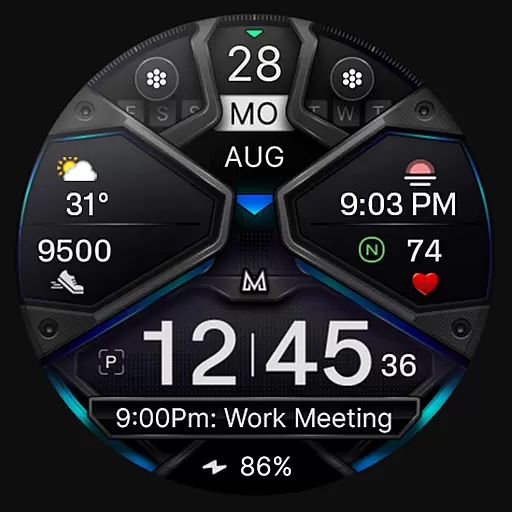
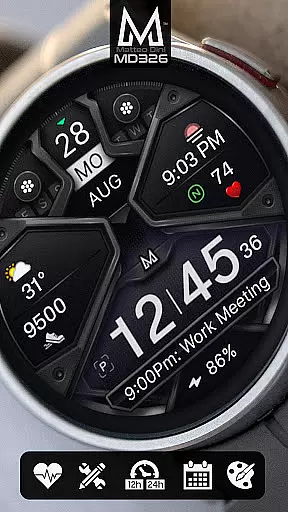
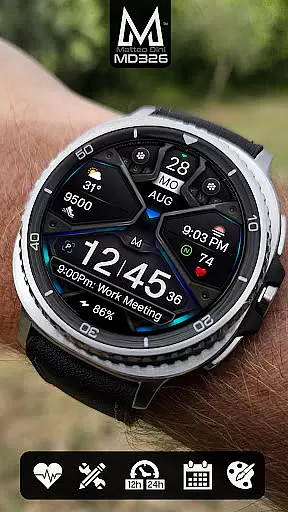
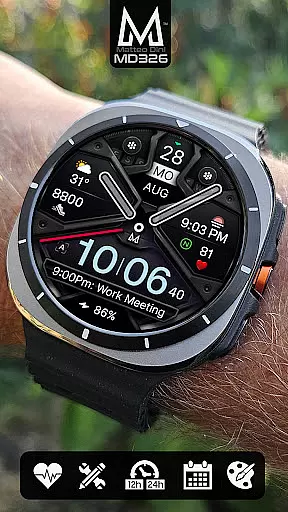
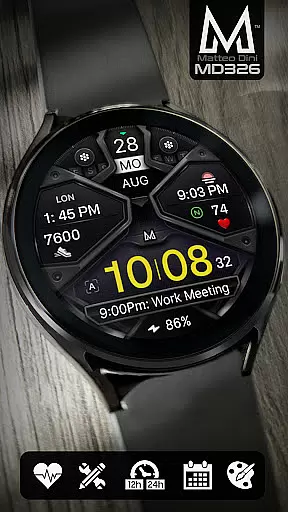
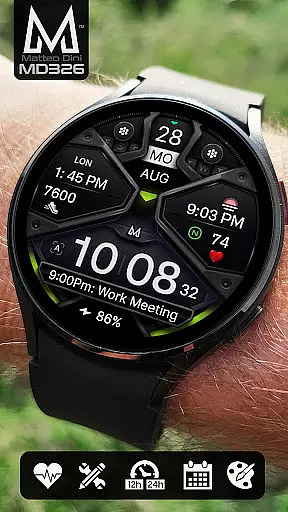
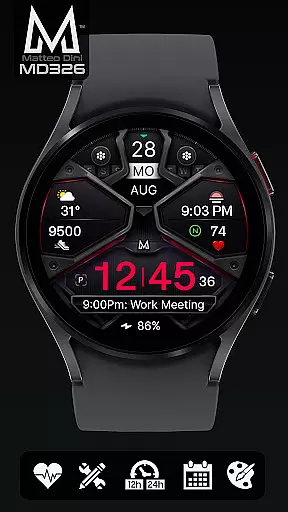
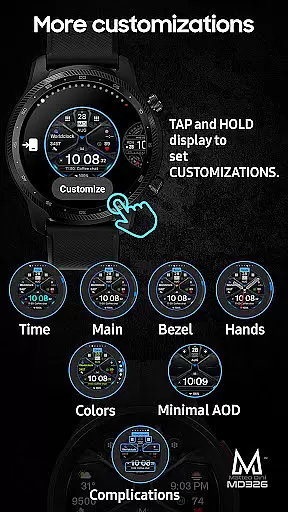
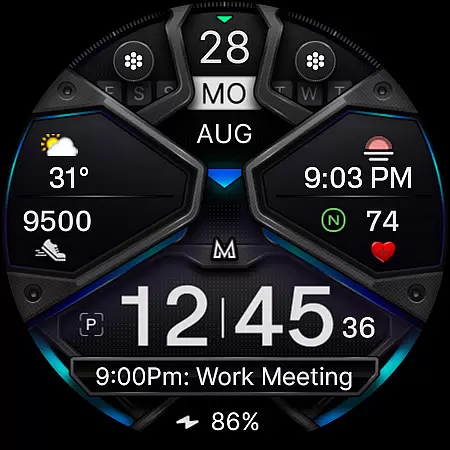
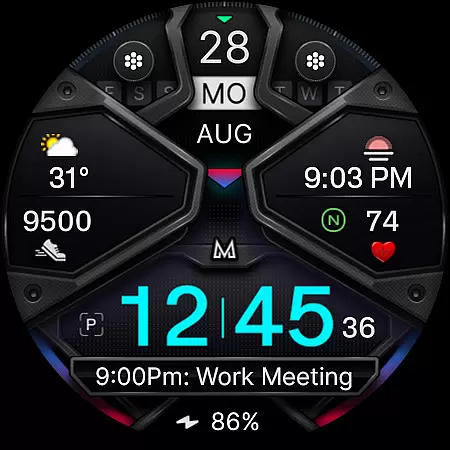
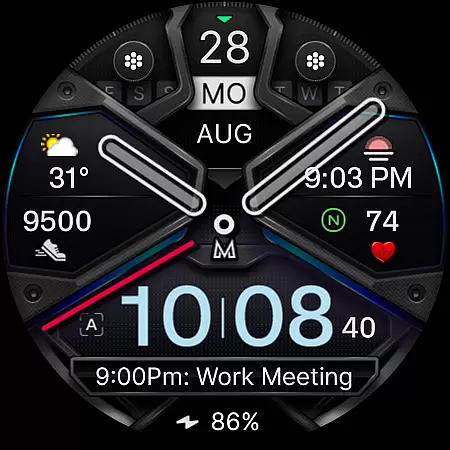
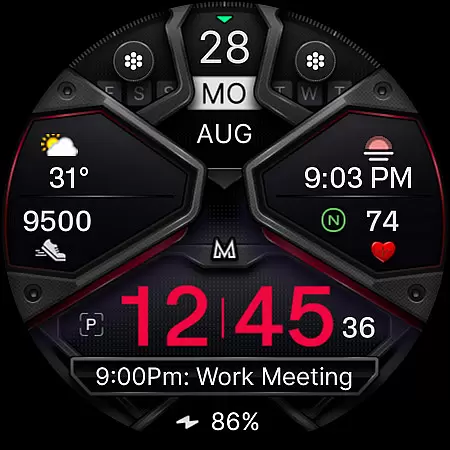
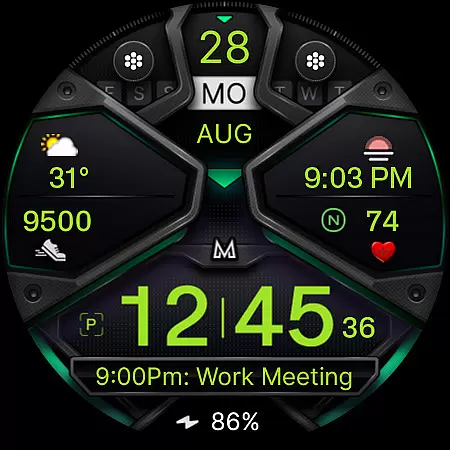
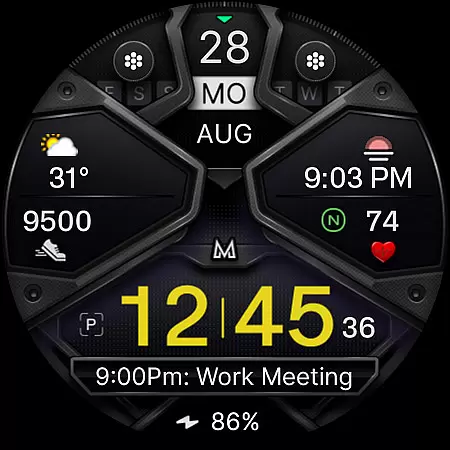
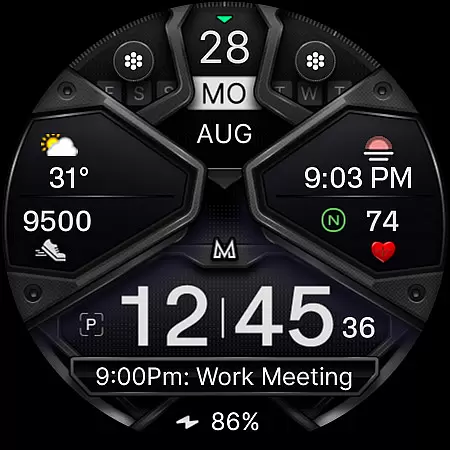
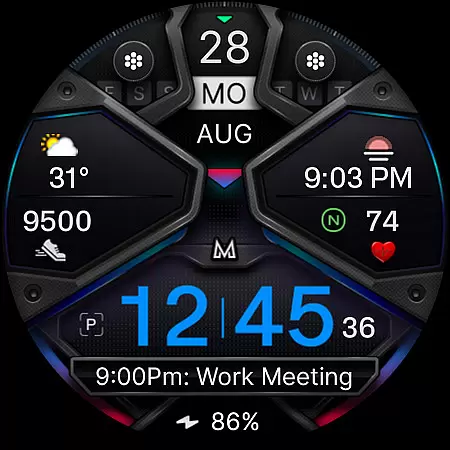
MD326 3D Modern Watch Face offers a sophisticated and customizable timekeeping solution for Wear OS users. Designed with advanced features, this watch face supports all Wear OS devices running API Level 33+ (Wear OS 4 and later), including Samsung Galaxy Watch 4-8, Ultra, and Pixel Watch models.
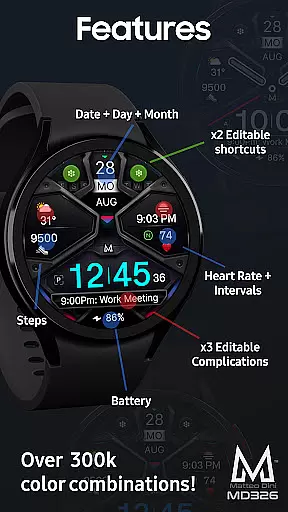
The interface includes essential timekeeping elements like 12/24hr format, date, day, month, battery status, steps, and heart rate monitoring. It also provides 3 preset app shortcuts, 2 customizable shortcuts, and 3 complications that can display data such as weather, barometer readings, and UV index. The Always ON Display feature ensures time is visible at a glance, while customization options allow users to modify colors and hide hands for a personalized experience.
Ideal for tech-savvy individuals who value both aesthetics and functionality, this watch face enhances productivity by keeping important information accessible directly from the wrist.
MD326 3D Modern Watch Face stands out with its comprehensive feature set tailored for modern smartwatch users. The watch face automatically adjusts to the phone's 12/24hr setting and displays crucial information like date, day, month, battery level, step count, and heart rate intervals.
Customization is key with this application, offering 3 preset app shortcuts (Calendar, Battery, Measure Heart Rate) and 2 additional customizable shortcuts. Users can personalize their experience further through 3 customizable complications, allowing them to choose from various data types including weather forecasts, world clocks, and barometric pressure readings. The Always ON Display mode ensures visibility even when the watch is inactive, with an optional minimal style for battery conservation.
Color customization extends to time, bezel, background, and general elements, providing a truly unique appearance. Despite some installation challenges reported with the Samsung Wearable app, direct on-watch customization remains a reliable alternative until these issues are addressed by Samsung.
For a smartwatch application like MD326 3D Modern Watch Face, seamless companion app integration is crucial. This ensures that users can easily customize and manage their watch faces through a connected smartphone app.
The Samsung Wearable app allows users to access the watch face editor, although some complex designs may not load due to app limitations. To work around this, customization directly on the watch is recommended until these issues are addressed by Samsung.
This application supports full customization of complications, shortcuts, and aesthetic elements such as colors and always-on display settings. Users can tailor the watch face to show preferred data including weather, heart rate, and battery status.
By offering comprehensive support across all Wear OS devices with API Level 33+, MD326 guarantees compatibility and functionality, ensuring users have a versatile and personalized experience.
Device compatibility is a key feature for any Wear OS application. The MD326 3D Modern Watch Face is designed to support all Wear OS devices with API Level 33+ including Samsung Galaxy Watch 4-8, Ultra, and Pixel Watch.
This wide compatibility ensures that users across different devices can enjoy the modern design and advanced features without concern for device-specific issues.
With support for both 12/24hr time formats based on phone settings, plus date, day, month, battery, steps, and heart rate tracking, the watch face offers essential functionalities regardless of the device used.
Additionally, the inclusion of customizable shortcuts and complications means users can adapt the watch face to suit their individual needs, enhancing usability across various Wear OS devices.
Highly customizable
Modern 3D design
Wide device compatibility
Comprehensive feature set
User-friendly interface
Complex setup process
Limited customer support
Premium price point
Occasional bugs
Steep learning curve

Analog watch face with 8 complications and expedition styling
 4.3
4.3
Easy Voice Recorder is your everyday companion to record important moments.
4.70
3 Complications. All shadow on/off. 30 Themes color palette...
4.4
Reliable phone calls with spam protection, caller ID and more helpful features
4.40
Minimalistic design modern digital watch face.
4.5
Hybrid Vibrant Health Watch Face for Wear OS
4.2
Your music, your playlists, and more—offline and unlimited.
4.20
Your local weather forecast, storm tracker, radar maps & live weather news
3.40
Control your Samsung Smart TVs, appliances, and SmartThings-compatible devices
4.60
Your second brain for organizing your life: to-do, calendar, reminder.
4.70
Nutrition, Macro tracker: Food, fitness & healthy diet tracking for weight loss
4.60
Premium hybrid watch face with many customizations for Wear OS devices.
4.40
A white realistic classic analog watch face with many customization options.
4.40
Calming & relaxing sounds for sleeping and stress relief. Stay focused all day!
4.20
sleep, alarm, snoring, stress, healing, focus, sound therapy, circadian rhythm
4.10
Christmas is near, let's count together the days left until Santa comes
4.0
A heartwarming Christmas scene featuring a cute image of Santa and Rudolf
4.0
A watch face that fuses motorsport precision with contemporary smartwatch design
4.0
Artistic Digital Watchface
4.2


User Reviews