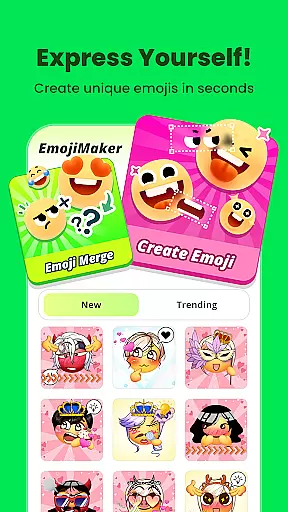
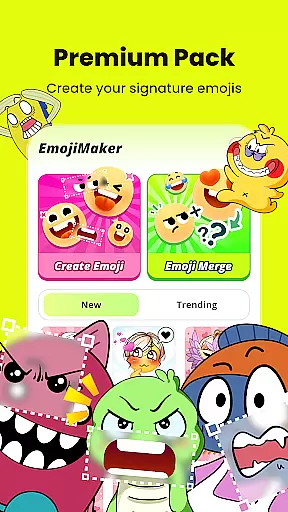
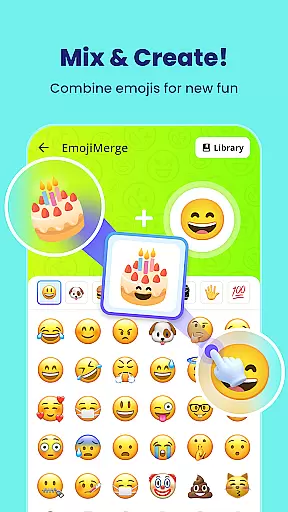
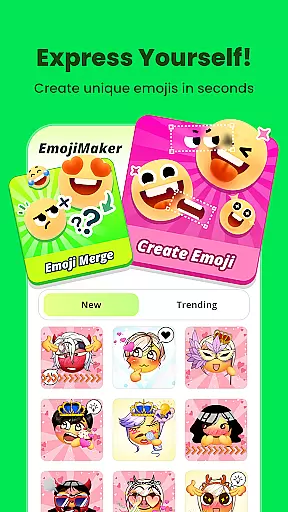
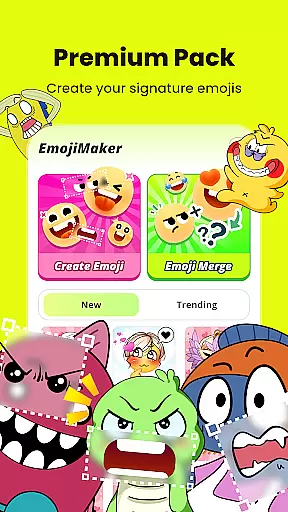
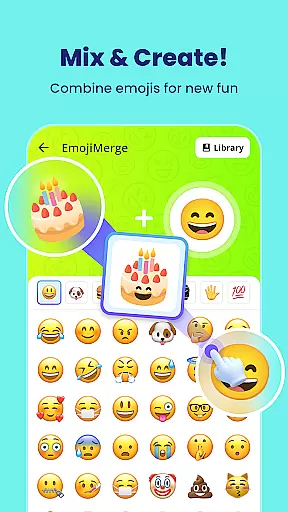
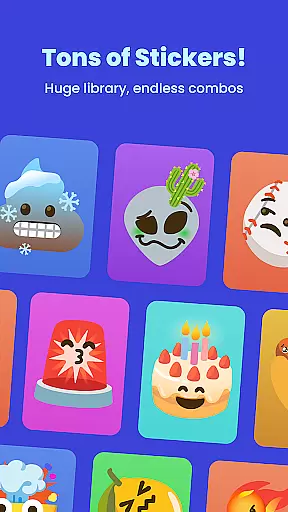
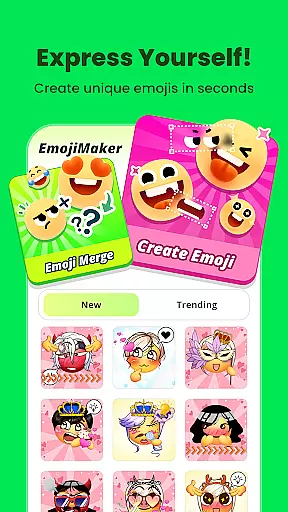
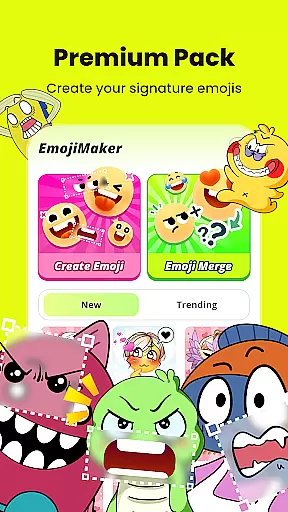
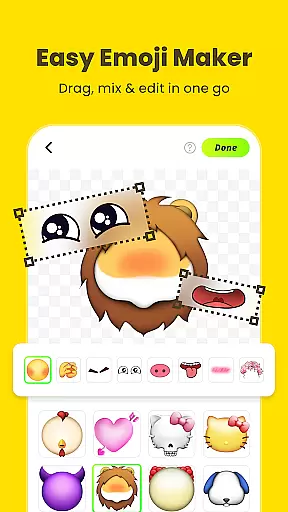
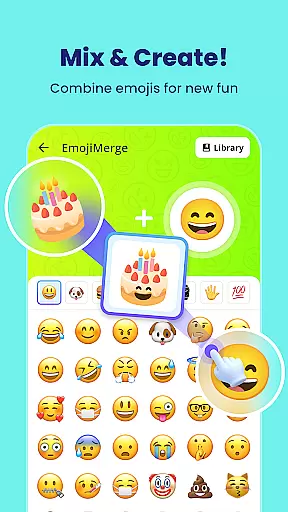
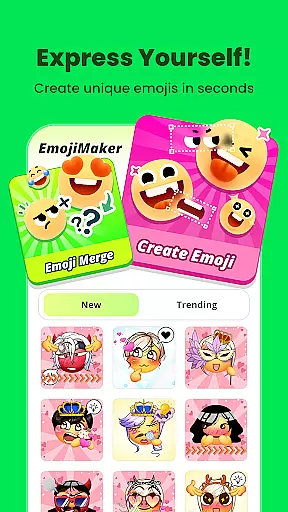
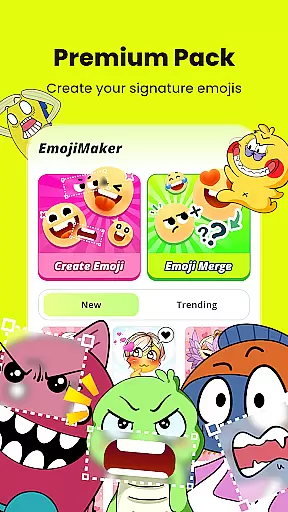
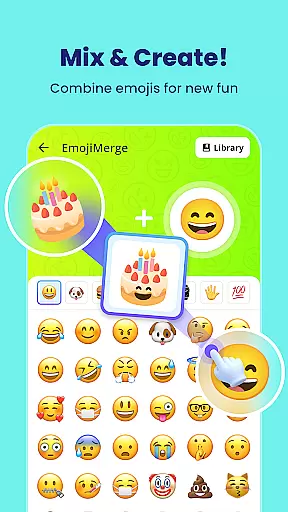
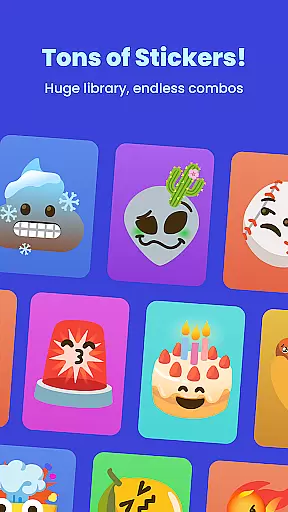
Gemoji is an innovative emoji creation platform that empowers users to design personalized emojis and stickers. This Personalisation app offers a rich library of customizable components, allowing you to mix and match various facial features, accessories, and colors. Whether you want to create fun characters for messaging or unique designs for special occasions, Gemoji provides all the tools you need.
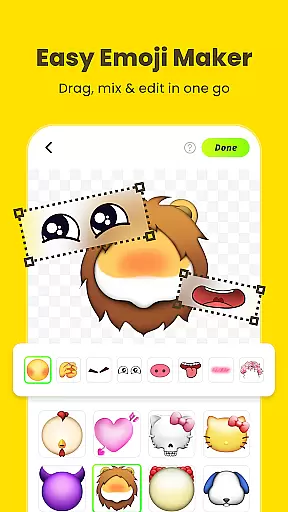
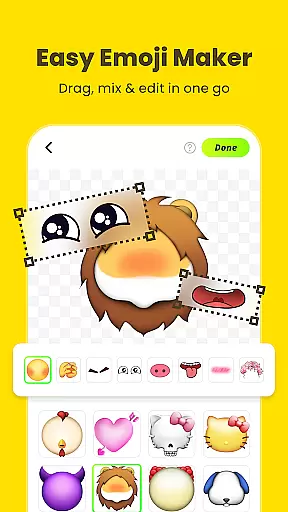
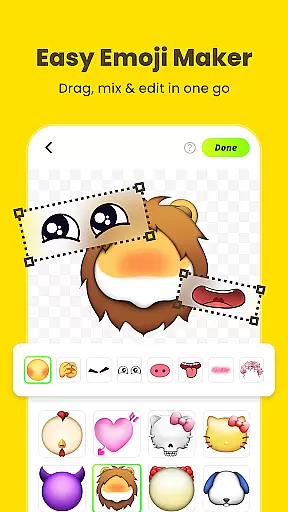
The app stands out with its user-friendly interface that supports real-time customization and layering of elements. You can instantly see how each change affects your emoji's appearance. The creations can be saved as images or converted into stickers, making it perfect for enhancing digital communication across different platforms. With frequent updates and seasonal themes, Gemoji ensures your emoji collection stays fresh and exciting.
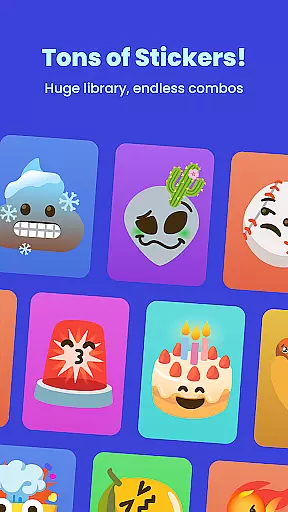
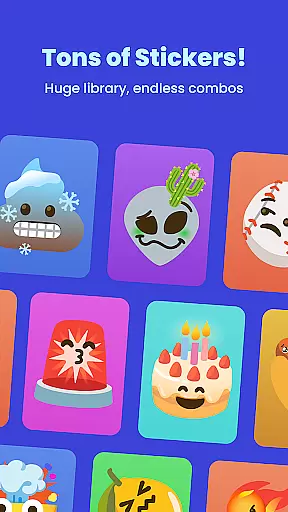
Gemoji distinguishes itself through its extensive customization options. Users can choose from a wide array of eyes, mouths, accessories, and other design elements, each available in multiple colors and styles. This allows for the creation of truly unique emojis that cater to every mood, season, or occasion imaginable.
A key feature is the app's intuitive design interface. Components can be easily added, removed, or adjusted with simple clicks. The real-time preview function lets you see modifications instantly, while the layering system helps organize complex designs. Additionally, Gemoji's professional-quality components ensure that even basic creations look polished and distinctive.
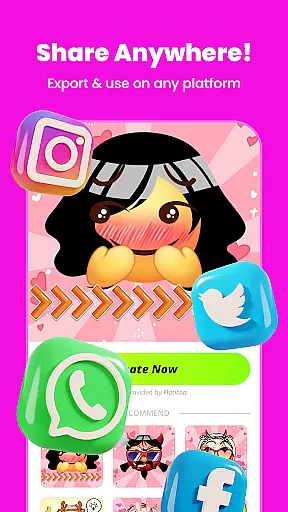
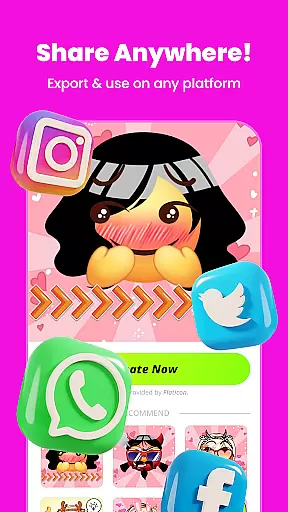
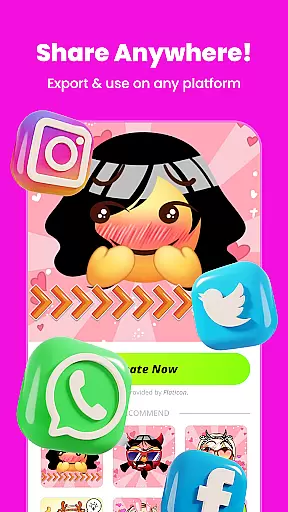
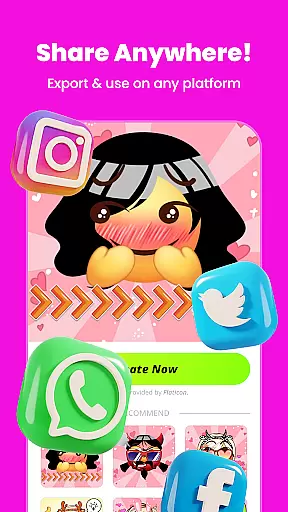
Beyond personal use, the app enables users to transform their custom emojis into messaging stickers. These can be directly shared with friends and family across various social media platforms. The app also regularly receives updates with new components and themed collections, keeping the creative possibilities constantly expanding.
Customization is at the heart of Gemoji, allowing users to express their unique style and creativity through emojis. With a vast array of options, users can mix and match different components such as eyes, mouths, accessories, and more, ensuring that each emoji is one-of-a-kind.
The app provides an extensive selection of colors and design elements, enabling creators to craft emojis for every mood, season, or special occasion. This level of personalization ensures that whether you're looking to design cute characters, quirky faces, or unique stickers, Gemoji delivers the tools necessary to bring your vision to life.
By offering frequent updates with new components and seasonal themes, Gemoji keeps the content fresh and engaging. Users can continually explore new possibilities and stay ahead of trends, making their communication more relevant and fun.
Gemoji excels in theme compatibility, providing a seamless experience across various messaging platforms. Once you've crafted your custom emojis, they can be transformed into fun stickers ready for use in your favorite messaging apps.
This compatibility extends to the rich library of professionally designed emoji elements within the app. Users can combine stunning effects and create emojis that not only stand out but also maintain visual consistency when shared across different mediums.
Moreover, Gemoji's dedication to beautiful components means that no matter where your creations end up, they retain their quality and charm. Whether it's for birthdays, holidays, or everyday chats, your personalized emojis will communicate emotions effectively and stylishly.
User-friendly interface
Extensive customization options
Real-time design preview
Frequent content updates
Cross-platform sharing capability
Limited advanced editing tools
Occasional performance lags
Premium features require payment
Learning curve for beginners
Some components feel repetitive

Prank your friends with realistic broken screen and cracked HD effects!
 4.0
4.0
Interactive Miniature Painting Catalogue
3.30
Want to make your phone more special than ever?
4.60
Customize glowing edges, wallpapers, and caller screen with EdgeAura.
3.50
Custom edge gestures for volume control, brightness, apps, and shortcuts.
4.1
Embrace the Night. Unleash the power of darkness with Raven Dark Icon Pack
4.60
HappyLighting is a Bluetooth lamp control software.
3.40
One 8 icons glass color version
4.80
400+ Beautifully crafted widgets inspired by NOTHING.
4.70
Gun Chase - Let the chase begin.
4.80
Stunningly Different look with Line Icons and Neon Colors
4.60
Unique Android Launcher
4.60
Over 28,000 high quality icons to bring color & homogeneity to your phone.
4.60
Turn text & photos into stunning AI videos, art, and creative visual stories.
4.50 4.50
4.50
The definitive Icon pack maker and editor
4.30
Unleash Your Creativity and Connect with Loved Ones with Lockscreen Drawing!
4.20
Customizable flower power digital watch face for Wear OS watches.
4.00
Ultimate widget creator. Design custom widgets for a truly unique home screen!
3.90


User Reviews