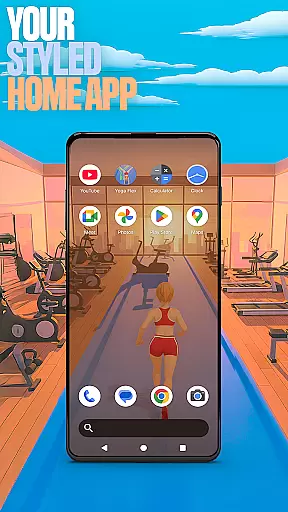

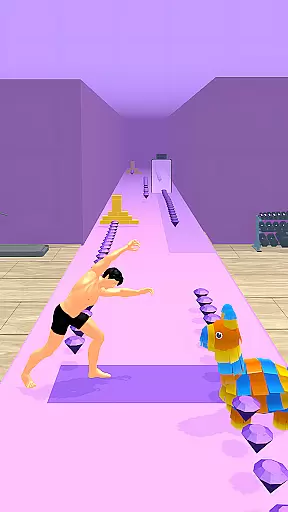
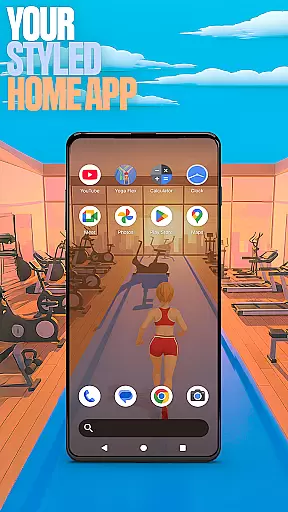

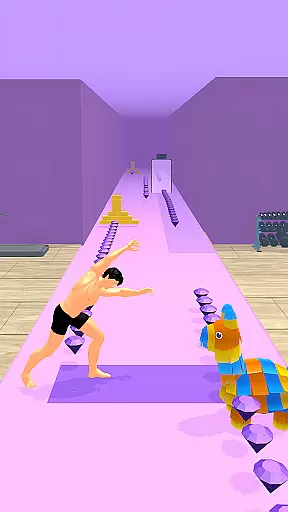
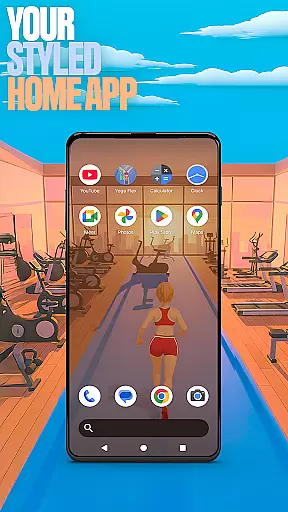

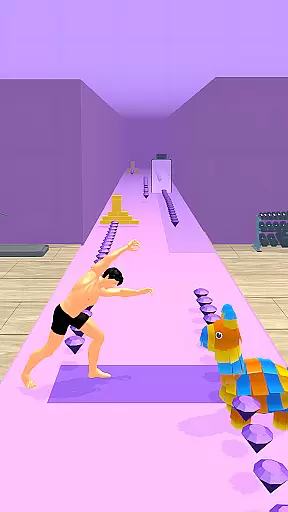
Yoga Flex Home App is a dynamic personalization tool that transforms your device's home screen into a personalized hub. This app allows you to customize the layout, choose from game-style wallpapers inspired by the Yoga Flex game, and implement intuitive gestures for seamless navigation. With its fresh style and engaging features, it offers an exciting alternative to traditional launchers.
You can set this app as your default home app through the 'Default home app' setting, making it your daily launcher while retaining the option to revert to your previous setup anytime. Whether you're looking to enhance functionality or simply refresh your device's appearance, Yoga Flex Home App provides both aesthetic and practical value.
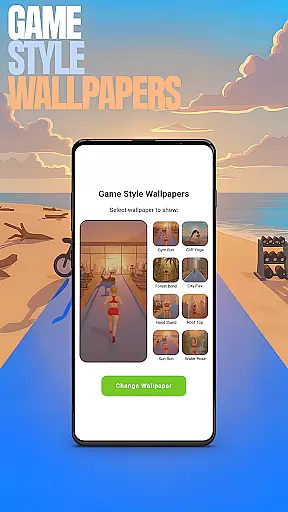
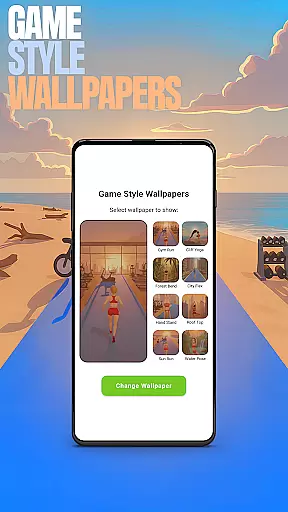
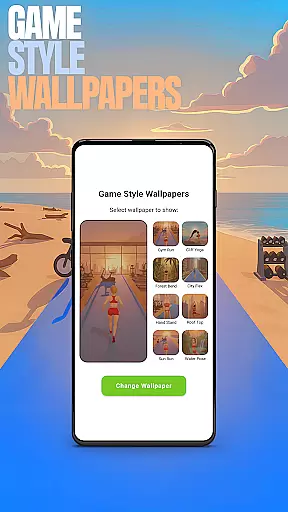
Yoga Flex Home App stands out with its diverse customization options. The Game Style Wallpapers feature lets you select unique designs that reflect the playful spirit of the Yoga Flex game, adding personality to your device. Through simple long-press actions on the home screen, you gain access to these creative choices.
Custom Gestures streamline your interaction by allowing you to open apps, settings, or the app drawer with a swipe or tap. You can also hide private apps and adjust accent colors to match your style, ensuring both privacy and visual appeal. These thoughtful features collectively create a tailored user experience that keeps your digital environment both functional and fun.
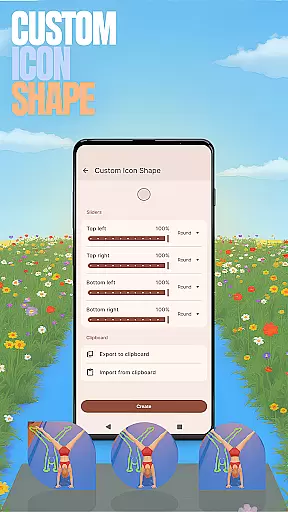
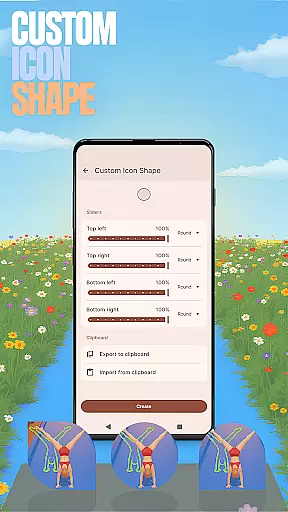
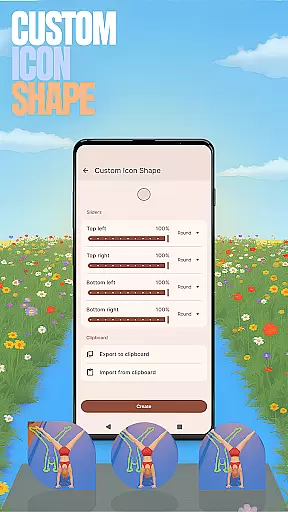
Customization is at the heart of the Yoga Flex Home App, offering users a wide array of options to tailor their device's interface. With features like Game Style Wallpapers, Custom Icon Shapes, and Accent Color settings, personalizing your home screen becomes an engaging experience.
The app allows you to express individuality through unique wallpapers inspired by the Yoga Flex game, adding a playful touch to your device. Moreover, the ability to choose from various icon shapes ensures that every element on your screen reflects your personal style.
Gestures can also be customized, providing intuitive navigation tailored to your habits. Whether it's swiping to open an app or tapping to access settings, these personalized controls make daily interactions seamless and efficient.
By hiding apps and customizing colors, users maintain privacy while crafting an interface that feels truly theirs. This level of customization empowers users to create a digital environment that not only looks good but also enhances usability.
Theme compatibility in the Yoga Flex Home App ensures that all visual elements work harmoniously together. By allowing users to customize accent colors and icon shapes, the app guarantees a cohesive look across the entire home screen.
This compatibility extends to hidden apps and gestures, ensuring that even as you personalize your device, everything remains visually consistent. The app drawer and general settings are designed to adapt to your chosen theme without disrupting the aesthetic balance.
Switching back to a previous launcher won't affect the layout created with Yoga Flex, preserving your original design choices. This flexibility means you can experiment with themes knowing your base setup remains intact.
Ultimately, theme compatibility within the Yoga Flex Home App provides both freedom and stability. Users enjoy creative control over their deviceu2019s appearance while benefiting from a unified and polished presentation.
Highly customizable
Intuitive gesture controls
Vibrant game-style wallpapers
Private app hiding feature
Unique accent color options
May overwhelm new users
Limited widget support
Occasional performance lags
Ads in free version
Complex navigation for some

Only for Wear OS devices!
 4.90
4.90
Ultra realistic high quality analog watch face for Wear OS.
4.60
Themes - Widget & Wallpaper: Customize home screen, icon changer w unique themes
4.30
Adult video chat, dating, making friends, random matching
4.20
Bring adorable pets to life on your screen. Playful, interactive and full of fun
4.60
Art & Emoji Keyboard with Cool Fonts, Cute Themes and Custom Designs.
4.40 3.50
3.50
Color phone with cool effects for call screen, flash alert & ringtones music
4.50
Launcher OS™ Pro without ads help make your phone simple and pretty
4.30
Gun Chase - Let the chase begin.
4.80
Shimeji adds cute animated characters to your screen, lively and fun.
4.70
Ultra realistic gold analog watch face with lots of customization options.
4.50
3D, live, and moving wallpapers & themes in 4K and HD for your device.
4.50
Transform your phone with Launcher iOS 26 - Smooth & elegant iOS experience
4.50
Customizable screen pets that play, climb, and keep you company.
4.50 4.50
4.50
A light in the dark, a unique style and an andless cutomization!
4.30
Realistic animated snow on your wrist, with 10 images landscapes to choose from
4.00
Create unique, fun emojis with Funny Emoji Maker! Unlimited creativity!
4.00


User Reviews