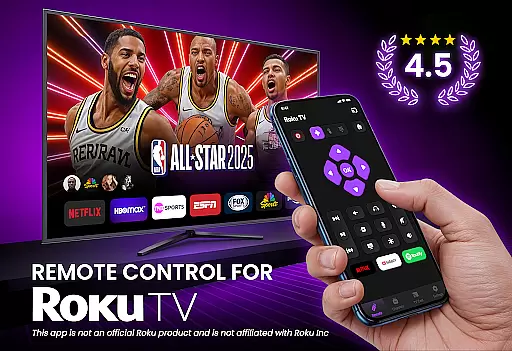
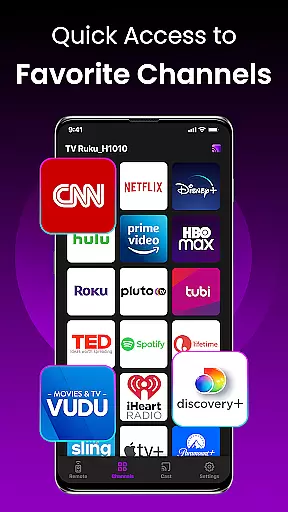
TV Remote Control for RokuTV transforms your smartphone into a powerful universal remote, offering complete control over your Roku TV. The app provides essential functions such as navigation, media casting, and quick access to favorite channels like Netflix and Hulu.
With intuitive swipe controls, a smart keyboard for fast typing, and seamless Wi-Fi connectivity, this app eliminates the need for a physical remote. Compatible with all Roku TV models, it combines convenience and functionality in one sleek interface, enhancing your home entertainment experience.
This app stands out with its effortless setup process - simply connect your phone and Roku TV to the same Wi-Fi network for instant detection. The responsive touchpad allows smooth menu navigation while the integrated smart keyboard makes searching and typing significantly faster.
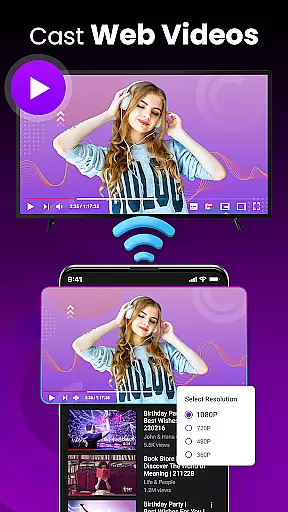
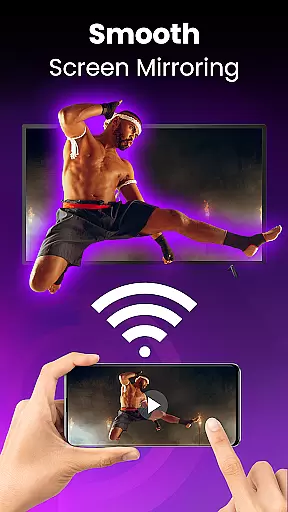
Advanced features include screen mirroring capabilities, allowing users to cast photos, videos, and music directly to their TV. Quick-launch shortcuts provide instant access to popular streaming services, making content discovery more efficient than ever before.
TV Remote Control for RokuTV delivers exceptional core functionality by providing precise and responsive controls that mimic the original remote and enhance your interaction with Roku TV. The app ensures every button press, from changing the volume to navigating menus, is accurately registered without delay.
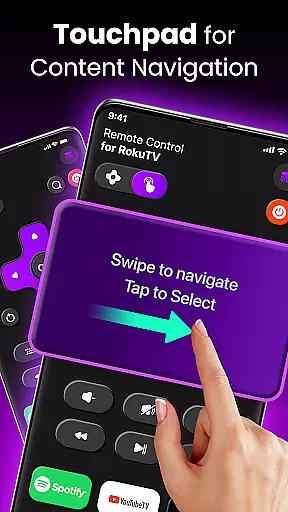
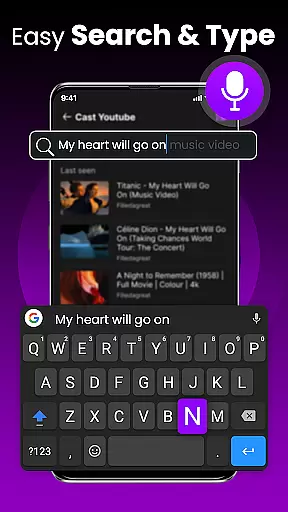
The application goes beyond basic remote functions by integrating advanced features like a swipe pad and smart keyboard. These tools allow users to navigate Roku's interface effortlessly and type quickly, making tasks such as searching for content or entering passwords significantly faster and more efficient.
Moreover, the app offers screen mirroring and casting capabilities, enabling users to share media from their smartphones directly to their TVs. This feature expands the app's effectiveness by catering to various user needs, whether it's streaming music or sharing photos.
By combining universal compatibility with all Roku TV models and reliable auto-connection, TV Remote Control for RokuTV ensures users experience consistent performance and convenience. This makes it an indispensable tool for anyone looking to streamline their TV control experience.
TV Remote Control for RokuTV boasts an intuitive and straightforward interface designed for ease of use. Upon opening the app, users are greeted with a clean layout that prioritizes essential functions, ensuring quick access to frequently used controls without any unnecessary clutter.
The swipe pad feature exemplifies this simplicity by replacing traditional buttons with a modern touch-based navigation system. This allows users to interact with their Roku TV seamlessly, offering a fluid and engaging experience that simplifies menu navigation and reduces the learning curve for new users.
In addition to the streamlined design, the integrated smart keyboard enhances intuitiveness by allowing fast and accurate text input. This feature eliminates the frustration associated with hunting and pecking letters on a traditional remote, making tasks like searching for movies or entering passwords effortless and efficient.
Overall, the app's user-friendly design ensures that even those who aren't tech-savvy can easily master its functionalities. By focusing on simplicity and intuitive interactions, TV Remote Control for RokuTV provides a hassle-free way to manage your entertainment experience.
User-friendly interface
Fast and reliable connection
Comprehensive remote functionality
Smart keyboard for easy typing
Universal compatibility with Roku TVs
Requires Wi-Fi connection
Initial setup can be tricky
Limited to Roku devices
No voice command support
Occasional connectivity issues

pdf merge, word to pdf, jpg to pdf, edit pdf, convert to pdf and much more!
 4.20
4.20
Unit and currency converter with easy and simple UI.
4.80
Unlock your Essential Key. Create custom shortcuts to your favorite apps!
4.5
card-reader app
2.20
WiFi Signal Strength Meter help you detect WiFi Signal Strength in real time.
4.80
Quickly check the frequency of the Earth
4.30
Download any file easily and quickly with Downloader
4.0
A simple app to back up and restore SMS & MMS messages and call logs.
4.10
Clean up your phone, find files, play media, and share files offline
4.50
Bedrock Together: Join any bedrock server on Xbox/PS
4.80
Learn the vast amount of system information about device and monitor it's state
4.70
Connect instantly to a fast, encrypted VPN with one tap
4.60
Quickly switch to an encrypted DNS server on Android TV
4.50
Signal Strength, Mobile, Wifi, Speed Test, Bad Signals, Cellular, 5G, LTE, 4G
4.20
MS-DOS in your pocket. Play old DOS games anywhere you are ;)
4.10
View detailed information about your Nissan Leaf the dealer never shows you.
4.10
Family Locator, Share location, StayConnect with your family in real time
3.90
Safely recover deleted photos, videos, and files with a single easy tap.
3.70
This app unlocks the Pro features of the Central for DayZ app
3.60


User Reviews