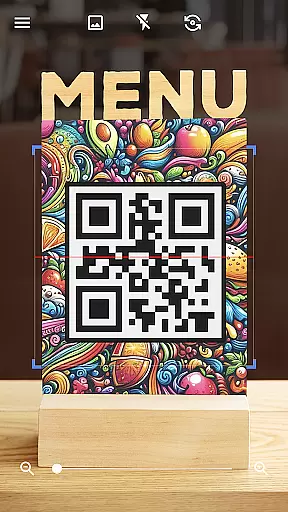

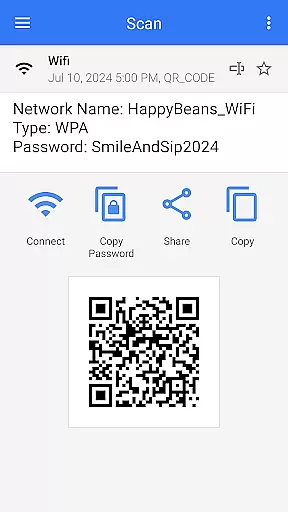
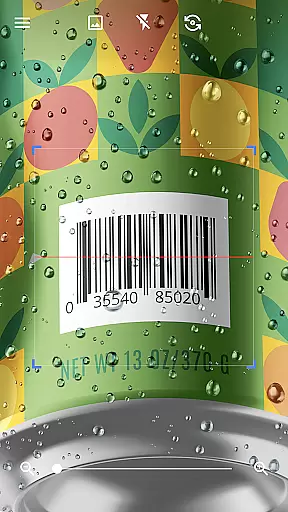
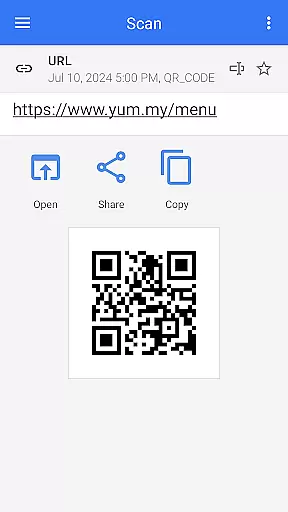
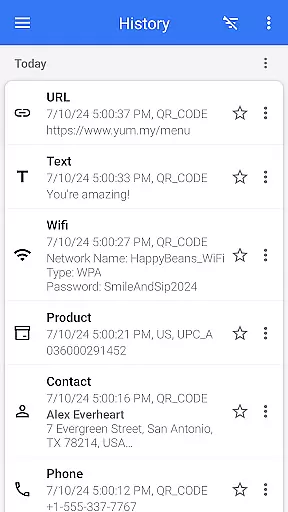
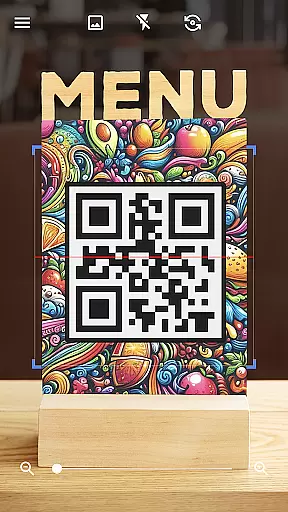

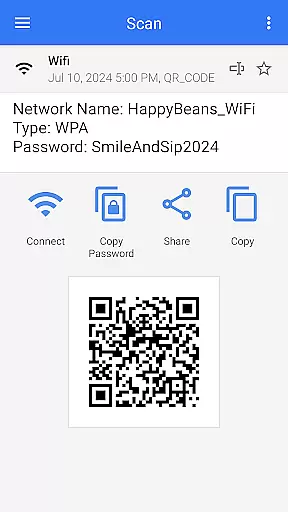
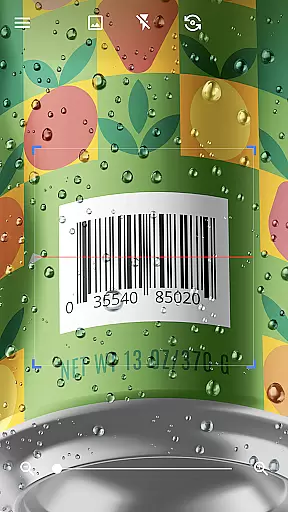
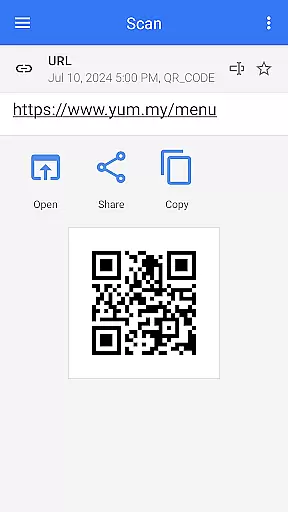
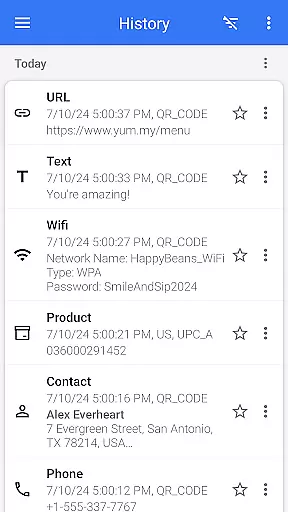

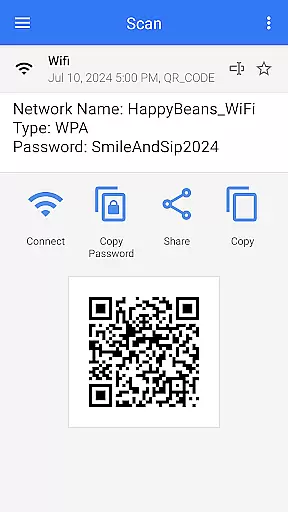
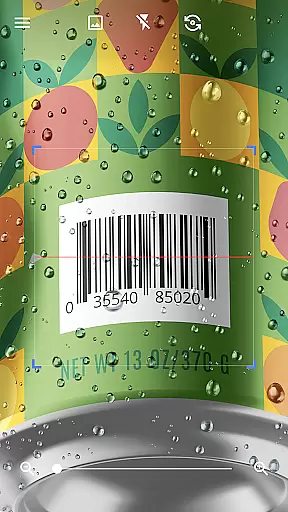
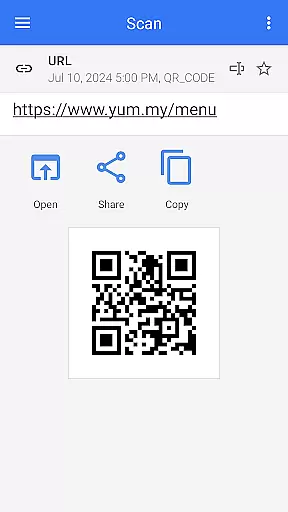
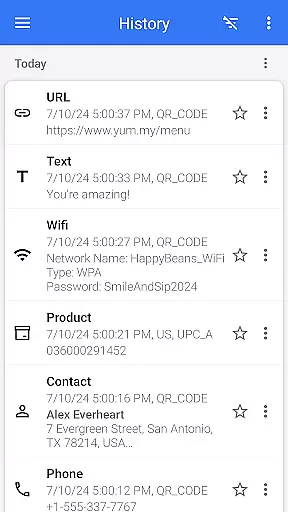

QR & Barcode Scanner is a versatile tool designed for Android users who need fast and reliable scanning capabilities. This app allows users to effortlessly scan various types of QR codes and barcodes, including text, URLs, ISBNs, product details, contacts, calendars, emails, locations, Wi-Fi information, and more. With its automatic scanning feature, users can simply point the camera at the code without needing to press any buttons or adjust settings manually.
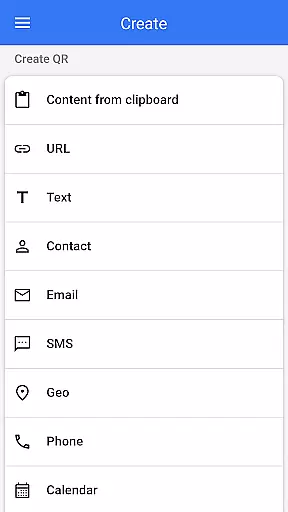
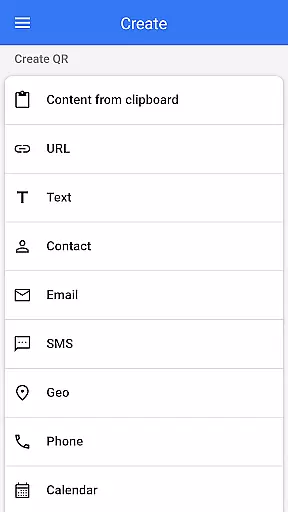
In addition to its powerful scanning abilities, QR & Barcode Scanner also functions as a QR code generator. Users can easily create QR codes by entering desired data and generating the code instantly. The app supports multiple functionalities such as creating QR codes from images or gallery photos, sharing contact information via QR, batch scanning mode, exporting results in .csv or .txt formats, and integrating with other apps. Its comprehensive feature set makes it an indispensable tool for both personal and professional use.
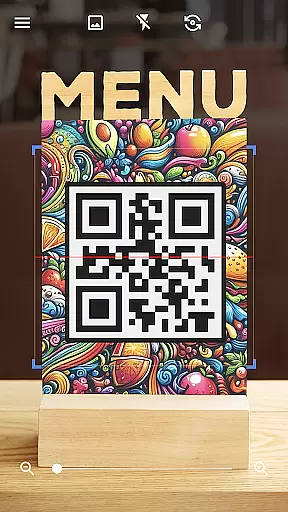
One of the standout features of QR & Barcode Scanner is its ease of use. The app's quick scan functionality automatically detects and decodes QR codes and barcodes without requiring user intervention. This seamless experience is further enhanced by additional tools like flashlight support for low-light conditions and pinch-to-zoom for distant codes. These features ensure that users can scan codes efficiently regardless of environmental challenges.
Another significant aspect of this app is its ability to handle a wide range of code types. Whether you're scanning product barcodes in stores to compare prices or decoding complex QR codes containing detailed information, the app provides relevant options post-scan. Additionally, the inclusion of advanced features such as batch scanning mode, customizable themes (including dark mode), and integration with external apps through shareable content enhances the overall utility and flexibility of the application.
QR & Barcode Scanner stands out for its exceptional core functionality, which centers on the accurate and efficient scanning of QR codes and barcodes. This app employs advanced scanning technology that automatically detects and deciphers various code types without the need for user intervention, such as pressing buttons or adjusting zoom.
The effectiveness of this tool is evident in its ability to swiftly scan and decode a wide array of QR code and barcode formats. Whether it's text, URLs, ISBNs, product details, or even Wi-Fi passwords, users can expect reliable performance that facilitates quick access to information or services.
For users, this means effortless scanning in diverse settings, from retail environments where product barcodes need to be read, to networking events where exchanging contact information via QR codes is common. The app's precision ensures that every scan counts, saving time and enhancing productivity.
Moreover, the app extends its utility by offering features like generating QR codes and supporting functions such as batch scanning and exporting scan results. These capabilities underscore the app's commitment to not just meeting but exceeding user expectations in terms of functional accuracy and overall effectiveness.
A hallmark of QR & Barcode Scanner is its interface design, which emphasizes simplicity and intuitiveness to deliver a user-friendly experience. Upon launching the app, users are greeted with a clean layout that prioritizes ease of use without compromising on functionality.
The scanning process itself is streamlined; users simply point their device's camera at a QR code or barcode, and the app takes care of the rest. There's no need for manual inputs or complex configurations, making it accessible even for those who may not be tech-savvy.
Additional features, such as flashlight activation for low-light conditions and pinch-to-zoom for distant codes, are thoughtfully integrated into the interface. These options are easily accessible, ensuring that users can utilize them without disrupting their scanning workflow.
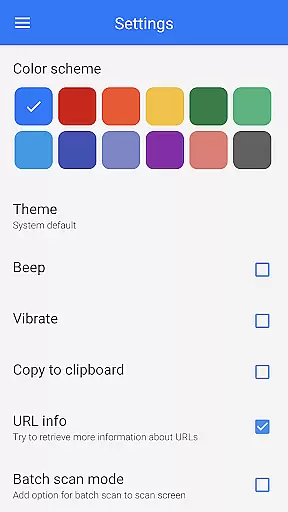
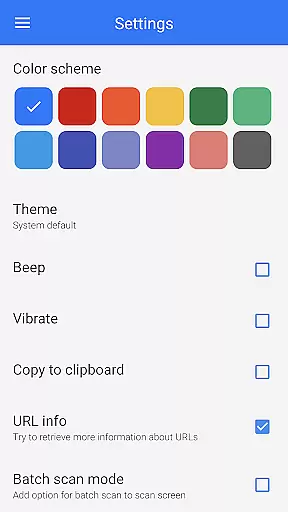
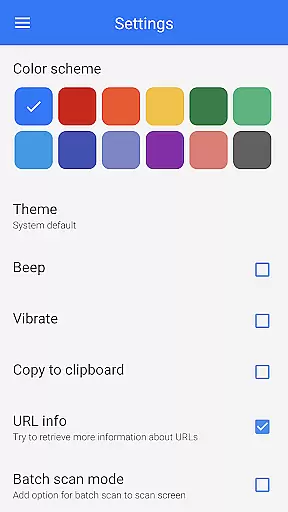
Furthermore, customization options like changing color themes or switching to dark mode enhance personalization while maintaining an intuitive control scheme. Such attention to detail in interface design ensures that users can fully leverage the app's capabilities with minimal learning curve, resulting in a seamless and satisfying user experience.
User-friendly interface
Fast scanning capability
Versatile code generation
Comprehensive format support
Customizable settings
Limited iOS compatibility
Occasional ads
Requires internet
No cloud sync
Basic design

Just one-tap to easy translate in any language after calls within seconds.
 4.20
4.20
Complete kernel toolbox with features to manage and tweak your rooted device
4.30
HD Video player and downloader for all formats, fast & smooth 4K video playback.
4.60
App to pay for FUTO Keyboard
4.60
Best leveling tool for your Android device. Hang paintings like a pro.
4.90
Support Fossify apps with a warm thank you!
5.00
Fast Video Downloader, Movie Downloader, Torrent Downloader & Adblock Browser
4.70
Fun lie-detection pranks for friends and parties.
3.80
Screen recorder with audio to record high-quality videos and take screenshots.
4.40
The ultimate tool for network analysis, wifi scanning and problem detection.
4.90
Unit and currency converter with easy and simple UI.
4.80
Mirror your screen to Chromecast and Android TV - Super fast and simple
4.60 4.50
4.50
Clean up large files and similar photos, fast and easy to use
4.40
Quickly check the frequency of the Earth
4.30
VESC Tool can monitor and configure VESC-compatible devices over BLE and Wifi
4.20
Create your own custom widget with endless possibilities
3.90
Undelete and recover your lost or deleted files with DiskDigger!
3.40
PDF Reader - Document Viewer: Read, Manage & Organize Your Documents
3.10


User Reviews