
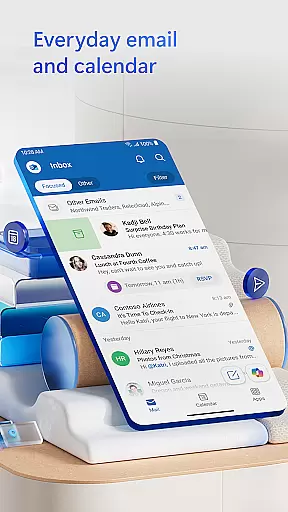
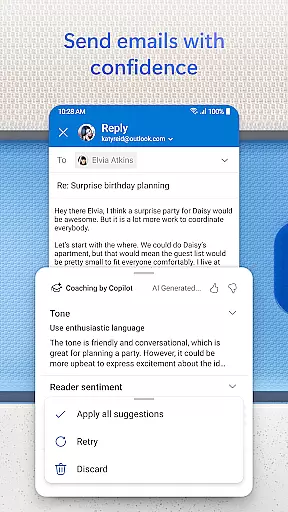
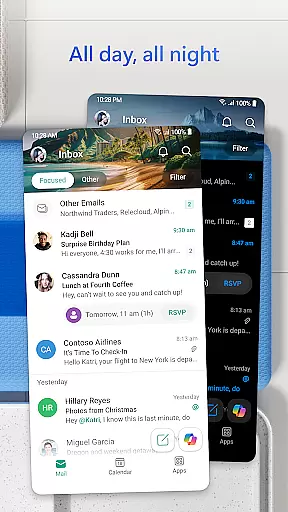
Microsoft Outlook is a comprehensive email and calendar app designed to streamline your busy life. It consolidates your emails, files, and calendar into one secure platform, ensuring you stay productive regardless of the source of incoming messages - be it work, school, or personal accounts. The app intelligently organizes your inbox, filtering emails into Focused and Other categories for easy access to critical communications.
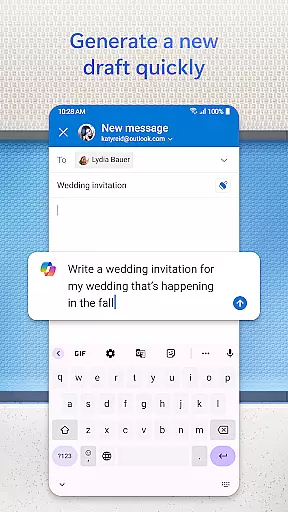
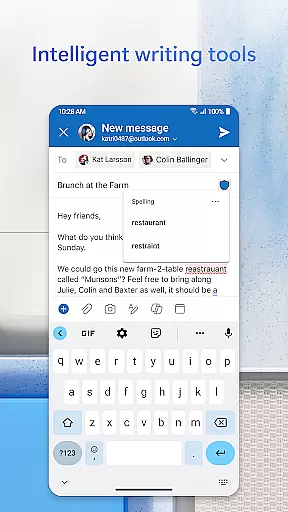
Outlook offers flexibility by supporting multiple account types including Microsoft Exchange, Gmail, Yahoo Mail, and iCloud, making it versatile for personal and professional use. With built-in intelligent editing tools, users can craft polished emails with ease. The app also allows direct interaction with Office documents from your inbox, enhancing workflow efficiency. Swipe gestures help manage emails swiftly, while enterprise-grade security protects against phishing and spam.
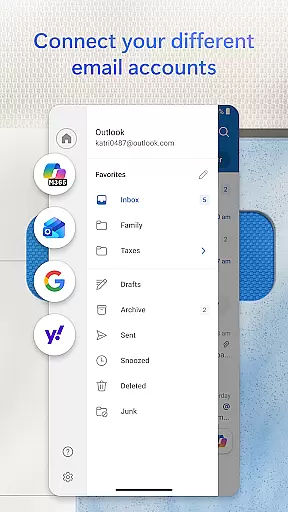
Microsoft Outlook stands out with its robust feature set tailored for productivity and organization. The app provides an all-in-one solution by integrating email, contacts, and files in a unified interface. Users can connect various email providers like Gmail and Yahoo Mail, accessing them alongside their Outlook account for seamless management. Files are easily accessible within the inbox, linked to cloud services such as OneDrive, allowing quick sharing and collaboration.
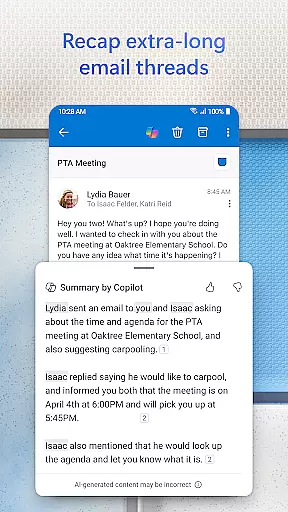
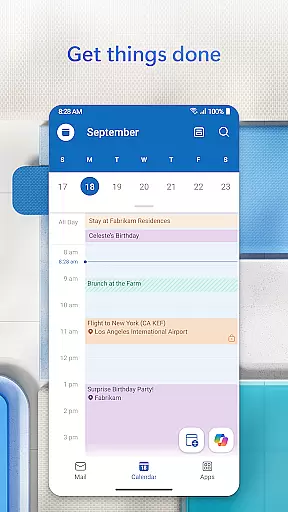
Calendar management is simplified with side-by-side views of multiple calendars, aiding in efficient scheduling. Integration with video calling platforms like Teams and Zoom ensures you're always ready for virtual meetings. Intelligent features include grouping similar emails, voice search capabilities, suggested replies, and hands-free email listening through Play My Emails. Security is prioritized with enterprise-grade protection, safeguarding your data against viruses and unauthorized access.
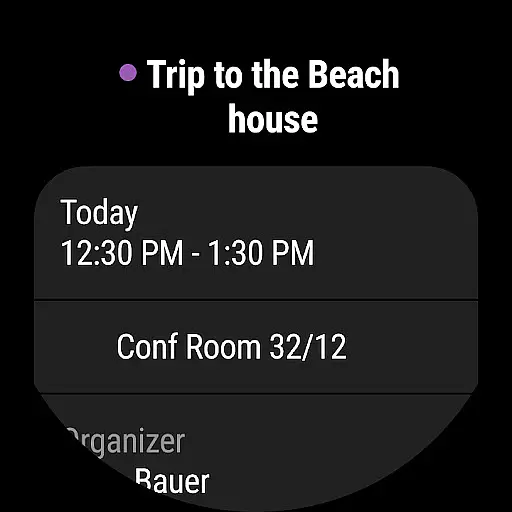
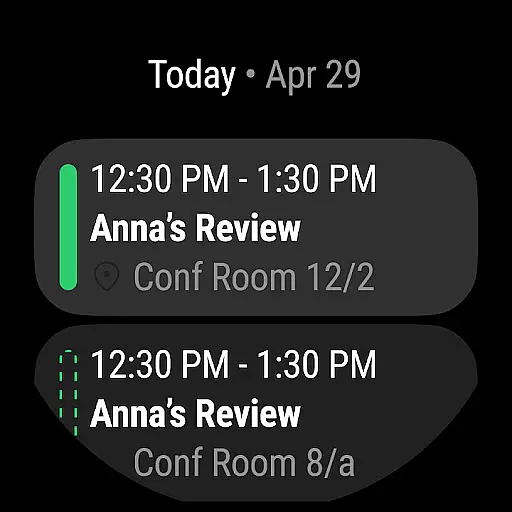
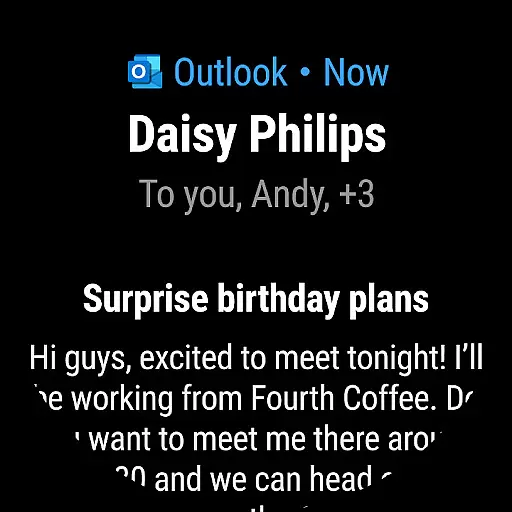
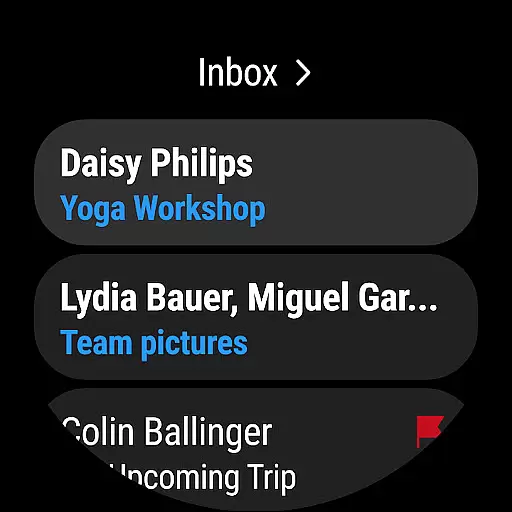
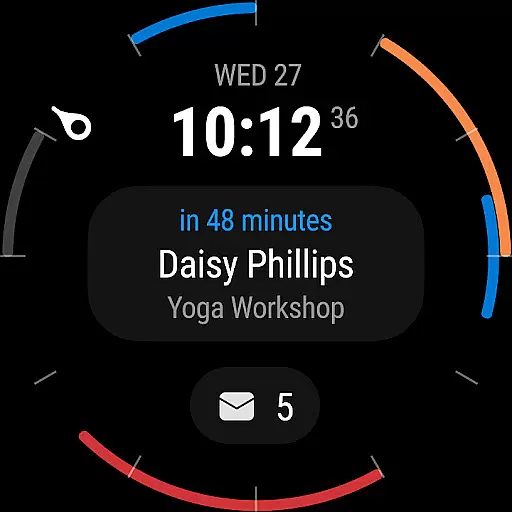
Companion app integration is essential for users who want a seamless experience between their mobile devices and wearable technology. Microsoft Outlook offers a robust companion app designed specifically for Wear OS, ensuring that you stay connected even when you're not holding your phone.
The Outlook companion app provides quick access to your most important emails and calendar events directly from your smartwatch. This means you can glance at your wrist to see meeting reminders, new email notifications, and even respond to urgent messages without needing to pull out your phone.
With real-time synchronization, any action taken on the wearable device is immediately reflected in the main Outlook app. Whether you're dismissing notifications, responding to emails, or checking your schedule, the integration ensures that all your devices are always up-to-date.
This level of integration enhances productivity by allowing users to manage their communications and schedules more efficiently, no matter where they are or what they're doing. The ability to handle essential tasks from a smartwatch makes the Outlook companion app an invaluable tool for busy professionals.
Device compatibility is crucial for ensuring that an application performs optimally across various platforms. Microsoft Outlook's support for Wear OS guarantees that users can enjoy a consistent and reliable experience on their smartwatches.
Outlook is compatible with a wide range of Wear OS devices, providing users the flexibility to choose the hardware that best suits their needs. Whether you have a high-end smartwatch or a more budget-friendly option, Outlook ensures that its core functionalities are preserved and optimized for performance.
In addition to basic compatibility, Outlook leverages the unique features of Wear OS to enhance user interaction. For instance, voice commands and gesture controls are integrated to make navigation and task management as intuitive as possible.
By prioritizing Wear OS/device compatibility, Microsoft Outlook delivers a versatile and efficient solution for managing your emails and calendar on the go. This commitment to broad compatibility ensures that users can rely on Outlook regardless of their chosen wearable device.
User-friendly interface
Robust security features
Integrated calendar and email
Supports multiple accounts
Intelligent email sorting
Limited offline functionality
Advanced features need subscription
Occasional sync issues
Heavy on storage
Complex setup for beginners

A customizable Christmas watch face for Wear OS with a countdown.
 4.20
4.20
Embrace the holiday spirit with this magical animated watch face!
4.40
MyNISSAN® lets you remotely control your car from your phone.*
4.50
Beautiful, colorful and practical watch face. For Wear OS devices.
5.00
Sleek, highly customizable watch face inspired by Galaxy Watch Circle Dashboard.
4.2
Real-time results, stats, schedules and player profiles for all leagues
4.60
A modern hybrid informative watch face for Wear OS designed by BALLOZI
4.80
A white realistic classic analog watch face with many customization options.
4.40
Your local weather forecast, storm tracker, radar maps & live weather news
3.40
Hyperlocal rain alerts by MyRadar using patent-pending technology, radar & more
4.80
A modern premium sporty hybrid watch face for Wear OS by Ballozi
4.70
Simple, helpful messaging by Google
4.60
Deck out your Wear OS Watch face with a beautifully decorated pine wreath!
4.50
Beautiful artistic animated digital watch face, with a customizable layout!
4.40
Digital watch face with big numbers and many customization for Wear OS devices
4.40
Authentic military-tactical design with ZULU time! Realistic and functional!
3.80
Watch face designed for Thanksgiving Day. 7 Background Styles included.
3.20
Stunning modern digital watch face with 7 complications and strong contrast
4.0
Artistic Digital Watchface
4.4


User Reviews