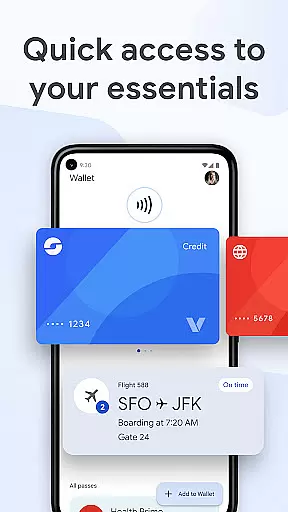
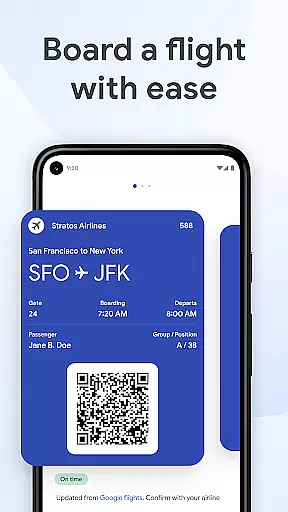
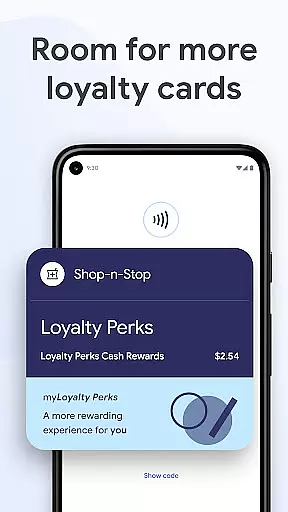
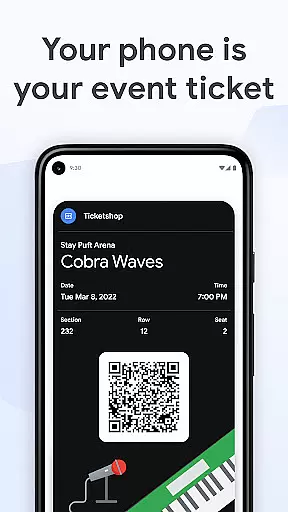
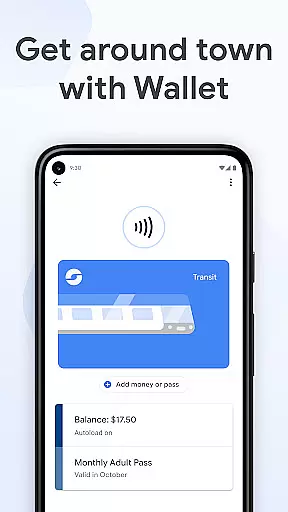
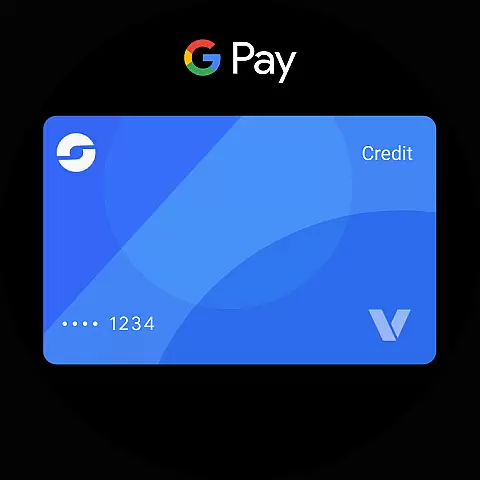
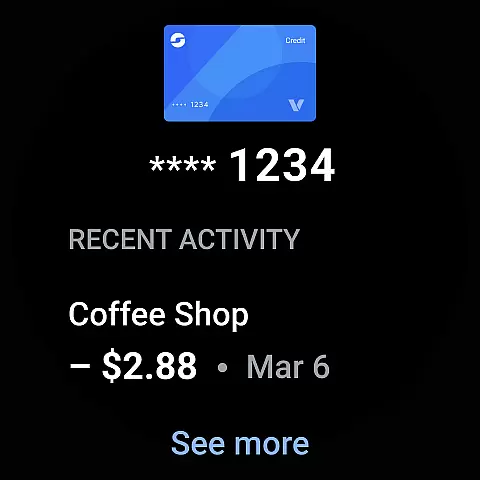
Google Wallet is a versatile digital wallet solution designed specifically for Android and Wear OS devices. This application allows users to conveniently store and access various essential items such as credit cards, tickets, boarding passes, and even digital car keys in one secure location. With its seamless integration across Google services, users can enjoy quick access to their essentials through multiple entry points including phone quick settings, the Wallet app homescreen, and Google Assistant.
The app's intelligent suggestion system ensures that users have what they need exactly when they need it. Whether it's a boarding pass on the day of travel or loyalty cards at retail stores, Google Wallet provides timely notifications to enhance convenience. The application also offers helpful features like receipt tracking with location details from Google Maps, making it easier than ever to manage transactions and stay organized.
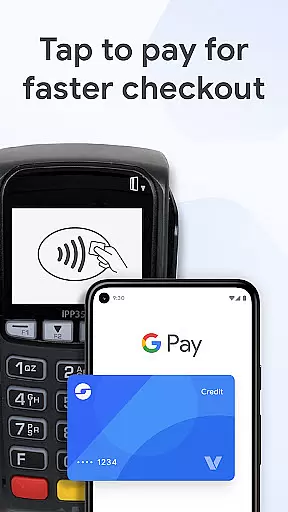
Above all, Google Wallet prioritizes security and privacy. It employs advanced Android security features to protect user data, including 2-Step Verification and remote data erasure capabilities. When making payments, the app uses tokenization technology to ensure that actual credit card numbers are never shared with merchants. These robust security measures make Google Wallet a reliable choice for managing digital credentials on the go.
Google Wallet stands out with its comprehensive feature set tailored for modern digital lifestyles. One of its key innovations is the multi-access point system, allowing users to quickly retrieve their essentials through phone quick settings, the dedicated Wallet app, or voice commands via Google Assistant. This flexibility ensures that important items are always within reach, regardless of the situation.
The application's integration capabilities extend beyond basic storage functions. It syncs seamlessly with other Google services like Calendar and Assistant, providing real-time updates on flight information, event notifications, and loyalty program statuses. The smart suggestion engine actively learns user patterns to surface relevant cards and passes at appropriate times, while the receipt tracking feature automatically organizes transaction details with location data from Google Maps.
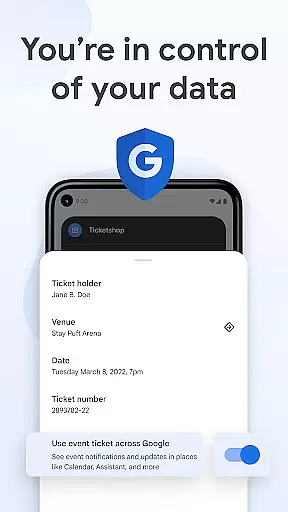
Security features are particularly noteworthy in Google Wallet's design. The application implements multiple layers of protection, including device-level security through Android's advanced features and payment-specific safeguards using tokenization technology. Users can also maintain control over their data sharing preferences through intuitive privacy controls, ensuring they can customize their experience while maintaining peace of mind about their personal information.
Companion app integration is crucial for wearable devices as it ensures seamless functionality between the smartphone and the wearable. Google Wallet excels in this area by offering a cohesive experience across multiple platforms.
The app allows users to access their essential cards, tickets, and passes directly from their Wear OS watch. This is made possible through well-designed companion app integration that syncs data in real-time, ensuring that all information is up-to-date on both devices.
Users benefit from having instant access to their digital wallet right from the main watch face using complications. This feature eliminates the need to take out the phone for every transaction or ticket check, making daily tasks more convenient.
Furthermore, the integration extends to other Google services like Calendar and Assistant, providing users with timely notifications and updates. This interconnected ecosystem enhances user experience by keeping them informed and organized without any extra effort.
Device compatibility is a key factor when evaluating apps designed for wearable technology. Google Wallet demonstrates excellent compatibility with Wear OS and other Android devices, ensuring broad accessibility.
The application supports all Android phones running Lollipop 5.0 and above, alongside Wear OS and Fitbit devices. This wide compatibility range allows users with different device models to utilize Google Wallet's features without limitations.
For Wear OS specifically, Google Wallet offers specialized features such as complications on the main watch face. These allow quick access to essential items like boarding passes and loyalty cards directly from the wrist, enhancing usability during travel or shopping.
While not all features are available for supervised accounts, the overall compatibility ensures that most users can enjoy the benefits of contactless payments and digital ticketing regardless of their specific device configuration.
Seamless Google integration
Advanced security features
Intelligent suggestion system
Multi-platform accessibility
User-friendly interface
Limited iOS compatibility
Feature restrictions on older devices
Occasional sync issues
Not all countries supported
Learning curve for new users

Analog watch face with 8 complications and expedition styling
 4.4
4.4
Digital watch face with big numbers and many customization for Wear OS devices
4.40
Structured watch face with seven complications and modular UI elements
3.90
A modern hybrid informative watch face for Wear OS designed by BALLOZI
4.80
A digital watch face that celebrates Christmas.
4.00
Your music, your playlists, and more—offline and unlimited.
4.20
Want to take charge of your health? Let Google Fit help you reach your goals.
3.50
Fitbit is dedicated to helping people lead healthier, more active lives.
4.10
From periods to pregnancy & perimenopause, Flo helps you track it all. Try now.
4.70
Kia Access makes getting your vehicle information easier than ever
4.60
Ideal for surviving in the wasteland left after nuclear fallout
4.50
Connect to your Bluelink equipped Hyundai vehicle from your smartphone.
4.50
Christmas watch face. For Wear OS devices.
4.30
Locate your family members by GPS phone location tracker everywhere and anytime
4.30
A customizable Christmas watch face for Wear OS with a countdown.
4.20
Wear Os Watch Face - Animated Snow Effect & Christmas Lights
4.1
Wear Os Watch Face - Animated Snow - Sesonal for Christmas & Winter
4.4
Stunning modern digital watch face with 7 complications and strong contrast
4.2
Artistic Digital Watchface
4.4


User Reviews