
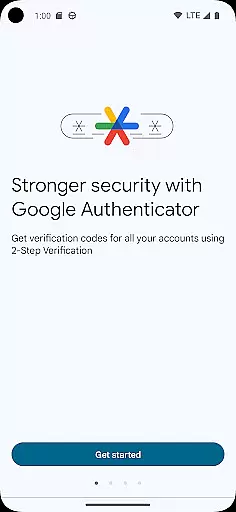
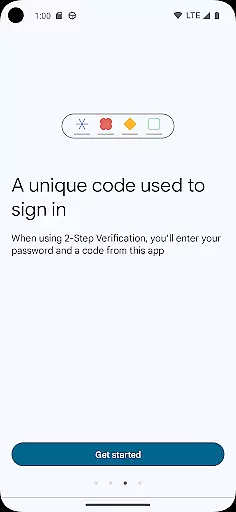
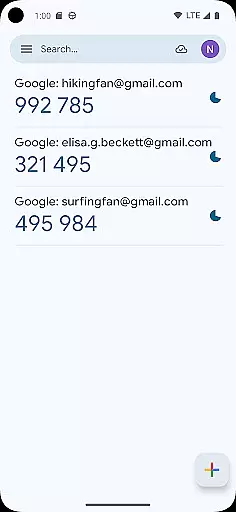
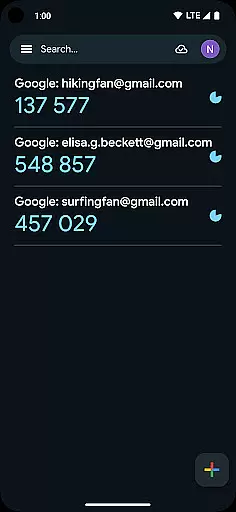
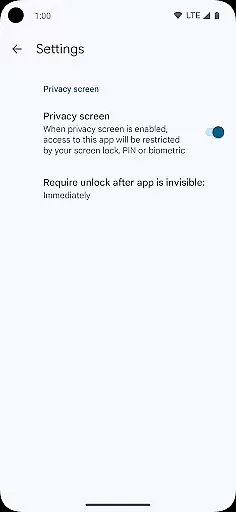
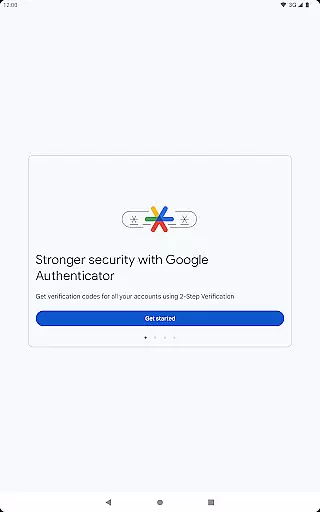
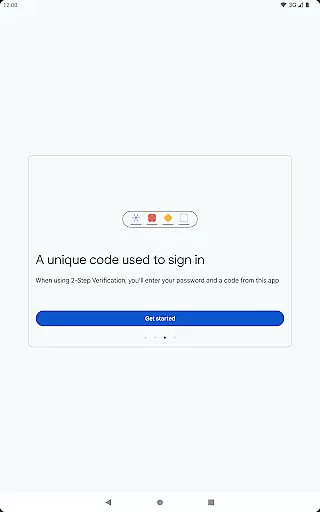
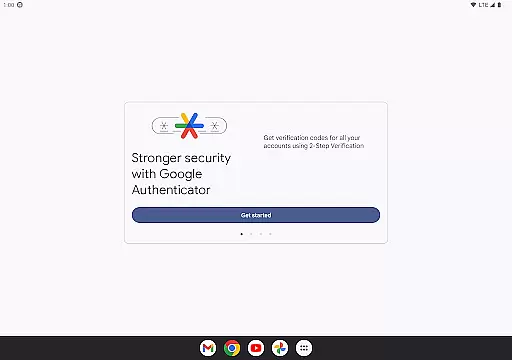
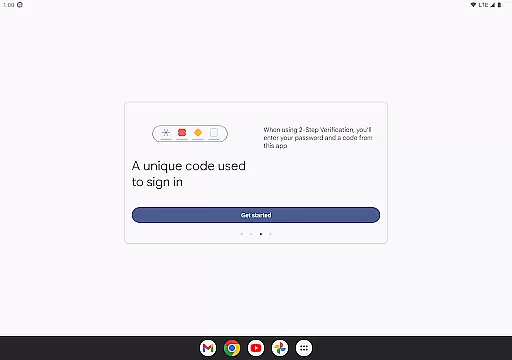
Google Authenticator is a security tool that provides an additional layer of protection for your online accounts through two-factor authentication. When signing in, users must enter both their password and a unique code generated by the app on their mobile device. This ensures enhanced account security even if passwords are compromised.
The app operates without requiring network or cellular connectivity, making it reliable in various situations. It supports syncing of verification codes to your Google Account for backup purposes, automatic setup via QR codes, and management of multiple accounts. With options for time-based or counter-based code generation, it offers flexibility to suit different user needs while maintaining top-notch security standards.
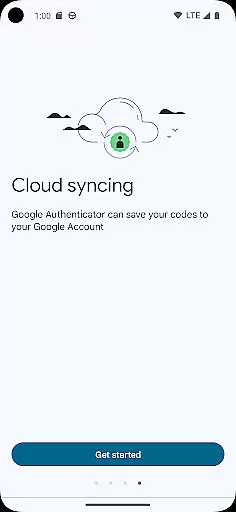
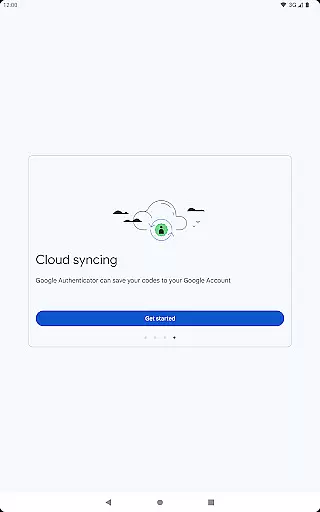
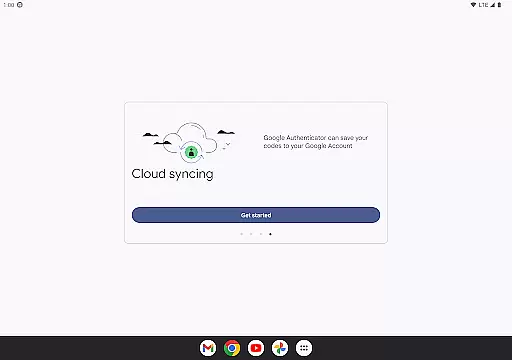
Google Authenticator stands out with its robust feature set designed to maximize both security and convenience. The app allows users to sync their authenticator codes directly to their Google Account, ensuring they can access verification codes even if their phone is lost or damaged. This cloud backup feature provides peace of mind and continuity in account security.
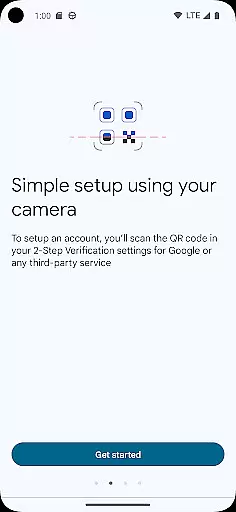
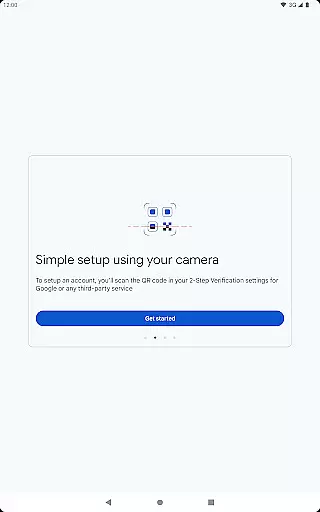
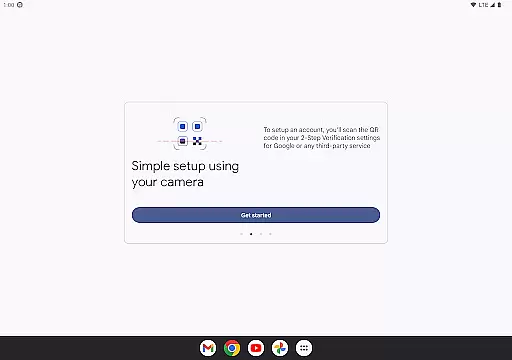
Setting up new accounts is streamlined through QR code scanning, which simplifies the process and minimizes errors. The app also supports multiple account management, enabling users to handle all their two-factor authentication needs within a single interface. With options for both time-based and counter-based code generation, Google Authenticator caters to diverse security preferences while maintaining ease of use across different platforms and devices.
Google Authenticator excels in providing precise and effective two-factor authentication, ensuring that users' online accounts are secured with an additional layer of verification. The app generates time-based or counter-based codes that serve as the second step in the 2-Step Verification process, significantly enhancing account security.
The effectiveness of Google Authenticator is evident in its ability to operate without a network or cellular connection, making it reliable in various situations. This feature ensures that users can always access their verification codes, even in offline environments, thus maintaining consistent protection for their accounts.
For users, this means peace of mind knowing that their accounts are safeguarded against unauthorized access. The app's capability to sync Authenticator codes across devices further amplifies its utility, allowing users to retain access to their accounts even if they switch or lose their phones.
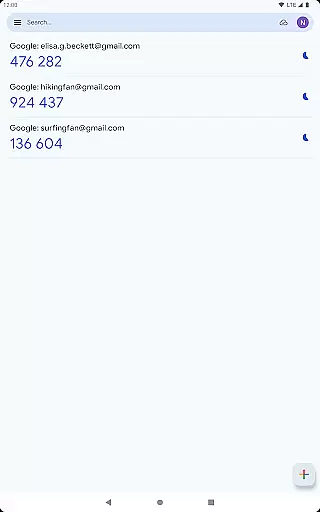
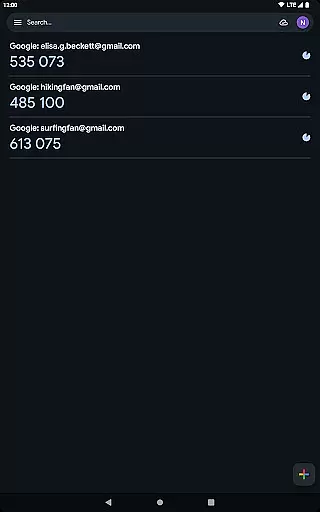
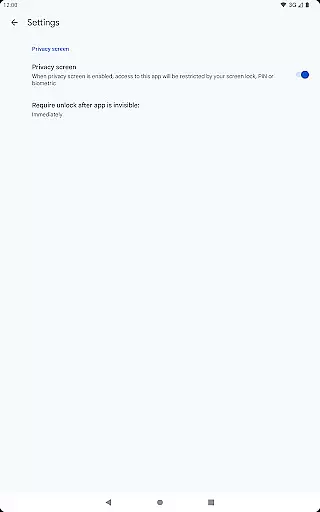
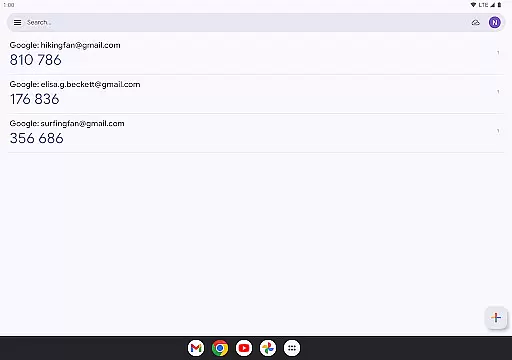
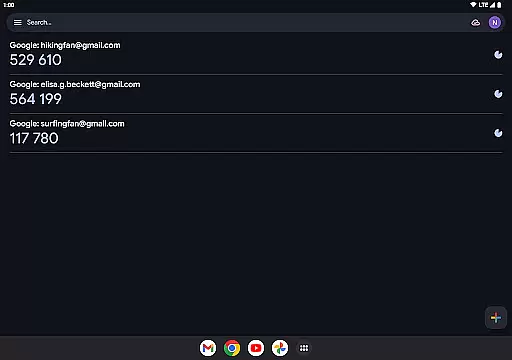
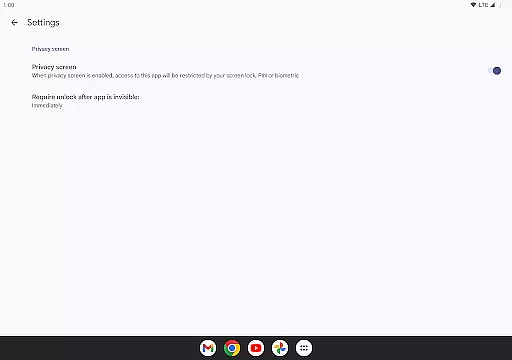
The interface of Google Authenticator is designed with simplicity and user-friendliness in mind, ensuring that users can easily navigate and utilize its features without confusion. The straightforward design allows users to quickly view and manage their verification codes, minimizing the learning curve associated with using the app.
Setting up new accounts is made intuitive through the use of QR codes, streamlining the process and reducing the potential for errors. Users can effortlessly add multiple accounts, each with its own verification code, and manage them within a single, easy-to-use interface.
This simplicity extends to transferring accounts between devices, where a QR code facilitates the seamless migration of accounts. Such intuitive design choices enhance the overall user experience, making Google Authenticator not only secure but also convenient and accessible for everyday use.
Enhanced Security
Offline Functionality
Cloud Backup
QR Code Setup
Multi-Account Support
No Desktop Version
Limited Customization
No Biometric Login
Occasional Sync Issues
Basic Interface

 4.50
4.50
Easily install aab(Android App Bundle) files on your Android device with our app
4.80
Quickly & easily calculate the spacing of handrail balusters
4.20
card-reader app
2.20
Effortlessly run ADB commands directly on your device without a PC.
4.20
PC precision for mobile gaming: dominate with keyboard and mouse!
4.30
The Ultimate Bluetooth Keyboard & Mouse. Securely control your PC, Mac, and more
4.50
Screen Mirroring for Roku Sticks, Roku TCL TV and Roku Hisense TV
4.50
The ultimate tool for network analysis, wifi scanning and problem detection.
4.90
Connect wirelessly to your computer to watch movies, browse the web, play games
5.00
Powerful collection of electronics tools and reference.A must for any enthusiast
4.90
Monitor car performance in real time and troubleshoot malfunctions.
4.80
Optimize your WiFi network, turn your phone into Wifi Analyzer
4.70
Connect instantly to a fast, encrypted VPN with one tap
4.60
Play your X-Box games remotely in 1080p with any controller and zero latency
4.60
An easy-to-use calculator designed to save time calculating and bending conduit
4.30
Safely recover deleted photos, videos, and files with a single easy tap.
3.70
Transfer Files, APK from Phone to Watch & Install.
4.3
Save any video in HD - paste the link, download fast and watch offline.
4.0


User Reviews