
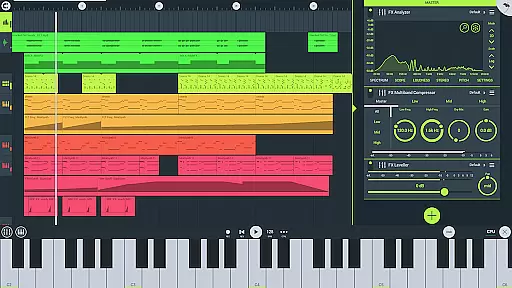
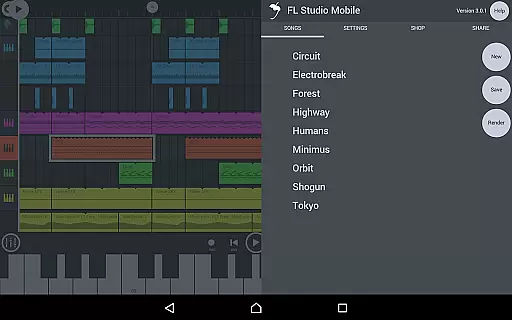
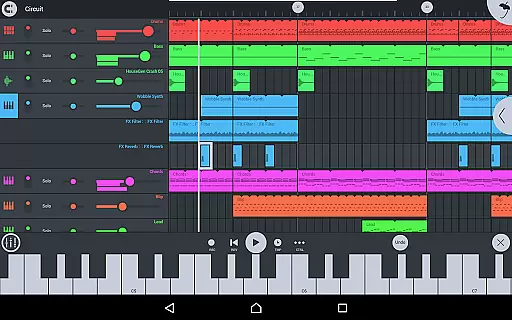
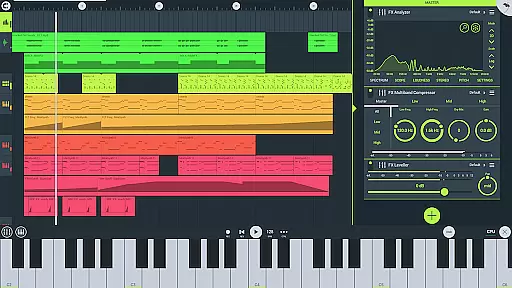
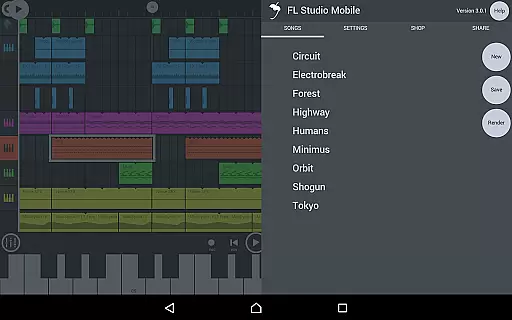
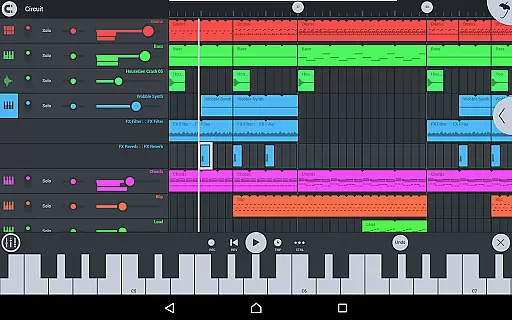
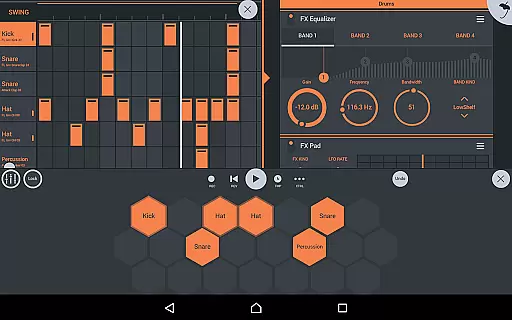
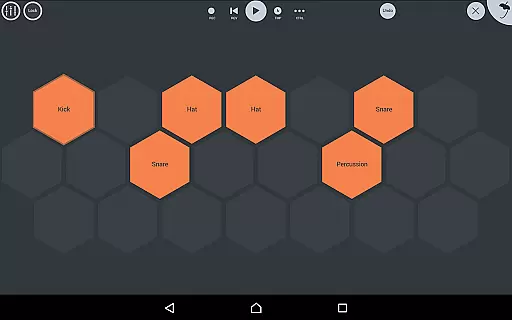
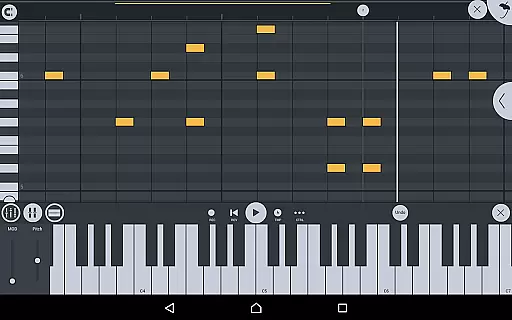
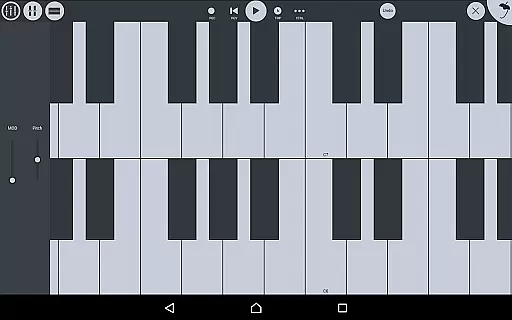
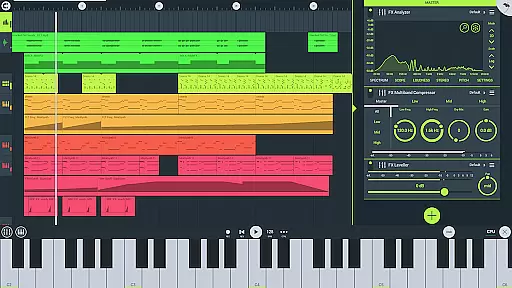
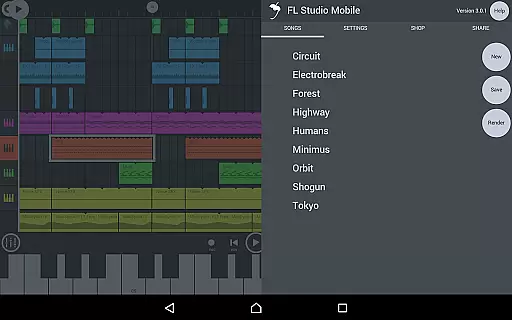
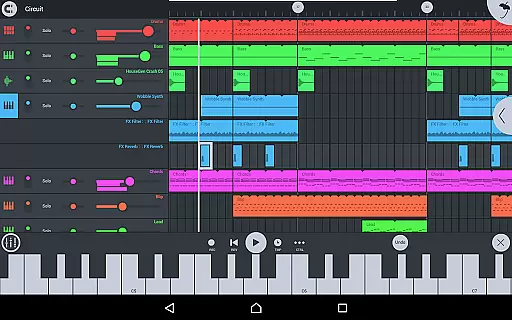
FL STUDIO MOBILE is a comprehensive music production app that allows users to create and save complete multi-track projects on their mobile devices. The app supports audio recording, MIDI file import/export, and includes high-quality synthesizers, drum kits, and effects modules.
With features like full-screen DeX support, automation capabilities, and mixer functionalities, it caters to both amateur and professional music producers. Its compatibility with various platforms including Android, iOS, and Chromebook makes it versatile for different users.
This app is ideal for musicians who need a portable solution to compose, edit, and mix tracks on the go. By offering extensive in-app purchases and included content, FL STUDIO MOBILE ensures users have access to a wide range of instruments and effects to enhance their music production experience.
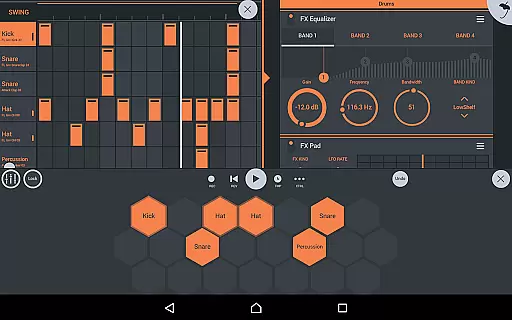
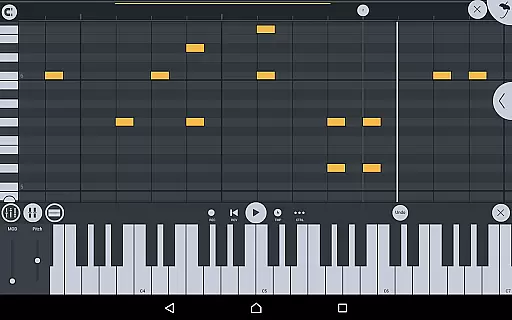
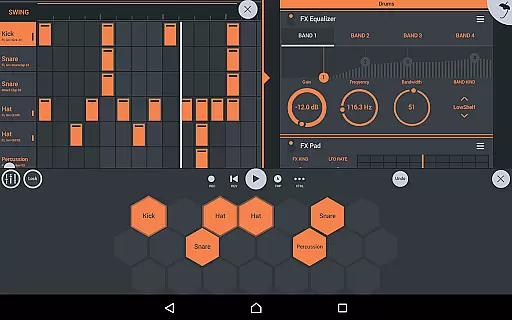
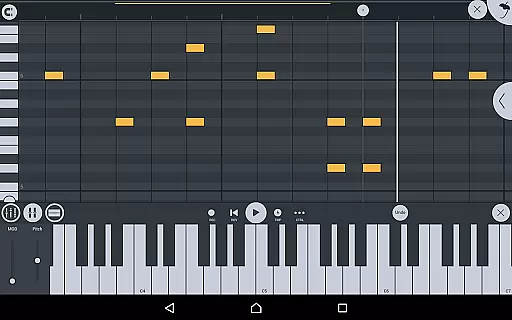
FL STUDIO MOBILE offers an array of powerful features designed to streamline music creation. Users can record audio, import track-length stems or WAV files, and utilize a variety of synthesizers and samplers. The app also provides a step sequencer and piano roll for detailed note editing.
The interface is highly customizable, supporting all screen resolutions and sizes, ensuring optimal usability across devices. With built-in effects modules such as chorus, reverb, and parametric equalizers, users can refine their sound with precision.
Additionally, the app supports MIDI controllers and automation, allowing for dynamic performances and complex compositions. Integration with FL Studio desktop enhances workflow, making it a robust tool for music production anytime, anywhere.
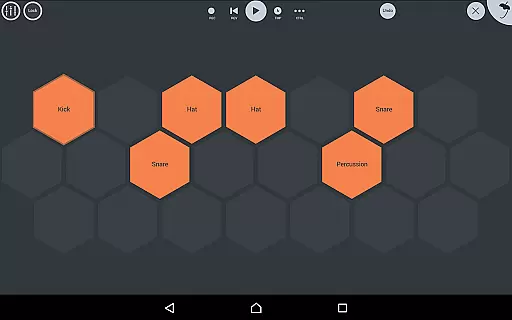
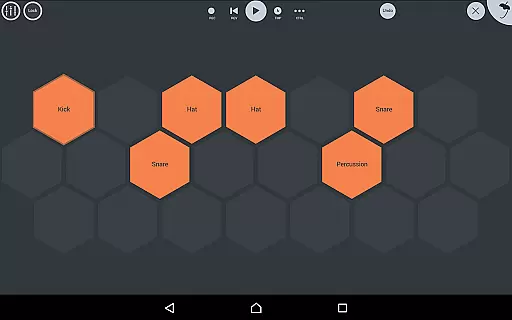
FL Studio Mobile offers an extensive music library that caters to a wide range of musical genres and preferences. The app includes various instrument modules such as Drum Sampler, DirectWave Sample Player, and synthesizers like GMS and Transistor Bass. These modules come with numerous presets and samples, ensuring users have plenty of options for creating their music.
In terms of copyright authenticity, FL Studio Mobile provides assurance by including licensed content within its offerings. Users can access included DirectWave instruments covering guitars, keyboards, orchestral sounds, basses, and more. This vast array of high-quality samples and instruments is legally safe to use, giving creators peace of mind when producing tracks.
The availability of MiniSynth Presets and SuperSaw Presets further enriches the creative possibilities within the app. From basslines to leads, pads to sound effects, these preset banks allow musicians to experiment without worrying about infringing on copyrights. Such comprehensive resources empower artists to focus solely on their craft while using professionally curated sounds.
FL Studio Mobile excels in delivering top-notch audio quality through its advanced features and support for multiple file formats. Users can save and load projects in high-fidelity formats such as WAV, MP3, AAC, FLAC, and MIDI. This flexibility ensures that no matter what kind of project you're working on, you can maintain optimal sound fidelity throughout the production process.
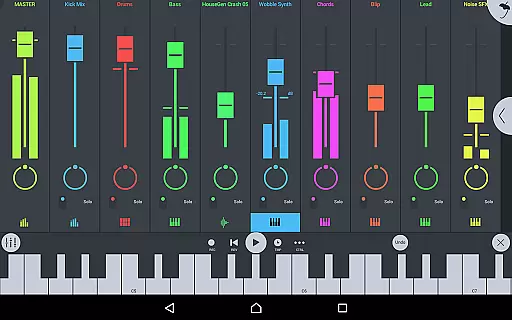
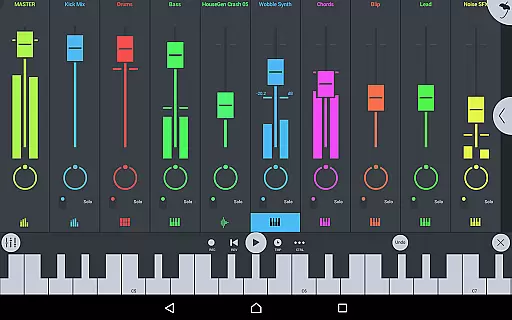
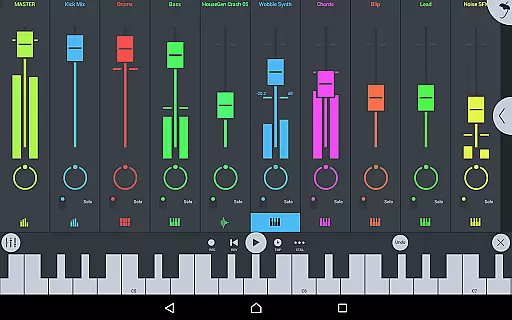
The mixer functionality in FL Studio Mobile allows per-track adjustments including mute, solo, effect bus routing, panning, and volume control. These capabilities enable precise mixing and mastering directly from your mobile device or Chromebook. Whether you need to fine-tune individual elements or balance the entire mix, this level of control guarantees professional-grade results every time.
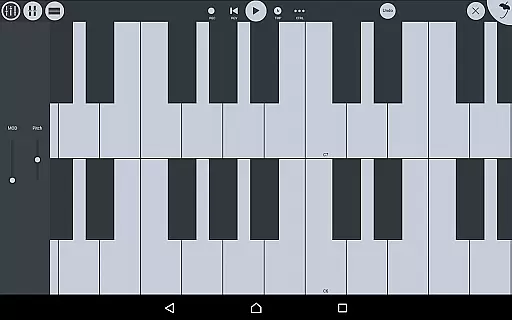
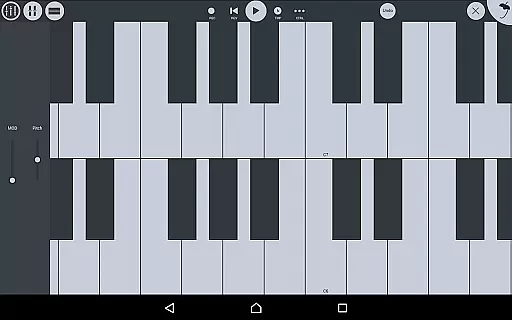
Additionally, the app supports full-screen DeX and Chromebook touch, trackpad, and mouse operations, enhancing usability across different devices. With robust MIDI controller support and automation features, FL Studio Mobile ensures seamless integration into any setup. High-quality synthesizers, samplers, drum kits, and sliced-loop beats contribute to an immersive music-making experience where audio clarity remains paramount.
User-friendly interface
Extensive instrument library
Multi-platform support
High-quality audio processing
Comprehensive MIDI functionality
Requires in-app purchases
Complex for beginners
Occasional latency issues
Limited free content
Heavy resource usage

 4.70
4.70
Equalizer, Bass Booster and Volume Booster (Eq & Bass) improve sound quality
4.30
DJ Music Mixer - DJ Remix: remix songs, make beat music & record mix of DJ.
4.40
Network/Cloud Streaming, Visualization, Graphic Equalizer and Sound Effects.
4.20
Super Sound Editor, Song Maker & Mixer, Vocal Remover, Voice Recorder & Changer!
4.60
Unleash your creativity! Turn simple prompts into full fledged songs.
4.70
Enjoy singing any song, no matter how high or low it is
4.30
Offline Music Player & MP3 Player.Powerful equalizer, Lyrics, Themes, Tag Editor
4.80
Versatile MP3 recorder with auto-backup to Dropbox and Google Drive
4.10
24,000 free audio books and no ads!
4.90
Responsive piano with great sounds, graphics, and songs
4.80
Reverse your voice & songs instantly! Fun singing challenge with cool effects.
4.60
Fun & Easy Voice Changer – Record, Edit & Add Hilarious Effects!
4.50
Visualize the guitar fretboard, master scales & play through changes like a pro!
4.50
Formerly known as Spotistats! View your top tracks, artists, albums and more!
4.40
Powerful 10-Band equalizer pro with sound booster improves Android audio quality
4.30
A High-Precision Audio Spectrum Analysis App
4.20
The original SP-1200 experience on your iPad
4.20
Offline and always ad-free - stream in the highest quality available.
4.10


User Reviews