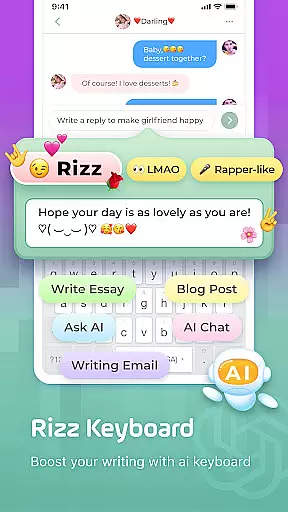
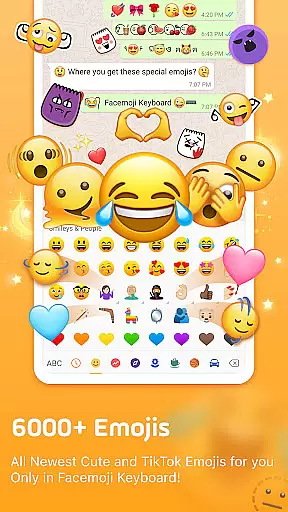
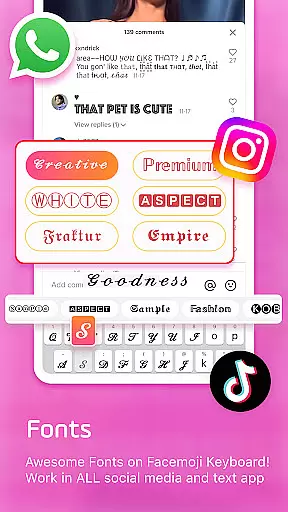
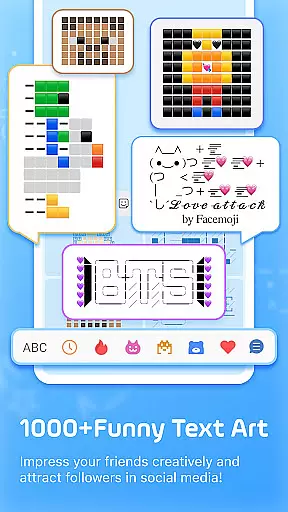
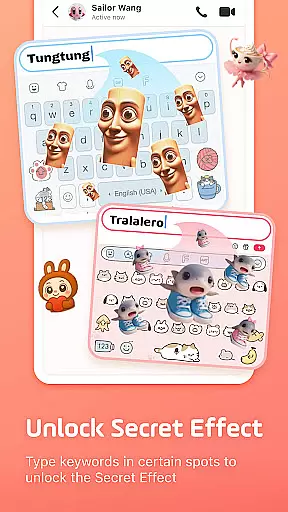
Facemoji AI Emoji Keyboard is an innovative personalization tool that transforms mobile typing with its extensive library of over 6000 emojis, custom themes, and advanced AI features. This versatile keyboard solution caters to modern communication needs by offering specialized functions including Genmoji-style emoji creation, TikTok optimized emojis, and creative text art capabilities.
The application stands out with its comprehensive customization options, allowing users to design personalized keyboard layouts featuring unique wallpapers, custom button arrangements, and distinctive sound effects. Its integration with popular platforms like WhatsApp, Facebook, and TikTok makes it an essential tool for enhancing digital conversations while maintaining privacy and security standards.
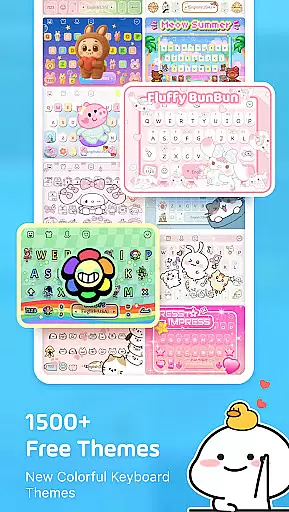
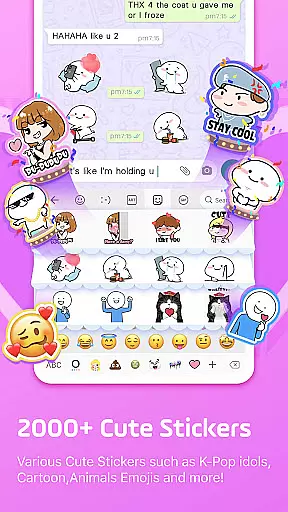
Facemoji AI Emoji Keyboard distinguishes itself through its robust feature set that includes AI-powered emoji generation, customizable keyboard themes, and specialized gaming modes. The Genmoji-style Emoji Maker enables users to create personalized stickers based on facial recognition technology, while the extensive collection of 1500+ fancy themes ranges from Japanese anime to K-Pop inspired designs.
Advanced functionality extends to its smart suggestion system, which predicts both emojis and stickers across multiple messaging platforms. The application's bilingual support covers over 100 languages, complemented by a built-in translator and specialized keyboards for popular games like Among Us and Roblox. These features collectively enhance user productivity while providing unprecedented levels of personal expression.
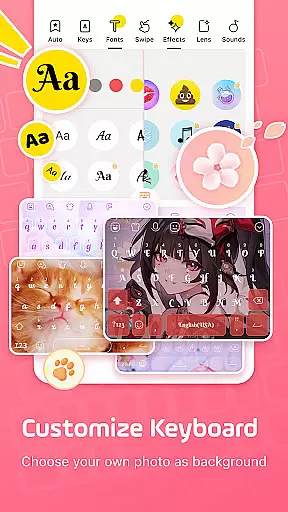
Facemoji AI Emoji Keyboard offers an extensive range of customization options that cater to diverse user preferences. With over 1500 stylish themes, users can personalize their keyboard experience with designs ranging from Japanese anime to K-Pop idols, ensuring a unique and visually appealing interface.
The app allows for DIY customization, enabling users to design their keyboard wallpapers using personal photos or pictures. This feature extends to customizing buttons, colors, fonts, tapping effects, and sounds, providing a highly personalized typing environment that reflects individual style and enhances user engagement.
For those who enjoy sharing their creations, Facemoji makes it easy to share custom keyboards with friends, allowing them to use the same design. This social aspect of customization fosters a sense of community among users while offering limitless possibilities for personal expression through their mobile keyboards.
Theme compatibility is a crucial aspect of Facemoji AI Emoji Keyboard, ensuring that all custom themes work seamlessly across different devices and operating systems. The app's developers have created a robust system that maintains visual consistency and functionality regardless of the device being used.
With weekly updates and new theme additions, Facemoji guarantees that its themes remain fresh and compatible with the latest mobile technologies. This commitment to compatibility ensures that users can enjoy their personalized keyboard experience without worrying about performance issues or visual discrepancies.
The app's theme system is designed to be flexible yet stable, allowing for regular updates while maintaining core functionality. This balance between innovation and reliability demonstrates Facemoji's dedication to providing users with a consistently high-quality personalization experience that adapts to their evolving needs and technological advancements.
User-friendly interface
Extensive customization options
AI-powered features
Regular content updates
Strong privacy protection
Occasional performance issues
Limited offline functionality
Some features require premium
High memory consumption
Learning curve for new users

Ninja Turtles Cowabunga SE watch face for Wear OS
 4.50
4.50
Transform your phone with Launcher iOS 26 - Smooth & elegant iOS experience
4.50
Choose your keyboard with RGB colors effect, themes, fonts, emojis.
4.60
Adorable pets roam and play right on your phone screen!
3.30
Crystal-clear, square icon provides a sleek and sophisticated visual upgrade
4.00
Your home screen, just the way you like it.
4.30
Fast SMS & group chat - use GIFs and emojis from your home screen launcher.
4.50
Create stunning widgets with Widget 2026: Aesthetic Widgets for Android!
4.60
Install amazing sticker packs: endless styles, always cool.
4.70
Sparkle your screen with Glitter Wallpapers For Girls and Cute Backgrounds!
4.80
Gun Chase - Let the chase begin.
4.80
100+ Stylish Fonts, Emojis, Symbols keyboard for Instagram & TikTok!
4.80
Enjoy a variety of amazing live wallpapers and colorful EDGE lighting borders!
4.80
Make your phone look simple & luxury, like iDevice
4.60
Ultimate Gallery Lock App - Hide Pictures, Videos and Lock Apps Instantly!
4.60
Zip lock screen with magic wallpaper to decorate your phone with fun zipper lock
4.60
Customize your home screen with stunning themes, blur, widgets & icons.
4.60
Stylish Pink Cute Hippo keyboard with 10000+ customized keyboard themes!
4.60
Yandex Browser — stylish and secure, with voice search and data compression
4.40


User Reviews