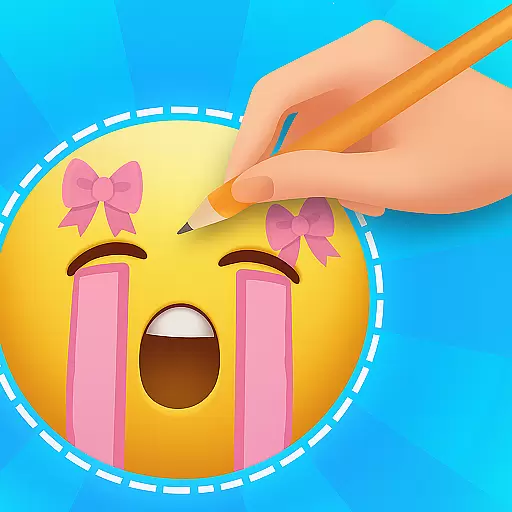
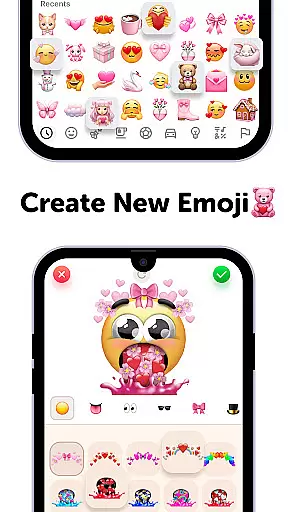
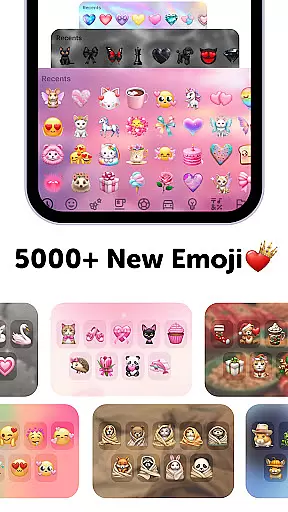
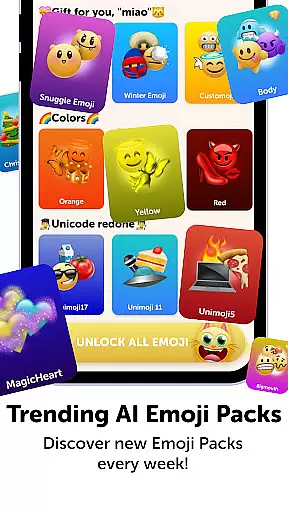
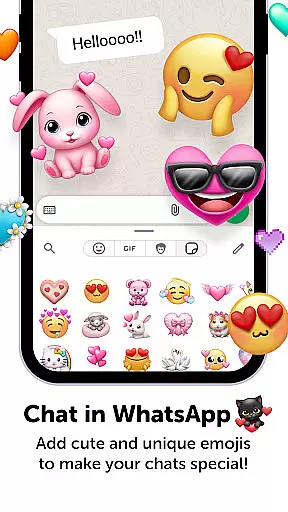
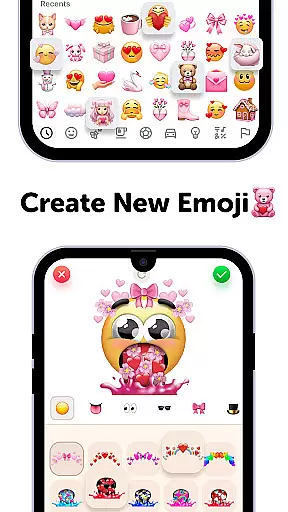
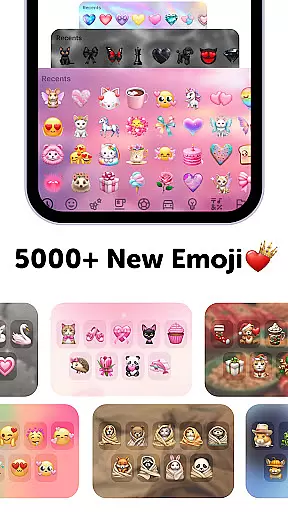
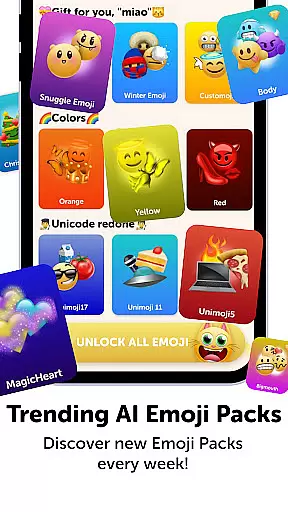
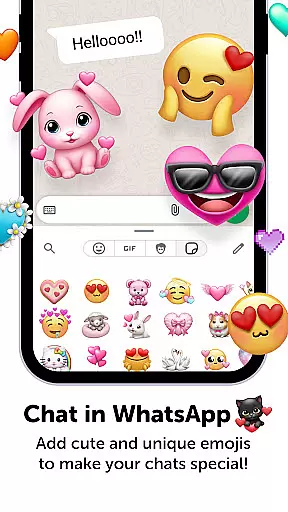
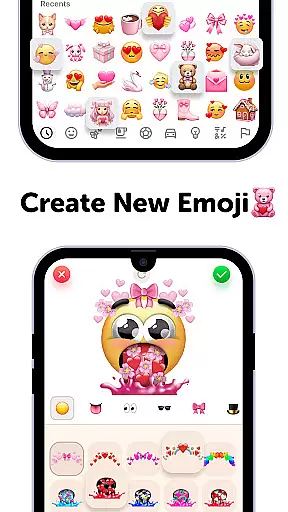
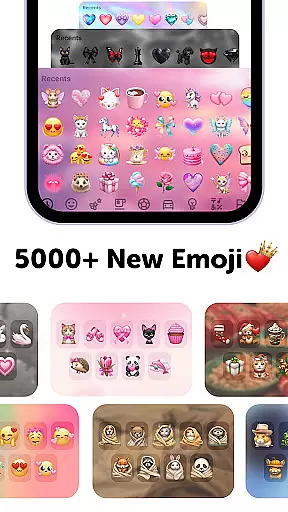
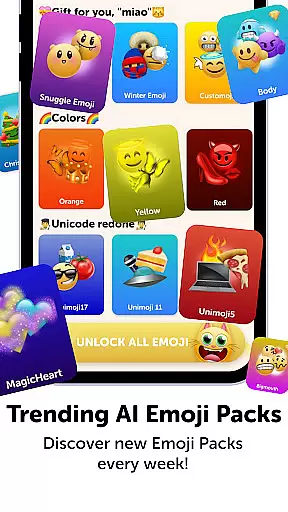
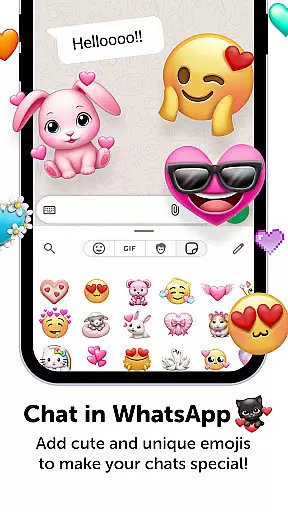
Emoji Up is a creative emoji maker app that allows users to design custom emojis and stickers. With an intuitive interface, the app offers extensive customization options including various bases, eyes, mouths, and other elements to create unique emojis. The app also features engaging games like 'Emoji Puzzle Blitz Game' where users can collect special emoji packs by completing match-3 puzzles. Users can export their creations and use them across social media platforms such as TikTok, Instagram, and WhatsApp.
This personalization tool serves as a digital canvas for emoji enthusiasts who want to express themselves through bespoke designs. Whether you're looking to enhance your messaging experience or simply enjoy creative play, Emoji Up provides both entertainment and utility value.
The app's standout feature is its robust emoji creation system. Users can mix and match different emoji components to produce truly original designs. The inclusion of drawing and painting tools adds another layer of creativity, making it comparable to an artist's studio but for emojis.
Beyond creation, Emoji Up incorporates gamification elements. The 'Emoji Puzzle Blitz Game' challenges users' IQ with match-3 levels, rewarding them with exclusive emoji packs. These features not only entertain but also encourage regular engagement, setting the app apart from basic sticker makers.
Additionally, Emoji Up supports seamless integration with popular social networks. Once created, emojis and stickers can be directly exported and used on platforms like TikTok, Instagram, and WhatsApp, amplifying self-expression and communication in digital conversations.
Customization is at the heart of Emoji Up, offering users a rich palette to express their creativity. The app provides an extensive range of options for creating unique emojis and stickers, allowing personal expression in countless ways.
With features like mixing emoji bases, eyes, mouths, and more, users can craft custom emojis that stand out. This level of customization ensures that each creation is truly one-of-a-kind, reflecting the user's personality and mood.
The ability to draw and paint emojis adds another layer of personalization. Users can experiment with colors and designs, much like an artist in an emoji kitchen, whipping up new creations that are limited only by their imagination.
This vast array of customization options empowers users to become true emoji artists, making Emoji Up not just an app but a canvas for creative expression.
Emoji Up excels in theme compatibility, ensuring that every emoji and sticker created can seamlessly integrate into various digital environments. Whether it's for social media or personal use, your creations will always look great.
The app supports exporting emojis and stickers for use across favorite social networks like TikTok, Instagram, and WhatsApp. This cross-platform compatibility allows users to showcase their emoji masterpieces widely.
Beyond just social media, Emoji Up offers themes, fonts, and wallpapers that enhance the overall aesthetic of your digital communications. These elements work together to create a cohesive look and feel.
By providing such comprehensive theme compatibility, Emoji Up ensures that users' creative outputs are not only diverse but also visually consistent across different platforms and devices.
User-friendly interface
Extensive customization
Engaging puzzle game
Social media integration
Creative freedom
Premium diamond emojis
In-app purchases
Subscription model
Limited free content
Complexity for new users

Customizable Glass widgets. Over 360+ stunning widgets and more!
 4.70
4.70
Ninja Turtles Cowabunga SE watch face for Wear OS
4.50
Sparkle your screen with Glitter Wallpapers For Girls and Cute Backgrounds!
4.80
Adult video chat, dating, making friends, random matching
4.20 4.50
4.50 4.50
4.50
Color phone with cool effects for call screen, flash alert & ringtones music
4.50
Stylish Pink Cute Hippo keyboard with 10000+ customized keyboard themes!
4.60
Unleash Your Creativity and Connect with Loved Ones with Lockscreen Drawing!
4.20
100+ Stylish Fonts, Emojis, Symbols keyboard for Instagram & TikTok!
4.80
300+ Stunning and well-designed widgets inspired by NOTHING.
4.70
A retro cartoon style watch face and a punch right in the face of the copyright
4.60
Make your phone look simple & luxury, like iDevice
4.60
Icons made of colorful linear lines
4.60
200+ Material Inspired Widgets
4.50
Themes - Widget & Wallpaper: Customize home screen, icon changer w unique themes
4.30
Create unique, fun emojis with Funny Emoji Maker! Unlimited creativity!
4.00
Adaptive Dot Style IconPack with Light & Dark Theme.
3.70
Turn your lock screen into fun with smile live wallpapers & animated wallpapers!
2.50


User Reviews