
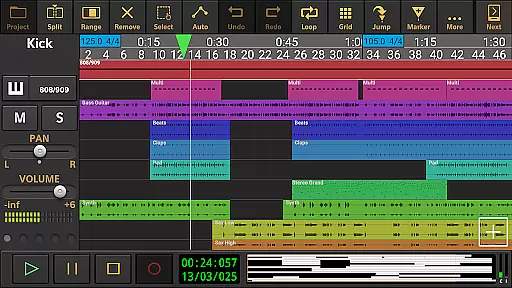
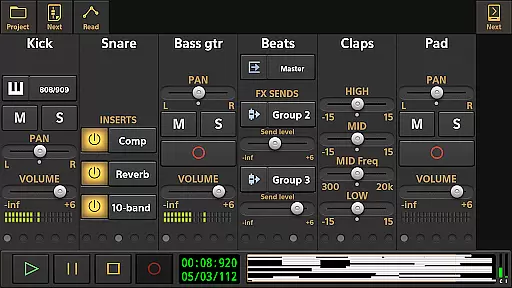
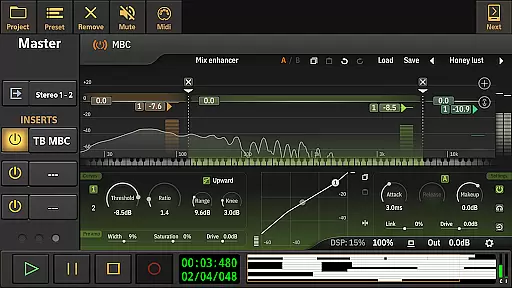
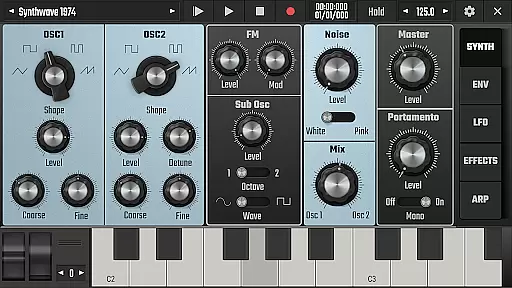
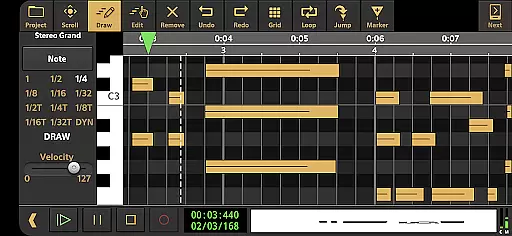
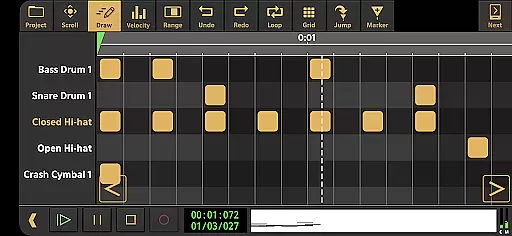
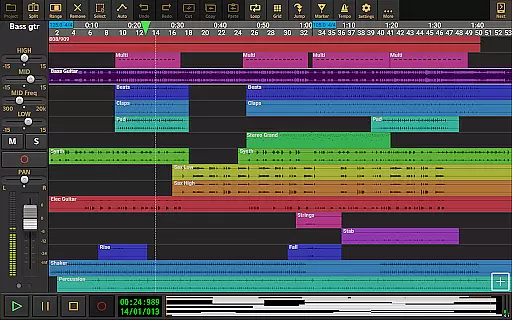
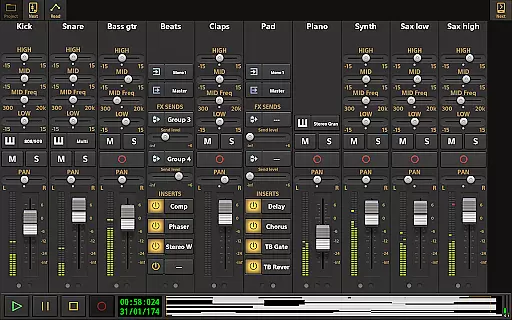
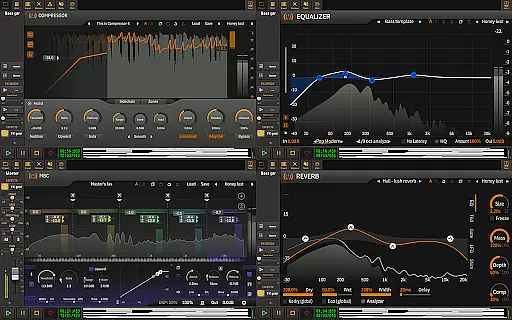
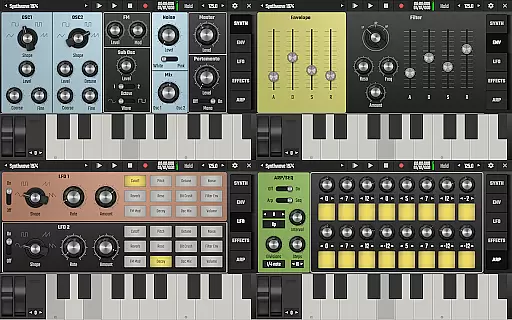
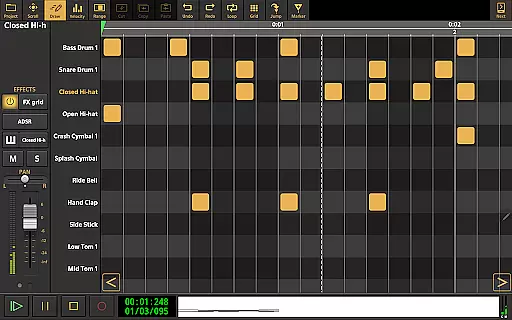
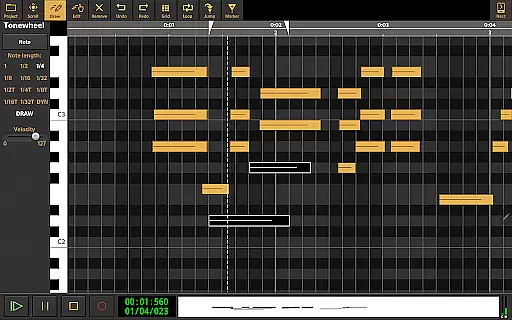
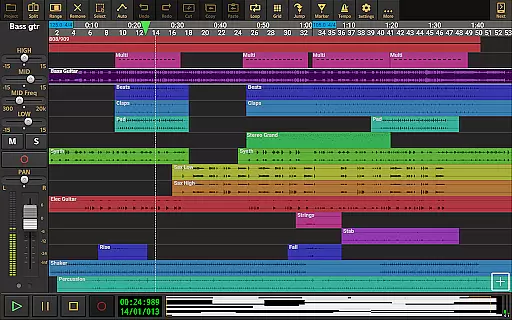
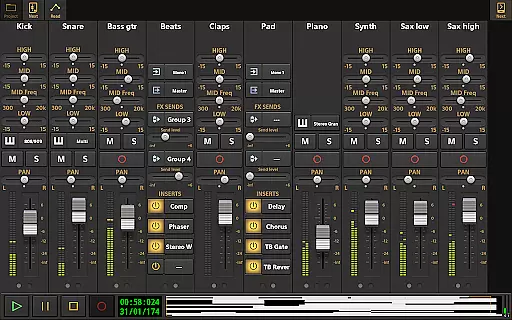
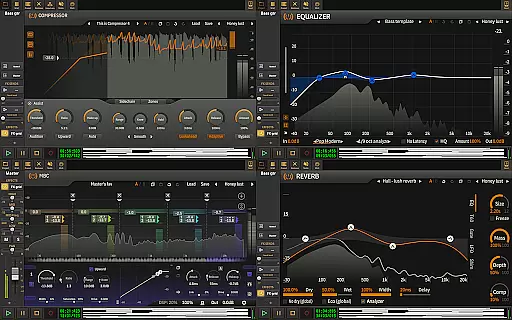
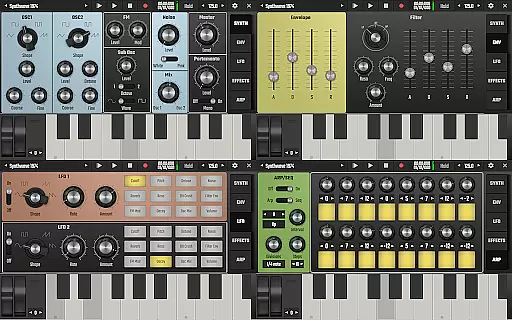
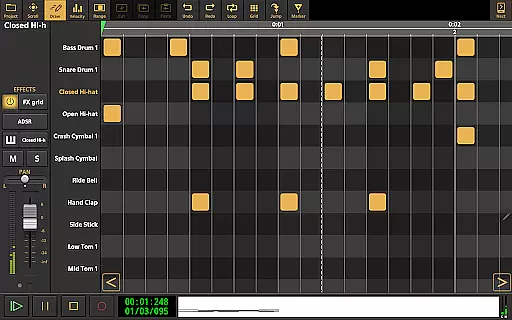
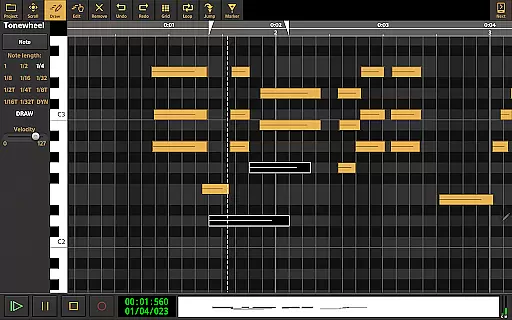
Audio Evolution Mobile Studio is a comprehensive digital audio workstation (DAW) designed for Android users who want to create, mix, and edit music on the go. This app offers professional-grade features such as multitrack audio and MIDI recording, virtual instruments, real-time effects, and mixer automation. Whether you're capturing song ideas or producing full-fledged tracks, this app rivals desktop DAWs with its powerful capabilities.
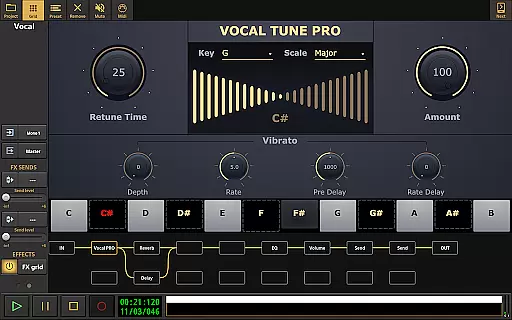
The app supports low latency and multichannel recording through USB audio interfaces, making it ideal for musicians and producers who need high-quality audio. With features like Vocal Tune Studio, drum pattern editing, and flexible effect routing, Audio Evolution Mobile Studio empowers users to unleash their creativity without limitations. Its portability and affordability make it an excellent replacement for traditional 4-track recorders or tape machines.
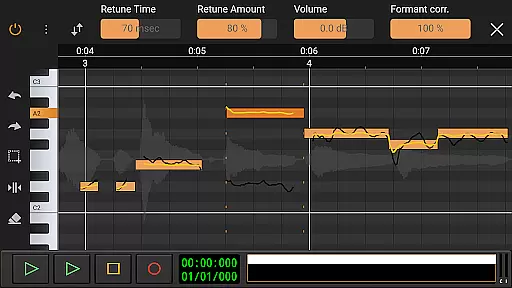
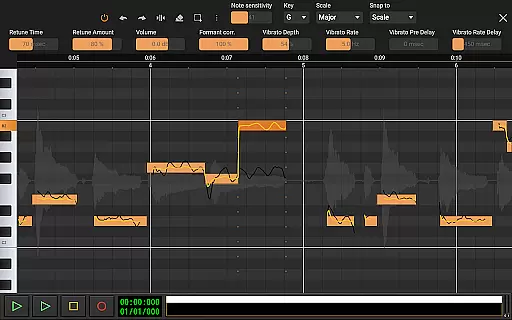
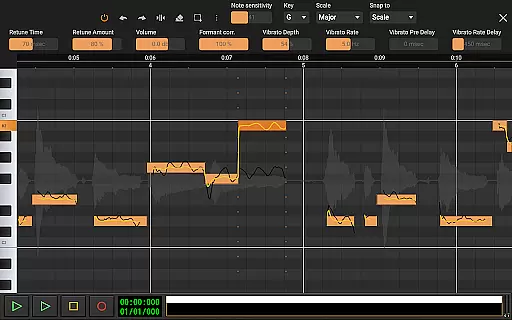
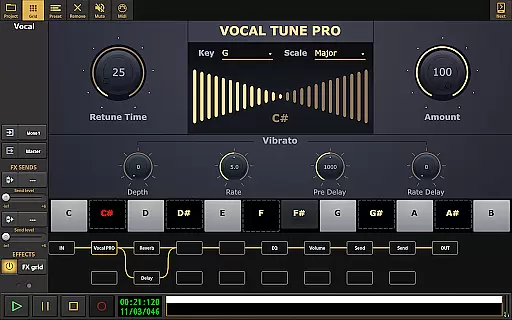
Audio Evolution Mobile Studio stands out with its extensive feature set tailored for both amateur and professional music creators. The app includes advanced tools like Vocal Tune Studio, which allows users to correct pitch and time of vocal recordings with precision. It also features Evolution One, a virtual analog synthesizer based on AudioKit's Synth One, and a drum pattern editor that supports triplets and custom audio files.
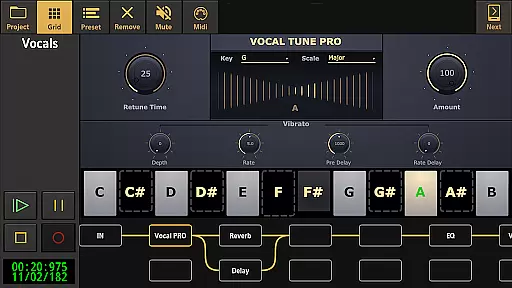
Real-time effects such as chorus, reverb, and EQ enhance the audio quality, while flexible effect routing enables unlimited parallel paths. The app supports various import formats including WAV, MP3, and MIDI, and offers mastering options to export projects in multiple formats. With cloud sync to Google Drive, users can easily backup, share, and collaborate on projects across devices. These robust features ensure a seamless music production experience.
Audio Evolution Mobile Studio offers an extensive music library that includes a variety of virtual instruments and sample-based Soundfont instruments. This vast selection allows users to explore different sounds and genres, fueling their creative expression.
The app ensures copyright authenticity by providing legally licensed instruments and loops. Users can be confident in the legitimacy of the content they are utilizing for their music projects, thus avoiding any legal complications associated with unlicensed material usage.
In addition to its internal offerings, Audio Evolution Mobile supports importing formats such as WAV, MP3, AIFF, FLAC, OGG, and MIDI files. This means musicians have the flexibility to incorporate their personal audio assets or legitimately acquired samples into their productions within the app.
With optional in-app purchases, users can expand their studio with additional high-quality instrument packs and loops at various price points. These expansions are crafted to enhance the musical capabilities of the application while maintaining strict adherence to copyright laws.
Setting a benchmark for audio quality on Android, Audio Evolution Mobile Studio rivals desktop DAWs with its robust feature set including low latency and multichannel recording/playback using compatible USB audio interfaces. The option to bypass standard Android audio limits via an in-app purchase further elevates sound fidelity.
Users have access to high-quality real-time effects like chorus, compressor, delays, EQs, reverb, noise gate, pitch shifter, and more. These tools not only add depth and professionalism to tracks but also maintain clarity and precision throughout the mixing process.
Advanced editing features such as Vocal Tune Studio allow detailed manipulation of vocal recordings' pitch and time without compromising audio integrity. Such capabilities ensure that even after significant alterations, the output remains crisp and true to the original performance's intent.
Upon completion of a project, creators can master their work into industry-standard formats (WAV, MP3, AIFF, FLAC, or OGG) retaining top-notch sonic characteristics ready for distribution across various platforms while preserving the nuances captured during production.
User-friendly interface
High-quality audio processing
Extensive plugin support
Flexible effect routing
Cloud sync functionality
In-app purchases required
Steep learning curve
High system requirements
Limited free features
Occasional bugs reported

Formerly known as Spotistats! View your top tracks, artists, albums and more!
 4.40
4.40
Control your MIDI USB or Bluetooth devices in app and avoid some trampling
3.30
The Cubase remote control app
3.60
Remove ads permanently from Music Visualizer
4.4
Guzheng Master supports many playing techniques as an acoustic Guzheng
4.50
Music, News & Sports Radio Tuner App. Tune in Live FM & AM Radio Stations.
4.80
Help you quickly get started with Shokz headphones
4.40
Manage your Sonos system directly from your home-screen!
4.40
Get alarms that fit your lifestyle and wake up to the sounds you love.
4.80
Simple & Intuitive Metronome
4.70
Pay Once, no monthly payment
4.60
Reverse your voice & songs instantly! Fun singing challenge with cool effects.
4.60
Visualize the guitar fretboard, master scales & play through changes like a pro!
4.50
Your HD audio recorder on the go for music, meetings, ambience, animal sounds…
4.30
A High-Precision Audio Spectrum Analysis App
4.20
Network/Cloud Streaming, Visualization, Graphic Equalizer and Sound Effects.
4.20
The alternative folder based music player.
4.20
The original SP-1200 experience on your iPad
4.20
Offline and always ad-free - stream in the highest quality available.
4.10


User Reviews