
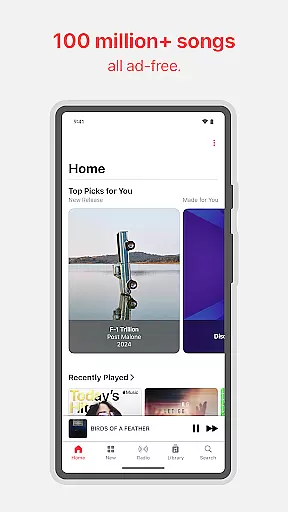
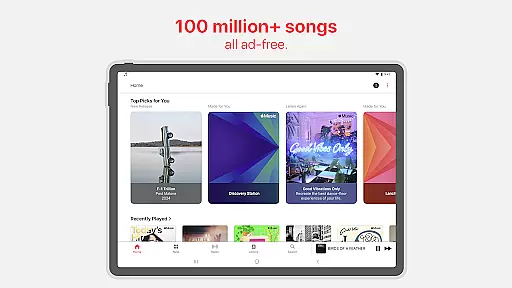
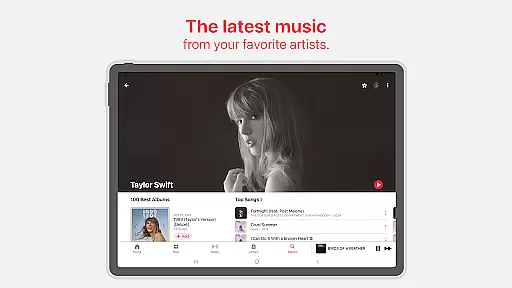
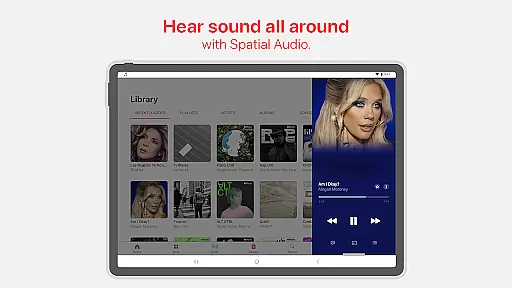
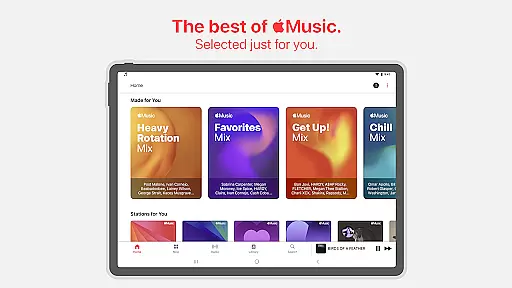
Apple Music stands as a premier music streaming service, offering users access to an extensive library of over 100 million songs. The platform is designed not only for casual listeners but also for audiophiles and music enthusiasts who value high-quality audio. With features like Spatial Audio and Lossless Audio, it delivers an unmatched listening experience that captures every detail and nuance of the original recordings.
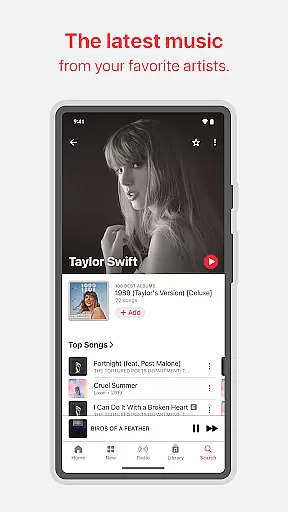
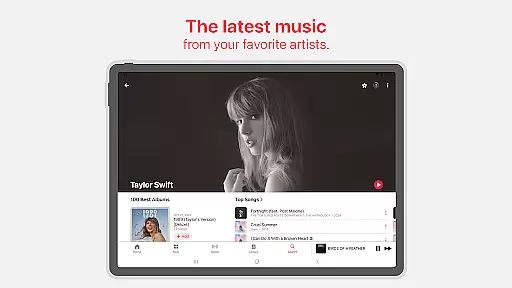
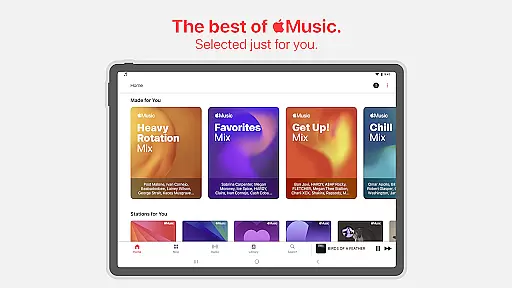
Beyond its vast music catalog, Apple Music provides exclusive content such as in-depth artist interviews, live performances, and radio shows hosted by iconic figures in the music industry. These offerings give subscribers unique insights into their favorite artists' creative processes and stories behind the music. Additionally, personalized playlists and recommendations curated by expert editors ensure that users continually discover new music tailored to their tastes.
Whether you're commuting, working out, or relaxing at home, Apple Music adapts to your lifestyle with offline downloads, collaborative playlists, and seamless integration across devices. Its user-friendly interface and innovative features like SharePlay make it easy to enjoy music with friends and family, creating shared experiences that enhance everyday moments.
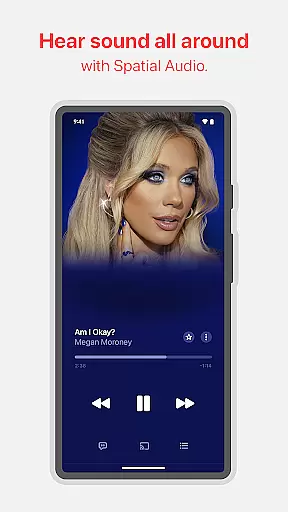
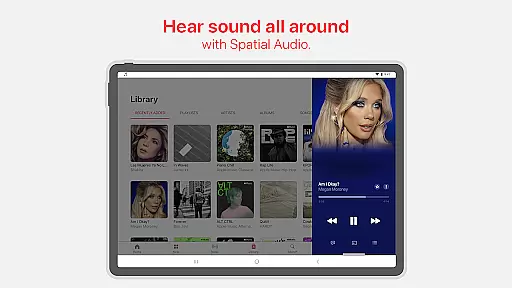
One of the standout features of Apple Music is its commitment to delivering superior sound quality. Subscribers can enjoy immersive Spatial Audio with Dolby Atmos, which creates a three-dimensional soundscape, making listeners feel as if they're in the studio or concert hall with their favorite artists. For those who demand even more precision, Lossless Audio ensures that tracks are streamed exactly as the artist intended, preserving every detail of the original recording.
The app goes beyond just streaming music; it offers a rich multimedia experience through exclusive content. Users can dive deeper into the world of their favorite musicians with behind-the-scenes footage, live concert recordings, and interviews that provide intimate glimpses into the artists' lives. Furthermore, dozens of exclusive radio shows, both live and on-demand, are available, featuring legendary DJs and industry insiders sharing their expertise and passion for music.
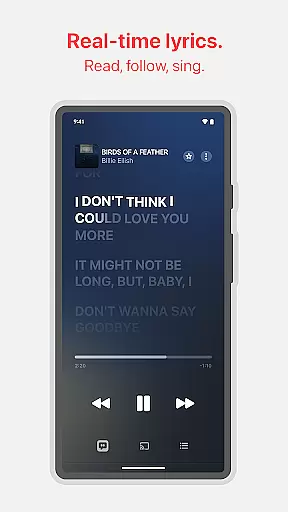
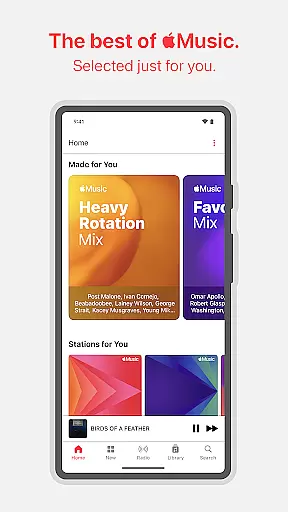
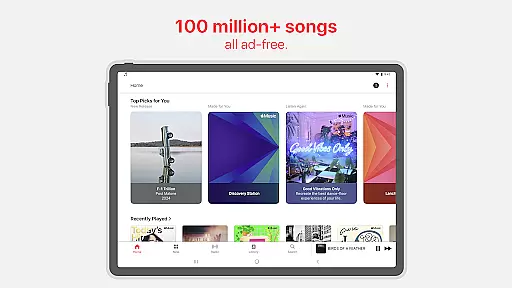
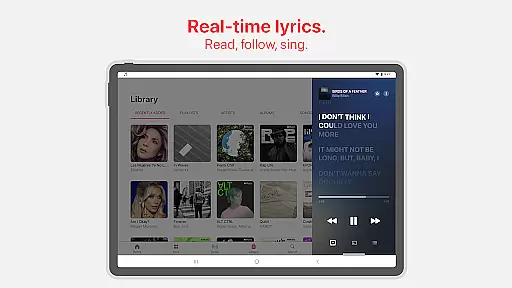
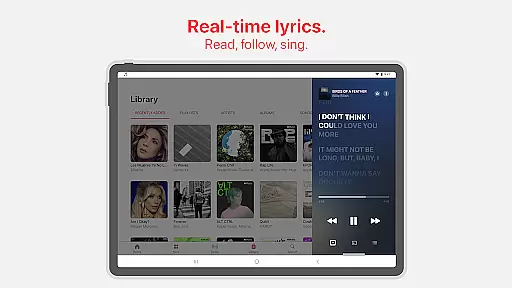
Personalization is another key aspect of Apple Music's appeal. The Listen Now section curates personalized picks, mixes, and discovery stations based on individual listening habits. Collaborative playlists allow friends to contribute songs, while precise, beat-by-beat lyrics enable karaoke-style sing-alongs. Features like crossfade and AutoPlay ensure uninterrupted playback, while Chromecast support extends the listening experience to compatible devices throughout the home.
Apple Music boasts an extensive music library with over 100 million songs, ensuring users have access to a vast array of tracks across various genres and languages. This immense collection is continually updated with new releases and classic hits, providing listeners with endless musical exploration opportunities.
The platform places a strong emphasis on copyright authenticity, guaranteeing that all tracks are legally licensed and sourced directly from artists and record labels. This commitment ensures that musicians are fairly compensated for their work while users enjoy high-quality, legitimate content without the risk of copyright infringement issues.
By offering such a comprehensive and authentic music library, Apple Music delivers significant value to its subscribers. Users can discover new artists, explore different musical styles, and create personalized playlists with confidence, knowing they are accessing genuine content that supports the music industry's creative ecosystem.
Apple Music stands out in the streaming industry by offering unparalleled audio quality options, catering to audiophiles and casual listeners alike. The service features Spatial Audio with Dolby Atmos, creating an immersive listening experience that places you at the center of the music, with sounds coming from all around you.
In addition to immersive audio, the platform provides Lossless Audio options, delivering unmatched clarity and precision in sound reproduction. From CD-quality 16-bit/44.1kHz files to high-resolution 24-bit/192kHz formats, users can choose their preferred level of audio fidelity based on their equipment and listening preferences.
This commitment to superior audio quality enhances the overall music appreciation experience. Whether you're using premium headphones or high-end home audio systems, Apple Music's diverse audio quality options ensure that you hear music exactly as the artists intended, preserving every nuance and detail of their original recordings.
Extensive music library
High-quality audio options
Exclusive artist content
Personalized recommendations
Offline listening capability
Subscription-based model
Limited free tier
Regional availability issues
No lyrics for some songs
Occasional connectivity problems

Offline and always ad-free - stream in the highest quality available.
 4.10
4.10
VB-AUDIO Software / VBAN-Receptor allows listening to any VBAN Streams
4.10
Most Advanced AI Song Generator and Music Creator. Rap, Pop, Rock, Gospel & more
4.70
The best music and audio player, with beautiful UI, music search and equalizer.
4.60
Recording studio w/ 10k beats, pro vocal FX and a network of 20M rappers & fans!
4.60
AI Music Maker: Generate And Compose AI Tunes & AI Songs & AI Music & AI Melody!
4.60
A sleek, no-frills player designed for true music lovers.
4.20
Play KORG’s revolutionary touch-based instrument on a variety of devices.
4.40
Offline Tunes, Unlimited Vibes
3.90
Listen radio AM / FM Stations. Live AM / FM Radio App Station. Radio Com.
4.70
Gorgeous UI, Powerful music Search and Equalizer, the great choice for you!
4.70
Reverse your voice & songs instantly! Fun singing challenge with cool effects.
4.60
Formerly known as Spotistats! View your top tracks, artists, albums and more!
4.40
10-Band Audio Equalizer, Sound / Bass Booster for Spotify Users & Music Players
4.40
Ringtone Maker is free app create ringtone from music files or your recording.
4.40
Full featured mp3 and audio player with Chromecast and Android Auto support.
4.40
A High-Precision Audio Spectrum Analysis App
4.20
The alternative folder based music player.
4.20
The only true audiophile music player with Hi-Fi audio rendering and DSP engine
3.90


User Reviews