



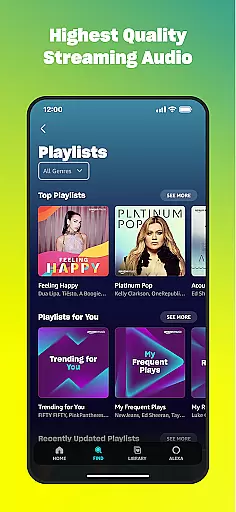
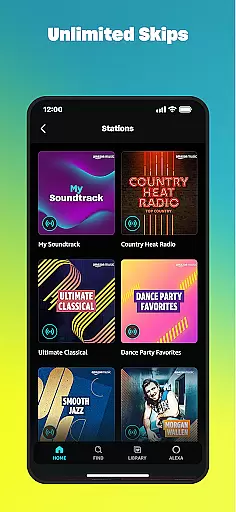
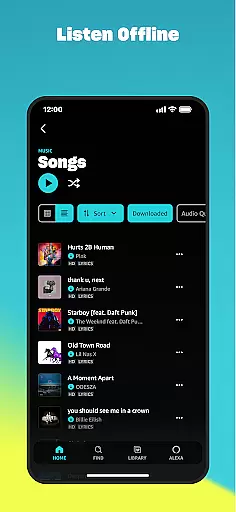
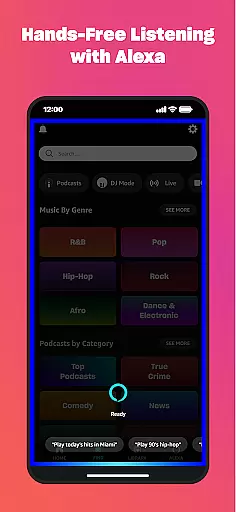
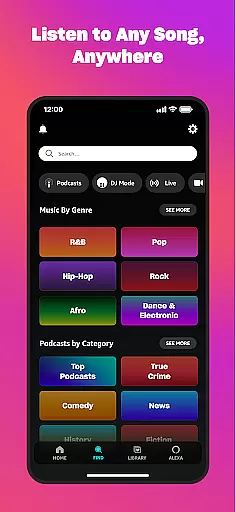
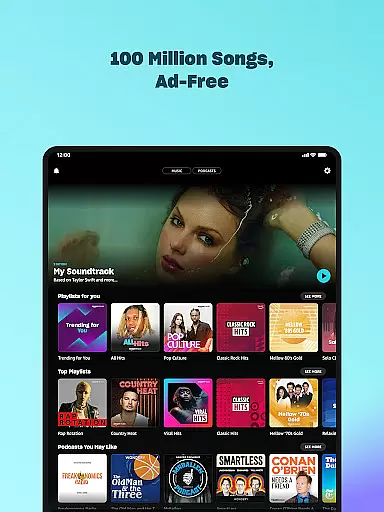

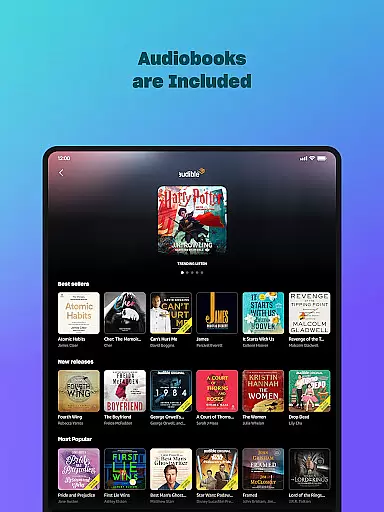
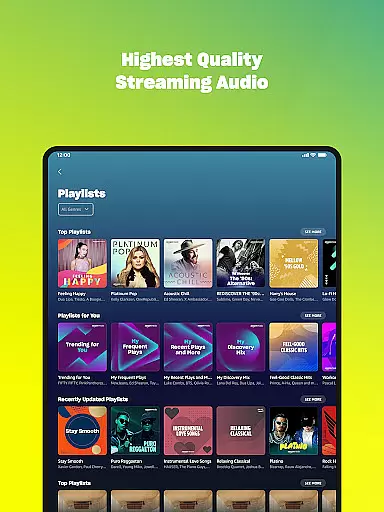
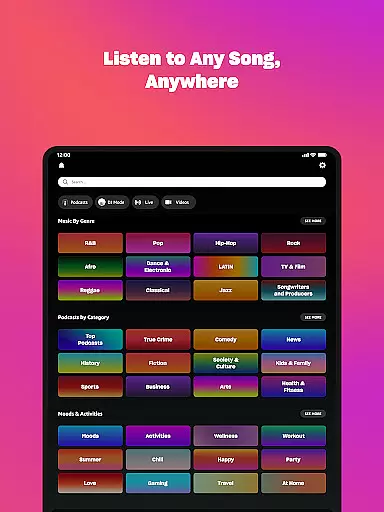
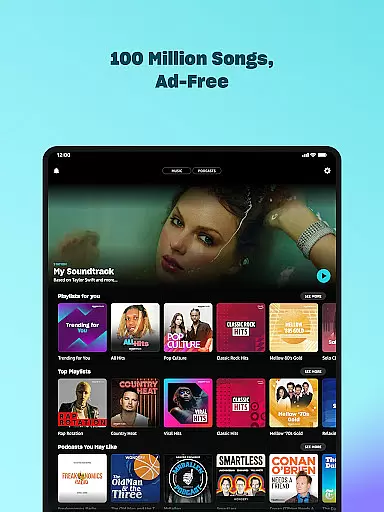

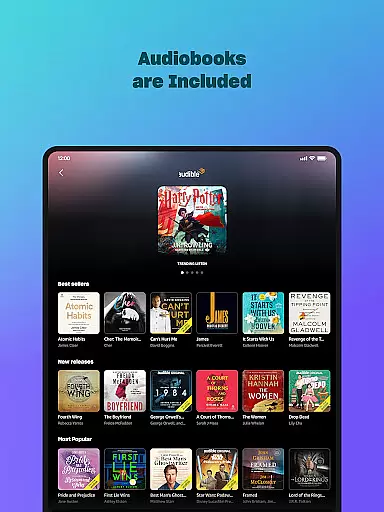
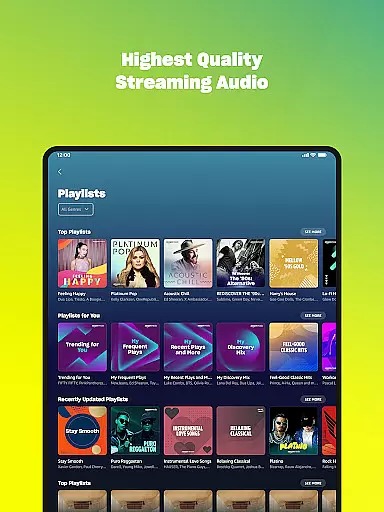
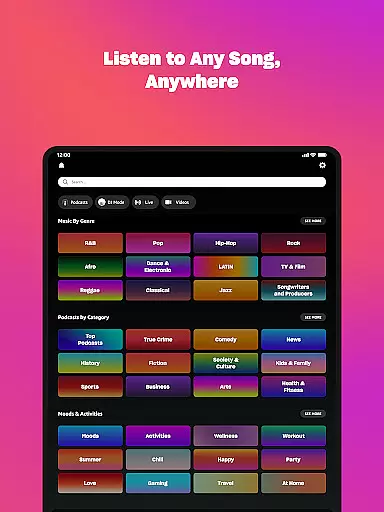



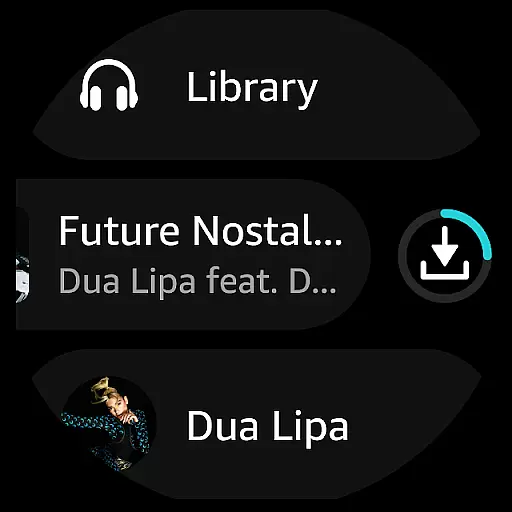
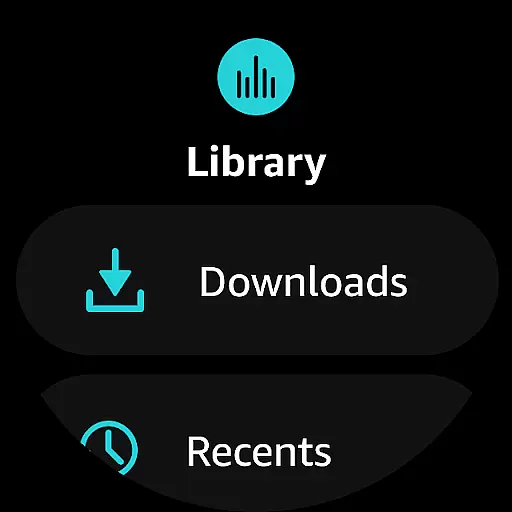
Amazon Music is a comprehensive music streaming service that redefines how users discover and enjoy their favorite tunes on Android Wear devices. The app offers multiple listening options, including free ad-supported music, Prime member benefits, and the premium Amazon Music Unlimited subscription. Users can access millions of songs, podcasts, and audiobooks while enjoying personalized recommendations based on their preferences.
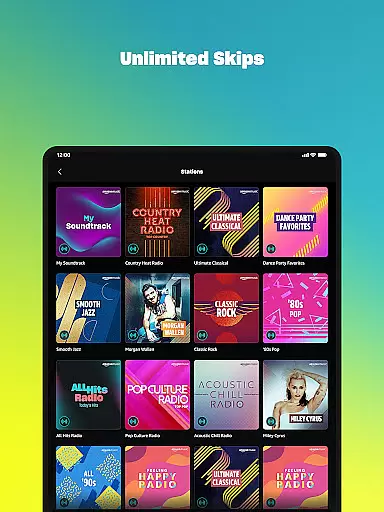
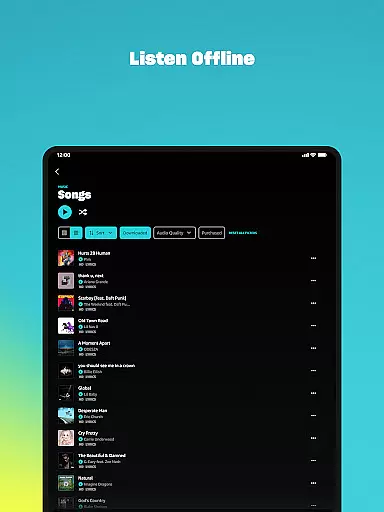
The application's key features include offline playback, unlimited skips, spatial audio support, and seamless playlist imports from other platforms. Whether you're a casual listener or an audiophile, Amazon Music provides a tailored experience for every type of user. Its integration with Android Wear allows users to control playback directly from their smartwatch, making it perfect for workouts or when your phone isn't handy.
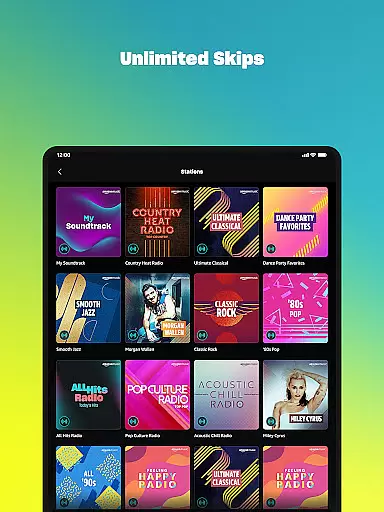
Amazon Music stands out with its versatile feature set designed to enhance the listening experience on Android Wear. The app supports shuffle play for any artist, album, or playlist, giving users flexibility in how they enjoy their music. For Prime members, the service includes an extensive catalog of ad-free top podcasts and unlimited skips, ensuring uninterrupted entertainment.
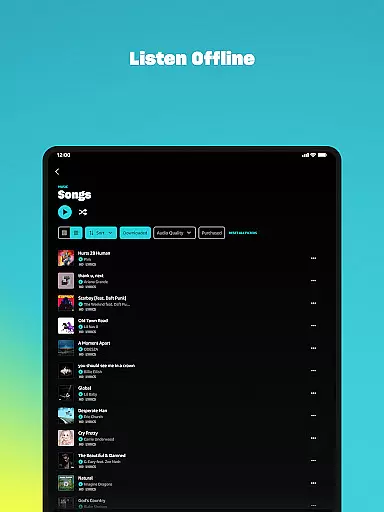
Subscribers to Amazon Music Unlimited gain access to over 100 million songs, exclusive spatial audio content, and the ability to download playlists for offline use. Additionally, the My Music section lets users stream previously purchased MP3s or AutoRip CDs/Vinyl directly from the cloud. These features collectively create a robust platform that caters to both casual listeners and dedicated audiophiles seeking high-quality audio experiences.
Companion app integration is essential for a seamless experience between mobile devices and wearables. Amazon Music ensures that your favorite playlists, albums, and recommendations are effortlessly synchronized across your smartphone and Wear OS device.
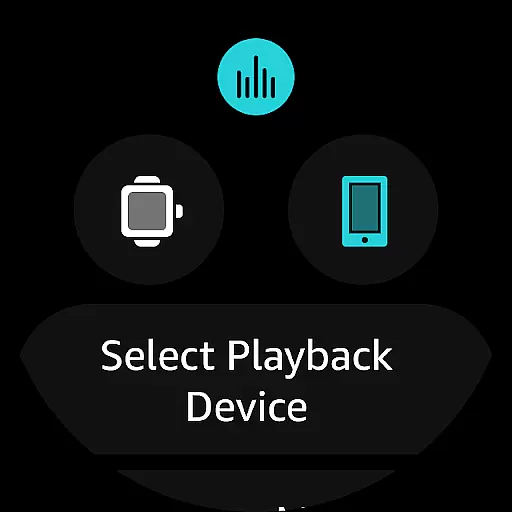
The app allows users to access their music libraries directly from their wrists, providing quick access to top recommendations and personal playlists. This synchronization empowers users to cast and control playback on compatible Android devices right from their smartwatches.
With this integration, users can download playlists and albums onto their watches, enabling offline mode listening when on the go. This feature enhances user convenience by ensuring that music is accessible anytime, anywhere, without the need for a constant internet connection.
Ensuring broad compatibility with various Wear OS devices is crucial for an optimal user experience. Amazon Music is designed to work seamlessly with a wide range of Wear OS smartwatches, offering users flexibility in choosing their preferred devices.
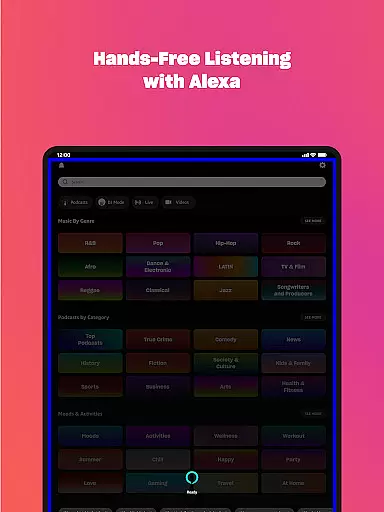
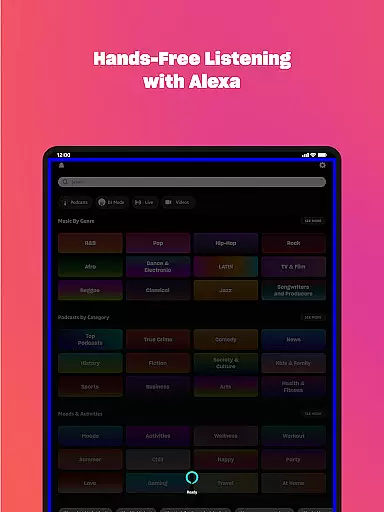
The application supports advanced features such as voice commands and intuitive touch controls, which are native to Wear OS. These features allow users to search for favorite artists, albums, and playlists easily, enhancing the overall usability of the app on wearable technology.
By focusing on compatibility, Amazon Music guarantees that users can enjoy high-quality audio experiences regardless of their specific Wear OS device. This commitment to compatibility ensures that all users have access to a consistent and reliable music streaming service.
Extensive music library
Ad-free listening options
Offline playback support
Personalized recommendations
Seamless smartwatch integration
Limited free version features
Requires subscription for full access
Occasional connectivity issues
Interface can be complex for beginners
Higher cost for premium plans

WTW M17 is a premium and luxurious hybrid watch face
 4.70
4.70
an Analog Watch Face for winter season with freeze winter background for Wear OS
4.1
Current temperature, weather hourly, weather radar by the weather forecast app
4.40
Beautiful artistic animated digital watch face, with a customizable layout!
4.40
Wear Os Watch Face - Animated Snow Effect & Magic Spark - 6 Scenes
4.10
Let's celebrate Thanksgiving - Wear Os watch face
4.20
To-Do List: daily schedule planner, task organizer, to do reminder app, calendar
4.60
A realistic hybrid watch face with many customization options.
4.60
Fitbit is dedicated to helping people lead healthier, more active lives.
4.10
Digital, flexibly customizable watch face. For Wear OS 5.0, API 34+ and later.
5.00
Diet tracker for weight loss - track calories, food and macros. Simple and easy!
4.70
Digital watch face with big numbers and many customization for Wear OS devices
4.40
Elegant animated Christmas tree with multiple customization options
4.20
Embrace the festive spirit with our Christmas Countdown watchface for Wear OS
4.10
Connect, create, and collaborate with Gmail, part of Google Workspace.
4.10
A digital watch face that celebrates Christmas.
4.00
Structured watch face with seven complications and modular UI elements
3.90
Simple Analog-Digital Watchface For Wear OS 3.0 and Up Smartwatches
4.2
Minimalistic design modern digital watch face.
4.1


User Reviews