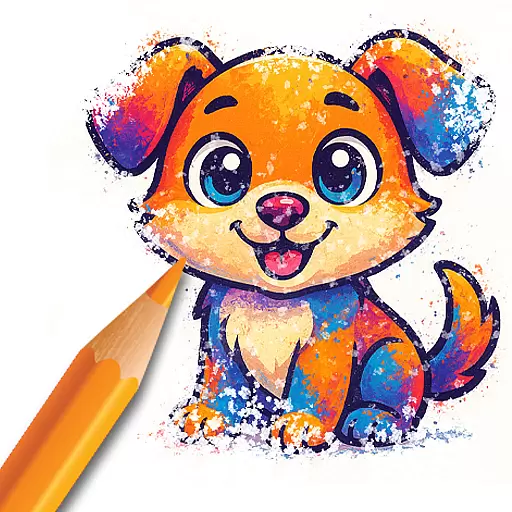
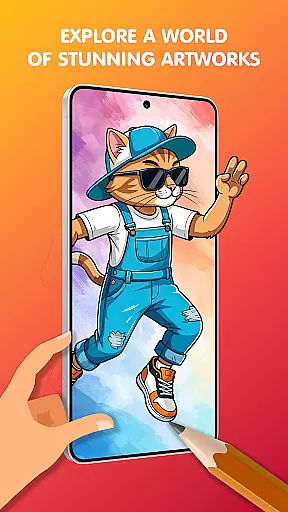
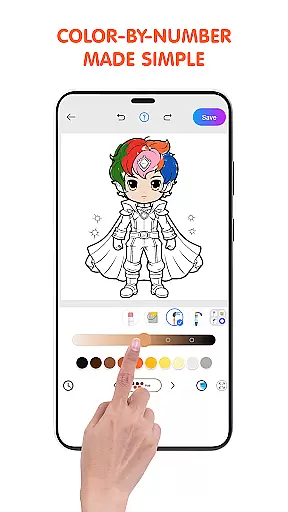
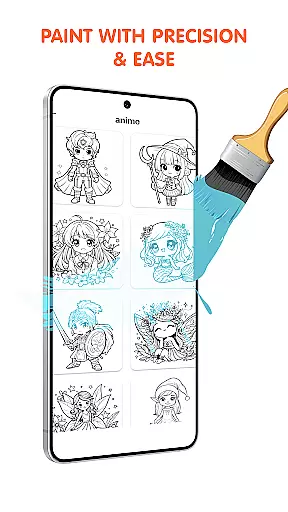
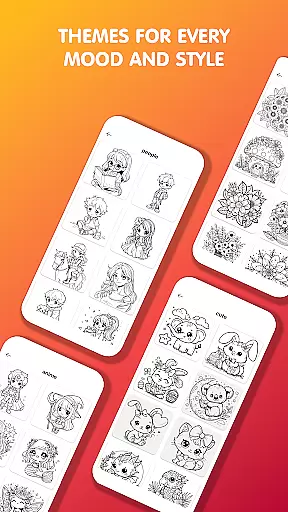
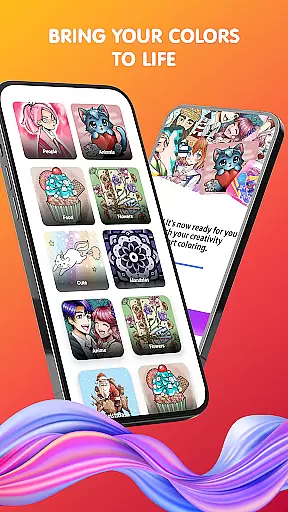
Pop Color is a personalization app designed to help users escape daily stress while expressing their creativity through digital coloring. With an extensive library of illustrations including mandalas, animals, and seasonal themes, it offers a relaxing artistic experience for all ages. The app provides intuitive tools such as brushes, pencils, and gradient options that make painting simple yet powerful.
Available anytime and anywhere, Pop Color supports mindfulness by encouraging users to engage in calming activities like daily coloring challenges. Whether you're looking to relieve stress or explore your creative side, this app combines vibrant visuals with user-friendly features to deliver both entertainment and therapeutic value on your mobile device.
One of the standout features of Pop Color is its vast collection of customizable illustrations. Users can choose from endless pages filled with diverse themes such as animals, landscapes, and intricate mandalas. Each illustration comes with easy-to-use tools, including smudge effects, spray brushes, and unlimited color palettes, allowing for detailed customization.
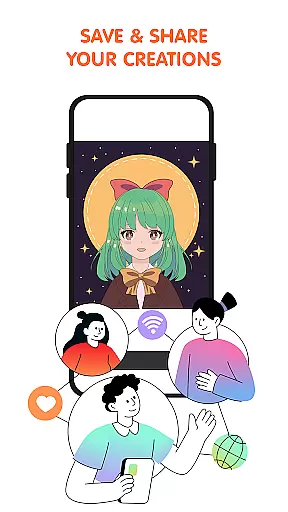
In addition to its expansive content library, Pop Color introduces new artwork every day, keeping the experience fresh and engaging. Special seasonal packs celebrate holidays and events, offering unique coloring challenges. The app also allows seamless sharing of finished creations directly to social media platforms, making it not just a tool for relaxation but also a way to showcase one's artistic talents.
Pop Color offers an extensive range of customization options that cater to both casual and serious artists. With a vast library of illustrations including mandalas, animals, landscapes, and patterns, users can explore different themes and styles to suit their preferences.
The app provides unlimited color choices, from solid colors to soft gradients and textures, allowing for endless creativity. Whether you're in the mood for simple, stress-free painting or looking to create complex artwork, Pop Color's diverse palette has something for everyone.
Additionally, the app features easy-to-use tools like brushes, pencils, smudge, and spray, empowering users to achieve powerful results without any prior artistic experience. These intuitive tools ensure that personalizing your creations is not only varied but also accessible to all skill levels.
Ensuring seamless theme compatibility, Pop Color allows users to engage with art in a way that resonates with their personal tastes. The app's design supports a wide array of themes, making it possible to switch between different aesthetics effortlessly.
From celebrating special occasions with unique seasonal packs to enjoying daily illustrations that offer a creative moment, Pop Color keeps its content fresh and engaging. This flexibility ensures that no matter the user's mood or preference, there's always something new and exciting to explore.
Moreover, the ability to share your customized art with friends or on social media platforms enhances the personal touch. By offering a comprehensive suite of features wrapped in an intuitive interface, Pop Color guarantees that every piece of art created is compatible with the user's vision and style.
User-friendly interface
Vibrant color options
Daily updated content
Seasonal art packs
Relaxation-focused design
Contains in-app purchases
Limited free features
Ads may disrupt workflow
Advanced tools require payment
Offline functionality restricted

Realistic animated snow on your wrist, with 10 images landscapes to choose from
 4.00
4.00
Wallpaper HD 4K Live - Thousands of high-quality Anime backgrounds for you.
4.80
Turn text & photos into stunning AI videos, art, and creative visual stories.
4.50 4.50
4.50
Color phone with cool effects for call screen, flash alert & ringtones music
4.50
Your go to Weather App & Home Screen. Get your weather at a swipe of a finger!
3.80
Adorable pets roam and play right on your phone screen!
3.30
Transform your device in a game console
4.40
Emoji Maker app - Design custom emojis and effortlessly blend them with Mixer
3.80
Add cute Shimeji pets to screen, interact with them and relax with cute motions
4.60
Over 28,000 high quality icons to bring color & homogeneity to your phone.
4.60
Ultimate Gallery Lock App - Hide Pictures, Videos and Lock Apps Instantly!
4.60
Transform your phone with Launcher iOS 26 - Smooth & elegant iOS experience
4.50
More than 3000+ themes and 9000+ wallpapers for everybody!
4.10
Customizable flower power digital watch face for Wear OS watches.
4.00
Interactive Miniature Painting Catalogue
3.30
Turn your lock screen into fun with smile live wallpapers & animated wallpapers!
2.50
Struggling to find apps? Use this app to locate and open any app on your phone!
2.20
Capture moments that pass like a storm, second by second.
4.4


User Reviews