

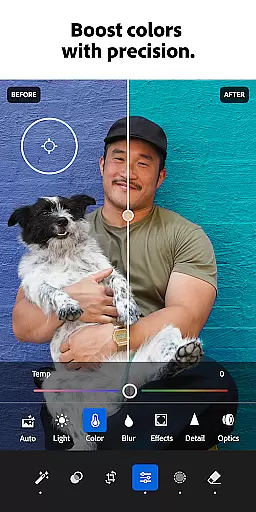





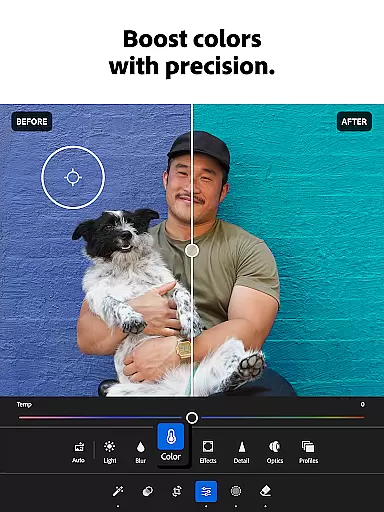

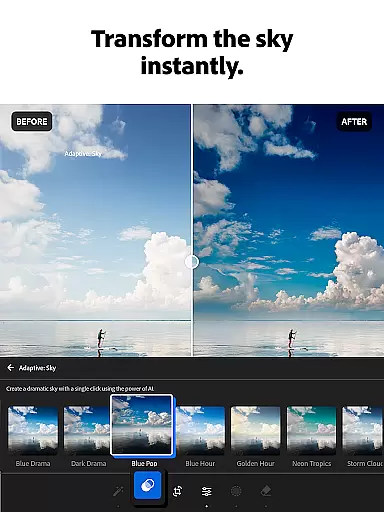
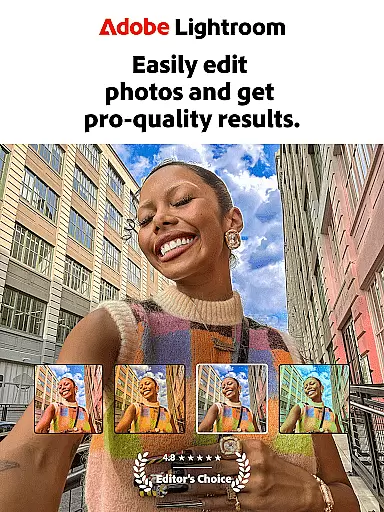
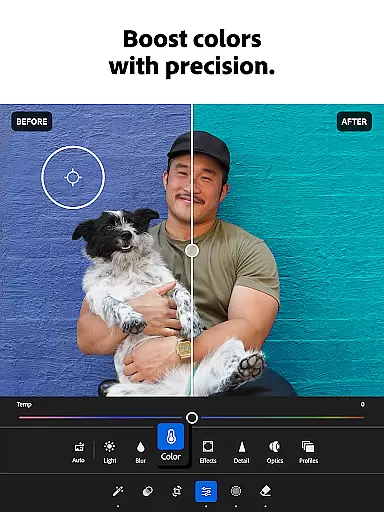

Adobe Lightroom is a comprehensive photo and video editing application designed for both amateur and professional photographers. This powerful photo editor allows users to enhance image quality, apply creative filters, and perform advanced retouching with ease. Key features include AI-powered editing suggestions, one-tap enhancement tools, and sophisticated light and color controls that make photo editing accessible to everyone.
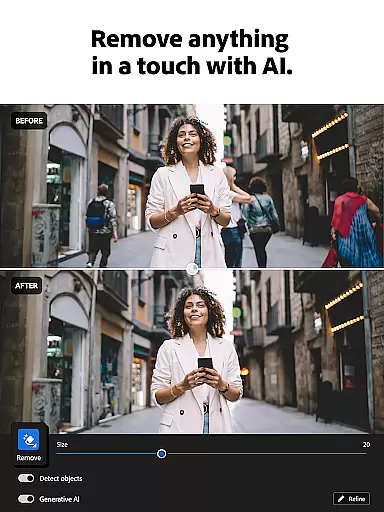
The app stands out with its professional-grade tools that enable users to remove unwanted objects, create bokeh effects, and adjust fine details in their photographs. Whether you're perfecting portraits or editing videos, Lightroom provides the necessary tools to achieve polished results. The ability to sync edits across multiple devices makes it ideal for creatives who work on-the-go.
Lightroom is particularly useful for social media enthusiasts and content creators who need to maintain a consistent aesthetic across their digital presence. With access to community-shared presets and the option to create custom looks, users can develop a unique visual style that enhances their brand identity.
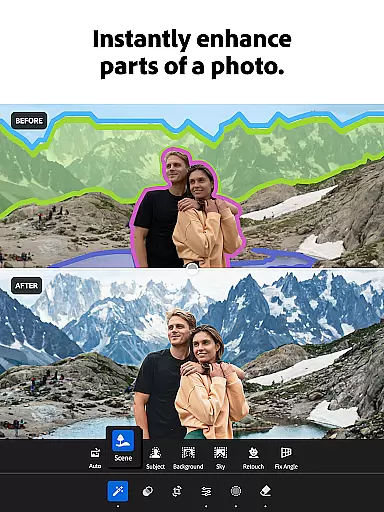
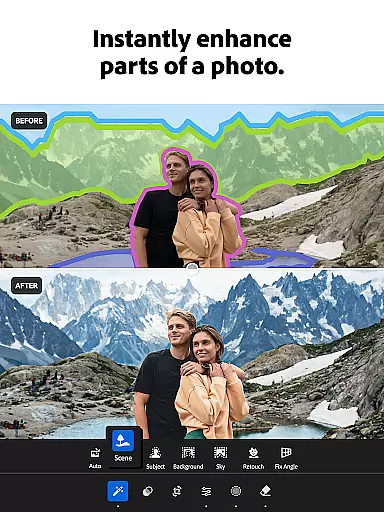
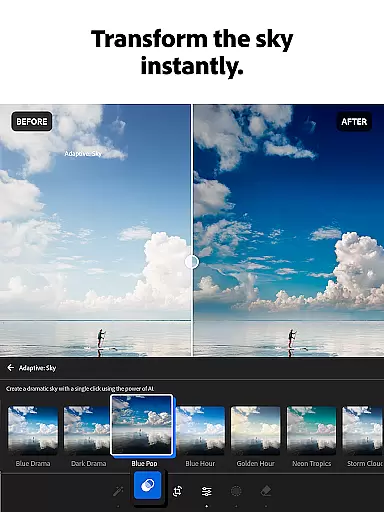
Lightroom offers an impressive array of features that cater to various editing needs. The app's Quick Actions and Adaptive Presets provide instant enhancements, while advanced users can utilize precise control over exposure, highlights, and shadows. The inclusion of video editing capabilities extends its functionality beyond traditional photo editors, allowing users to maintain consistent aesthetics across different media formats.
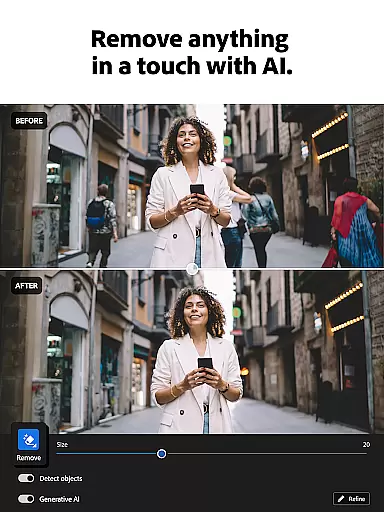
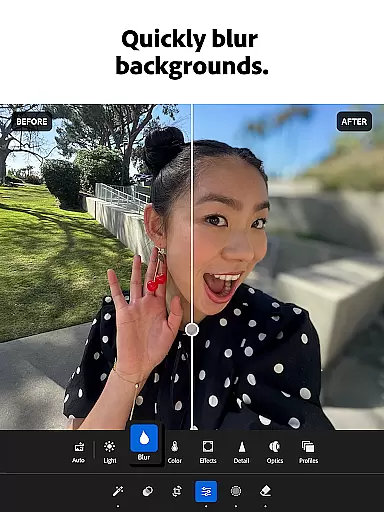
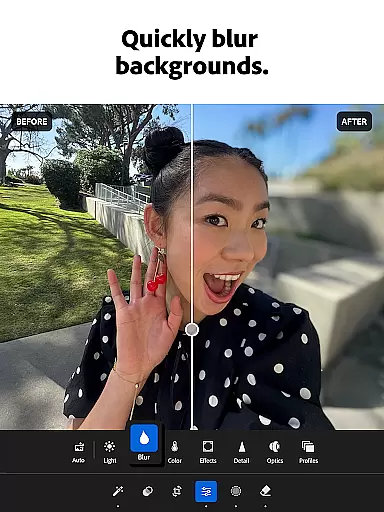
One of the standout features is the AI-powered editing tools that suggest optimal adjustments for each image. These intelligent recommendations help users achieve professional-quality results without requiring extensive technical knowledge. Additionally, the Generative Remove function enables seamless object removal, while the background blur tool creates stunning portrait effects.
The app's batch editing capability revolutionizes workflow efficiency by allowing users to apply identical adjustments across multiple images simultaneously. This feature, combined with customizable presets and cross-device synchronization, establishes Lightroom as a versatile solution for managing large photo libraries and maintaining consistent visual branding.
Real-time capture and preview functionality is essential for photographers who need to ensure their shots are perfect before they even leave the camera app. With Lightroom Photo & Video Editor, users can see exactly how their photo will look with applied adjustments before taking the shot.
This feature allows you to tweak settings such as exposure, contrast, and white balance in real time, providing a live preview of the changes on your camera feed. This ensures that you can make informed decisions about your photography, capturing the moment with precision and confidence.
The benefit of this immediate feedback is invaluable. It saves time in post-processing and allows creators to focus on the artistic aspect of photography rather than spending hours editing images after they have been captured.
Lightroom's real-time capabilities empower photographers to experiment with different styles and settings, knowing that what they see on the screen is what they will get in their final image. This makes the app an indispensable tool for both amateur enthusiasts and professional photographers looking to refine their craft.
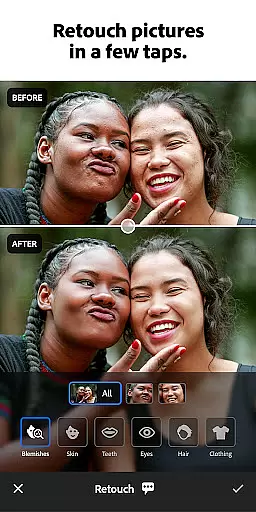
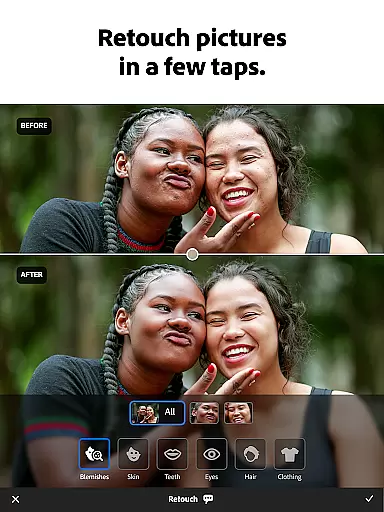
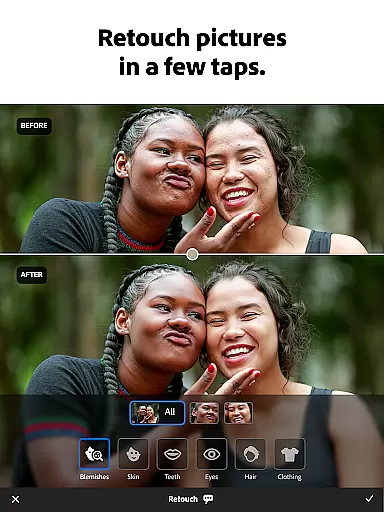
AI beauty and enhancement features are revolutionizing the way we approach photo editing by offering natural-looking improvements without manual intervention. Adobe Lightroom leverages advanced AI algorithms to automatically enhance facial features while maintaining authenticity.
This intelligent system analyzes each face individually, adjusting elements like skin tone, smoothing imperfections, and enhancing eyes and lips with subtlety. The result is a polished yet genuine appearance that preserves the subject's unique characteristics.
Users benefit from this technology through streamlined workflows and consistent quality across all their portraits. Whether it's for social media or professional portfolios, these enhancements ensure every portrait stands out with clarity and charm.
With Lightroomu2019s AI-driven tools, achieving professional-grade retouching has never been easier or more accessible. Photographers can now deliver stunning results faster than ever before, satisfying clients who demand both speed and quality in their projects.
User-friendly interface
Powerful AI tools
Professional results
Versatile editing
Cross-device sync
Premium subscription
Steep learning curve
Resource intensive
Limited free features
Occasional bugs

Photo Album Watch Face shows your favorite pictures as a Watchface.
 1.90
1.90
Add Watermark - Sign your pictures with a text or logo. Effective, quick, easy!
4.50
How old age camera Gender Swap App Face Shape Hairstyle App Hair Styler App fun!
4.00
Light-weight Media Gallery app for Android made with Jetpack Compose
4.60
Gallery Slideshow is slideshow maker app for slideshow from your gallery photos.
3.90
Raw Image Viewer. Gallery with support of raw images (.cr3, .cr2, .nef, .raf).
2.00
See your baby AI baby face generator AI baby maker Face generator babymaker fun!
4.70
Catch sunlight, sunrise sunset times and sun phases with the AR sun tracker.
4.10
Edit photos with the picture generator: PS2 & AI Clay filters, cartoon effects.
4.50
Create funny photos and videos with the popular Time Warp Scan filter.
4.90
Amazing Photo Effects - The most fun you can have with your photos!
4.70
Shooting photos and records video easily and efficient with professional Camera
4.30
Turn your phone into a professional camera - full DSLR manual photography
4.30
All-in-One Editor & AI Photo Enhancer, Collage, Cartoonify, Funny Stickers & BGS
4.10
Turn photos into cartoons & avatars! - Photo Editor, Cartoon Face!
3.90
Pet Camera
3.70
Create amazing frames with up to five photos. Rounded corners, effects and more!
3.60
An interval timer to automate photo taking process for timelapse
2.90
Over 800 film simulation recipes for Fujifilm. Black Friday Offer!
4.3


User Reviews