
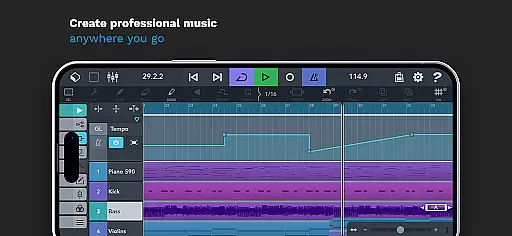
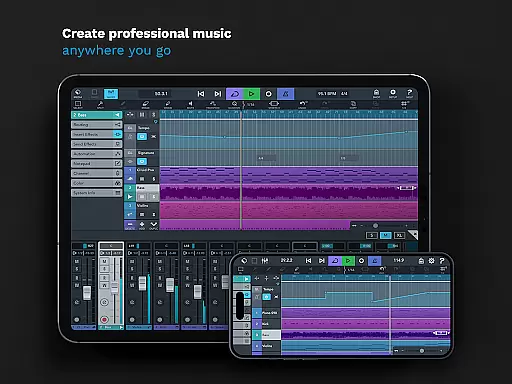
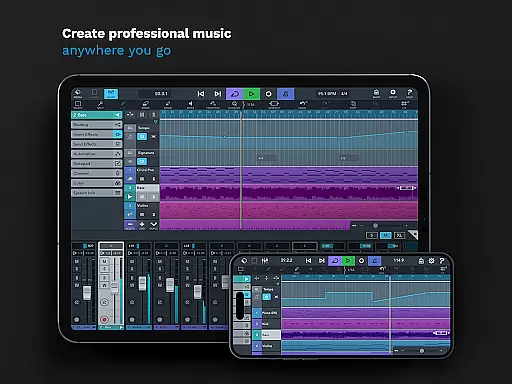
Cubasis 3 is a comprehensive mobile digital audio workstation (DAW) designed for musicians and audio professionals. This application allows users to create, edit, and mix professional-quality music tracks directly from their Android devices. With its intuitive interface and robust feature set, Cubasis 3 supports both audio and MIDI editing, making it an ideal tool for capturing spontaneous musical ideas and transforming them into polished compositions.
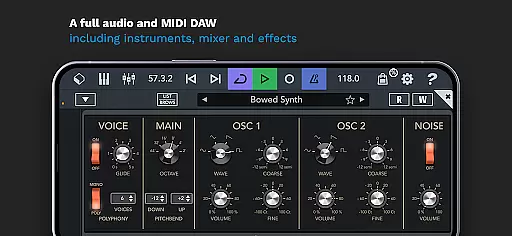
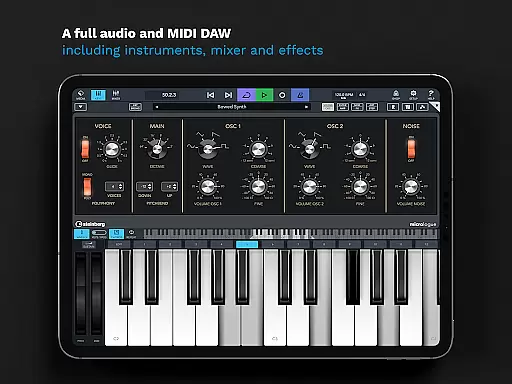
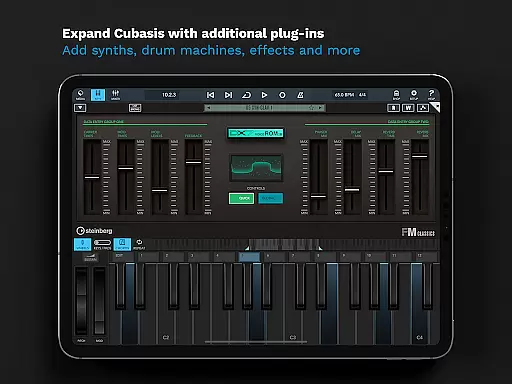
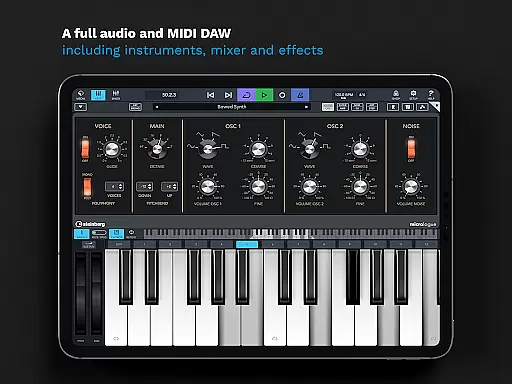
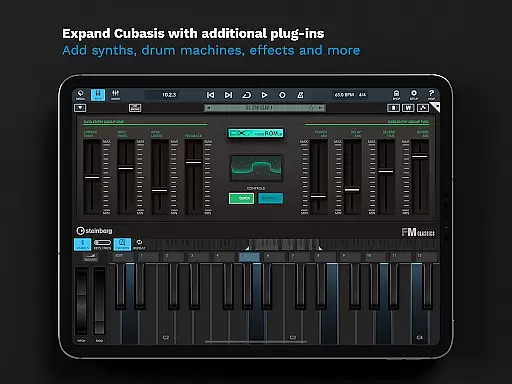
One of the standout features of Cubasis 3 is its ability to handle unlimited audio and MIDI tracks, providing flexibility for complex music productions. The app includes a 32-bit floating-point audio engine, real-time time-stretching, and pitch-shifting capabilities, ensuring high-quality sound processing. Additionally, Cubasis 3 offers a suite of built-in virtual instruments and effects, such as the Micrologue synthesizer and MicroSonic instrument library, which cater to a wide range of musical genres and styles.
Whether you're sketching song ideas, recording live instruments, or producing complete tracks, Cubasis 3 provides a complete solution for mobile music production. Its compatibility with external hardware and third-party apps further enhances its versatility, allowing users to integrate their existing equipment seamlessly. Ideal for both beginners and seasoned professionals, Cubasis 3 empowers creators to produce music anytime, anywhere.
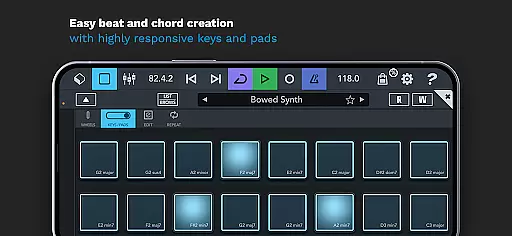
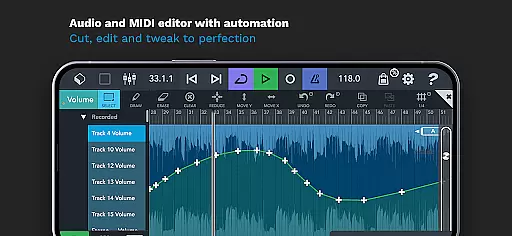
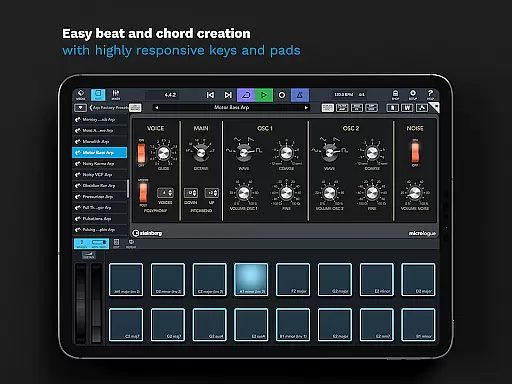
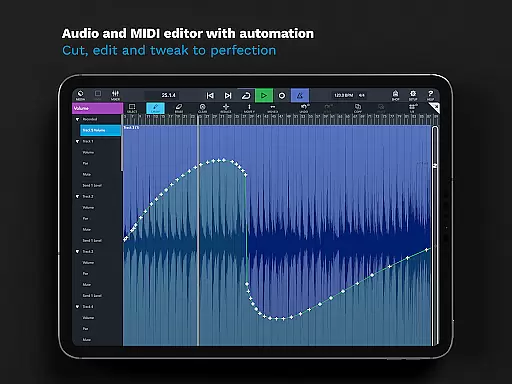
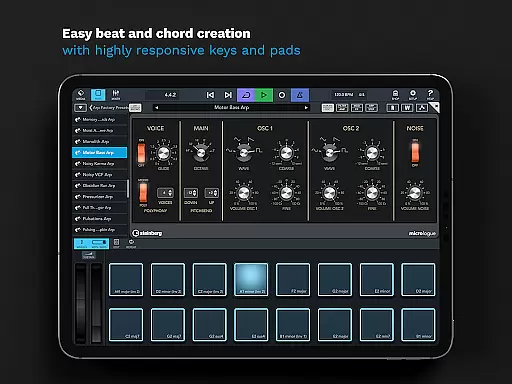
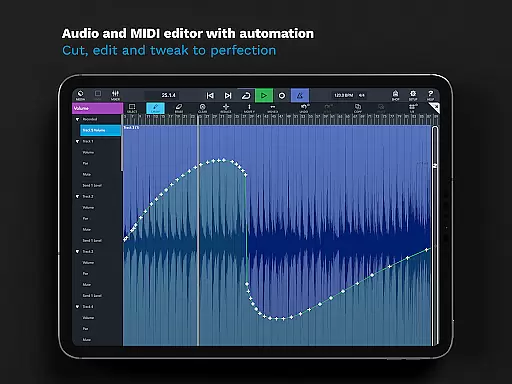
Cubasis 3 boasts an impressive array of features that cater to every aspect of music production. At its core, the app functions as a full-fledged music studio, offering advanced audio and MIDI editing tools. Users can cut, edit, and tweak their recordings with precision, thanks to the app's responsive interface and extensive automation options. The inclusion of a beat and chord creation system, complete with high-responsive pads and keyboard, makes it easy to experiment with rhythms and harmonies.
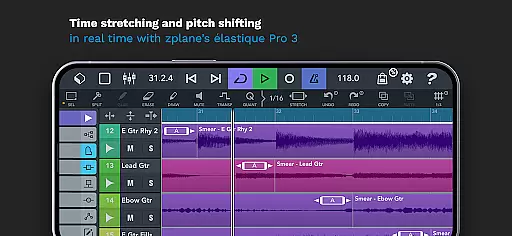
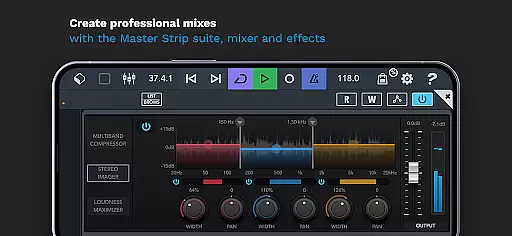
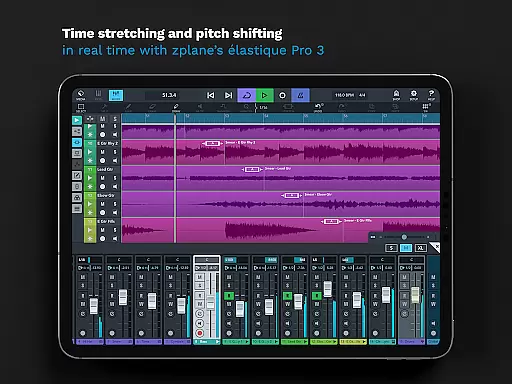
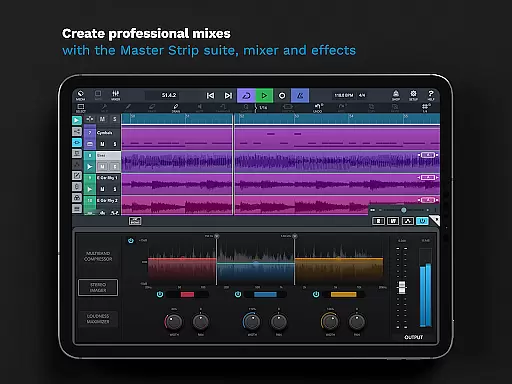
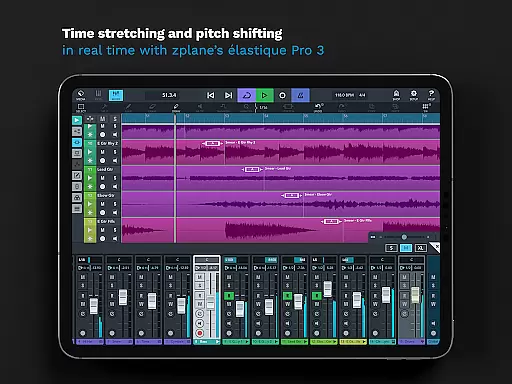
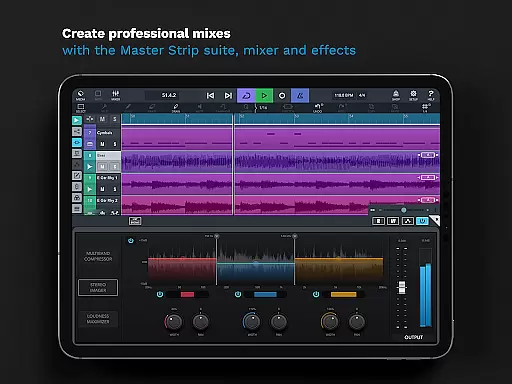
The app also excels in sound manipulation, featuring real-time time-stretching and pitch-shifting powered by zplane’s élastique 3 technology. This ensures that users can adjust tempo and key without compromising audio quality. Furthermore, Cubasis 3 includes a professional-grade mixer with studio-quality channel strips and a variety of effects processors, enabling users to craft polished mixes with ease. The Master Strip plug-in suite adds an extra layer of refinement, delivering exceptional sound enhancement.
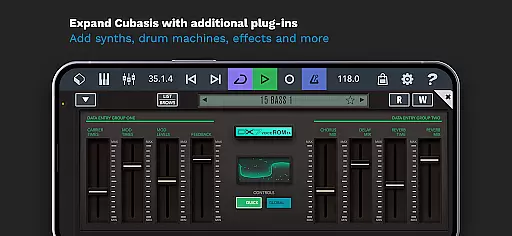
For those seeking additional creative possibilities, Cubasis 3 supports integration with external gear and third-party apps, expanding its functionality beyond the built-in features. Whether you're looking to record vocals, program drum patterns, or design intricate soundscapes, Cubasis 3 provides all the necessary tools to bring your musical vision to life. Its seamless workflow and extensive feature set make it a top choice for mobile music production.
Cubasis 3 stands out with its extensive music library, offering users a vast array of sounds and loops to choose from. The app includes over 550 MIDI and timestretch-capable audio loops, providing a rich palette for music creation.
In addition to the loop library, Cubasis 3 features MicroSonic, which contains more than 120 virtual instrument sounds. These range from acoustic piano to various drum kits, ensuring that creators have access to high-quality, realistic instruments for their compositions.
Copyright authenticity is crucial for professional music production, and Cubasis 3 ensures all included content is properly licensed. Users can confidently use these sounds in their projects, knowing they are legally cleared for use, thus avoiding potential copyright issues.
The app also supports expansion through additional in-app purchases, allowing users to further enhance their music library with new sounds and instruments while maintaining proper licensing and authenticity.
One of the core strengths of Cubasis 3 lies in its superior audio quality options, making it a top choice for discerning audio professionals. The app operates with a 32-bit floating-point audio engine, delivering pristine sound quality throughout the production process.
Cubasis 3 supports audio I/O resolutions of up to 24-bit/48 kHz, matching the standards of professional studio equipment. This high-resolution capability ensures that recordings maintain exceptional clarity and detail, crucial for producing professional-grade music.
The inclusion of zplane's u00e9lastique 3 technology enables real-time time-stretching and pitch-shifting without compromising audio integrity. This feature allows producers to manipulate audio flexibly while preserving its original quality, an essential aspect of modern music production.
Furthermore, the app offers a comprehensive suite of audio effects, including the Master Strip plug-in suite and 17 effects processors within the mixer. These tools provide users with precise control over their audio, enabling them to achieve polished, radio-ready mixes directly on their mobile devices.
Professional-grade audio engine
Extensive MIDI and audio track support
Real-time effects processing
Wide range of built-in instruments
Seamless hardware integration
Steep learning curve for beginners
High system resource requirements
Limited free content availability
Occasional performance lags
Subscription model for updates

 4.70
4.70
Gorgeous UI, Powerful music Search and Equalizer, the great choice for you!
4.70
DJ Music Mixer - DJ Remix: remix songs, make beat music & record mix of DJ.
4.40
A High-Precision Audio Spectrum Analysis App
4.20
Visualize the guitar fretboard, master scales & play through changes like a pro!
4.50
Guzheng Master supports many playing techniques as an acoustic Guzheng
4.50
The original SP-1200 experience on your iPad
4.20
Let your Android device with the sound effects you want
4.50
Uninterrupted Tunes, Unmatched Vibes
3.90
Responsive piano with great sounds, graphics, and songs
4.80
Walkout Song DJ is the most intuitive app to manage your sports music.
4.70
Simple & Intuitive Metronome
4.70
The best music and audio player, with beautiful UI, music search and equalizer.
4.60
Your HD audio recorder on the go for music, meetings, ambience, animal sounds…
4.30
Master Salsa Rhythm quickly and with a lot of fun!
4.30
Time Trainer: accurate metronome w tools to help you develop your internal time!
4.20
A sleek, no-frills player designed for true music lovers.
4.20
Permanently backup Now Playing. Maps, filters & listening stats.
4.00
The only true audiophile music player with Hi-Fi audio rendering and DSP engine
3.90


User Reviews