
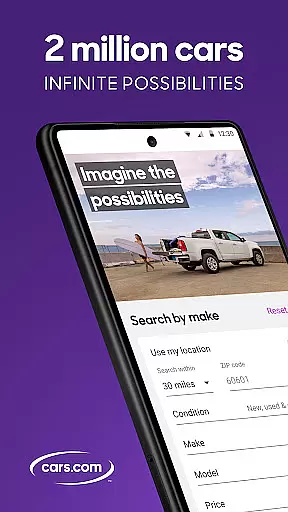
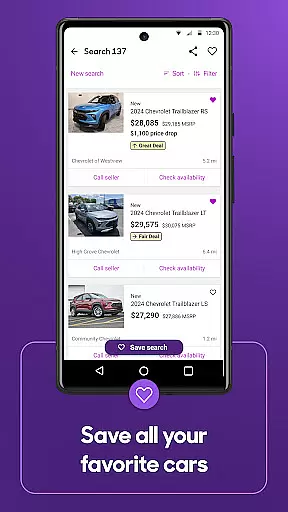


Cars.com is a premier automotive marketplace app that connects car buyers with dealers and private sellers. The app provides access to millions of new, used, and certified pre-owned vehicle listings across the United States. With advanced search filters and personalized recommendations, users can easily find vehicles that match their specific needs and preferences.
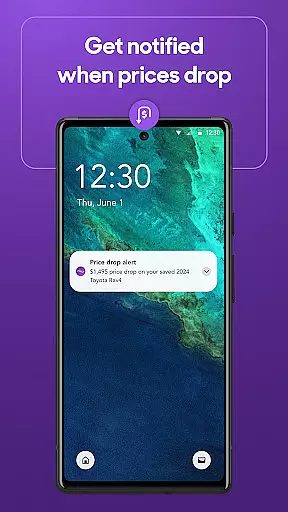
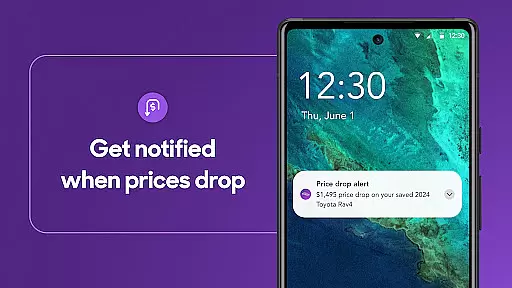
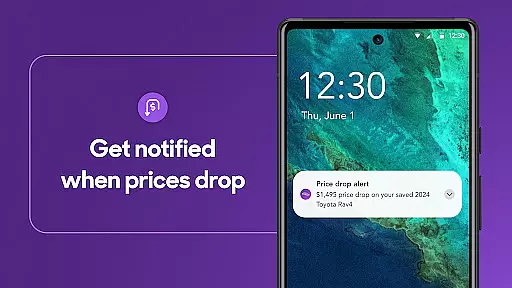
One of the app's key strengths is its comprehensive dealership rating system, featuring over 10 million verified reviews from real customers. This helps shoppers make informed decisions about where to purchase their next vehicle. Additionally, Cars.com offers valuable tools like instant market value estimates, price drop alerts, and personalized financing options, making it an essential companion for anyone navigating the car buying process.
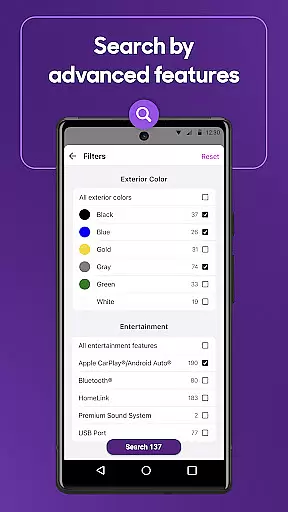
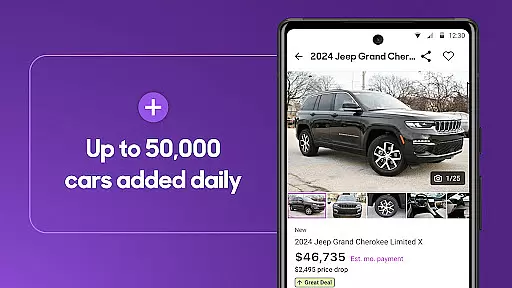
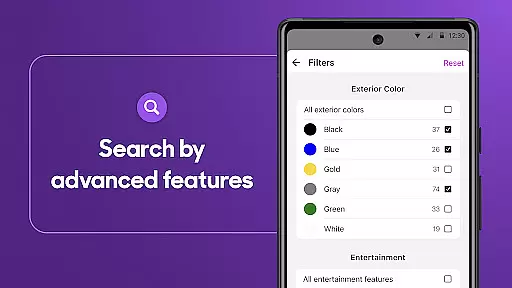
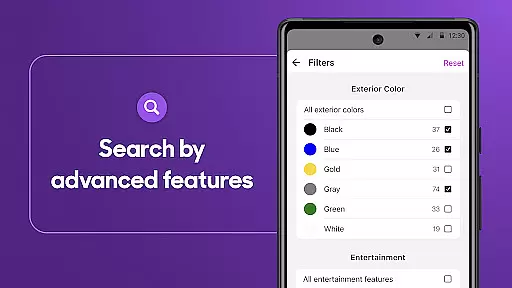
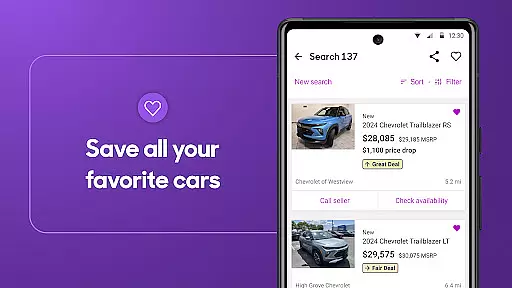
The Cars.com app stands out with its robust set of features designed to simplify the car shopping experience. Users can explore millions of vehicle listings with detailed information including high-resolution photos, pricing history, and CARFAX vehicle history reports. The advanced search functionality allows filtering by multiple criteria such as price range, mileage, exterior color, and specific features.
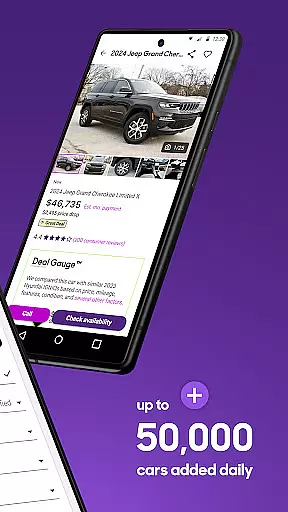
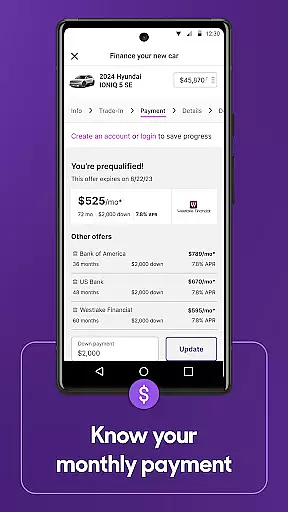
A unique aspect of the app is its proprietary deal-rating algorithm that analyzes local market data to identify great deals. The 'Hot Car' badge system alerts users to popular vehicles that are selling quickly in their area. Furthermore, the app provides expert editorial content, video reviews, and a comprehensive loan calculator to help users estimate monthly payments based on their financial situation.
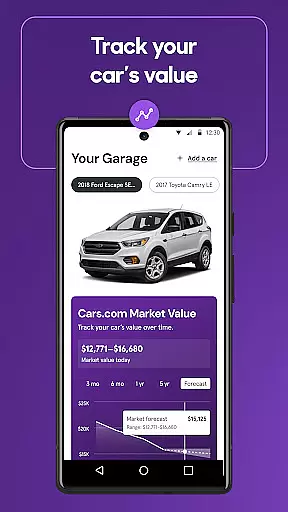
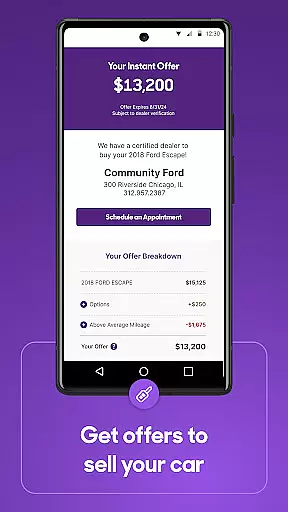
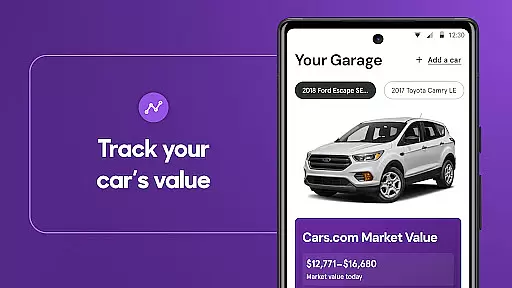
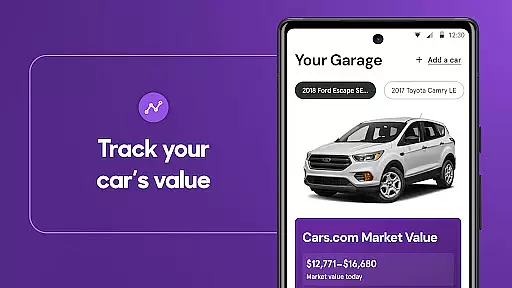
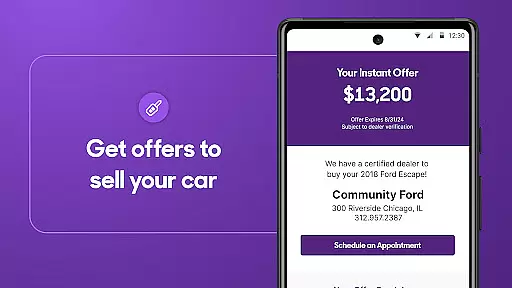
For current vehicle owners, Cars.com offers innovative features like instant cash offers from local dealerships and the ability to track your car's market value over time. The app also enables users to list their vehicles for sale directly to Cars.com's massive audience of potential buyers, creating a complete ecosystem for automotive transactions.
When shopping for a vehicle, having access to detailed and accurate information is crucial. The Cars.com app provides comprehensive data on millions of car listings, including specifics about the make, model, year, mileage, exterior and interior colors, features, fuel type, and body style. This level of detail ensures that users can make informed decisions based on their preferences and needs.
The app's advanced search functionality allows users to filter and refine their searches with precision. Whether you're looking for a fuel-efficient sedan or a spacious SUV, you can customize your search criteria to find vehicles that match your exact specifications. This feature saves time and effort by presenting only the most relevant options.
Moreover, Cars.com offers personalized recommendations tailored to individual search patterns and preferences. By analyzing user behavior and local market trends, the app suggests vehicles that are more likely to meet the shopper's criteria, enhancing the overall car-buying experience.
With such extensive and precise vehicle information at their fingertips, users can confidently compare different models, evaluate their options, and ultimately choose the best car for their lifestyle. This empowers buyers to enter negotiations well-informed and ready to make a sound investment.
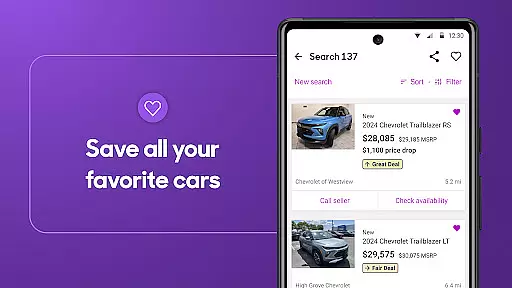
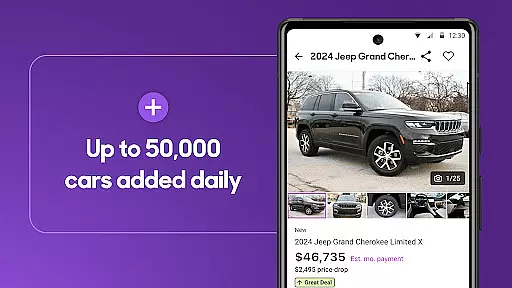
Price transparency is essential in making a wise purchasing decision, especially when it comes to buying a car. The Cars.com app addresses this need by categorizing deals as 'Great Deal', 'Good Deal', or 'Fair Price'. These ratings are based on how similar vehicles are priced within the local market, providing users with clear guidance on whether they are getting a competitive offer.
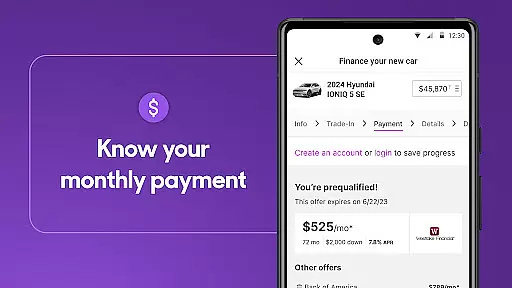
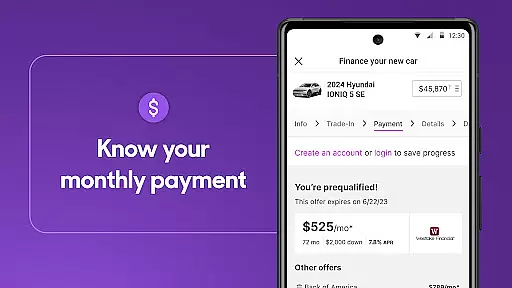
In addition to deal ratings, the app includes a car loan payment calculator. This tool helps users estimate monthly payments based on their budget and financing terms. By offering personalized payment offers from select dealers, Cars.com enables shoppers to understand the financial commitment involved and plan accordingly.
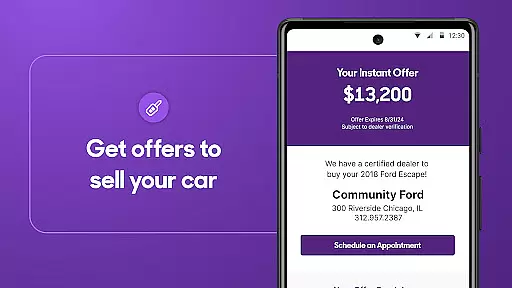
For those looking to sell their current vehicle, the app provides an instant cash offer feature. By entering a few details about the car, users can receive a transparent offer from local dealerships. This straightforward process eliminates uncertainty and empowers sellers to make timely decisions.
Overall, Cars.com enhances price transparency across both buying and selling transactions. Users can navigate the automotive marketplace with confidence, knowing they have access to fair pricing information and tools that support smart financial choices.
User-friendly interface
Comprehensive vehicle listings
Reliable dealership reviews
Instant market value estimation
Personalized financing options
Limited international listings
Some features require registration
Occasional inaccurate pricing
Ads can be intrusive
Complex navigation for new users

OBD1 ECMs application. Data log or tune directly from your phone or tablet!
 4.60
4.60
* This app needs an adapter cable and a certain OBD2 adapter to work *
4.20
Play what you want through Android Auto
4.90
DMV Test Pro offers all the updated FREE DMV tests online.
4.60
View your car’s service records and find out when maintenance is due.
4.70
Instantly redesign your car with AI. From sporty to futuristic, try it all.
4.50
DMV practice test 2025: Driver License permit test & written test for all states
4.70
Your go-to app for car, truck & SUV parts, DIY tools, and expert repair help.
4.70
7-Day Returns on All Cars
4.80
Marathon ARCO Rewards members earn rewards & apply the rewards for fuel savings!
4.80
On the CarShield app, you can view contracts, make payments, & request roadside.
4.40
Control maps, media and messaging, with the Google Assistant while you drive
4.10
BlueDriver® is a Premium Diagnostic OBD2 Scan Tool. www.BlueDriver.com
3.90
Blink Charging Mobile app makes finding an EV charger an intuitive experience.
3.80
Discover new and used cars in Syria easily! Browse ads and connect with sellers.
3.70
Mobile Phone Parking - So easy to park
3.70
The Smarter Way Forward
3.30
O'Reilly Pro will streamline your parts lookup and ordering process!
3.20
App Mirroring for Tesla Car's Browser
2.80


User Reviews