
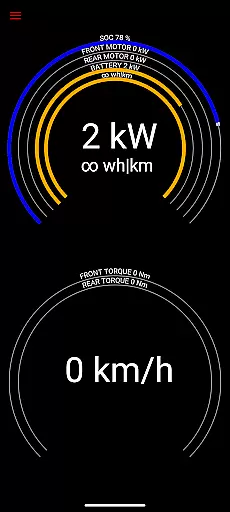
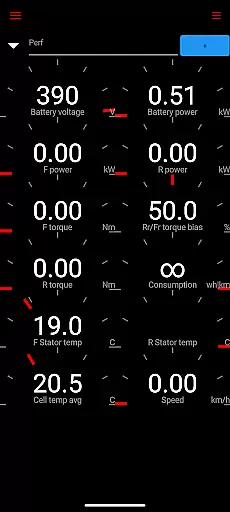
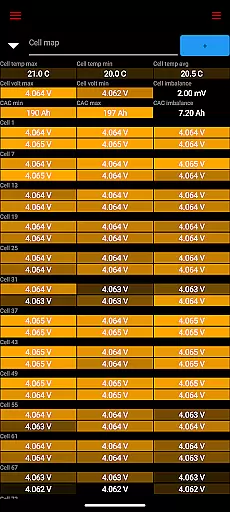
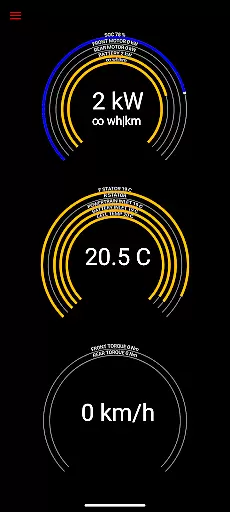
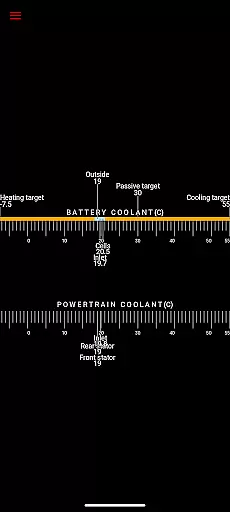
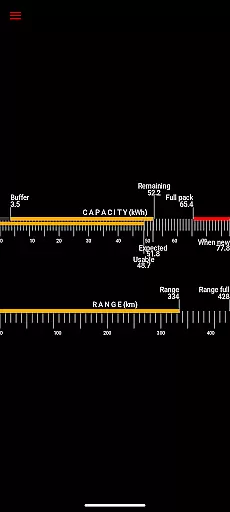
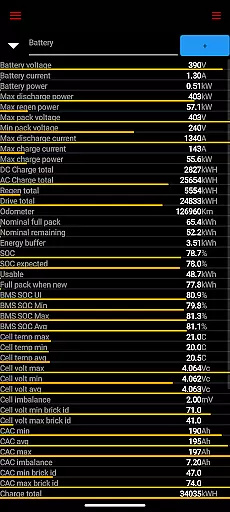
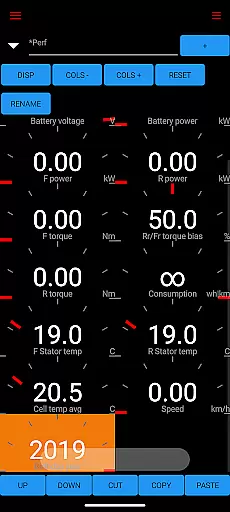
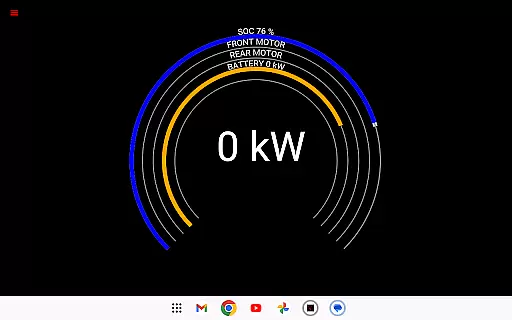
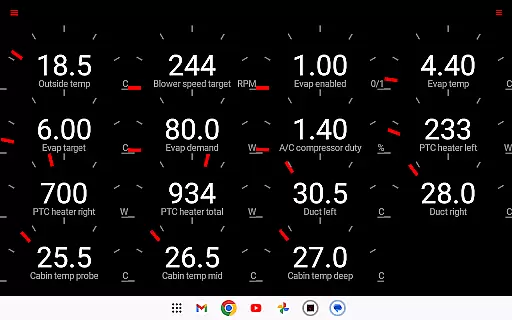
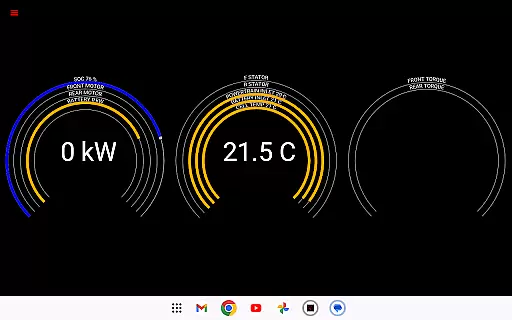
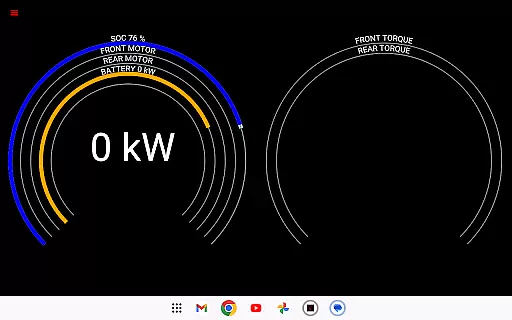
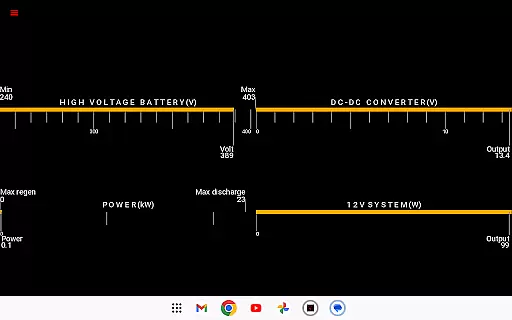
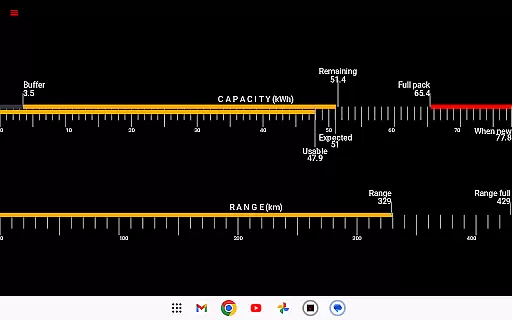
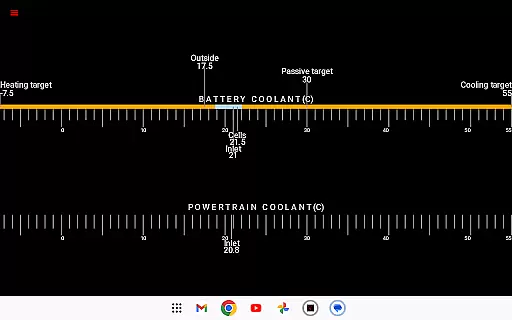
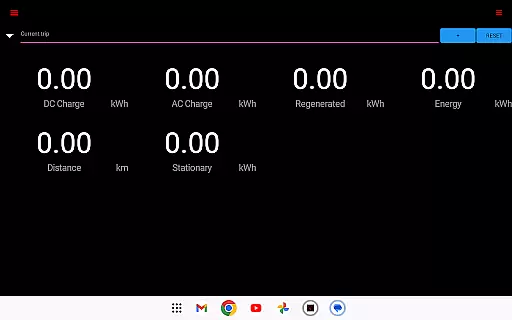
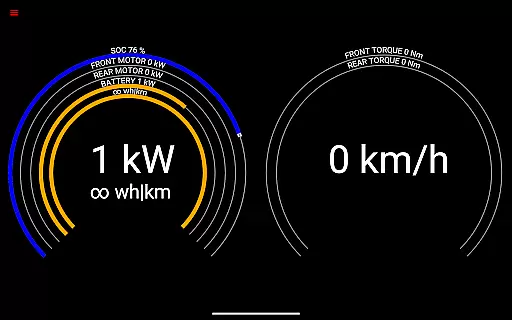
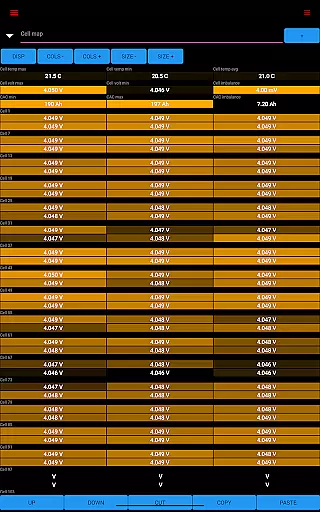
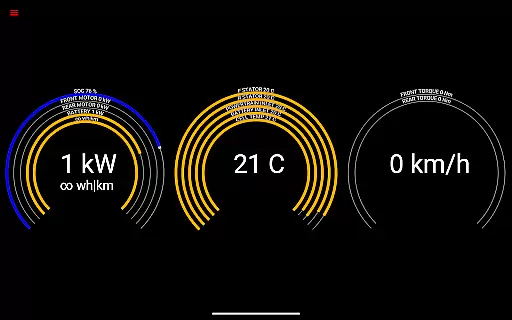
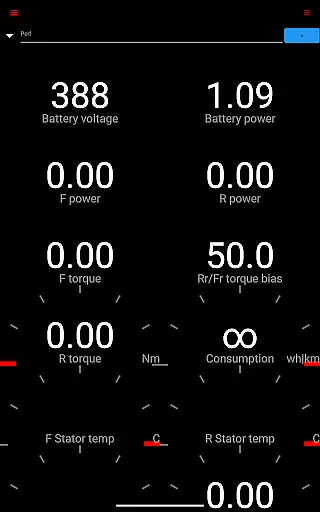
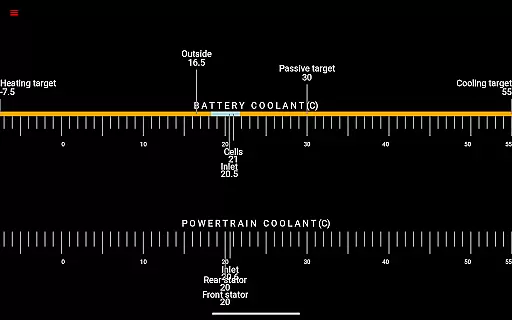
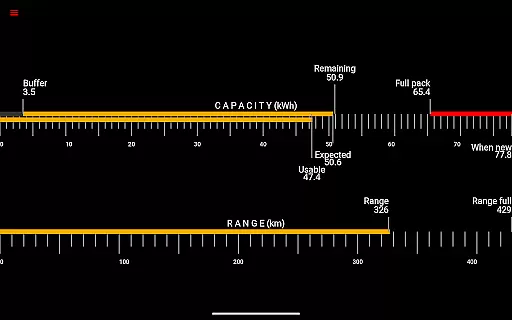
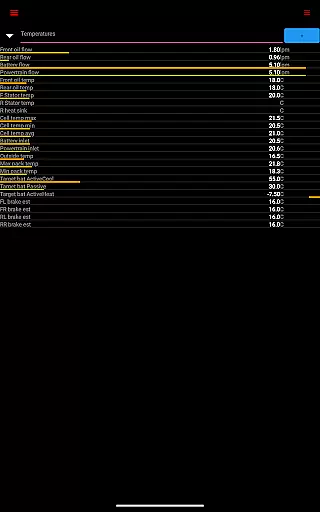
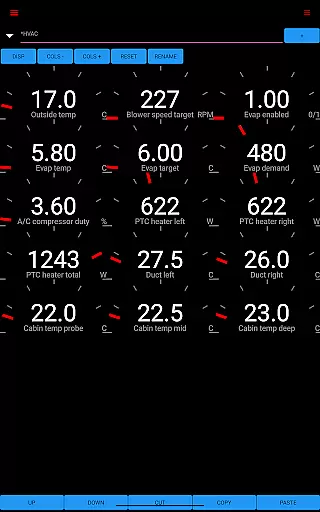
Scan My Tesla is a specialized diagnostic application designed for Tesla Model S, 3, X, and Y owners. This app provides real-time readings from the vehicle's diagnostics port, offering users detailed insights into their car's performance metrics. Key features include battery monitoring, drive unit statistics, and trip recording capabilities.
The application requires an adapter cable and specific OBD2 adapter to function properly, ensuring accurate data collection. By presenting live statistics such as battery power, voltage, current, and temperatures, Scan My Tesla empowers electric vehicle owners to better understand their car's health and optimize its performance. The app also supports logging data for later analysis, making it an essential tool for Tesla enthusiasts seeking in-depth vehicle analytics.
Scan My Tesla stands out with its comprehensive feature set tailored specifically for Tesla vehicles. The app decodes numerous CANBUS packets, providing users with critical information about their car's systems. It displays live statistics including battery lifetime stats, capacity estimates, and detailed trip recordings that track energy regeneration and consumption.
One of the app's notable innovations is its ability to present complex technical data in an accessible format. Users can view drive unit metrics such as electric power, torque, horsepower (where applicable), RPM, and temperatures. Additionally, the app incorporates community-driven developments, including battery cell information decoding by Jack Rickard and HVAC controls by Marc Olivier Chouinard, creating a robust platform for Tesla owners to explore their vehicle's potential while learning more about its intricate systems.
Scan My Tesla provides comprehensive real-time diagnostics for Tesla Model S, 3, X, and Y vehicles. This application reads vital statistics directly from the car's diagnostics port, offering users an in-depth look at their vehicle's performance.
The app delivers live data on battery power, voltage, current, and temperatures, alongside drive unit metrics such as electric power, torque, horsepower, RPM, and temperatures. It also tracks battery lifetime stats, capacity estimates, mileage, and monitors the 12V system's current, voltage, and temperature.
Users benefit from detailed trip recording and statistics, including regenerated and charged energy. This level of detail allows Tesla owners to understand their vehicle's operational efficiency and make informed decisions regarding maintenance and driving habits.
By decoding CANBUS packets and collaborating with the Tesla community, Scan My Tesla ensures that users receive accurate and valuable insights into their car's inner workings, enhancing the ownership experience through knowledge and data-driven analysis.
While Scan My Tesla offers a wealth of information, it is important to note that the app requires specific hardware to function, which may involve additional costs. Users need to purchase an adapter cable and a compatible OBD2 adapter, details of which can be found on the official website.
The app itself provides transparency regarding its limitations and the nature of the information presented. It clearly states that the data is for entertainment and educational purposes, reflecting the reality that vehicle software updates can change or remove access to certain statistics.
There is no direct mention of the app's price on Google Play, but potential users should consider any associated costs for required accessories. The app's value lies in its ability to turn complex diagnostic data into understandable and actionable insights.
Ultimately, while there are upfront costs associated with using Scan My Tesla, the investment can lead to long-term savings by empowering owners with the knowledge to maintain their vehicles proactively and understand their car's health and performance intimately.
User-friendly interface
Comprehensive diagnostic data
Real-time performance tracking
Community-driven updates
Detailed trip analysis
Requires additional hardware
Limited Model 3 support
No official Tesla affiliation
Potential compatibility issues
Information may be inaccurate

Easily notify car owners in urgent situations, safe, fast, multilingual.
 4.3
4.3
Realtime Charts is a plugin for the Torque Pro App (OBD 2 & Car)
4.20
Practice the drills within MotoJitsu Master Riding Program Volume 1 & 2!
4.80
Launcher for use in the car
4.40
Buy and sell your boat
4.70
Get more out of your AAWireless adapter with this companion app | aawireless.io
4.80
Instantly redesign your car with AI. From sporty to futuristic, try it all.
4.50
Your Path to Driving Licensing Success Begins Here! Develop your driving skills.
4.40
Secure mobile payments & fuel savings at Phillips 66®, Conoco® and 76® stations
4.40
The Texaco App allows you to pay for fuel from the comfort of your car!
4.80
MySubaru: Download. Connect. Love.
4.70
Find Your Local Store or Shop Online for the Car, Truck, or SUV Parts You Need
4.70
A smarter way to park and reserve your spot ahead of time.
4.40
OBD diagnostics, Live Data, DPF regeneration for BMW
4.00
Boost profits and hit your goals faster with GigU's amazing tools for gigworkers
4.00
Mobile Phone Parking - So easy to park
3.70
Read and delete OBD codes with any ELM327 OBD scanner. Coding functions included
3.40
Theme for Car Launcher
4.5
Theme for Car Launcher
4.2


User Reviews