
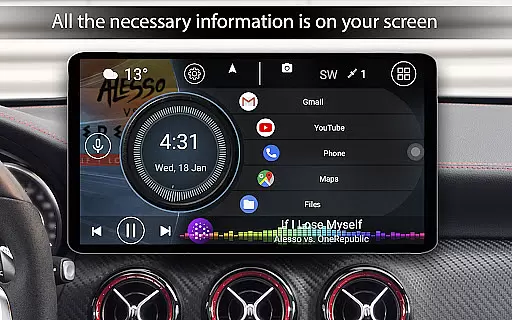
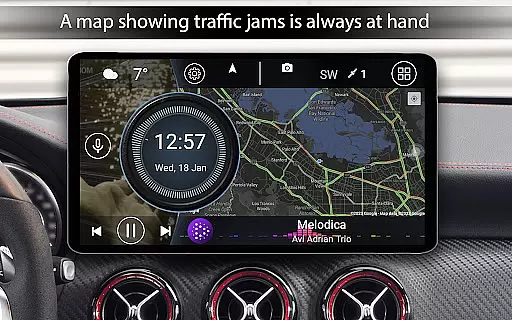
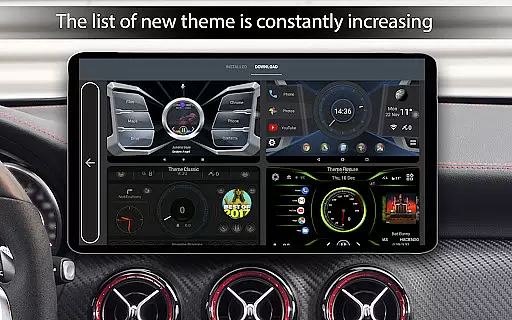
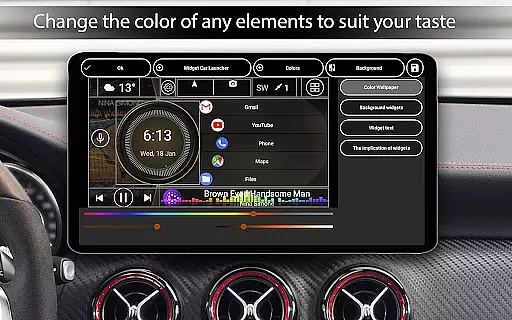
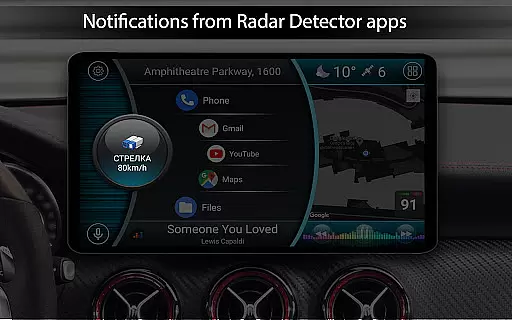
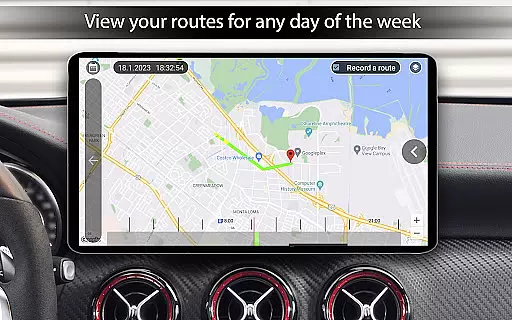
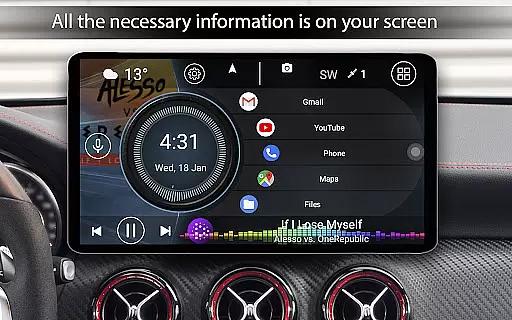

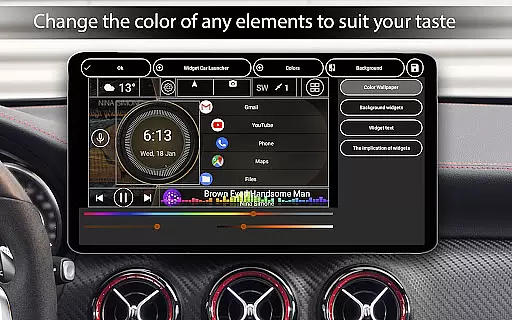
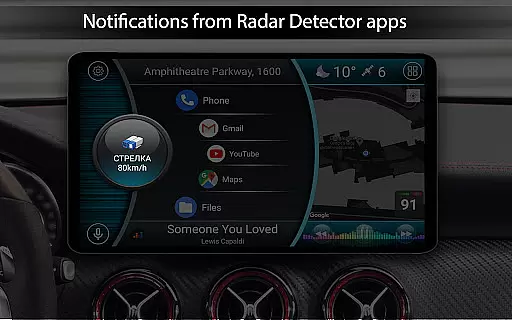
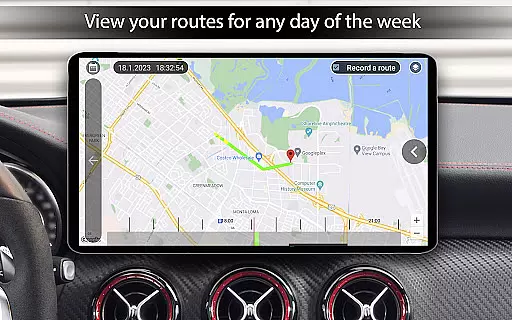
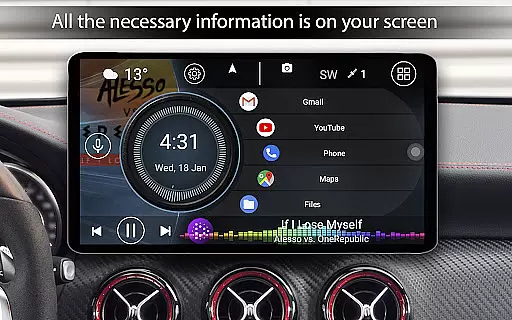
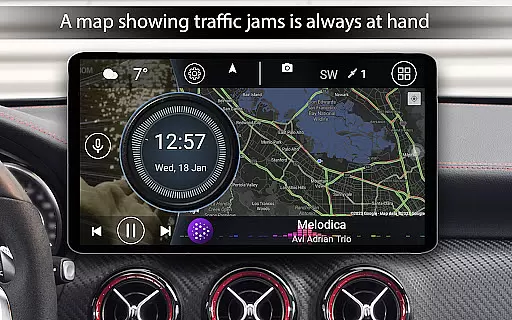
Car Launcher Pro is a specialized application designed for automotive use, enabling seamless control of various functions directly from your Android-based car system. The app serves as an all-in-one solution by integrating essential features such as GPS-based speed display, customizable widgets, and quick access to frequently used apps.
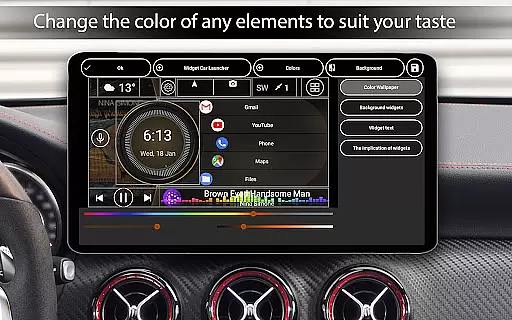
One of the standout capabilities of Car Launcher Pro is its ability to transform your car's interface into a highly functional dashboard. It provides users with detailed trip data, including average speed, distance traveled, and acceleration metrics, while also offering customization options like themes, wallpapers, and color schemes. This makes it ideal for drivers who want both utility and personalization in their vehicle’s interface.
The app is particularly useful for long trips where monitoring driving statistics and maintaining easy access to entertainment or navigation apps is crucial. By consolidating these features into one intuitive platform, Car Launcher Pro enhances both convenience and safety for drivers, ensuring that important information is always at hand without distraction.
Car Launcher Pro boasts a wide array of innovative features tailored specifically for automotive environments. One of its core functionalities is the ability to display real-time vehicle speed on the home screen using GPS data, which can be further customized to show additional metrics such as distance traveled, maximum speed, and even quarter-mile times. These features are complemented by advanced onboard computer functions, making it a powerful tool for tracking driving performance.
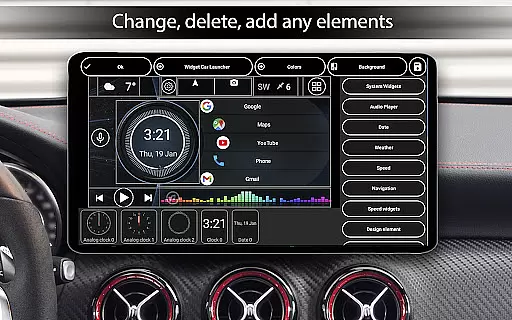
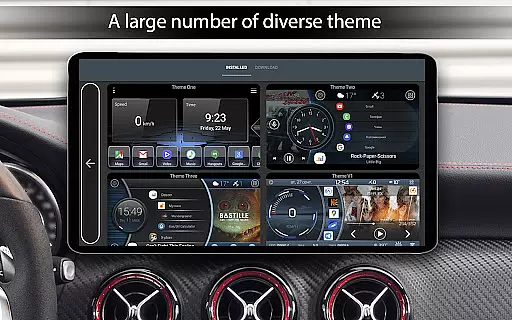
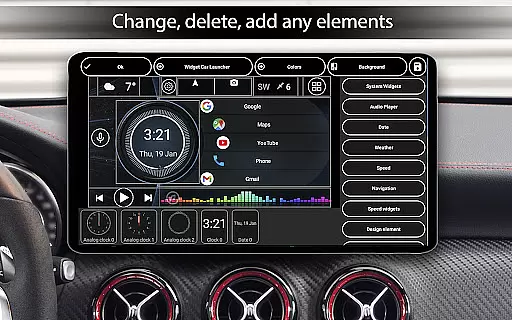
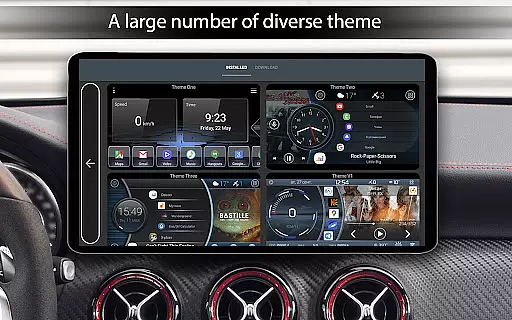
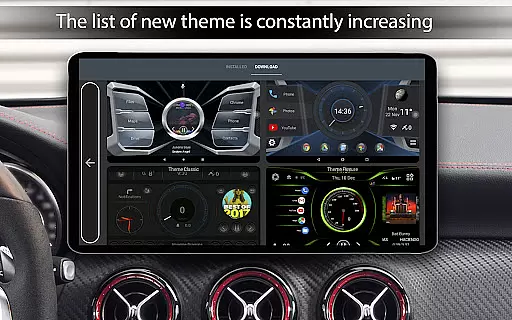
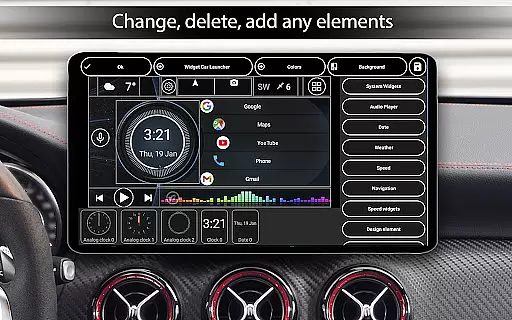
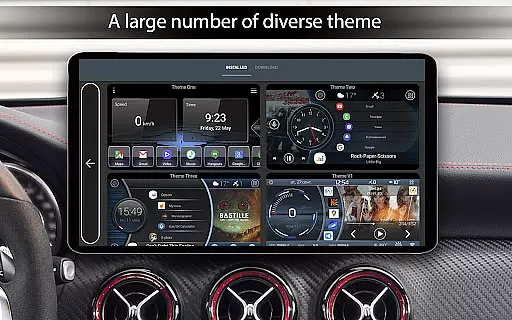
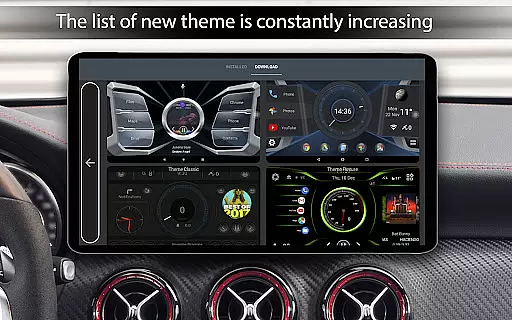
In addition to its performance tracking, the app offers extensive customization options. Users can personalize their interface with multiple themes, third-party icon packs, and widgets that include analog speedometers, address displays, and more. The app also supports automatic brightness adjustments based on the time of day and includes a sophisticated screensaver mode with numerous settings for fonts, colors, and layouts. Such flexibility ensures that every driver can tailor the system to their preferences.
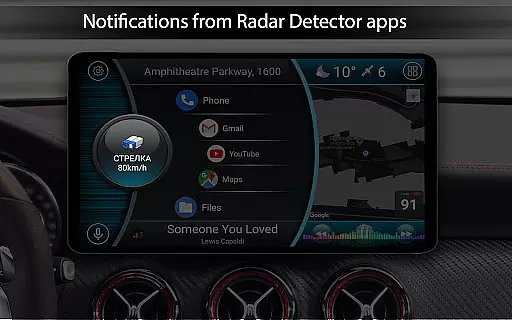
Another key feature is its compatibility with third-party applications, including music players and weather services. This allows users to integrate their favorite apps directly into the car interface, streamlining access to media, navigation, and other essential tools. With support for system widgets and multi-screen setups, Car Launcher Pro delivers a comprehensive and versatile experience that stands out in the Auto & Vehicles category.
Car Launcher Pro provides comprehensive vehicle data through its advanced interface, making it an essential tool for drivers who want to stay informed about their car's performance. The application uses GPS data to display real-time speed, distance traveled, and average speed, ensuring that users have accurate metrics at their fingertips.
The onboard computer feature offers detailed insights into various driving parameters. Users can access information such as maximum speed, acceleration times from 0 to 60 km/h, 0 to 100 km/h, and even 0 to 150 km/h. This allows drivers to monitor their vehicle's capabilities and maintain optimal performance levels.
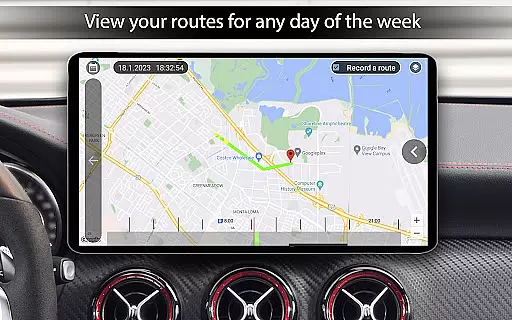
One of the standout features is the ability to customize the data display according to different time frames. Whether you want to view trip-specific stats or analyze your driving over a week, month, or all-time period, Car Launcher Pro gives you the flexibility to tailor the information to your needs. This level of personalization ensures that each user can focus on the metrics most important to them.
By integrating with third-party apps and offering extensive customization options for themes and widgets, the app enhances the overall driving experience. Drivers can personalize their interface with different themes, color schemes, and widgets like analog speedometers and address displays, creating a dashboard that suits their preferences while providing critical vehicle information.
While Car Launcher Pro focuses primarily on vehicle performance metrics, it also emphasizes price transparency for in-app purchases. The free version offers robust functionality, including speed display, quick app launches, and customizable home screens, ensuring that users can enjoy essential features without additional costs.
For those seeking advanced capabilities, the PRO version unlocks several premium features at a clear and upfront cost. These include the ability to create multiple folders for selected applications, switch between them effortlessly, and access expanded widget settings. By clearly listing these benefits, the app ensures users understand the value of their investment before upgrading.
The app provides detailed descriptions of each paid feature, allowing users to make informed decisions. Whether it's the infinite scrolling option, grid size adjustments, or enhanced color gamma settings, every upgrade is explained in terms of its utility and how it enhances the driving experience.
This transparent pricing model extends to third-party integrations as well. Users are aware of which additional services require separate subscriptions or purchases, maintaining trust and satisfaction. With Car Launcher Pro, drivers know exactly what they're getting and how much it will cost, promoting a hassle-free user experience focused on vehicle management and enjoyment.
User-friendly interface
Highly customizable design
Real-time GPS speed tracking
Extensive widget library
Third-party app integration
Complex setup process
Background GPS drains battery
Premium features require payment
Limited offline functionality
Occasional performance lags

On the CarShield app, you can view contracts, make payments, & request roadside.
 4.40
4.40
The Smarter Way Forward
3.30
OBD2 car scanner and diagnostics: read Check Engine, DTC, economy....
4.30
Get your personalized financing options and shop for used cars today!
4.20
Club Car Wash Mobile App—the fast lane to managing your wash membership.
3.30
Digital Car Key/Launcher, Screen Mirror, Android Dashboard, Remote Wireless Link
4.40
Get more out of your AAWireless adapter with this companion app | aawireless.io
4.80
1M+ high-quality auto parts at your fingertips. Fitment guaranteed.
4.70
Trip computer+car diagnostic tool with widest variety of features and dashboard!
4.70
Play what you want through Android Auto
4.90
7-Day Returns on All Cars
4.80
Quick and easy car diagnostics to get you the right fix.
4.70
OBD1 ECMs application. Data log or tune directly from your phone or tablet!
4.60
Listings of Tesla's with FSD - Included package
4.60
Instant diesel savings. No credit checks or fees. Nationwide growing network.
4.40
Control maps, media and messaging, with the Google Assistant while you drive
4.10
Wonder how much horsepower and torque your car/truck makes? Look no further.
3.40
Read and delete OBD codes with any ELM327 OBD scanner. Coding functions included
3.40
Theme for Car Launcher
4.2


User Reviews