
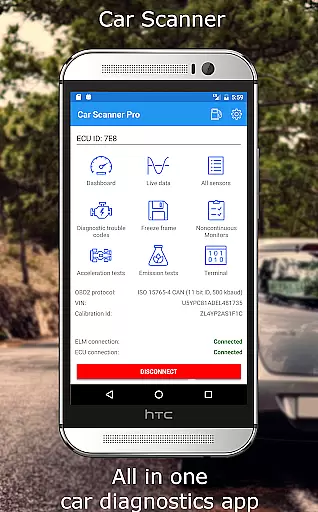
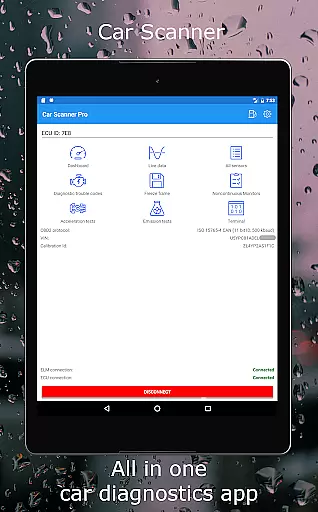
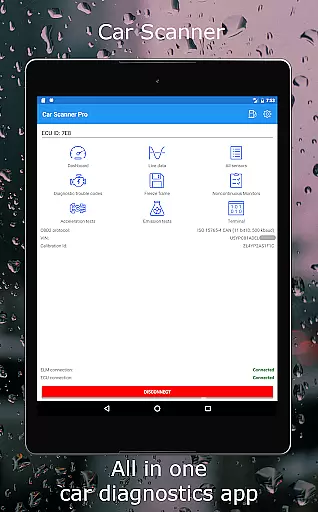
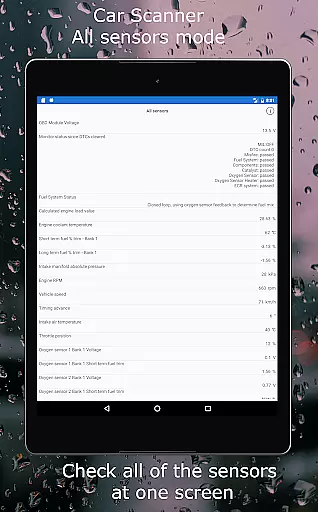
Car Scanner ELM OBD2 is a comprehensive vehicle diagnostics and performance monitoring tool designed for car enthusiasts and professionals. The app connects to your vehicle's OBD2 system through a Wi-Fi or Bluetooth adapter, providing real-time data on engine performance, fault codes, and sensor readings. With support for a wide range of vehicles produced after 1996, this application offers an invaluable resource for understanding your car's health and optimizing its performance.
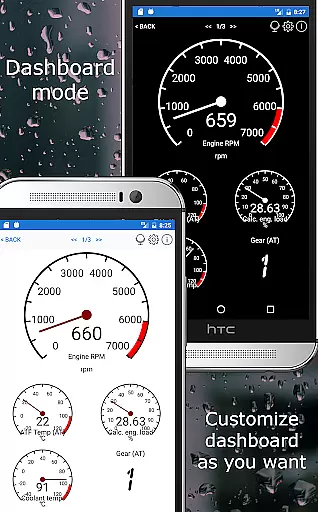
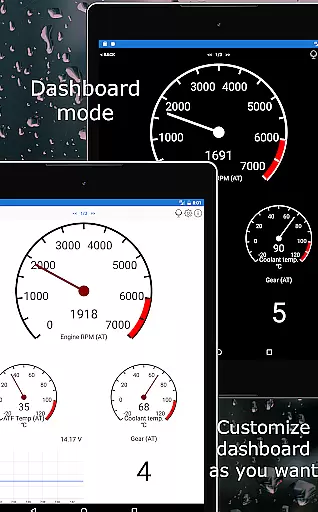
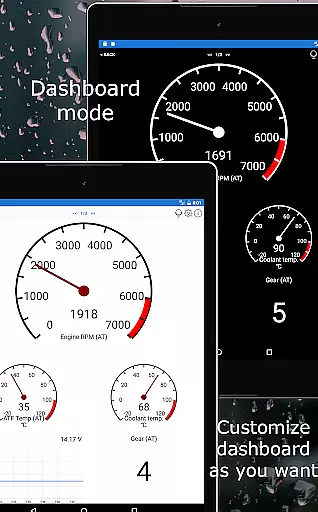
The app stands out with its customizable dashboard, enabling users to create personalized layouts displaying the specific gauges and charts they need. It also features advanced functionalities such as Mode 06 testing, readiness checks for emission tests, and even HUD projection for night driving. Whether you're looking to troubleshoot issues, monitor fuel consumption, or explore hidden car settings, Car Scanner ELM OBD2 delivers a professional-grade solution directly to your smartphone.
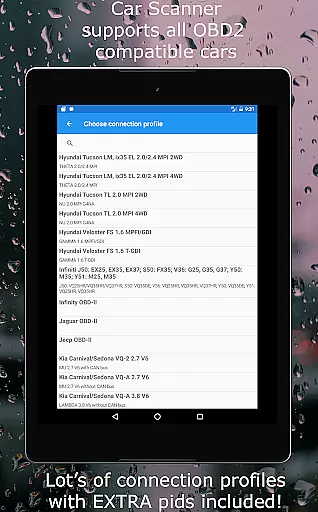
Car Scanner ELM OBD2 boasts an impressive array of features tailored for in-depth vehicle analysis. One of its key strengths is the ability to customize the dashboard interface, allowing users to display only the most relevant information such as RPM, speed, coolant temperature, and more. Additionally, the app supports extended PIDs, unlocking access to proprietary data that manufacturers often conceal, giving users unprecedented insight into their vehicle's operations.
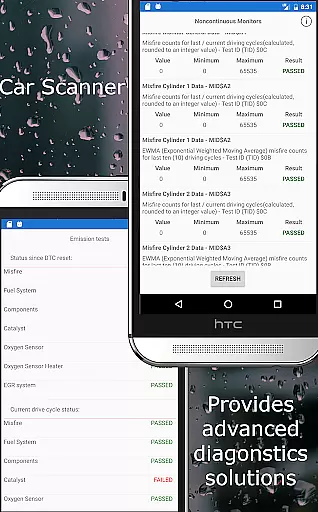
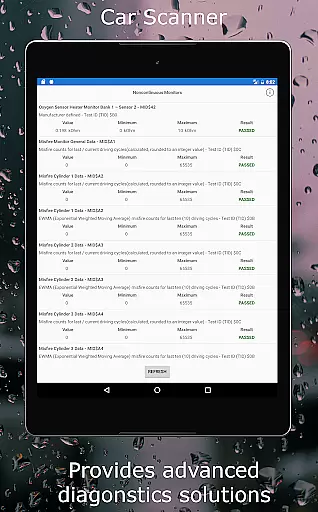
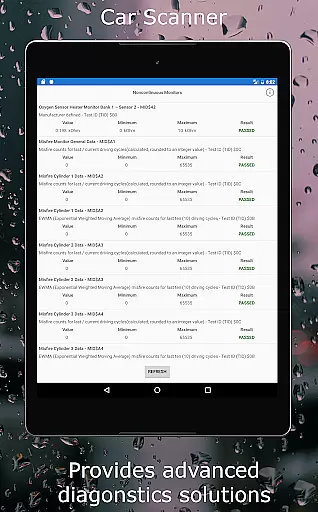
Beyond basic diagnostics, the app provides specialized tools like DTC fault code reading and resetting, free-frame analysis, and Mode 06 testing which reveals ECU self-monitoring results. These features are complemented by unique coding capabilities for certain car brands, enabling changes to hidden settings such as video-in-motion activation and ambient light configurations. With its extensive compatibility across numerous vehicle models and commitment to offering these features for free, Car Scanner ELM OBD2 establishes itself as an essential tool for automotive diagnostics.
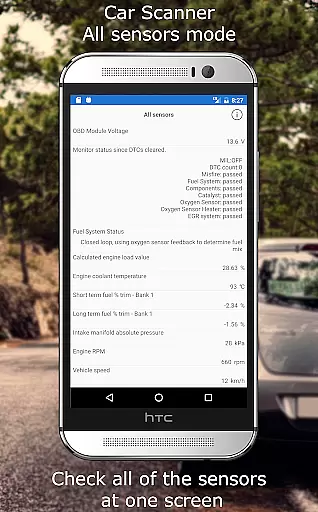
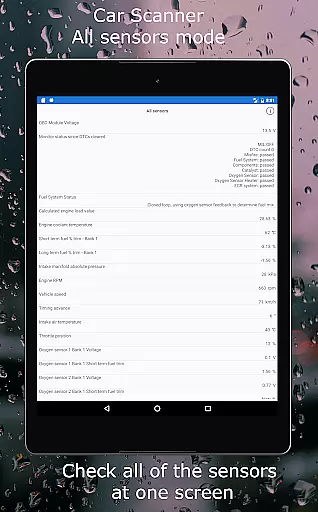
Car Scanner ELM OBD2 provides an extensive array of detailed vehicle information by interfacing with the car's onboard diagnostics system. This includes real-time performance data, sensor readings, and fault codes that allow users to understand their vehicle's health comprehensively.
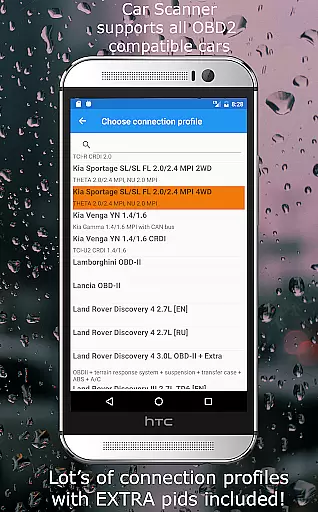
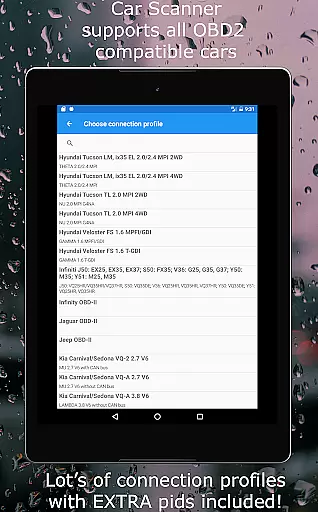
The app supports a wide range of vehicles adhering to the OBD 2 standard, ensuring compatibility with most models produced after 2000. It goes beyond basic diagnostics by offering unique features such as custom PIDs for accessing hidden manufacturer data, Mode 06 tests for ECU self-monitoring, and readiness checks for emission tests.
Users benefit from advanced functionalities like the Heads-Up Display (HUD) mode, accurate acceleration measurements, and trip computer features showing fuel consumption statistics. These capabilities empower car owners with precise insights into their vehicle's operation and efficiency.
This level of detail is invaluable for both personal monitoring and professional diagnostics, potentially saving on repair costs by identifying issues early. The app transforms your smartphone into a powerful tool for maintaining optimal vehicle performance.
One of the standout features of Car Scanner ELM OBD2 is its cost-saving advantage through price transparency. The app offers a vast selection of its powerful features for free, making it an accessible tool for all car owners looking to monitor their vehicle's performance without incurring additional expenses.
While premium adapters are recommended for optimal performance, the app maintains functionality with various ELM327 compatible adapters, allowing users to choose from a range of affordable options. This flexibility ensures that users can find an adapter within their budget without sacrificing essential features.
Moreover, by providing comprehensive diagnostic data and tools such as DTC code descriptions and sensor state analysis when faults occur, the app helps prevent unnecessary repairs. Users can make informed decisions about necessary maintenance or repairs based on actual vehicle data rather than relying solely on mechanic recommendations.
This transparent approach not only aids in immediate cost savings but also contributes to long-term financial planning by enabling proactive vehicle care and maintenance scheduling.
User-friendly interface
Extensive vehicle compatibility
Customizable dashboard
Advanced diagnostic tools
Free feature-rich application
Requires additional hardware
Compatibility varies per vehicle
Some features need premium adapters
Occasional connectivity issues
Complex for beginners

Ultimate OBD2 Car Scanner: Diagnostics, Service and Modification Tool
 4.30
4.30
ODB2 based monitoring application for the Chevy Bolt (2017-2021)
4.00
Attention! This is the theme for the Car Launcher app
4.2
* This app needs an adapter cable and a certain OBD2 adapter to work *
4.20
A full featured, real-time transit locator system
4.30
Get more out of your AAWireless adapter with this companion app | aawireless.io
4.80
AI Powered - Automotive Mechanic Assistant
4.30
View your car’s service records and find out when maintenance is due.
4.70
PayByPhone: A quick and easy way to pay for parking.
3.80
Lexus app currently supports 2010 or newer vehicles (2018 or newer for Hawaii).
4.80
7-Day Returns on All Cars
4.80
Shop, finance, or sell today.
4.80
Browse millions of cars, track vehicle listings or sell your car today
4.70
Listings of Tesla's with FSD - Included package
4.60
Autolist - The Largest Selection of Local Used Cars and Trucks
4.50
Available in select states.
4.00
Better fuel to help keep you on the road
3.20
O'Reilly Pro will streamline your parts lookup and ordering process!
3.20
DIY Vehicle Wheel Alignment
4.3


User Reviews