
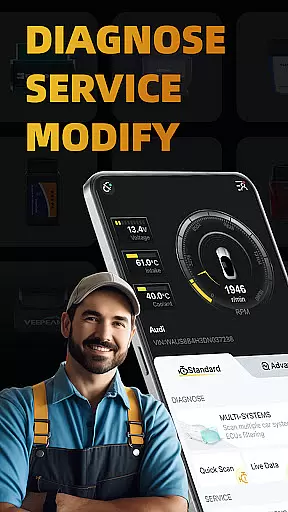
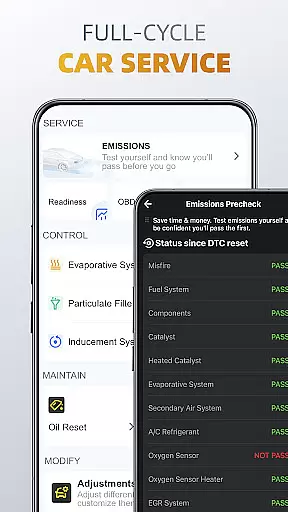
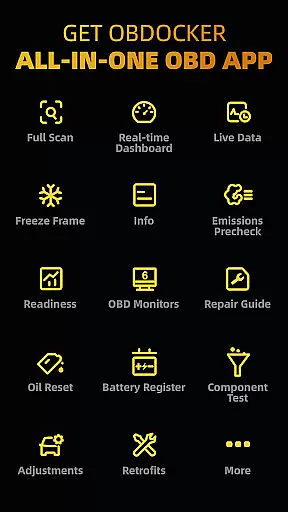
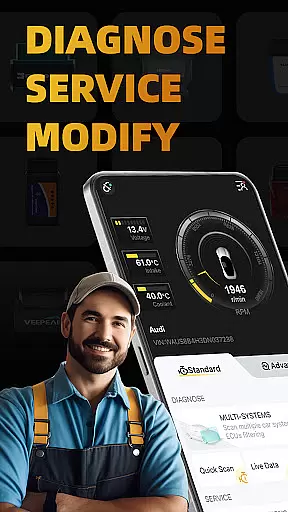
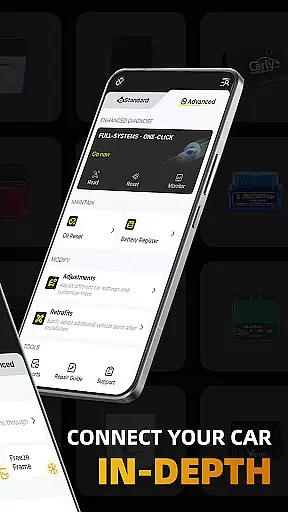
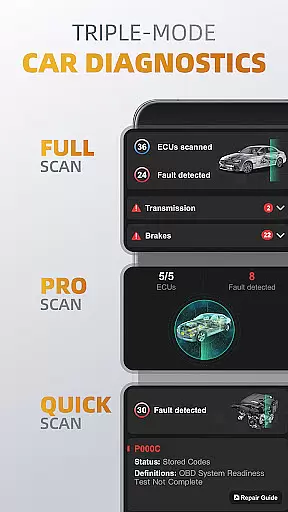
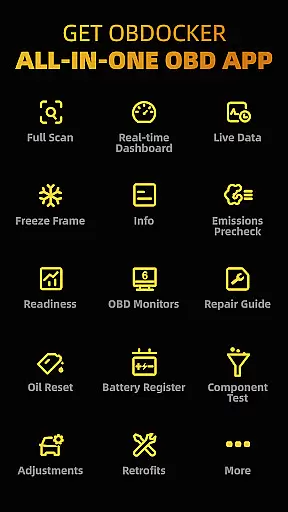
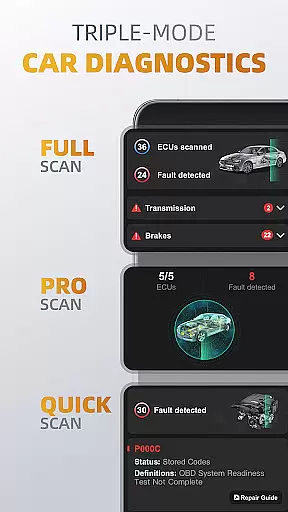
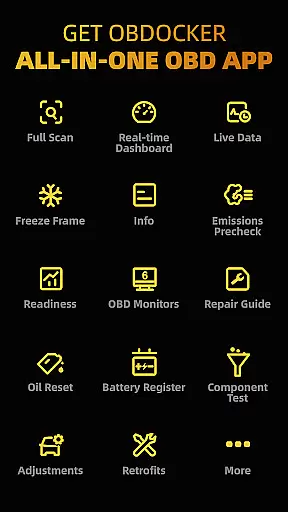
OBDocker is a professional OBD2 car scanner app designed for vehicle diagnostics, servicing, and customization. It offers triple-mode diagnostics including full-systems, multi-systems, and quick scans, allowing users to efficiently identify and resolve issues across various vehicle systems such as TMS, SRS, ABS, and more.
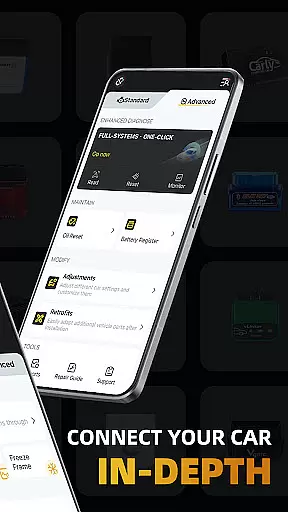
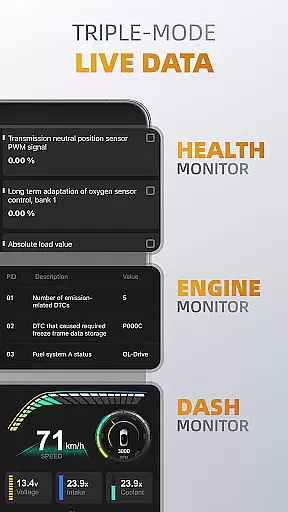
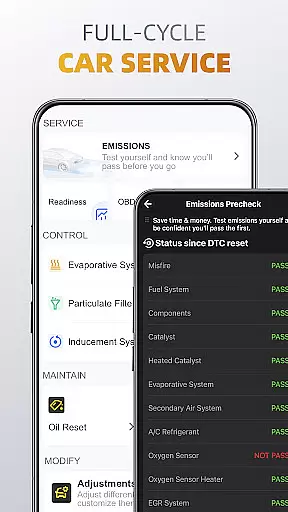
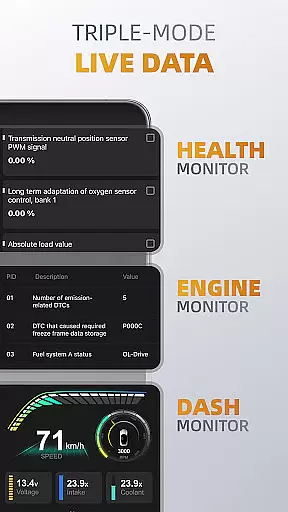
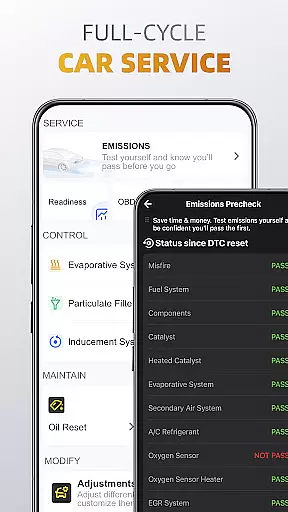
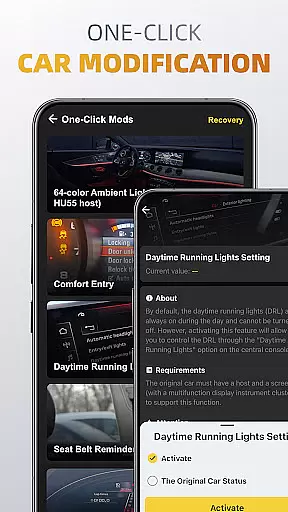
The app also provides triple-mode live data monitoring, giving real-time insights into engine performance, system health, and other critical metrics. With features like emissions pre-check, oil reset, battery registration, and one-click modifications, OBDocker ensures comprehensive vehicle maintenance and personalization options.
Compatible with a wide range of OBD adapters and vehicles globally, this tool is ideal for both standard OBD2 diagnostics and advanced functionalities on specific car brands. Whether you're a professional mechanic or a car enthusiast, OBDocker empowers you to maintain optimal vehicle performance.
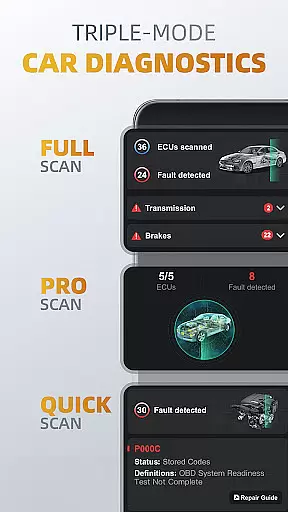
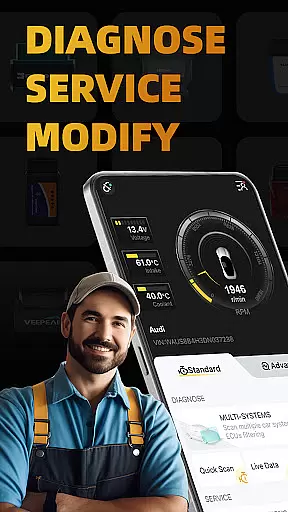
OBDocker stands out with its robust triple-mode diagnostics feature. The full-systems diagnose performs OE-level scanning of all vehicle systems with a single click, while the multi-systems option allows targeted scanning through ECU filtering. The quick scan function enables swift reading and clearing of engine fault codes, ensuring uninterrupted vehicle operation.
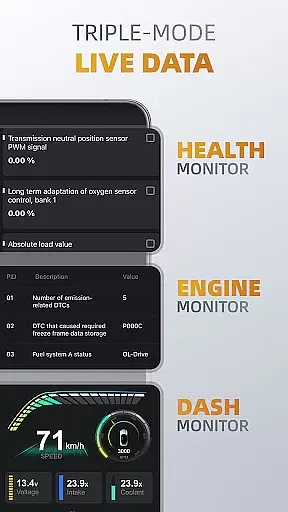
The triple-mode live data feature provides detailed performance tracking. The Health Monitor displays real-time parameters of all systems, Engine Monitor focuses specifically on engine metrics, and Dash Monitor visualizes key vehicle data in an intuitive format. These tools help users proactively monitor their vehicle's condition.
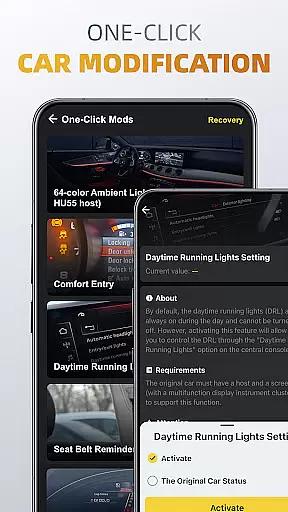
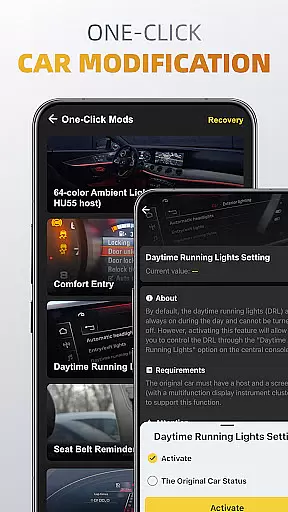
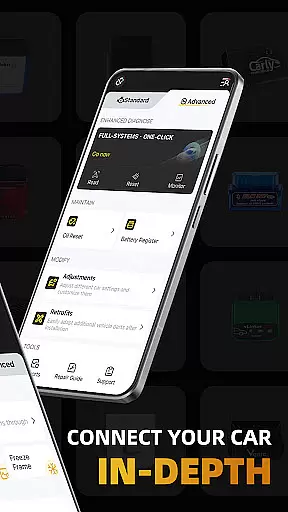
Additional standout features include comprehensive service functions like EVAP leak testing, DPF reinitialization, oil reset, and battery registration. The one-click modification tool allows easy adjustments and retrofits, making it simple to customize vehicle settings and integrate new parts after installation.
Accessing detailed vehicle information is crucial for effective car maintenance and diagnostics. OBDocker provides comprehensive data across multiple systems, allowing users to understand their vehicle's condition at a granular level.
The app's triple-mode diagnostics feature enables users to perform full-system scans, multi-system checks through ECUs filtering, and quick engine fault code readings. This ensures that every aspect of the vehicle, from TMS to SRS and ABS, is thoroughly examined and reported.
With real-time parameter tracking in its triple-mode live data feature, OBDocker offers insights into system performance, engine metrics, and visual dash monitoring. Users can make informed decisions about necessary repairs or adjustments based on accurate, up-to-date information.
This level of detail empowers car owners and mechanics alike, providing them with the knowledge needed to maintain optimal vehicle health and performance.
Price transparency in automotive services ensures customers understand the costs involved in vehicle diagnostics and maintenance. OBDocker addresses this by offering clear subscription plans for its advanced features.
The app provides a free trial period, allowing users to explore all functionalities without immediate cost. After the trial, users can choose between Pro or Pro Max subscriptions, each clearly outlining the benefits and capabilities included.
OBDocker also supports various OBD adapters, recommending high-performance options like Vlinker Series and OBDLink Series while listing compatible middle-performance alternatives. This openness about adapter performance helps users make cost-effective choices.
By maintaining transparent pricing structures and compatibility lists, OBDocker builds trust with its users, ensuring they know exactly what they are paying for and receiving in return.
User-friendly interface
Comprehensive diagnostic tools
Wide vehicle compatibility
Real-time performance tracking
One-click customization options
Premium features require subscription
Dependent on compatible OBD adapter
Advanced mode limited to specific brands
Performance varies by vehicle sensors
Free trial has limited functionality

Theme for Car Launcher
 4.0
4.0
Monitor specific TOYOTA parameters by adding this plugin to Torque Pro.
2.00
Practice the drills within MotoJitsu Master Riding Program Volume 1 & 2!
4.80
Autolist - The Largest Selection of Local Used Cars and Trucks
4.50
Oil change service & coupons for car maintenance at Valvoline Instant Oil Change
4.70
Simplify your drive
3.90
Instantly redesign your car with AI. From sporty to futuristic, try it all.
4.50
Find Your Local Store or Shop Online for the Car, Truck, or SUV Parts You Need
4.70
Shop, finance, or sell today.
4.80
Take Control of Your Car
4.80
Shop cars & see your financing
4.60
On the CarShield app, you can view contracts, make payments, & request roadside.
4.40
Taximeter; the professional's choice
4.30
Realtime Charts is a plugin for the Torque Pro App (OBD 2 & Car)
4.20
* This app needs an adapter cable and a certain OBD2 adapter to work *
4.20
Monitor your behind-the-wheel behavior to become a safer driver and save.
4.10
Boost profits and hit your goals faster with GigU's amazing tools for gigworkers
4.00
Easily notify car owners in urgent situations, safe, fast, multilingual.
4.2
DIY Vehicle Wheel Alignment
4.3


User Reviews