
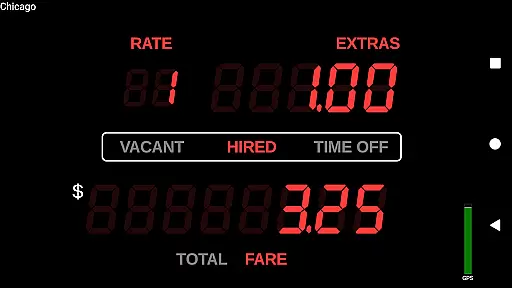
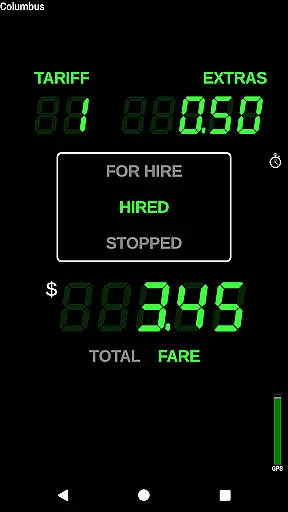
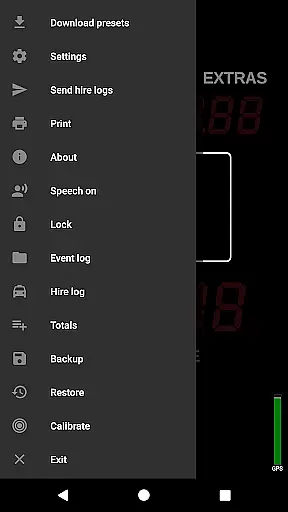
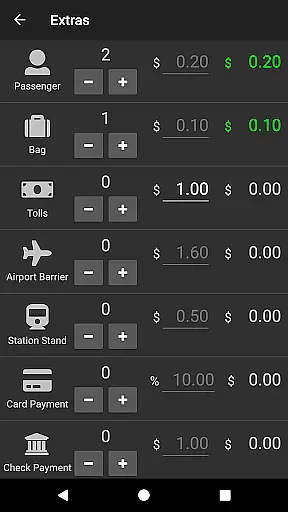
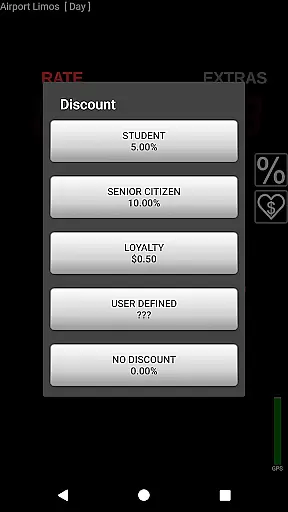
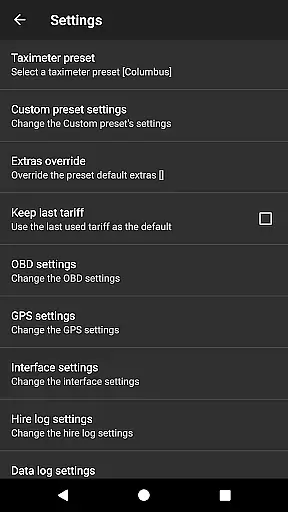
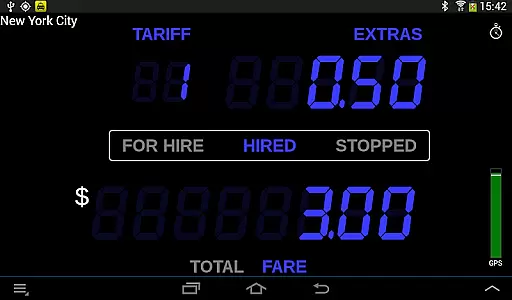
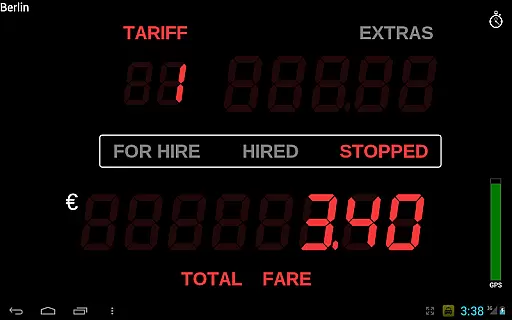
Taximeter is a professional-grade Android application designed specifically for drivers in the transportation industry. This app functions as an accurate taximeter, offering realistic LED-style displays and operational features that mimic traditional taxi fare systems. With support for over 200 predefined presets across more than 40 countries, it caters to a global user base. The app allows customization of tariffs and provides advanced features like geofencing and calendar-controlled tariff switching.
One of the key strengths of Taximeter is its versatility. It integrates with popular payment processors such as PayPal Here™ and Square Point of Sale™, enabling seamless transactions. Additionally, the app supports various hardware integrations including Bluetooth mobile printers for receipts and OBD-II adapters for vehicle diagnostics. These features make it suitable for different types of transport services, from private hire to medical transportation.
The true value of Taximeter lies in its ability to streamline operations for professional drivers. By providing automated fare calculations, detailed logging capabilities, and customizable settings, it helps drivers maintain accuracy and compliance. The app also offers modern conveniences like PDF receipt generation, cloud data logging, and even a talking taximeter function for visually impaired users. These comprehensive features collectively enhance both driver and passenger experiences.
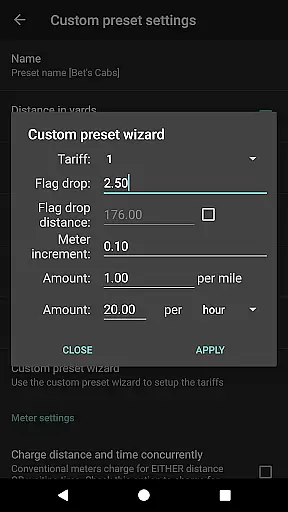
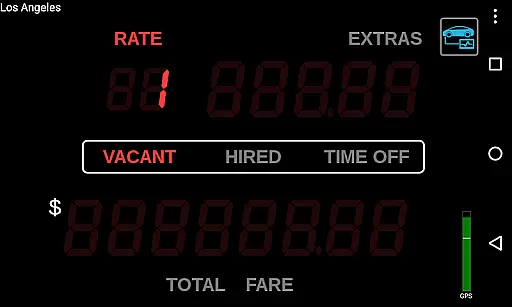
Taximeter stands out with its extensive feature set tailored for professional drivers. One of its most notable aspects is the realistic LED effect display, which provides an intuitive interface familiar to both drivers and passengers. The app includes over 200 predefined presets covering more than 40 countries, ensuring broad applicability. Drivers can easily download the latest presets or create custom ones using the preset wizard, allowing up to 10 different tariffs.
Advanced functionality sets Taximeter apart from basic fare calculators. It supports calendar-controlled tariffs with automatic switching, location-based geofencing for dynamic pricing, and ahead-of-time programming for future rate changes. Integration capabilities are robust, including compatibility with PayPal Here™, Square Point of Sale™, and other payment processors. The app also enables PDF receipt generation and printing through compatible hardware, enhancing professionalism in transactions.
Additional features demonstrate the app's commitment to comprehensive solutions. It includes an event log with alerts, resettable totals, and support for wireless GPS receivers. The data logging capability (with a small monthly fee) allows cloud storage of GPS positions and fare information. For developers, an API enables integration with third-party dispatch systems. These features collectively provide drivers with tools to optimize their operations while maintaining regulatory compliance and improving customer service.
In the realm of professional driving, having access to precise vehicle data is crucial. Taximeter offers an extensive suite of features that provide detailed insights into vehicle performance and operational metrics. The application supports On-Board Diagnostics (OBD) integration, allowing drivers to utilize speed data from OBD-II compliant vehicles instead of relying solely on GPS. This functionality requires an ELM327 compatible Bluetooth, Wi-Fi, or USB OBD-II adapter, ensuring accurate distance calculations and real-time vehicle status updates.
Furthermore, the app includes an OBD calibration function, which enhances measurement accuracy and reliability. Drivers can also connect to wireless GPS receivers for improved location tracking. These capabilities ensure that users have comprehensive and precise vehicle information at their fingertips, enabling better decision-making and efficient trip planning.
The value of these features extends beyond mere convenience. By providing detailed vehicle information, Taximeter empowers drivers to optimize their operations, reduce fuel consumption, and maintain their vehicles more effectively. This level of detail is particularly beneficial for fleet managers who need to monitor multiple vehicles and ensure compliance with regulatory standards.
Price transparency is a cornerstone of customer trust in the transportation industry. Taximeter addresses this need by offering customizable presets with up to 10 different tariffs, allowing drivers to configure pricing structures that align with local regulations and market conditions. The app supports calendar-controlled tariffs with automatic switching, ensuring that customers are charged accurately based on time and location.
Additionally, Taximeter provides ahead-of-time programming for future tariffs, giving drivers the flexibility to plan and communicate price changes in advance. Location-controlled tariffs, or geofencing, further enhance price transparency by applying specific rates based on geographical zones. These features collectively ensure that both drivers and passengers have clear, predictable, and fair pricing information throughout their journeys.
By prioritizing price transparency, Taximeter not only builds trust with customers but also helps drivers maximize their earnings while remaining competitive. This transparent approach to pricing is essential for maintaining a reputable and sustainable business in the modern transportation landscape.
User-friendly interface
Global preset support
Payment integration
Hardware compatibility
Customizable tariffs
Complex setup required
Paid data logging
Hardware dependencies
Steep learning curve
Limited free features

Take Control of Your Car
 4.80
4.80
OBD diagnostics, Live Data, DPF regeneration for BMW
4.00
Wonder how much horsepower and torque your car/truck makes? Look no further.
3.40
Autolist - The Largest Selection of Local Used Cars and Trucks
4.50
myAudi offers users services and Audi connect services for Audi drivers
4.10
Club Car Wash Mobile App—the fast lane to managing your wash membership.
3.30
Instantly redesign your car with AI. From sporty to futuristic, try it all.
4.50
Earn and save with Fuel Rewards®
3.20
A smarter way to park and reserve your spot ahead of time.
4.40
Lexus app currently supports 2010 or newer vehicles (2018 or newer for Hawaii).
4.80
Marathon ARCO Rewards members earn rewards & apply the rewards for fuel savings!
4.80
MySubaru: Download. Connect. Love.
4.70
Trip computer+car diagnostic tool with widest variety of features and dashboard!
4.70
Ultimate OBD2 Car Scanner: Diagnostics, Service and Modification Tool
4.30
Your car is talking. Start listening.
4.30
Car Sounds Engine Sounds app welcomes Auto Lovers to feel Car Simulator Sound
4.20
Control maps, media and messaging, with the Google Assistant while you drive
4.10
BlueDriver® is a Premium Diagnostic OBD2 Scan Tool. www.BlueDriver.com
3.90
O'Reilly Pro will streamline your parts lookup and ordering process!
3.20


User Reviews