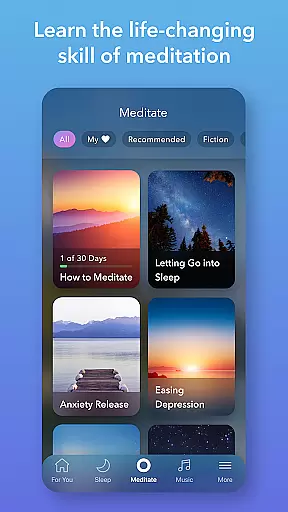
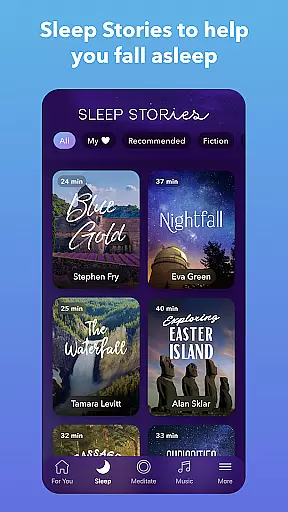
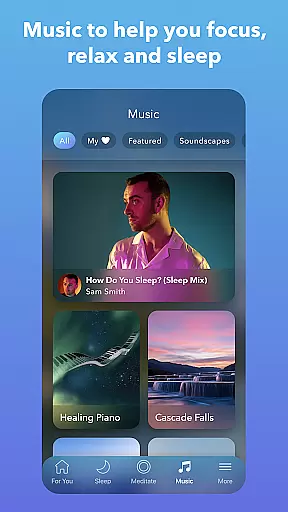
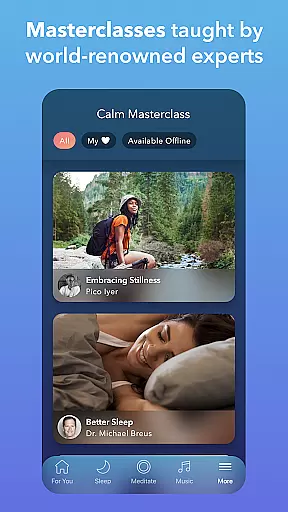
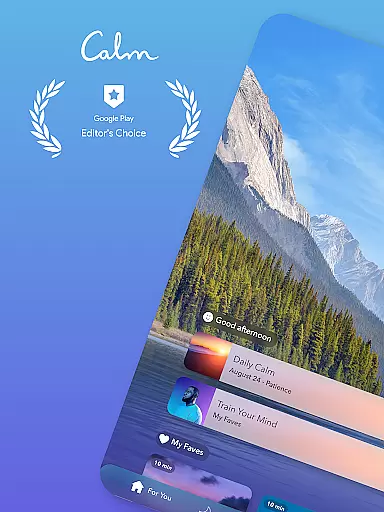
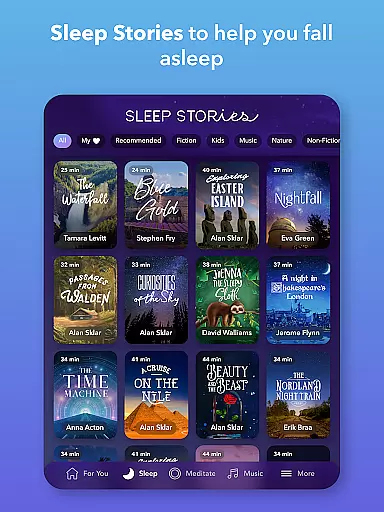
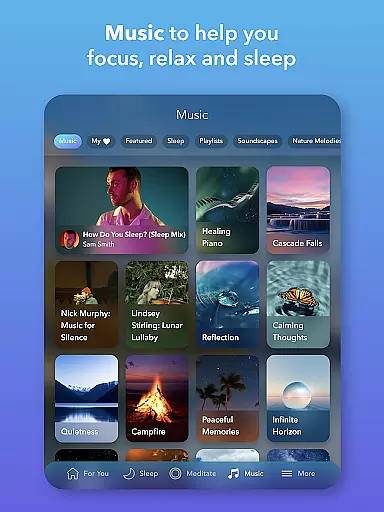

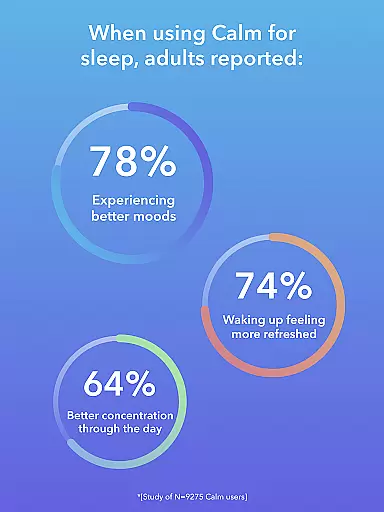
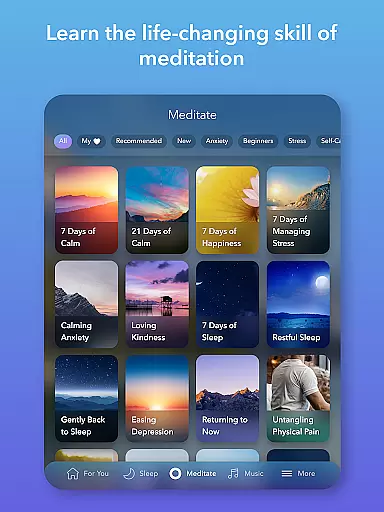
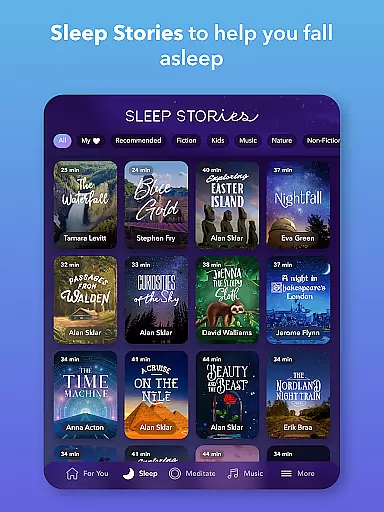
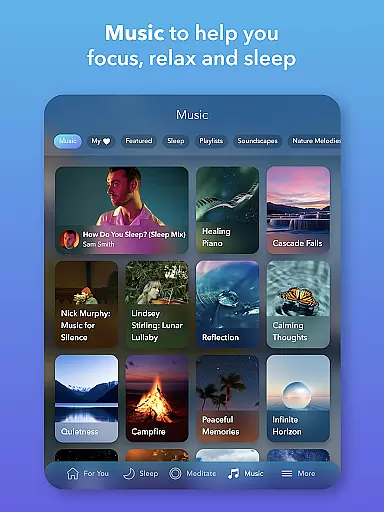

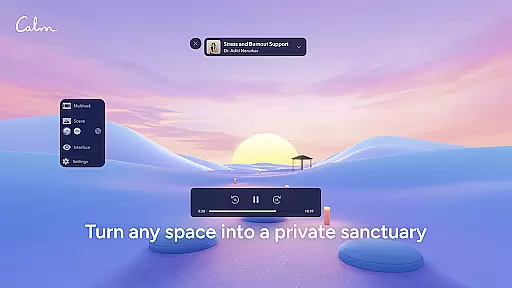
Calm is the leading application for sleep improvement, meditation, and relaxation, designed to help users manage stress, stabilize moods, enhance sleep quality, and refocus attention. The app offers an extensive library filled with guided meditations, Sleep Stories, soundscapes, breathwork exercises, and stretching routines. Whether you're new to meditation or an experienced practitioner, Calm provides tailored content to support your journey towards better mental health and happiness.
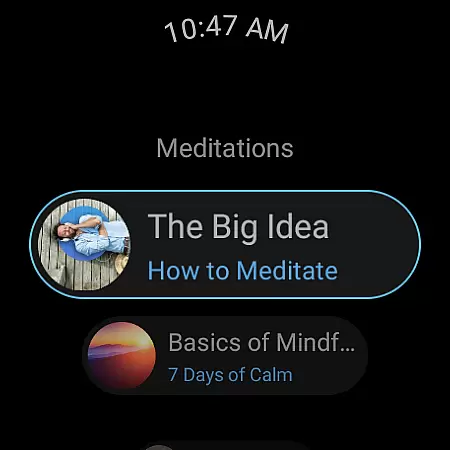
Available on Android Wear, Calm extends its capabilities to wearable devices, allowing users to start breathing exercises quickly through tiles and track their meditation progress with complications. This integration ensures that mindfulness and relaxation are always within reach, no matter where you are or what you're doing.
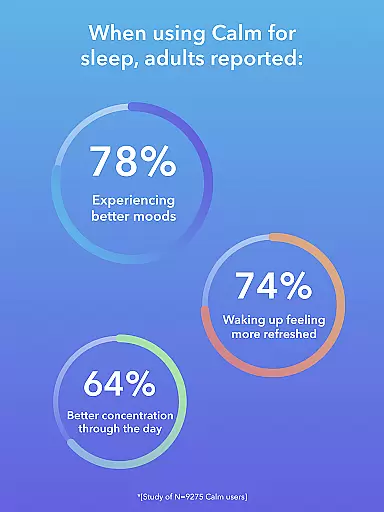
By incorporating Calm into your daily routine, you can experience life-changing benefits such as reduced anxiety, improved focus, and deeper sleep. With features like Sleep Stories narrated by well-known voices and a variety of soothing music, Calm helps transform your bedtime into a restful escape, promoting overall wellness and balance in your life.
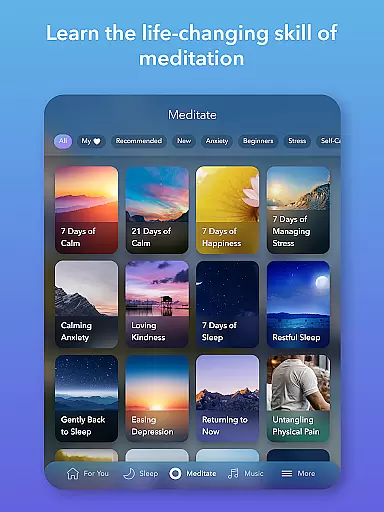
Calm stands out with its comprehensive suite of features designed to promote mental well-being and relaxation. At the core of the app's offerings are guided meditations led by seasoned experts, suitable for all experience levels. These sessions cover a wide range of mindfulness topics including deep sleep, anxiety reduction, focus enhancement, habit breaking, and more, ensuring there's something for everyone seeking peace of mind.
In addition to meditation, Calm excels in providing unique content for better sleep. The app's Sleep Stories feature bedtime narratives for both adults and children, narrated by familiar voices such as Cillian Murphy and Rosé. Alongside these stories, users can access calming music, sleep-inducing sounds, and full soundscapes that aid in overcoming insomnia and achieving restorative rest. New music from top artists is added weekly, keeping the experience fresh and engaging.
Beyond meditation and sleep, Calm addresses anxiety relief and relaxation through daily practices. Users can engage in stress management techniques, daily 10-minute programs like the Daily Calm with Tamara Levitt, and mindful movement exercises with Daily Move. The app also includes tools for tracking emotions and mental health progress, nature-inspired soundscapes, and breathing exercises that act as a personal mental health coach, guiding users toward inner peace and concentration.
Companion app integration is essential for users who want a seamless experience between their mobile devices and wearable technology. Calm ensures that its Android Wear app works in harmony with its main application, providing users with uninterrupted access to mindfulness and relaxation content.
The Calm Wear OS app offers quick-start tiles for breathing exercises, allowing users to initiate sessions directly from their smartwatch. This immediate access helps integrate mindfulness into daily routines without the need to reach for a phone, making stress management more convenient than ever.
Additionally, complications on the watch face enable users to track meditation streaks and mindful minutes right from their wrist. These features not only enhance usability but also motivate users by keeping their progress visible and top-of-mind throughout the day.
By focusing on these integrative features, Calm delivers a cohesive ecosystem where users can enjoy the full benefits of meditation and mindfulness practices across all their devices, promoting better mental health wherever they go.
Ensuring broad device compatibility is crucial for any app targeting the Android Wear platform. Calm has been optimized to work seamlessly across a wide range of Wear OS devices, ensuring that users can enjoy its extensive library of meditative content regardless of their hardware choice.
The app's design takes full advantage of Wear OS capabilities, offering an intuitive interface that feels native to the operating system. Whether you're using a Fossil, TicWatch, or any other Wear OS device, Calm provides a consistent and high-quality user experience.
Calm's developers have paid special attention to performance optimization, ensuring that the app runs smoothly even on older or less powerful devices. This commitment to quality means that users won't experience lag or crashes when accessing their favorite meditation sessions or sleep stories.
By prioritizing Wear OS/device compatibility, Calm guarantees that every user can benefit from its comprehensive suite of relaxation tools, making it easier than ever to incorporate mindfulness into daily life, no matter which wearable device you choose.
User-friendly interface
Extensive library of content
High-quality narration
Daily motivational programs
Integration with wearables
Premium subscription required
Limited free content
Occasional connectivity issues
Some features locked behind paywall
Variable content quality

A customizable Christmas watch face for Wear OS with a countdown.
 4.20
4.20
Rose gold watch face with festive lights & customizable features.
4.60
A modern premium sporty hybrid watch face for Wear OS by Ballozi
4.70
Sleek, highly customizable watch face inspired by Galaxy Watch Circle Dashboard.
4.4
To-Do List: daily schedule planner, task organizer, to do reminder app, calendar
4.60
Period, ovulation & pregnancy tracker. Fertility insights & menstrual calendar.
4.90
Viewer for Wyze/Yi/Eufy/Arlo/ONVIF/RTSP/P2P IP cams w/ adv. features & DIY DVR
4.00
Premium hybrid watch face with many customizations for Wear OS devices.
4.40
A realistic hybrid watch face with many customization options.
4.60
Gym Log & Workout Tracker | Fitness Journal, Training & Weight Lifting Planner
4.90
Diet tracker for weight loss - track calories, food and macros. Simple and easy!
4.70
Be an elegant and classy secret agent, with this carefully detailed watch face
4.70
Embrace the holiday spirit with this magical animated watch face!
4.40
Christmas watch face. For Wear OS devices.
4.30
Bold, Modern Hybrid Watch Face for Wear OS. 10 Colors, Rich Info Display.
4.30
Find EV charging stations
4.30
Watch face for Wear OS.
4.20
Daily Weather forecast with 15 weather images for Day & Night plus Big Bold time
4.10
Your local weather forecast, storm tracker, radar maps & live weather news
3.40


User Reviews