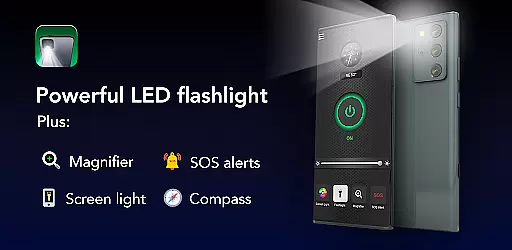
Brightest Flashlight Launcher is a versatile tool that transforms your smartphone into an essential utility device. This app provides users with instant access to a powerful flashlight, magnifying glass, and personal safety tools such as a compass, SOS alerts, and screen light. Whether you're navigating the outdoors, dealing with a power outage, or simply need a reliable light source, this app ensures you are prepared for any situation.
As a launcher app, it revamps your home screen layout to offer one-swipe access to critical features. You can personalize your experience with customizable widgets showing time and weather, themed wallpapers, and multi-touchpoint search capabilities powered by Yahoo. These enhancements not only improve accessibility but also streamline daily tasks, making it an indispensable tool for both everyday use and emergencies.
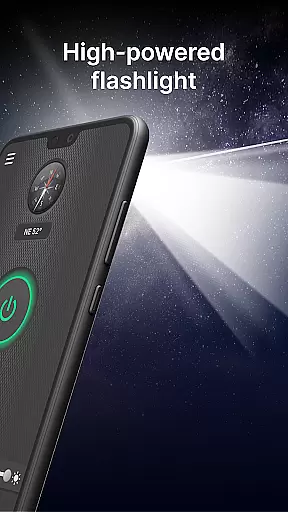
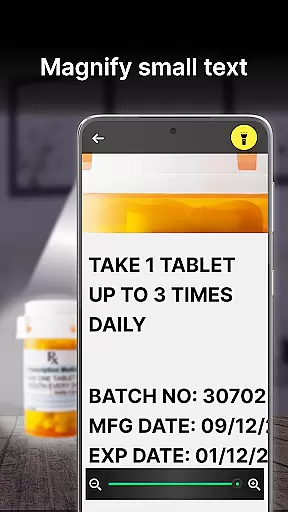
The Brightest Flashlight Launcher stands out with its comprehensive feature set tailored for convenience and safety. The brightest flashlight function allows users to illuminate their surroundings instantly with a single tap, perfect for nighttime navigation or finding lost items. Coupled with the magnifier feature, which includes adjustable zoom and brightness control, users can easily read fine print or examine objects in detail even in low-light conditions.
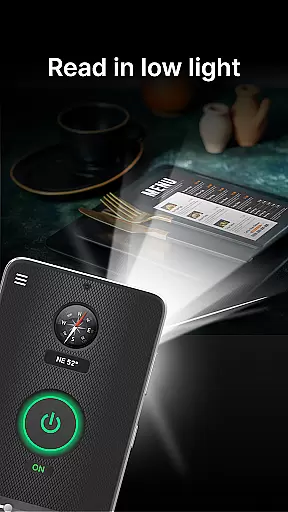
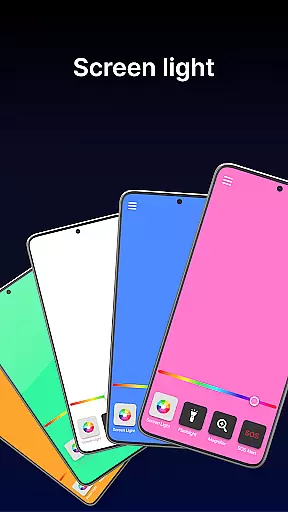
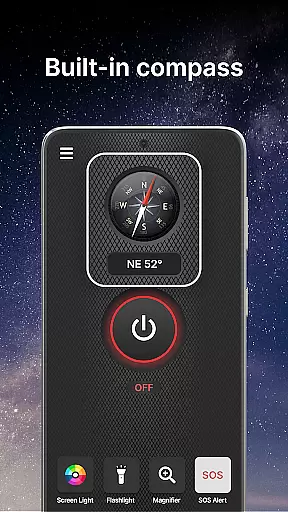
Additional safety features include a built-in compass for outdoor adventures and an SOS alert system designed to signal for help during emergencies. The screen light functionality turns the phone's display into a broad light source, ideal for reading or working in dim environments. With these robust features, the app ensures users have reliable tools at their fingertips, enhancing both convenience and security in various scenarios.
When evaluating a tool app like Brightest Flashlight Launcher, the accuracy and effectiveness of its core functions are paramount. This app offers multiple essential utilities including a flashlight, magnifier, compass, SOS alerts, and screen light. Each feature is designed to provide immediate and reliable assistance in various scenarios.
The flashlight functionality is engineered for maximum brightness with one-touch activation, ensuring users can illuminate their surroundings instantly. The magnifier tool incorporates both zoom and lighting features, making it suitable for reading fine print or examining objects in low-light conditions. These practical implementations demonstrate the app's commitment to functional precision.
Moreover, the built-in compass delivers accurate directional information, which is crucial for outdoor activities. The SOS alert system provides an additional layer of safety by emitting a visible distress signal. All these features work seamlessly to deliver on the promise of being an all-in-one safety and utility tool.
Users benefit from having a dependable set of tools that perform consistently under different circumstances. Whether it's for everyday convenience or emergency preparedness, Brightest Flashlight Launcher ensures its functionalities are not only diverse but also highly effective.
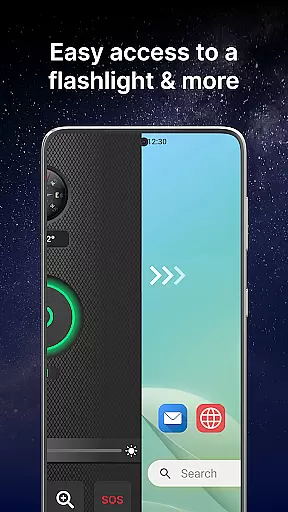
A tool app must maintain a balance between offering robust features and ensuring ease of use through an intuitive interface. Brightest Flashlight Launcher achieves this by providing straightforward navigation and instant access to its key functionalities. Users can swipe right from the home screen to quickly reach essential tools such as the flashlight, magnifier, and safety features.
The app includes a customizable home screen widget that displays time, weather, and other useful information at a glance. This thoughtful design choice enhances user interaction without overwhelming them with unnecessary complexity. Additionally, the availability of themed wallpapers allows personalization while maintaining visual clarity.
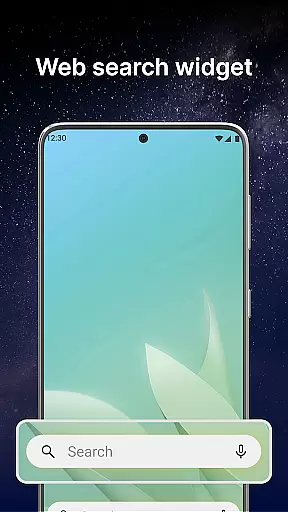
Shortcut placement on the home screen further simplifies access to frequently used functions. Multi-touchpoint search capabilities streamline finding installed apps or performing web searches powered by Yahoo. Such features contribute to reducing the learning curve typically associated with new applications.
Overall, Brightest Flashlight Launcher excels in delivering an interface that is both simple and intuitive. By prioritizing user experience alongside functional depth, it ensures that even those unfamiliar with advanced smartphone operations can utilize its full potential effortlessly.
User-friendly interface
Comprehensive safety tools
Customizable home screen
Instant access to utilities
Versatile magnifier function
Home screen layout changes
Requires permissions
May drain battery faster
Limited design options
Potential learning curve

 4.50
4.50
Just one-tap to easy translate in any language after calls within seconds.
4.20
FV File Manager Pro, Fast and powerful file manager for Android
4.60
Head tracking for PC sim games such as MSFS 2024 or Elite:Dangerous. No headset!
4.50
Navigate with Ease and Style
4.90
Screen Mirroring for Roku Sticks, Roku TCL TV and Roku Hisense TV
4.50
Play your X-Box games remotely in 1080p with any controller and zero latency
4.60
Connect wirelessly to your computer to watch movies, browse the web, play games
5.00
Fast VPN USA for any country. Super secure VPN for calls, streaming, games, TV.
4.40
Unit and currency converter with easy and simple UI.
4.80
The one-and-only remote control for PC, Mac, and Linux
4.70
NFC Tools can read and write NFC tags.
4.70
Creation, Learning, Entertainment & More — The All-in-One AI Search Engine
4.70
Mirror your screen to Chromecast and Android TV - Super fast and simple
4.60
eXtended Permission Manager - a small app to manage permissions and AppOps
4.50
Just swipe the edge to do something!
4.40
Forza Tuning Calculator App for Forza Horizon 5, Motorsport and Earlier Titles
4.40
A simple app to back up and restore SMS & MMS messages and call logs.
4.10
Introducing Smart Printer, your ultimate destination for printing solutions!
4.00


User Reviews